Greg
-
Posts
2,936 -
Joined
-
Last visited
Everything posted by Greg
-
Followers can be hilarious and aggravating at times due to navmesh and AI issues. When I use followers, I've developed a habit of turning around at regular intervals to ensure they are still following. Aggressive followers can downright aggravating because they'll take off through the woods to chase some unknown enemy for miles if you aren't paying attention.
-
If the combat involved a lot of magic effects, I wonder if it tripped a visual bug in the word wall that obscured or caused it to fail to render the text. This is just a wild guess so take it with a grain of salt.
-
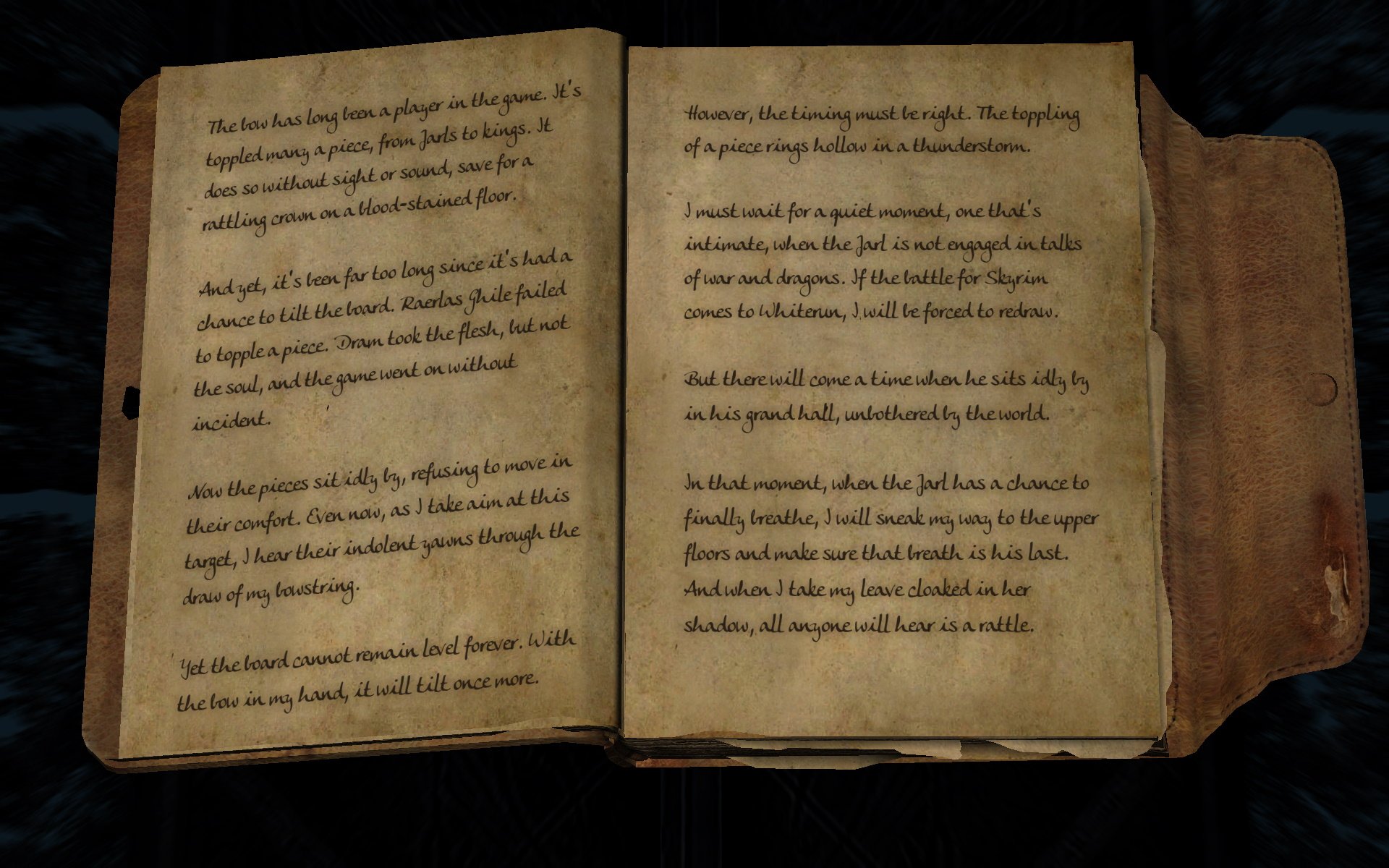
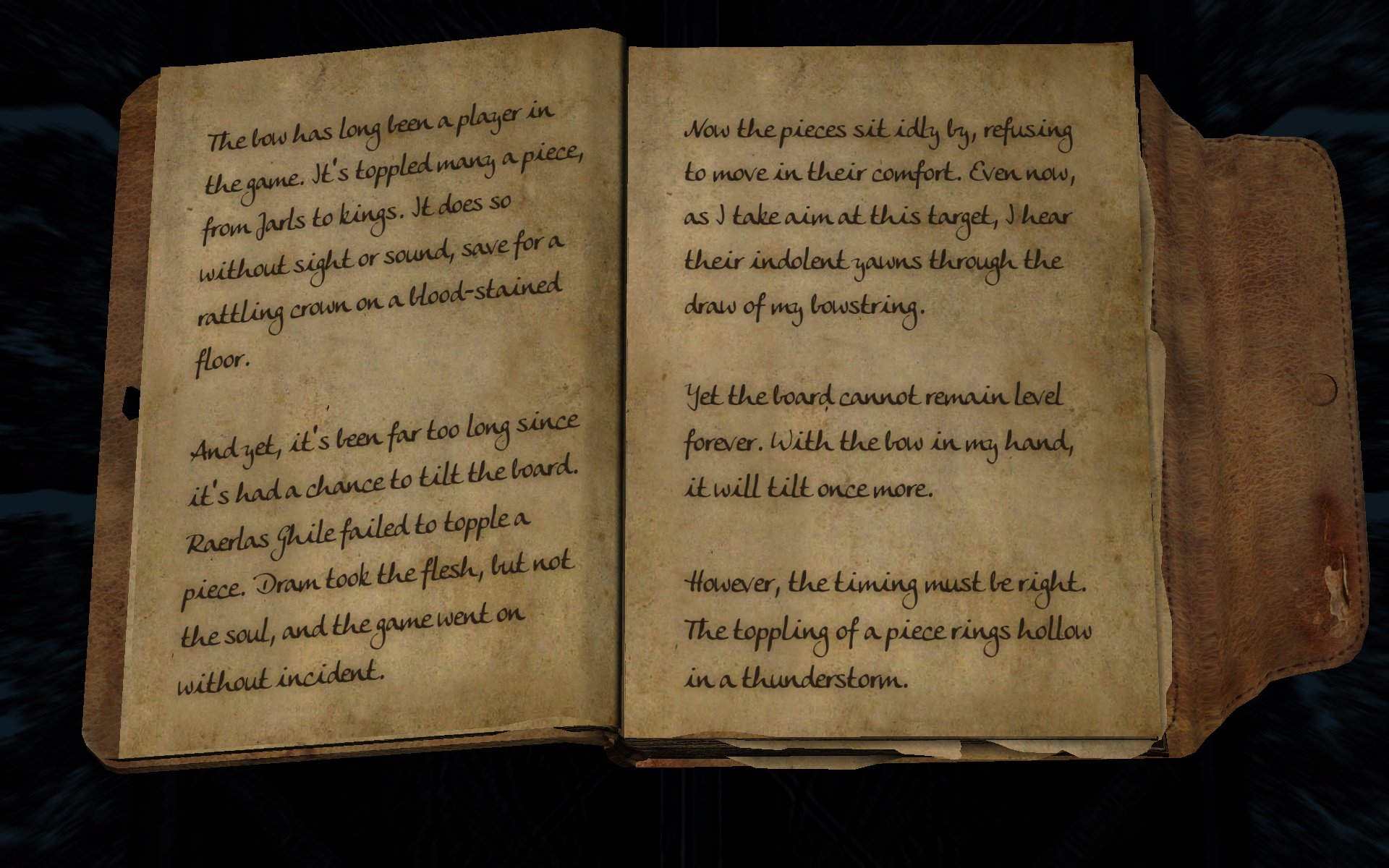
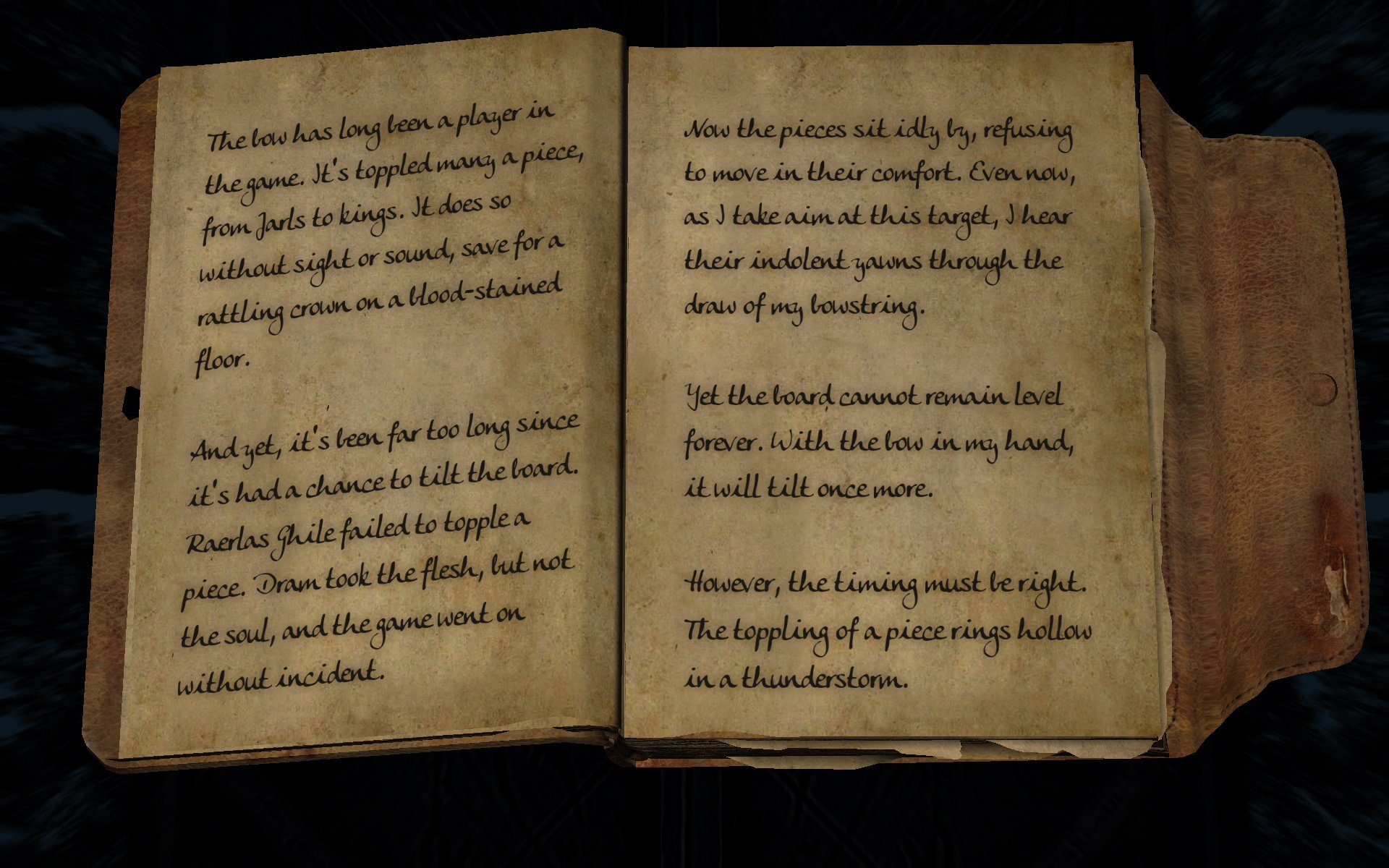
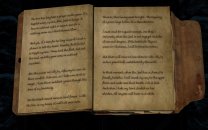
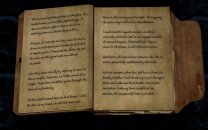
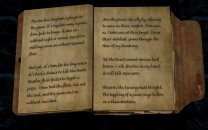
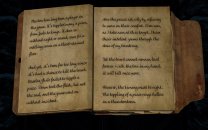
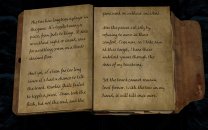
The text in game is not quite as fuzzy as it seems in previous screenshots, but the text is definitely fuzzy to my poor old eyes. I get that these books were hand-written and perhaps should have some ink bleeding around the letters, but this decreases the contrast of the font and makes the text fuzzier. Below are sample screenshots of the various options and I absolutely prefer the easy-to-read laser print provided by Font Overhaul. I'll vote to yes to use Convenient Reading, but I'll personally let Font Overhaul override. Convenient Reading 15 > Convenient Reading 15 Darker Font > Convenient Reading 20 > Convenient Reading 20 Darker Font > Convenient Reading + Font Overhaul
-
Looking at the instructions, it looks as if everything installed in the root folder needs to be in the Data/Root folder when installed in Mod Organizer. This means anything we install that should be deployed in the root folder will have to be manually installed. I think that's what you are saying, though. I also wonder if this requires any extra steps when installing an updated version of SKSE or ENB Series? Offhand, I suspect users should delete cache so it copies the new files instead of leaving the old files in place.
-

ACCEPTED Complete Alchemy and Cooking Overhaul (by kryptopyr)
Greg replied to TechAngel85's topic in Skyrim SE Mods
I don't see a visual difference between the textures. It looks as if this just changes from uncompressed RRGGBBA or DXT5 format to BC7 format. The optional plugin changes the magic effects of Fortify Alteration/Conjuration/Destruction/Illusion/Restoration to apply a bonus to the base skill for some period instead of allowing spells to last longer for some period. In other words, it changes Actor Value from "Alteration Power Modifier" to "Alteration" and modifies the description to reflect this change. -
Survival Mode background levels
Greg replied to anonymouselbow's topic in General Skyrim SE Discussion & Support
If the mechanics of survival mod is similar to vanilla gameplay, you can determine the number of levels by going into the perk tree to see how many perks you have pending. In the vanilla game, you earn one perk per level and I assume survival mode is the same. -
It took me a while to work out what this means, but I think this is referring to the detailed instructions for SSE Engine Fixes. The first item should be changed from Download and install the (Part 1) Engine Fixes for 1.6.xx 6.0-beta-5 fixed Main File in MO. to Download and install the (Part 1) SSE Engine Fixes for 1.6.xxx Main File in MO.
-
Reverting AE to SE with Downgrade Patcher
Greg replied to qwrtui1245's topic in Step Skyrim SE Guide
It looks as if you have installed a lot of mods that depend on the CC content bundled with Skyrim 1.6.x, but you don't have the CC content. If you are downgrading to 1.5.97, I suggest not using the CC content. Also note that the SSE-Terrain-Tamriel mod should be enabled only when generating LOD and disabled afterwards. -
If you look just below the topic title, you'll see a SKYRIMLE tag for LE mods or a SKYRIMSE tag for SE mods.
-
ACCEPTED Shadows Of Sunlight - In Small Exterior World Spaces (by wSkeever)
Greg replied to Mousetick's topic in Skyrim SE Mods
I vote to include this one as well. -
ACCEPTED Word Wall Transparency Fix for ENB (by wSkeever)
Greg replied to Mousetick's topic in Skyrim SE Mods
I vote to accept this one as well. -
ACCEPTED A Clear Map of Skyrim and Other Worlds (by DoubleYouC)
Greg replied to z929669's topic in Skyrim SE Mods
Minor point but info.xml has version set to 1.4 so Mod Organizer flags it red as if an updated version is available. -
ACCEPTED XP32 Maximum Skeleton Special Extended (by Team XPMSE)
Greg replied to TechAngel85's topic in Skyrim SE Mods
I think XP32 Maximum Skeleton was originally added because it was a requirement for Dual Sheath Redux. We later updated to XP32 Maximum Skeleton Extended and it's remained in the guide ever since. I think can't think of anything in the guide that explicitly requires XPMSSE, but it provides a nice base for users that want alternate weapon locations (swords on back or hip) PC exclusion animations, or other animations that require a more flexible skeleton. -
DROPPED Deadly Spell Impacts Transparency Fix for ENB (by Korodic and Daralima)
Greg replied to Greg's topic in Skyrim SE Mods
This one overrides DecalsSnowHole01 and DecalSnowMelt01 to change TX03 - Glow/Detail Map from nothing to black.dds. Nothing else is changed and it does not include any assets (meshes or textures), so it uses the existing meshes and textures. -
ACCEPTED Atlas Map Markers SE - Updated with MCM (by kryptopyr)
Greg replied to wojsku's topic in Skyrim SE Mods
If you use Atlas Map Markers, I think the recommended solution to go into Mod Configuration > Sky UI > Advanced and disable SWF Version Checking for Map Menu. It's been several years since I used Atlas Map Markers, though. -
I'll have to play with this one to see if I can find a mixture of settings that is readable. I like Font Overhaul because it has good contrast between the font color and background and the font is legible to my aging eyes. I like that this mod makes the book larger and it seems to have some nice features, but the smudged font loses a lot of contrast and the font appear blurry to my eyes.
-
ACCEPTED Fix Note Icon for SkyUI (by 0xC0000005)
Greg replied to DreamerSteamer's topic in Skyrim SE Mods
I like this one as well. -
I have a very similar workflow in which I store mods in a network repository so I can grab them locally without having to download these from Nexus again. When I install a mod that consists of multiple files, I install the main file first, copy the mod name in Mod Organizer to the clipboard. If the main file is poorly named (as some of them are), I correct the name in Mod Organizer and copy the corrected name to the clipboard. I then install each of the other files for that mod and paste the mod name into the box that Mod Organizer pops up. It then asks if I want to overwrite or merge into the installed mod.
-
ACCEPTED Wider MCM Menu for SkyUI (by uranreactor)
Greg replied to Mercury71's topic in Skyrim SE Mods
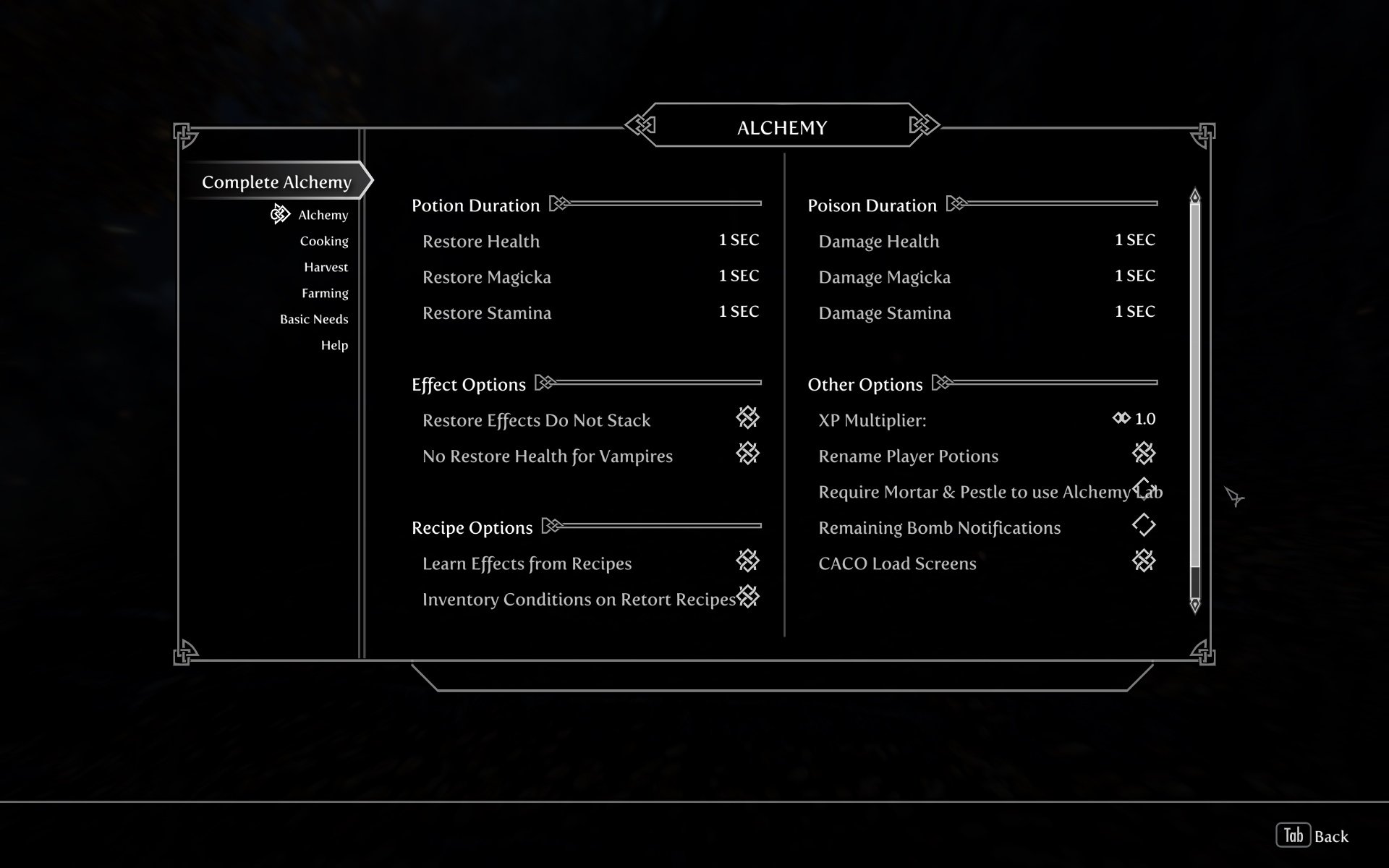
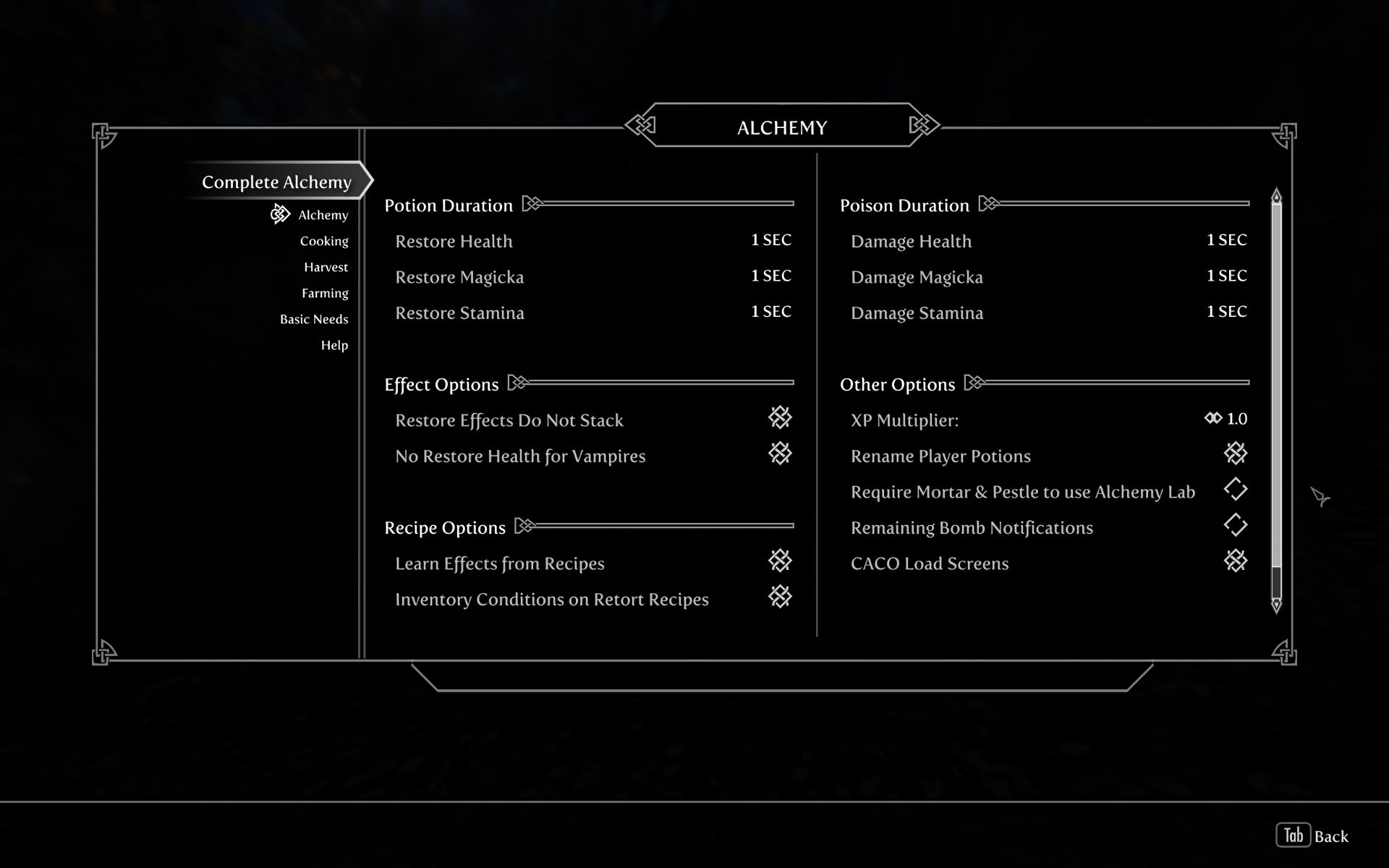
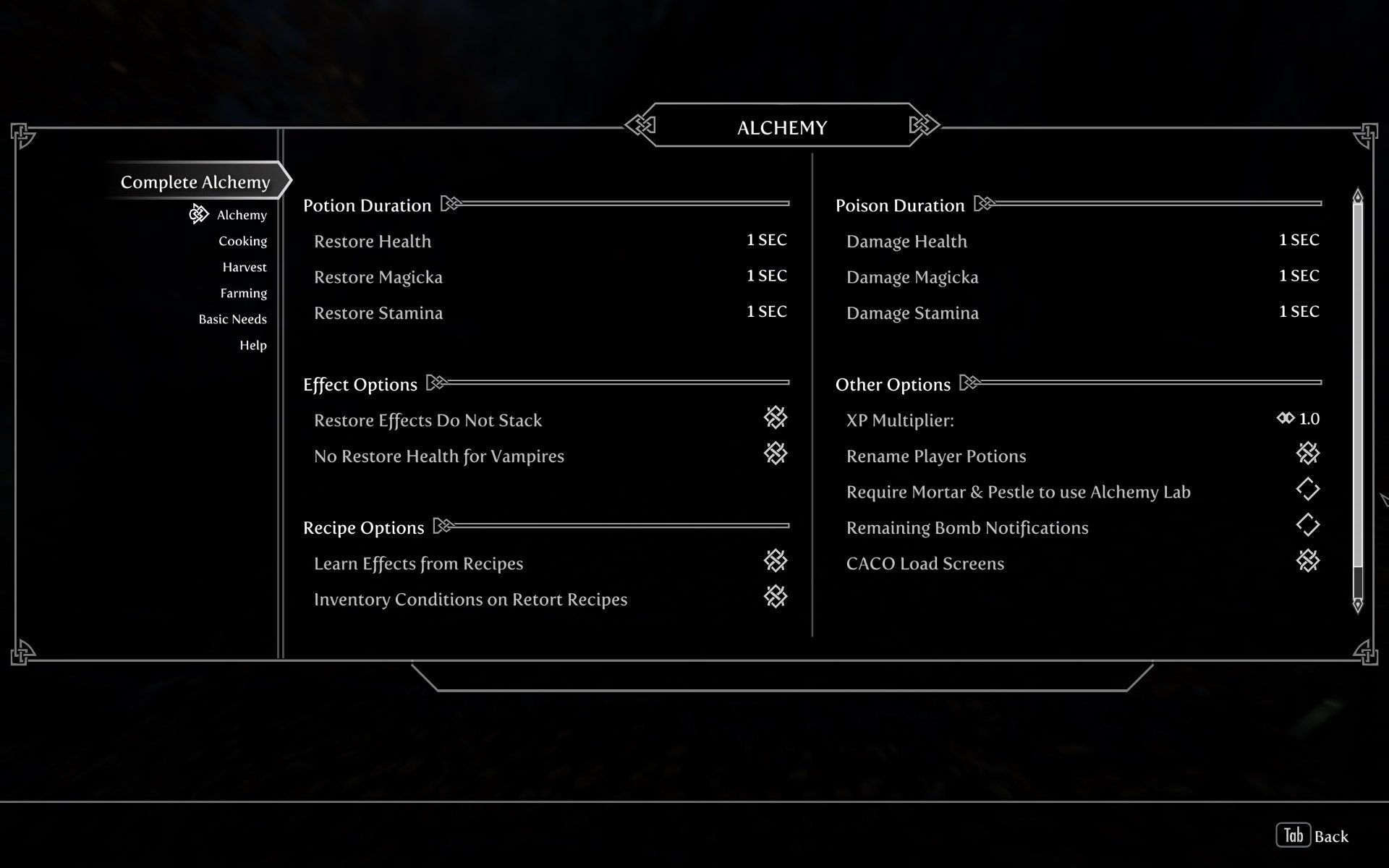
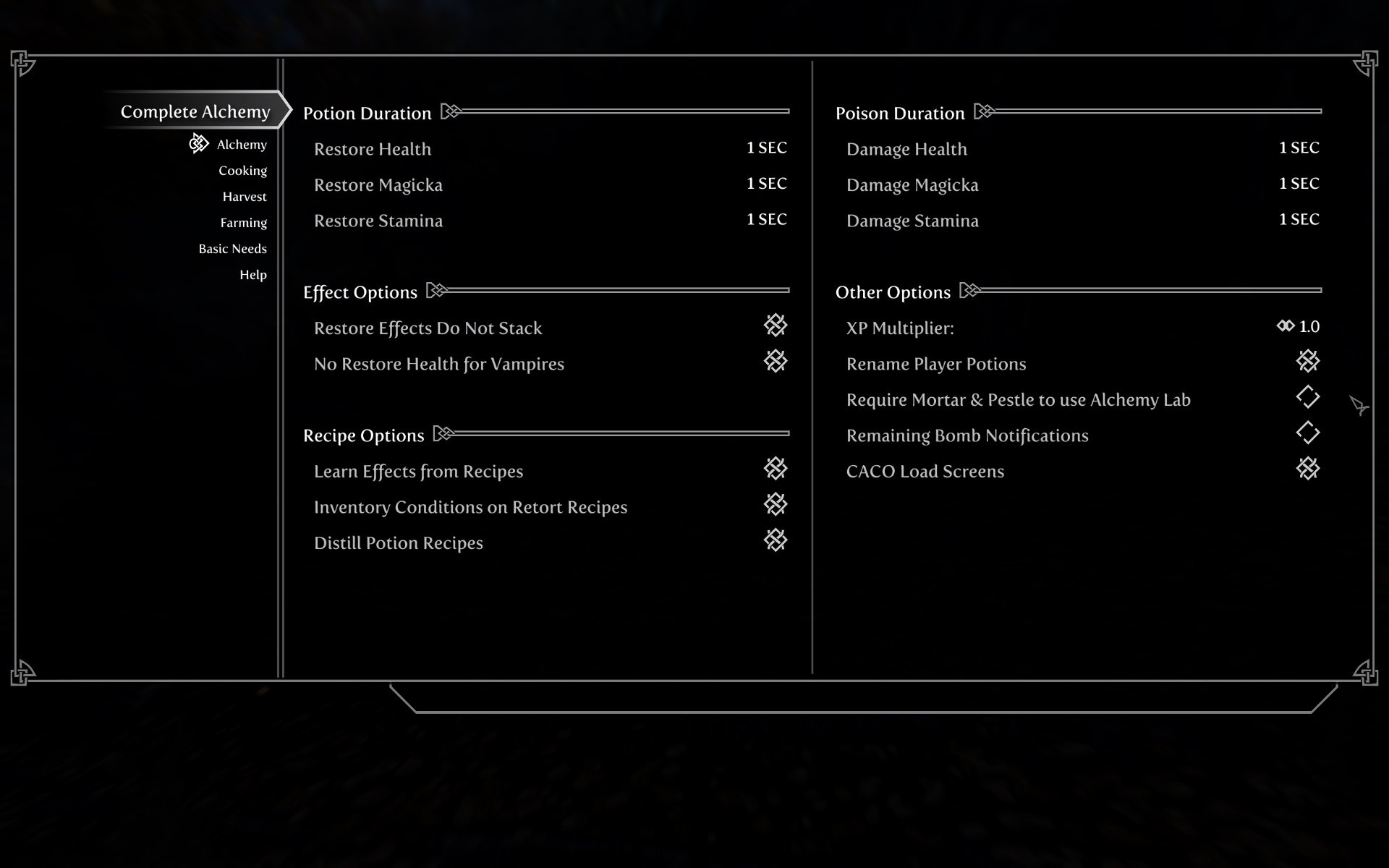
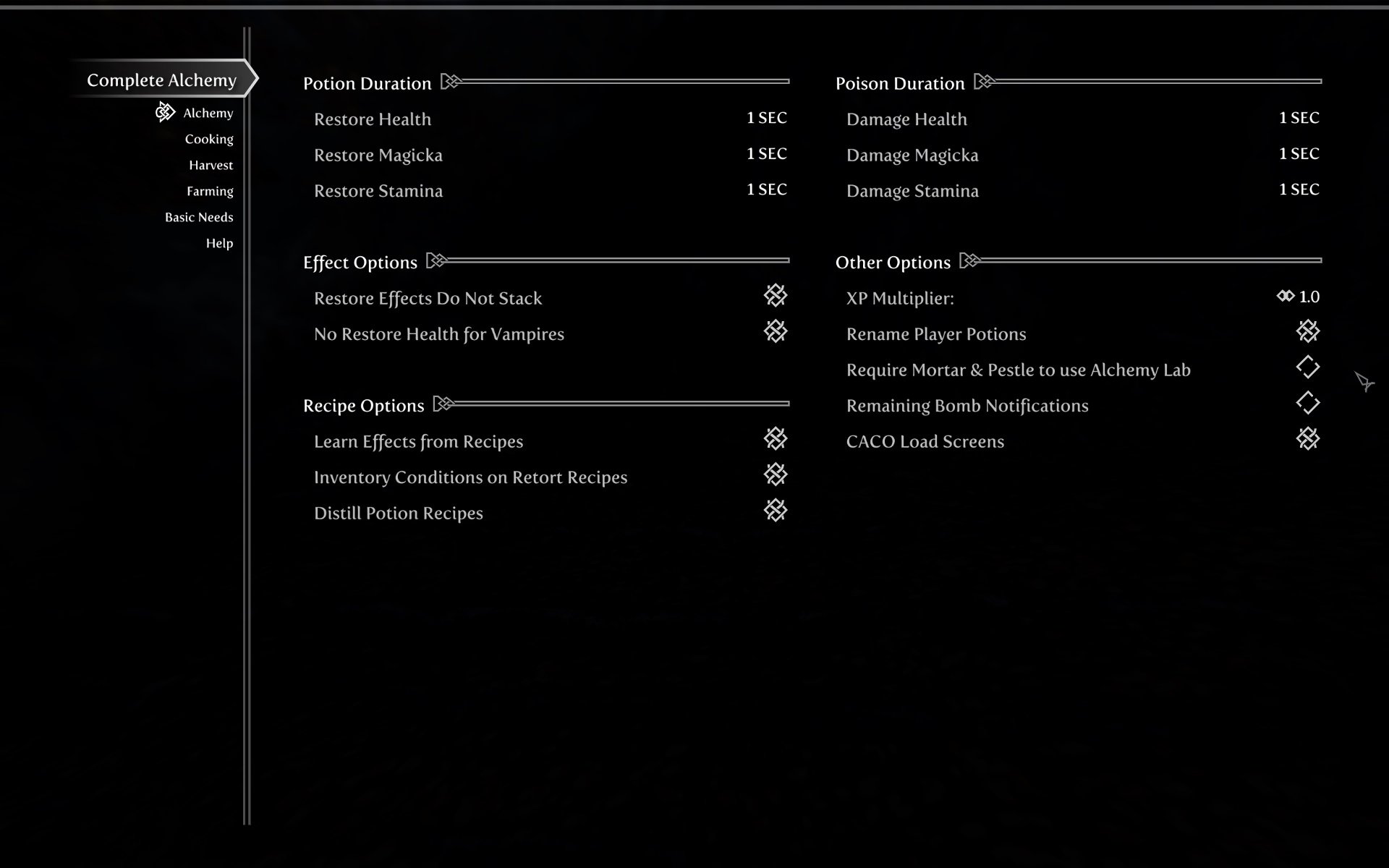
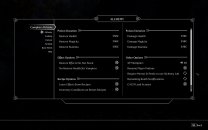
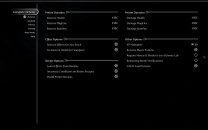
Sample screenshots of Complete Alchemy and Cooking Overhaul's Alchemy mod configuration page using the various options available. Offhand, I think Wider is a good choice as a recommendation and users should feel free the one they prefer. SkyUI > Wider > Even Wider > Larger > Full-screen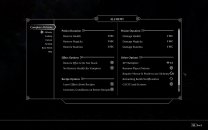


-
ACCEPTED CoMAP - Common Marker Addon Project (by Jelidity and Parapets)
Greg replied to DoubleYou's topic in Skyrim SE Mods
Agreed. I think this will be a good addition. -
It is generally a pain, but I find it easier if you have two monitors. Mod Organizer with the FOMOD options on the left, browser window with the expanded FOMOD instructions on the right (or reverse if you prefer). When you're on the FOMOD step with never-ending checkboxes and radio buttons, check the first option and use tab to go to the next option. If you're in a block of radio buttons, use up/down arrows to move up or down among the options, space to select, and tab to go to the next option. I also keep the instructions more or less at the bottom of the browser window so I can Alt+Tab to the browser, scroll down a wee bit to see the next option to check, Alt+Tab back to the FOMOD. Although it's still somewhat of a pain, I can only imagine the pain Brumbek went through to create the FOMOD installer and I'm grateful he went to all that trouble.
-
ACCEPTED Guard Dialogue Overhaul - UHDAP Patch (by mnikjom Eckss sharrken)
Greg replied to Mousetick's topic in Skyrim SE Mods
I split this conversation from Guard Dialog Overhaul so it doesn't get lost in the weeds, but we want to vet the modgroup for this one. Guard Dialog Overhaul - UHDAP Patch is packaged as loose files that always override the audio files in Guard Dialog Overhaul.bsa regardless of which modgroup it is in. This one is purely audio files so it seems to belong in 07-Sounds and Music instead of 13-Gameplay Immersion and it's not a patch per se. -
I think Bethesda had to include the Windows Store integration library and this library requires building with Visual Studio 2017 or later. Skyrim was originally built using Visual Studio 2015, so Bethesda decided to use Visual Studio 2019 (the latest version available at the time) for the 1.6/Anniversary Edition release.
-
ACCEPTED Better Container Controls For SkyUI (by CDCooley)
Greg replied to D1Z4STR's topic in Skyrim SE Mods
Better Container Controls updated to 3.1. Finally a version with working quantity prompt support for gamepads. -
Step SkyrimSE Patches (by Step Modifications)
Greg replied to TechAngel85's topic in Step Skyrim SE Guide
I think this is referring to the reference error in FacegenForKids.esp that the guide instructs users to remove: Load the FacegenForKids.esp in xEdit. Locate record: 00014132 and select it. Scroll down to Packages(aligned). On the FacegenForKids column, there will be one package listed that reads: [xxxxxxxx]< Error: Could not be resolved >. Right-click on this listing and select Remove. Close xEdit, saving the edited plugin when prompted. If you follow these instructions, LOOT stops complaining about the compatibility issue.