Greg
-
Posts
2,936 -
Joined
-
Last visited
Everything posted by Greg
-
Discussion topic: Grab the Damn Mag by Monkatraz Wiki Link Fixes animation clipping on a lot of modded weapons.
-
Discussion topic: Faster Getup by Elzee Wiki Link This is similar to Faster Get Up Stand Up for Skyrim.
-
Discussion topic: Fallout 4 - Hot Coffee by MunkySpunk Wiki Link Adds animated steam to coffee mugs, noodle bowls and brahmin steaks.
-
It doesn't matter. I usually install these as separate mods as well.
-

GUIDE v1.1.0 - Feedback & Bug Reports
Greg replied to TechAngel85's topic in Step Fallout New Vegas Guide
I'll pretty much echo what DoubleYou stated. I have extracted meshes and textures from BSAs for quick 'n dirty comparisons to get a rough feel for whether I want to include a mod for deeper in-game comparisons and to get a rough idea of what vanilla meshes and textures are still used in a fully-modded profile, but I always revert back to the original BSA in the game. I have run into the rare mod that has a mesh or texture in the wrong folder that I've had to extract, restructure, and repackage. I think I've done this one or twice since I started modding Skyrim LE. -
ACCEPTED Security Overhaul SKSE - Lock Variations
Greg replied to CorpCord's topic in Skyrim SE Mods
I'm good with all of these as well. -
I'm looking in SSEEdit and I see that ACTI:07000083 indeed has an unresolved reference to 0700091C and ACTI:07000867 has an unresolved reference to 0704DAF9. These are errors in the Creation Club plugin so I doubt we can do anything about these two. The error in Step Patch - Conflict Resolution.esp is likely because you are missing or have not activated Better Dynamic Snow. All of the other errors you listed appear to be benign and can be ignored. Some of these are included in the log as a precaution because xEdit does not know what these values mean. EDIT: I may be mistaken about missing Better Dynamic Snow. It looks as if Better Dynamic Snow recently updated and this may be the reason for the unknown reference to 1C00FFD4. If you have the latest version, you might install Better Dynamic Snow SE v3.4.0 in Old Files.
-
You need to purchase the Skyrim Anniversary Edition on Steam that includes all of the Creation Club content. Last time I checked it was $20 USD. After you purchase this, start the game on its own (not from Mod Organizer) and it should download all of the content. Once it finishes downloading, exit the game, run Mod Organizer, and run LOOT to sort the plugins.
-
I'm not aware of any way to control the font color Mod Organizer uses. It looks as if it is using an internal algorithm to determine whether the text should be black or white based on the color selected for the separator. If you open the meta.ini file for the separator (the separators are stored in the mods folder as a directory ending with _separator), you'll see the selected color in the color setting: color=@Variant(\0\0\0\x43\0\xff\xff\0\0\0\0\0\0\0\0) I was initially hoping this was split into 7 bytes for the foreground color and 7 bytes for the background color, but this does not seem to be the case. I played around for a while and it looks as if these control only the background color.
-
Yes, this one goes in 09-Fixes. Mods are generally placed in alphabetical order in each section, although we may deviate if moving a mod makes it easier to resolve asset conflicts.
-
I'm not sure why the guide gives that particular order. You are right that it should be DLC first then the CC mods. If you scroll up to Vanilla Masters Cleaning List... the correct order is listed.
-
I've been using this one in my personal playthroughs since shortly after it was released and it is nice.
-
The guide requires the complete Skyrim Anniversary Edition that includes all of the Creation Club content. I'm not sure where you saw a statement to ignore missing dependencies because the game won't start if plugins are missing masters. You'll need to go to Steam to purchase the Skyrim Anniversary Edition. Last time I checked it was about $20 USD or so. Once purchased, launch Skyrim and let it download all of the Creation Club content.
-
Dread's Skyrim Build (a STEP build)
Greg replied to dreadflopp's topic in Unofficial Skyrim SE Guides
I haven't seen dreadflopp on since November last year so may have moved on from Skyrim. -
sseedit is graying out plugins and drawing a line through them!
Greg replied to Vraydel's question in xEdit Support
SKSE works fine with Anniversary Edition. Just be sure you download the correct version of SKSE from the site. -
Discussion topic: ECO (Equipment and Crafting Overhaul) - FIS (FallUI Item Sorter) patch by m8r98a4f2 Wiki Link This patch should be installed if we use FallUI and ECO.
-
Armor and Clothing Overhaul is a predecessor to Equipment and Crafting Overhaul by the same mod author and is obsolete if we decide to use ECO.
-
Very interesting indeed and I still question whether the debate that Baka ScrapHeap is "better" is because they aren't using the preloader (e.g. Buffout does not work without the preloader).
-
I think it's more like in most cases Weapon Mod Fixes is changing the effects, but I see some (Swatters Logo, 2076 World Series Logo, Standard Receiver, etc.) in which both are changing nothing more than the description. If I'm not mistaken, I think the "FormID,int" properties that add a keyword have the keyword in "Value 1 - FormID" and "Value 2 - Int" is not used. I do agree that dropping this one simplifies the patch.
-
ACCEPTED See region names on your save files (by Ablaze666)
Greg replied to DoubleYou's topic in Fallout 4 Mods
I was very tempted to add this one for testing as well but I was afraid it may require excessive patching. -
Yes, let's not add this one to the guide at this time since none of the mods are dependent on it.
-
I'm good with this one.
-
Discussion topic: Highlight Console Reference by KernalsEgg Wiki Link This is more a troubleshooting/diagnostic aid that highlights the item selected in the console so I know at a glace whether the console selected what I wanted. If the wrong item is selected/highlighted, use the scrollwheel on the mouse to select the items through the layers until it finally highlights the correct item.
-
ACCEPTED FIS - The NEW FallUI Item Sorter (by m8r98a4f2)
Greg replied to Greg's topic in Fallout 4 Mods
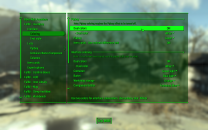
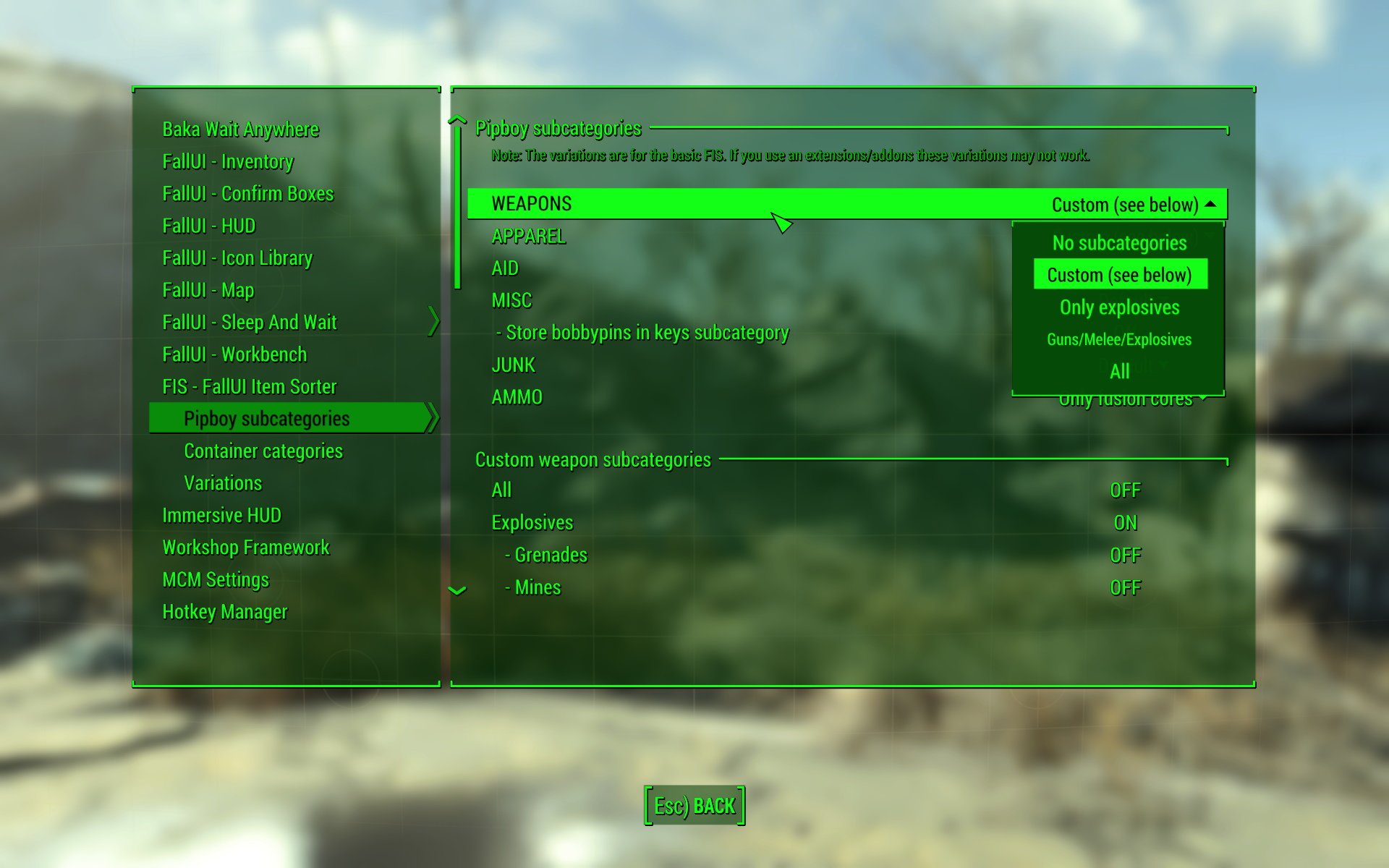
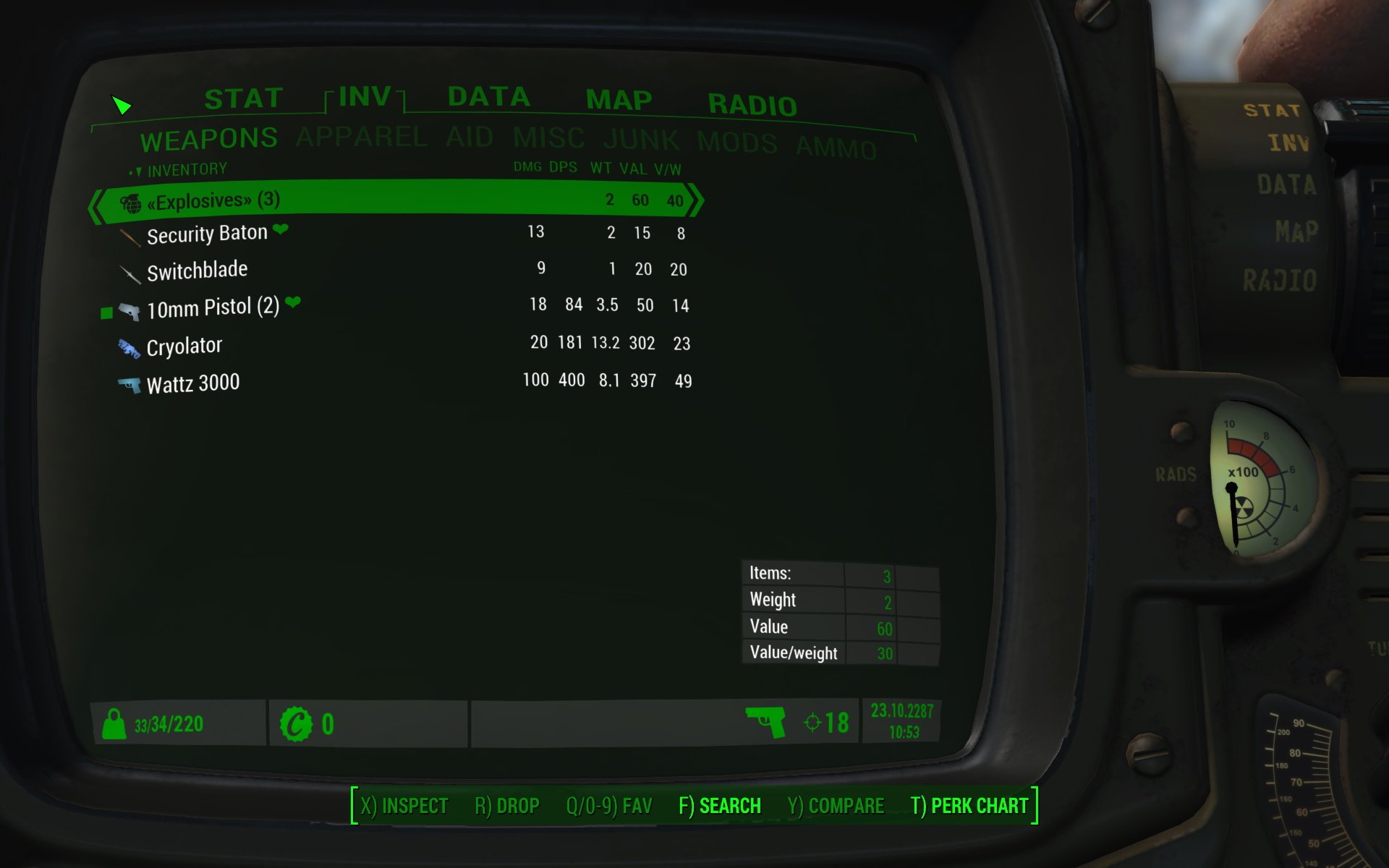
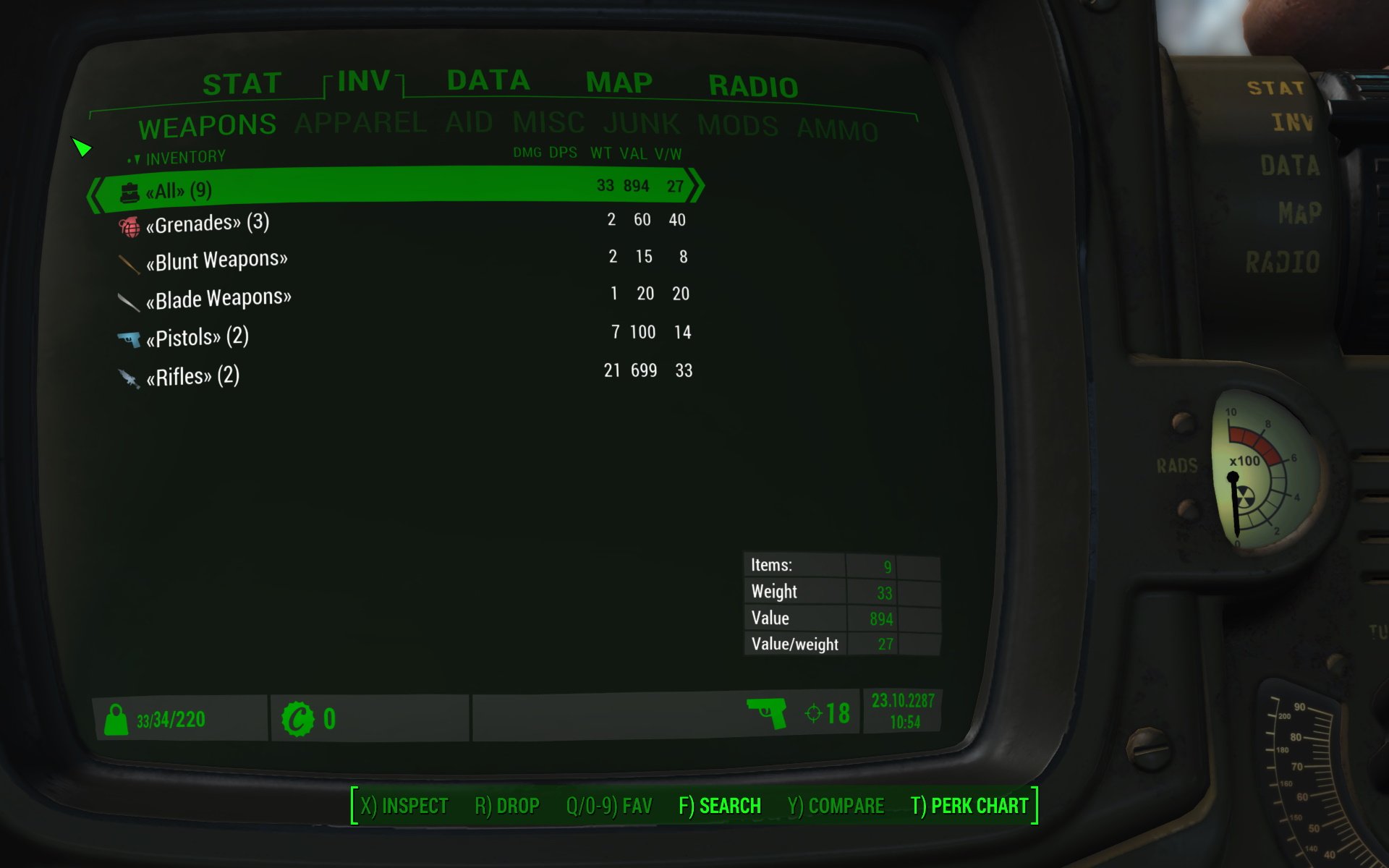
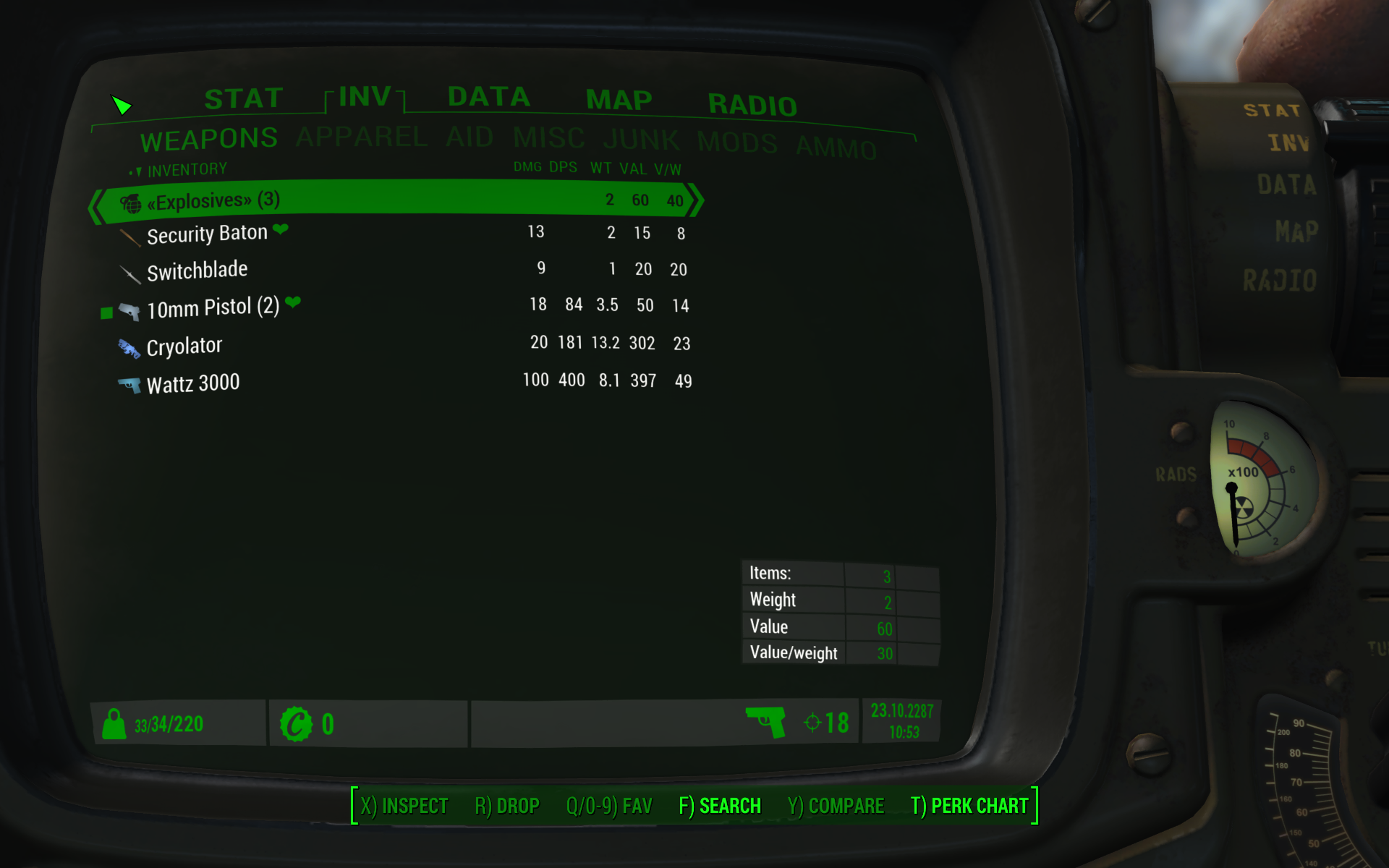
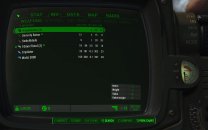
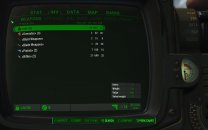
The FIS - FallUI Item Sorter optionally allows showing weapons as a flat list or grouped into categories by opening Mod Configuration menu, selecting FIS - FallUI Item Sorter / Pipboy subcategories and changing the Weapons option highlighted shown in this screenshot: Custom > All Alternatively, the Custom weapon subcategories can be used to specify each weapon type that should be displayed in categories. The Custom apparel subcategories can also be used to specify the types of clothing and armor that should be display in categories.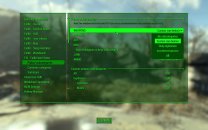
-
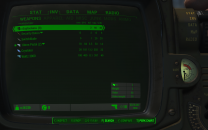
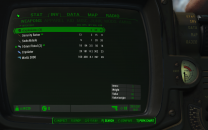
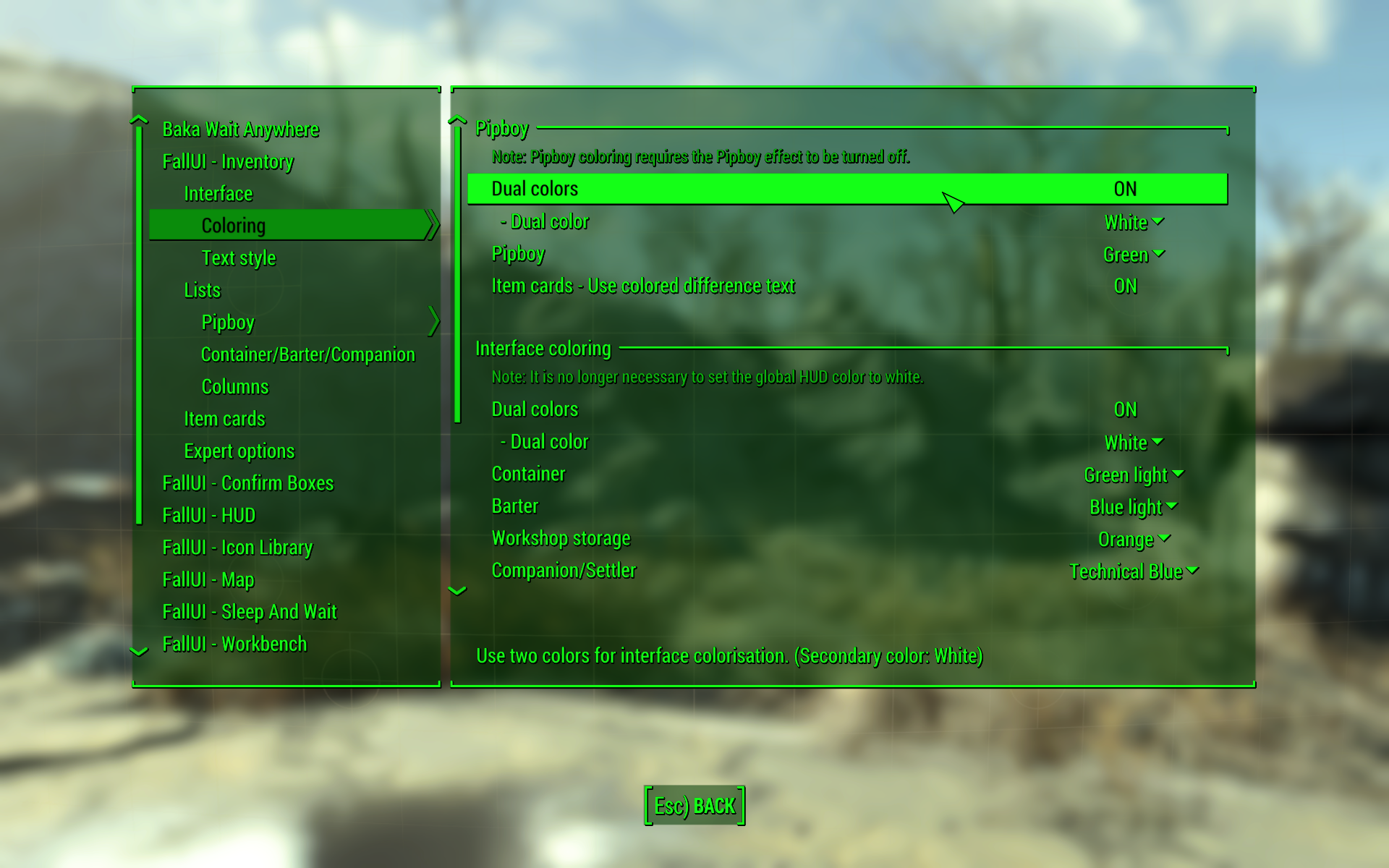
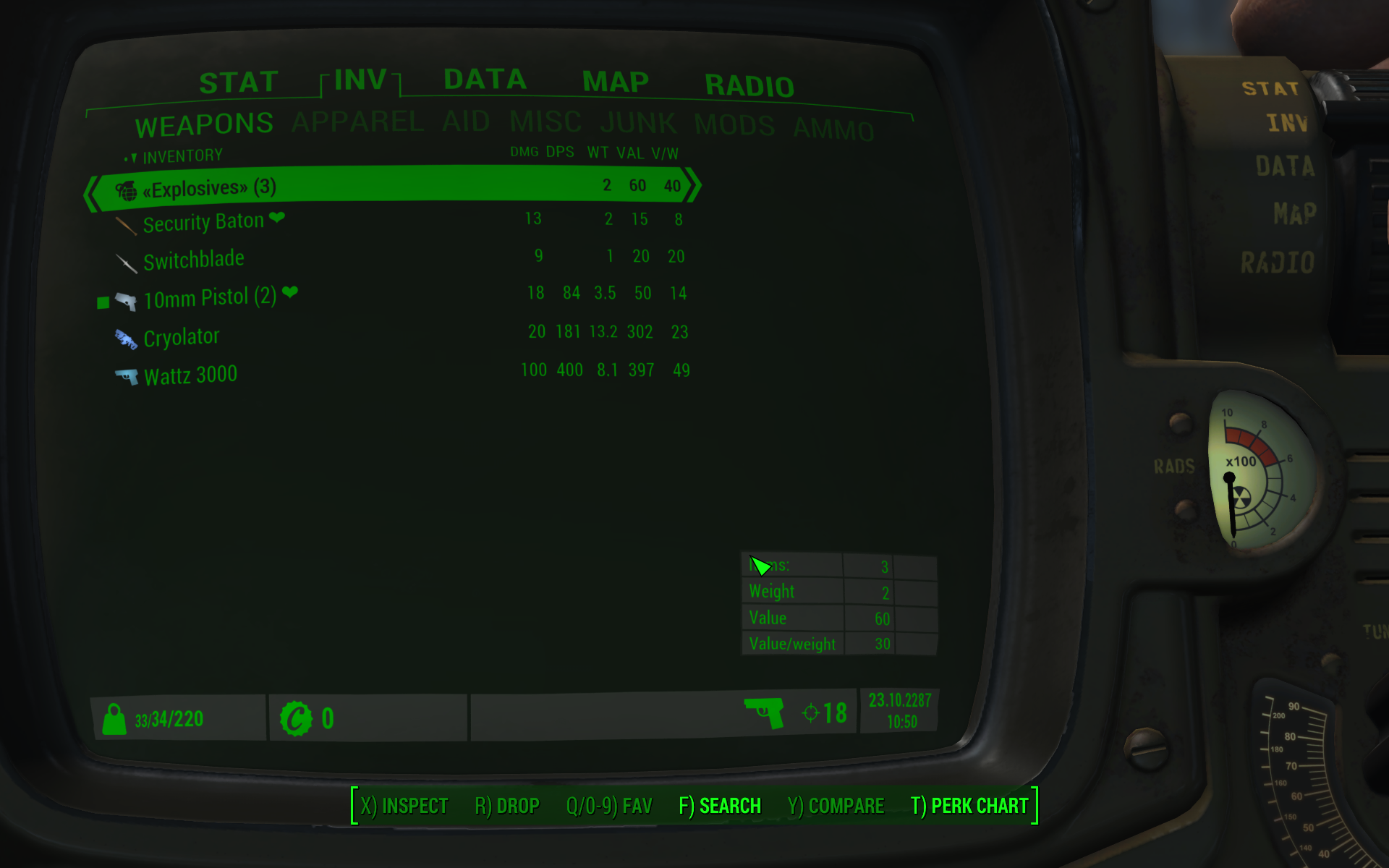
After completing installation of the guide, I suggest going into Mod Configuration / FallUI - Inventory / Interface / Coloring and setting Pipboy / Dual Color ON. See the selected setting in this screenshot. Dual Colors Off > Dual Colors On