Mousetick
-
Posts
1,263 -
Joined
-
Last visited
-
Days Won
113
Everything posted by Mousetick
-
Questions about DynDOLOD 3 large reference warnings
Mousetick replied to Phoenix's question in DynDOLOD & xLODGen Support
If the object bounds of a STAT or MSTT reference in an exterior cell, defined in one of the vanilla masters, are larger or equal to the fLargeRefMinSize GMST (512 by default in Skyrim.esm), taking into account its scale, then it's very likely, but not necessarily, a large reference. So things like mountain cliffs/ridges, big rocks, waterfalls, other pieces of landscape, statues, buildings, ruins, etc. are typically large references. A large statue scaled down to 0.1 is (most likely) not a large reference. Trees (TREE base record) are never large references in vanilla. These are just empirical guesstimates... May be a good enough an explanation for your guide? Can you provide some specific examples? There are proper TREE base records in Dragonborn.esm such as DLC2TreePineForestAsh01, which are used to represent trees in the world. The STATs in Dragonborn.esm, such as DLC2TreePineForestBroken01, don't represent trees. They're landscape clutter basically. If the BOS swap you're using replaces landscape clutter by actual trees, and this triggers large reference bugs warnings, you can either remove those specific swaps, or ignore the warnings. The large reference bugs warnings are there to inform about potential display issues, it does not imply that these issues are necessarily visible or noticeable in-game. You'd need to verify visually in-game whether LODs transitions happen smoothly or are bugged out (e.g. flickering, z-fighting), on a cell-by-cell basis. Edit: clarification based on sheson's comment. -
Questions about DynDOLOD 3 large reference warnings
Mousetick replied to Phoenix's question in DynDOLOD & xLODGen Support
Is there a specific reason you need to verify that a reference is indeed a large reference? The DynDOLOD report tells you which ones can cause visual issues based on its analysis of your entire load order. It's doing all the hard work for you, you can trust it's giving you accurate information. No need to go and double-check that they're indeed large references. If you want to find and identify large references by yourself, you can follow this procedure (Method 2). Yes DynDOLOD handles BOS swaps as expected. See https://dyndolod.info/Mods/Base-Object-Swapper. The large reference bug issue is orthogonal to base object swaps. It can be caused with or without BOS. If something is modifying the base object of a large reference to a type that is neither STAT nor MSTT, it can cause visual issues. It doesn't matter whether that modification originates from a plugin or a BOS swap. -
Which autocleaned navmeshes exactly don't look like ITMs to you? Please provide specific Form IDs. The 2 you mentioned as examples are ITMs indeed: 001020DA and 000FEDD9. They're not colored yellow in xEdit. Yes it's the correct way. No the navmeshes that are removed by autocleaning are not edited by the mod author. They're a completely identical duplicate of the original navmesh in Skyrim.esm, which is why they're removed. If you are seeing differences, you probably are not looking at the correct records in xEdit.
-
Main DAR animations I'm using. They're all for 'immersion' and variety. I don't use any combat animations as I don't care for them. EVG Animation Variance EVG Conditional Idles Gesture Animation Remix Immersive folded hands Lively Children Animations NPC Animation Remix Smooth Random idle Animation Take a Seat No idea if they'd be a good fit for STEP. They make the NPCs livelier and more 'realistically' humans, less robotic, IMHO. YMMV. Edit: I'm using the original DAR with 1.5.97 runtime. I have no experience with the recent update for 1.6.629+.
-
Questions about DynDOLOD 3 large reference warnings
Mousetick replied to Phoenix's question in DynDOLOD & xLODGen Support
The base record may be changed to something else by another plugin. Check your entire load order. 000AEDF5 is definitely a large reference. It's referenced by Tamriel WRLD in Skyrim.esm. Double-check. You can ESM-flag the entire SMIM plugin, yes. That's what I did. It's safe and works fine. No need to 'ESMify' it with third-party tools. Alternatively you can try the experimental DynDOLOD 3.0 version with Large Reference Bugs Workarounds. -
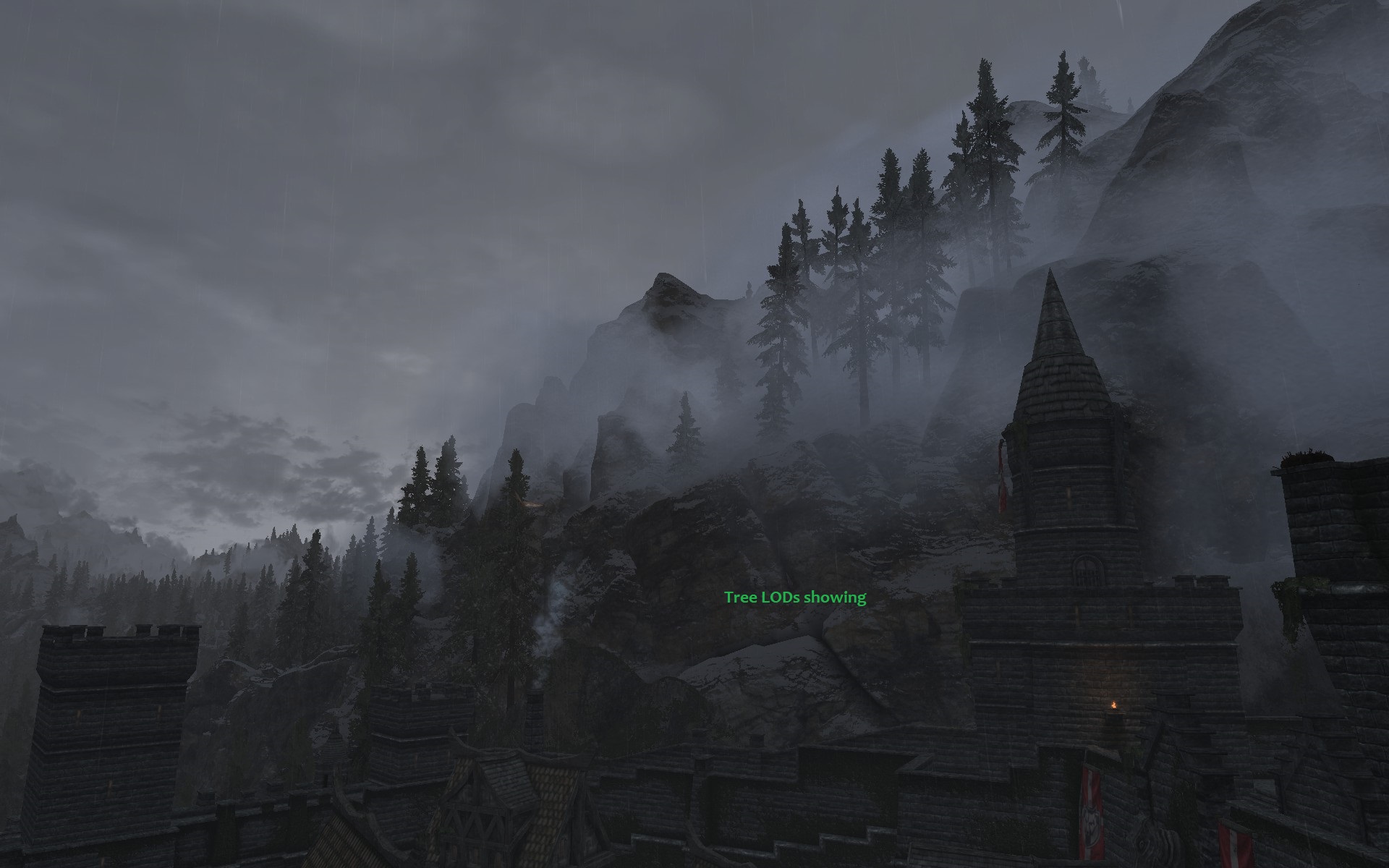
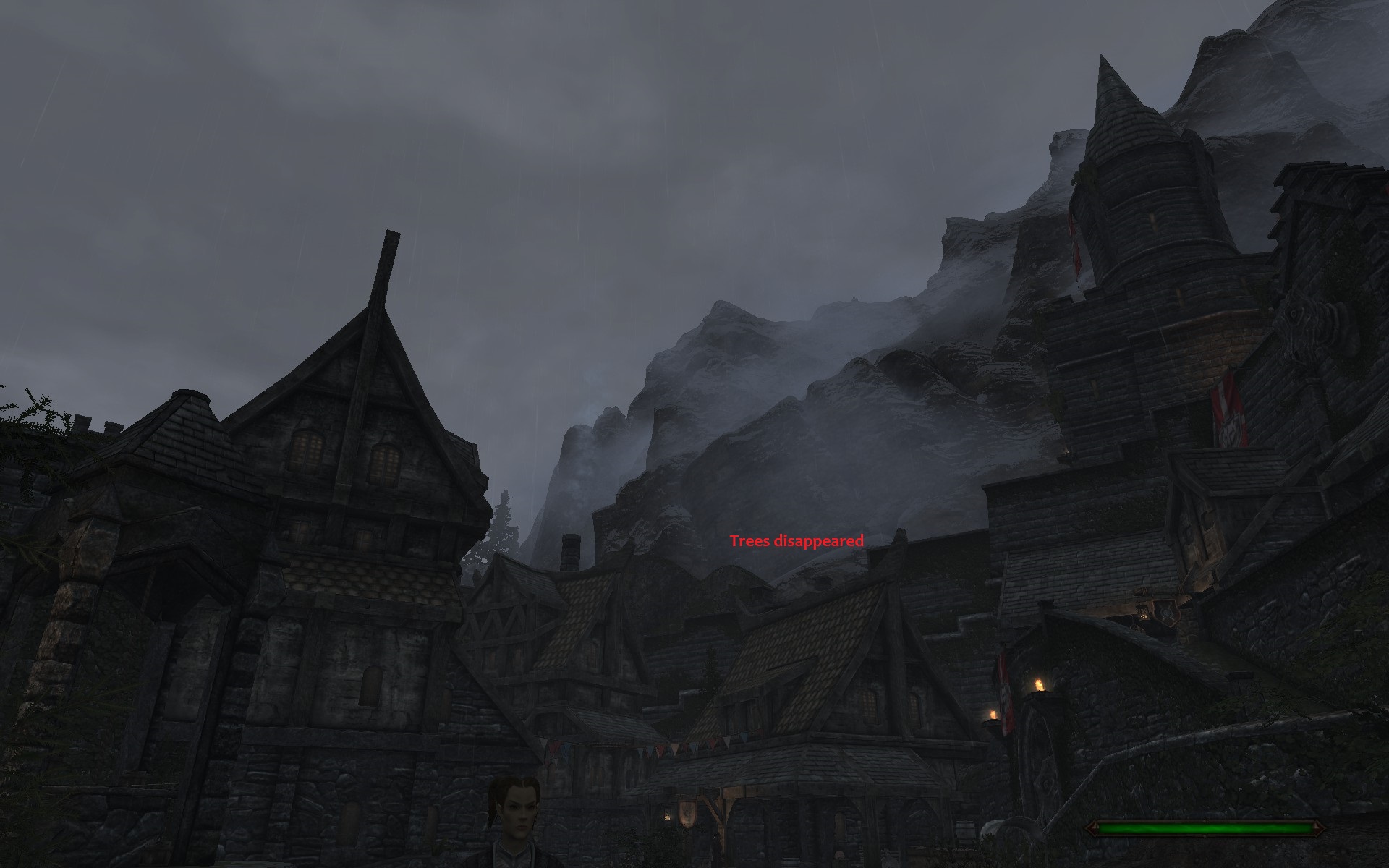
Well that's the thing: none to imply anything either way, at this point I'm just shooting in the dark. Ok I checked and there are no occlusion planes from any plugin touching those cells, that would obstruct the view in that direction. They're all in the west- and south-facing walls. On second thought it can't be an occlusion plane issue anyway, as if it were, there would be a void where the view is blocked? Which is not the case here, as the mountain cliffs (000DEEB7 & 000DEEB8) and the landscape are still visible. So I'm stumped. I have some ideas to investigate, I'll let you know if I find anything relevant. But first, I'd like to ask some clarification if you don't mind. How does rendering work in cells outside the child worldspace? Are LODs only shown? Are those cells and their references and full models never loaded, no matter if they are in the near grid (but outside the child worldspace)? What about large references, I'd assume the full model would be loaded as expected. I'm asking because it looks to me as if the tree LODs (handled as object LODs by DynDOLOD in my case) are unloaded when the player gets closer, but the full models are not loaded in their place. On the other hand, the mountain cliff objects don't disappear because they're large references. I'm going to check in the console if those tree and mountain cliff references in question are loaded or not... Thanks in advance for your input.
-
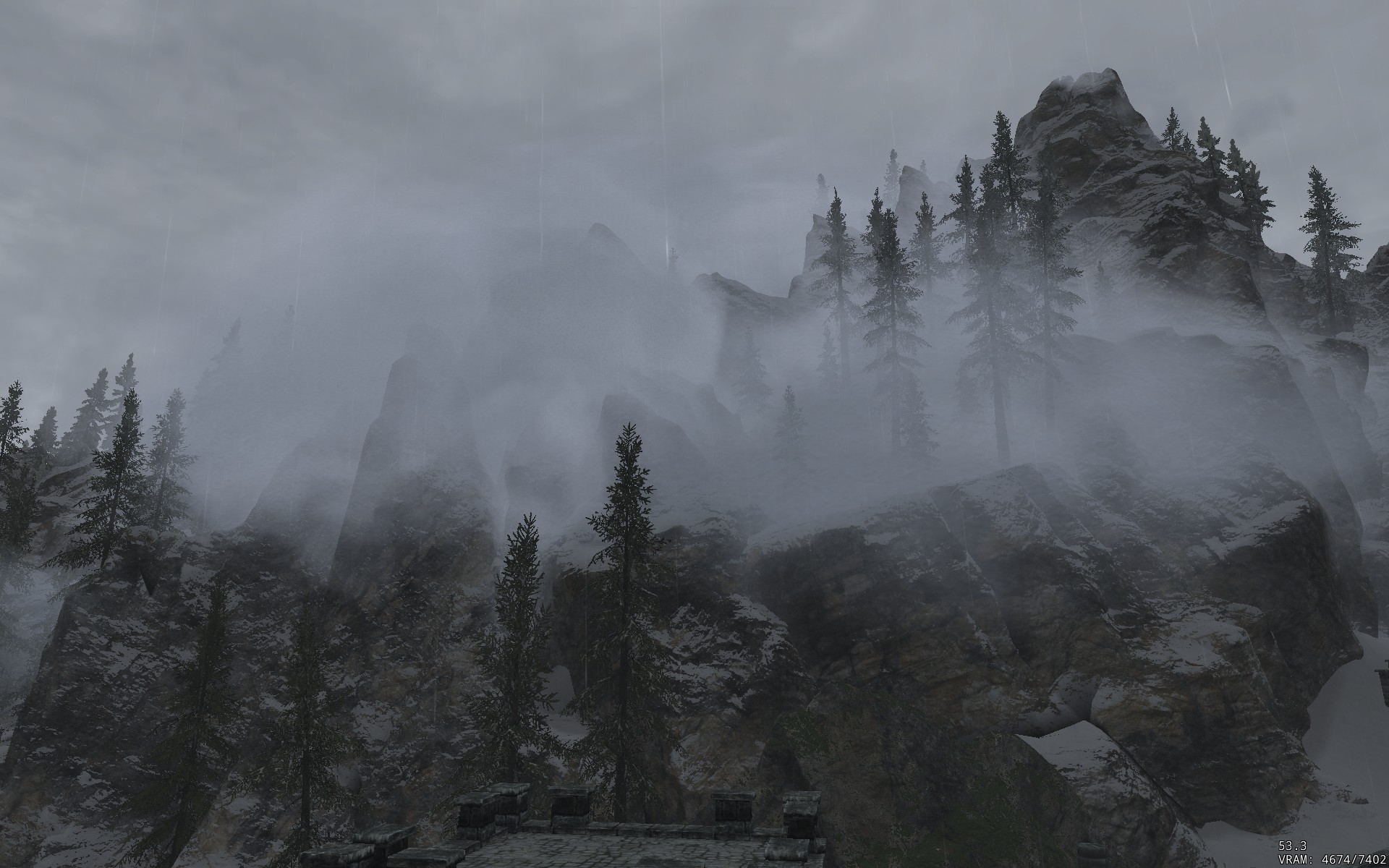
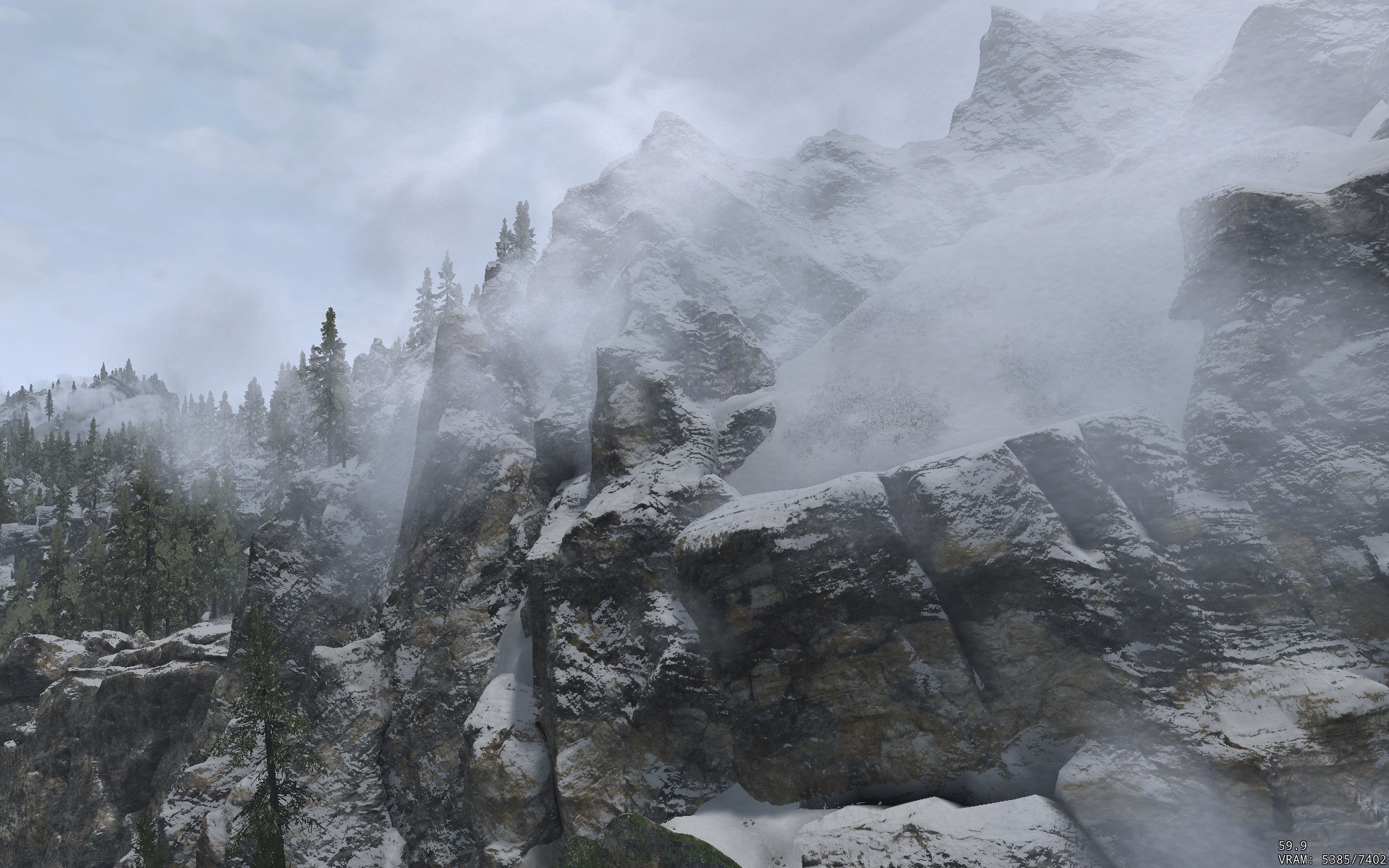
Yes I saw it and went to look for it inside the DynDOLOD package (Rules subdirectory) among the other *.patch files there, but couldn't find it, which made the patching even more mysterious and puzzling. I got really confused when you mentioned it's optional, as there are no optional components when installing DynDOLOD. But then I realized you were talking about DynDOLOD Resources: it's the Solitude Exterior visual option, d'oh! I used "blindly" in the sense that it appears the patch is applied to the load order indiscriminately even though it's probably designed to work on vanilla Solitude, overriding Skyrim.esm, not some other mod plugins. My Solitude is vanilla too, except for the LotD museum, so it's probably mostly fine, but I'd imagine it might mess things up with city overhauls, no? Anyway, I've been bothered by a visual glitch for a long time that I presume is caused by occlusion plane(s) along the Solitude walls, but I'm not sure and I can't easily troubleshoot it by looking in the console, as there's nothing to click on. Far view from inside Solitude worldspace > Closer view from inside Solitude worldspace Close view from outside Solitude worldspace > Close view from inside Solitude worldspace Any idea what may be causing this, do you think it looks like a PlaneMarker issue too? Any advice for troubleshooting the issue? Thanks.
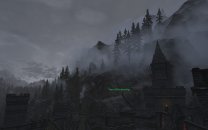
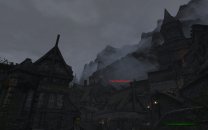
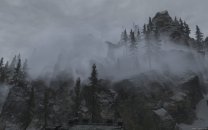
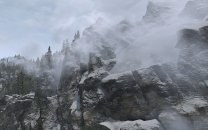
-
Alpha 111 with Resources A30 Got the following error: <Error: File not saved [...]\DynDOLOD_Output\Meshes\DynDOLOD\NoHavok\slighthousefireoff_nohavok.nif: Range check error> I suspect it's linked to the new feature added in Alpha 107 "create on-demand no havok models for dynamic LOD". I looked at the log of the previous generation I made with Alpha 108, and it contains the same failure, which I hadn't noticed at the time. There are successfully generated meshes in \DynDOLOD\NoHavok, it's just this one which fails. The failure occurs during generation of dynamic LOD for the ssLightHouseWorld02 worldspace of this mod: Nebarra. Architecture\Solitude\Clutter\SlighthouseFireOff.nif is used by an activator (xx955BF7 ssgwaSlighthouseActivatorOFF) placed into that worldspace. The source mesh slighthousefireoff.nif is provided by this mod: Embers XD (Lite version). Full logs here: https://drive.google.com/file/d/1WfsuvihMBi-fYfSuF4w2VsMkpjS5u2ul/view Trying to understand the source and purpose of a bunch of PlaneMarker references overwrites by DynDOLOD.esm in the SolitudeWorld worldspace. I can see traces of them in the debug log, such as: [00:08] [ApplyPatches] <Debug: Overwrite=skyrim.esm;0010c315> [00:08] [ApplyPatches] <Debug: [1] Source Skyrim.esm [REFR:0010C315] (places PlaneMarker [STAT:00000017] in GRUP Cell Temporary Children of SolitudeOrigin [CELL:00037EE9] (in SolitudeWorld "Solitude" [WRLD:00037EDF] at -16,25))> [00:08] [CopyMainRecordToFile] <Debug: 0 Skyrim.esm [REFR:0010C315] (places PlaneMarker [STAT:00000017] in GRUP Cell Temporary Children of SolitudeOrigin [CELL:00037EE9] (in SolitudeWorld "Solitude" [WRLD:00037EDF] at -16,25)) --> 53 Occ_Skyrim_Tamriel.esp [REFR:0010C315] (places PlaneMarker [STAT:00000017] in GRUP Cell Temporary Children of SolitudeOrigin [CELL:00037EE9] (in SolitudeWorld "Solitude" [WRLD:00037EDF] at -16,25))> [00:08] [CopyMainRecordToFile] <Debug: Processing DynDOLOD.esm Occ_Skyrim_Tamriel.esp [REFR:0010C315] (places PlaneMarker [STAT:00000017] in GRUP Cell Temporary Children of SolitudeOrigin [CELL:00037EE9] (in SolitudeWorld "Solitude" [WRLD:00037EDF] at -16,25))> [00:08] [ApplyPatches] <Debug: [4] Destination DynDOLOD.esm [REFR:0010C315] (places PlaneMarker [STAT:00000017] in GRUP Cell Temporary Children of SolitudeOrigin [CELL:00037EE9] (in SolitudeWorld "Solitude" [WRLD:00037EDF] at -16,25))> but I can't find any traces of them in [...]\DynDOLOD\Edit Scripts\DynDOLOD\Configs or Rules, when I look them up by Ref ID. It looks like DynDOLOD is patching PlaneMarker references blindingly without any regards to any other changes? It's overwriting edits by mods such as eFPS or Legacy of the Dragonborn. Why is it doing that, is this the intended behavior and if so, what is its purpose, particularly in regards to LODs? See previous link for full logs. Thanks.
-
Yes it makes sense. I actually use both Faction Fixes and NARC Remade, they indeed conflict on the Bandit and Hagraven factions, and I had to merge them in a patch. Unfortunately I was partly wrong: upon examining my save, some faction data gets written to the game save. Not all factions, only a few of them (including Bandits, in my case, and it sounds like they are too in your case). I don't know exactly what causes them to be saved, probably some changes applied via script, not from those mods. So it may not be possible to revert your broken bandits in your current save, I'm afraid. That said, I'd suggest you try disabling NARC and Faction Fixes in your current game, then travel to a new place with bandits, not one you have visited before, or wait until the locations you have visited before reset. If the bandits are now hostile, you can try adding Faction Fixes back, and NARC or Critters Ain't Snitches. In any case, whether you manage to fix your current save or have to restart anew, you can still use NARC Remade with Faction Fixes without a patch. You just need to sort NARC Remade before Faction Fixes in your load order. Bandits and hagravens will still report crimes in that case, but they'll be hostile and attack on sight. I agree NARC Remade is better and more complete than Critters Ain't Snitches - it doesn't make any sense that draugrs or dragons can report crimes, for instance.
-
This is most likely caused by NPCs being put in the wrong faction, or by NPCs being given insufficient or too much aggressiveness, or by incorrect inter-faction relationships, or any combination thereof. But it's not Faction Fixes by itself. This mod has been used in the guide for a long time and if it were that broken it would have noticed a long time ago. It could be a conflict between Faction Fixes and another mod, though. Start by playing the game without any deviation from the guide. It should behave as expected. You can also disable/enable Faction Fixes at any time for testing purposes. It's safe to do so and I don't think any of its changes are "baked" into a save game, so their effects or lack thereof should be effective immediately, even in an ongoing game. It's not an essential mod by any means, as the majority of Skyrim players play the game fine without it. It improves the behavior of generic enemies by making them focus on the player (and its allies) in combat, rather than by attacking anything on sight indiscriminately (e.g. wildlife). But its various changes are designed to work as a cohesive set. If something else (i.e. another mod) modifies one parameter without adjusting the other parameters, the cohesion is disturbed. For example, I was recently playing with a mod that changed Anise's aggressiveness from 'Unaggressive' to 'Aggressive'. This change alone is not a problem, but combined with Faction Fixes' other changes, it made her attack the player on sight, which is not supposed to happen in vanilla nor in the mod I was playing with. So if you use mods that change any of the aforementioned parameters, and you can't create compatibility patches on your own to make it work well together with Faction Fixes, my advice would be to remove Faction Fixes.
-
FEEDBACK v2.2.0 - Feedback & Bug Reports
Mousetick replied to z929669's topic in Step Skyrim SE Guide
It's the experimental 'Large References Bugs Workarounds' version. It's hidden and not publicly available on purpose. I'd suggest you heed this advice from the linked page if you're redoing LODs for a current game: -
If you follow the instructions given here you'll get Skyrim Special Edition 1.5.97, not Enderal Special Edition 1.5.97. But the same method can be used to download and install a previous version of any game from Steam as long as that version is still stored on Steam's servers (and your Steam account has a license for that game). To use the same method with a different game, you'll need to find out the specific app ID, manifest ID and depot IDs for that specific game and version. I'm not familiar with Enderal, but why don't you simply install Enderal: Forgotten Stories (Special Edition) from Steam? You'll need to own Skyrim SE on Steam to be allowed to download Enderal SE. There's no way around that requirement, if that's what you were looking for.
-
Sorry but I honestly don't understand your description and I have no clue of what you're talking about. If I had telepathic powers I'd be able to know what you're doing and what you're seeing, unfortunately that's not the case. I very much doubt there's a "bug" anywhere. It's more likely you're using things in ways that are not intended, and/or there is a misunderstanding of how these things are supposed to work. I'm unable to infer what those "things" are from your very confusing, vague and incomplete description. Note 1: DO NOT use or rely on the Mods menu in Skyrim's Main Menu when using a mod manager. It's unreliable, meaningless and will cause problems in that case, ignore it. Note 2: Skyrim never displays the message "mods are currently enabled". This message does not exist. Skyrim can display the message "Mods are currently loaded. Note: Achievements are disabled. Do you wish to continue?"
-
I don't mean to intrude, but it looks like you may have forgot to attach it.
-
How to make DynDOLOD work with Azura statue replacer?
Mousetick replied to Grajowiec's question in DynDOLOD & xLODGen Support
Might it be not detected because one is temporary and the other is persistent? -
Please describe in details the process by which you make the problem occur, step by step, preferably using short sentences. Also describe specifically the things that are enabled before: where they are enabled, how they are enabled. Describe specifically how you determine they are disabled after. Ideally, provide before/after screenshots instead of a text description. The better you can describe the problem, the better we can help you.
-
Yep. There's a nicer version, but it hasn't been updated for latest Skyrim AE: Oxygen Meter 2. It also apparently has compatibility issues with some other UI mods, that I haven't experienced myself. Funny story: As I was testing some other mods, I noticed that the meter didn't show anymore when underwater. Convinced that there was something wrong with this mod, I went on a troubleshooting spree. I couldn't figure out why the meter would show some times, but not others. It turns out God Mode gives waterbreathing ability
- 6 replies
-
- 1
-

-
- SKYRIMSE
- 16-interface
- (and 3 more)
-
I don't use Windows Defender so this may not be applicable or relevant, but have you tried whitelisting the executables so that they are "trusted" and not monitored? [...]\DynDOLOD\DynDOLOD.exe [...]\DynDOLOD\DynDOLODx64.exe [...]\DynDOLOD\TexGen.exe [...]\DynDOLOD\TexGenx64.exe [...]\DynDOLOD\Edit Scripts\LODGen.exe [...]\DynDOLOD\Edit Scripts\LODGenWin.exe [...]\DynDOLOD\Edit Scripts\LODGenx64.exe [...]\DynDOLOD\Edit Scripts\LDGenx64Win.exe [...]\DynDOLOD\Edit Scripts\Texconv.exe [...]\DynDOLOD\Edit Scripts\Texconvx64.exe
-
DROPPED Better Dyndolod Red Mountain Plume (by MrNeverLost)
Mousetick replied to TechAngel85's topic in Skyrim SE Mods
Hiding the DynDOLOD Resources version is not necessary to revert to vanilla because it's never installed (FOMOD option not checked in STEP instructions). -
Yeah I get your point. But this mod doesn't really affect the alchemy balance. It adds a lot of easily obtainable food, which is already plentiful in Skyrim. Food, not ingredients for alchemy. It's more of a "survival" issue than an alchemy or economy issue, IMHO. Even if it were finalized and more compatible, this mod might not be a good fit for STEP, as it's tied to CACACACO, which many users don't want.
-
I downloaded this mod as soon as it was released because I like the idea very much and it looks nice. After looking at it in MO2 and in xEdit, I had to uninstall it unfortunately without even trying it in-game. Too many landscape/layout/navmesh conflicts with other mods in my list. It's not finished. The mod comes with textures/assets that are not used. The new "Farm Stay Quest" (chores in exchange for food and lodging) appears to be implemented with one farm only. But it looks promising. I wish it provided each farm separately rather than all-in-one, I might have picked a few that didn't conflict as much. I may consider ripping it apart myself and keep only a few farms. I don't think it changes the economy. This mod's gist is mostly for "decoration", enhancing the realism/immersion/world-building. With Trade & Barter (part of STEP) you can tweak the trading parameters with merchants (higher buy prices, lower sell prices, reduced merchant gold). I'd suggest a mod like SB - Lightweight Economy Overhaul to decrease the quest gold rewards and increase the crime fines. Can be used in combination with T&B, no overlap. It's not configurable like T&B though.
-
I've had it in my load order for some time. I picked the 'Vanilla Style' version. It works fine, no issues, I like what it does. I haven't played very long with it, I may have seen its effects only a couple of times or so. If I'm not mistaken, in vanilla, the courier delivers something and the game doesn't tell the player what it is. You have no clue. If you carry a lot of junk in your inventory, good luck finding whatever it was the courier delivered. With this mod: notifications (top-left corner) are displayed for each item delivered and added to your inventory.
- 6 replies
-
- 1
-

-
- SKYRIMSE
- 16-interface
- (and 2 more)
-
Typo in topic title: "CACA". Also, "caca" means poo in French. LOL.
-
ACCEPTED Worldspace Transition Tweaks (by AndrealphusVIII)
Mousetick replied to DoubleYou's topic in Skyrim SE Mods
Absolutely not. What kind of warning were you expecting then? Look at the list of warnings and errors that can be reported by DynDOLOD: https://dyndolod.info/Messages. All messages which have 'Reference' in their title, except 3, only apply to Large References. Actually it's the other way around. There are 2 kinds of references: persistent or temporary. Persistent is a flag in the REFR header, which can be seen in xEdit. ESM: Persistent references are loaded permanently in memory and processed* by the engine whether they are placed in active cells or not. The object they represent can be accessed and used at any time from anywhere in the world. Temporary references are loaded only when the cell in which they are placed is active/loaded, and are unloaded otherwise. The object or NPC they represent only exist when their parent cell is loaded, and they don't exist otherwise. Attempting to access an unloaded temporary reference leads to an engine crash. Non-ESM: Temporary references behave like persistent references. Furthermore, a temporary reference created by an ESM and overridden by a non-ESM loses its temporary status. There are only a few types of objects that need to be persistent. All others should be (truly) temporary. It doesn't make sense generally for a tree or a rock to be persistent, or for an NPC staying inside a building, for example. The engine has a hard limit on the number of references that can be loaded at the same time (~1 million). The engine processes the AI packages of all persistent NPCs and creatures even if they're far away from the player. References overridden by non-ESM cause LR issues. The engine even supports a finer grained level of reference persistence: persistent location. A temporary reference can be assigned a persistent location: it remains loaded as long as the player is in that location, and behaves like a temporary reference otherwise. For example, a temporary NPC reference could be given the persistent location of Solitude. While the player is anywhere in Solitude, the NPC is loaded and active. Once the player exits Solitude, the NPC is unloaded. Mods that add or change references should be designed and released as ESMs. The fact that 99% of mods containing references are released on Nexus in non-ESM form is an anomaly. CC content, which is nothing more than officially released and supported mods, is all ESM for a good reason. I don't know the specific reason behind this mod being ESM. It's not "important" or "necessary" to be ESM. Everything still "works" more or less the same with non-ESM, from a user point of view. But it's an inefficient and unintended way to create or modify references, not in the way the engine is designed to be used. (*) But not rendered.- 80 replies
-
- 1
-

-
- SKYRIMSE
- 17-locations
- (and 2 more)
-
wanted Quoting another post while editing my own previously posted post
Mousetick posted a question in Forum Support
I can't seem to be able to quote another post while editing my own previously posted post. The quote is inserted into a new post, not the post I'm editing. Make a post, post it. Edit the post posted in #1. Select text from another post, click Quote. Expected result: The quote is inserted at the insertion post in the post being edited. Actual result: The quote gets inserted into a brand new post. Am I missing something or is this a forum quirk?