Greg
-
Posts
2,936 -
Joined
-
Last visited
Everything posted by Greg
-

Dread's Skyrim Build (a STEP build)
Greg replied to dreadflopp's topic in Unofficial Skyrim SE Guides
See Scrambled Bugs topic. -
Aspen Tree Compare for the SkyrimSE Guide
Greg replied to TechAngel85's topic in Step Skyrim SE Guide
Run xedit and load Aspens Ablaze.esp. Expand Aspens Ablaze.esp Expand Trees Select aspentree07 Click the References tab Oh my... it's a treasure chest! You'll see a ton of entries like "places treeaspen07 [xxxxxxxx] in Tamriel worldspace block 3,-2 cell 27,-15". I don't remember the exact text it shows, but it is a treasure chest for finding where things are placed. The problem I have is finding the bloody thing in the game once I know exactly where it is. There must be a mod out there that shows sub-block, cell and coordinates dynamically on the screen. Right now I just move a few feet and open DynDOLOD's "WHERE THE SMELL AM I" page to verify I'm going in the right direction. -
I just noticed this in the SSE Display Tweaks version 0.4.12 change log: Use SkyrimPrefs.ini display mode settings by default (Fullscreen and Borderless options have been commented out) Disabled borderless vync-off feature by default (EnableTearing) I like that first change because it gives one less place to go spelunking for the full screen and borderless options, although these options can still be set and override similar settings in SkyrimPrefs.ini.
-
Aspen Tree Compare for the SkyrimSE Guide
Greg replied to TechAngel85's topic in Step Skyrim SE Guide
Just looking at the screenshots, I prefer Aspens Ablaze as well, although I agree the LOD in these screenshots need some help. It looks as if this is Aspens Ablaze 2.32 with Autumnal Variety option? I think EVT (Realistic Aspen Trees from Alt Trees file) is a good runner up. -
Legacy of the Dragonborn Plus has a patch for Enhanced Lighting for ENB 1.2.2 and Legacy of the Dragonborn 5.2. Click the link I provided, search for Enhanced Lighting for ENB (ELE) and you'll see NOTE Special Instructions that contains a link to the path. Note that you'll still need ELE SE - Legacy of the Dragonborn Patch from the Enhanced Lighting for ENB mod page. This is the most recent one I found in a quick search.
-
ACCEPTED Gemling Queen Jewelry SE (by Saerileth/lordjoseph7)
Greg replied to TechAngel85's topic in Skyrim SE Mods
Yes, I think it's only the female elf meshes. The issue is that USSEP changed the path to these meshes from something like Meshes\armor\circlets\FemElfCirclets to Meshes\uskp\armor\circlets\FemElfCirclets so these meshes installed by Gemling Queen Jewelry may as well not exist. The Circlets USSEP Fixes mod just moves these meshes to Meshes\uskp\armor\circlets\FemElfCirclets so they'll override USSEP's meshes. -
Enhanced Atronachs - With Levelling and Luminosity (by Raxyx)
Greg replied to DoubleYou's topic in Skyrim SE Mods
I'm not sure what to make of the compatibility between this mod and Odin. I see this mod adds its own private perks to the atronachs so it's an interesting question whether it should use its own private perks or use the perks from Odin. There are some differences in the scripting between Odin and this mod as well. In any case, I installed it without resolving any of this to see what it's like on top of Odin/Vokrii, but my initial gut reaction is that the changes made by Odin are probably good enough. -
Moved to DynDOLOD and xLODGen support, although (correct me if I'm mistaken) I believe this may be a general game/SSEEdit question. My understanding is that Bethesda games support 256 plugin slots numbered from 00 to FF. The FF slot is reserved for the save file and the FE slot is reserved for ESL-flagged plugins. This leaves 254 slots available for plugins. Of course, Skyrim.esm, Update.esm, Dawnguard.esm, Hearthfires.esm and Dragonborn.esm use slots 00 to 04 leaving 249 slots for user plugins. To my knowledge, SSEEdit, DynDOLOD, etc. all apply the same restrictions applied by the game meaning you should be able to use 254 slots (including the vanilla masters in slots 00 through 04).
-
Spell Perk Item Distributor xEdit Scripts by konkeranto
Greg replied to z929669's topic in Skyrim SE Mods
I definitely did not phrase that succinctly. I meant the difference in item distribution configuration files. I think Vokrii Perks for NPCs also distributes perks to NPCs if they have the requisite skill with a random chance (30%, 50% or 70% chance). Here are a few samples: ;Ritualist Perk = 0x00321436 - Vokrii - Minimalistic Perks of Skyrim.esp | ActorTypeNpc , ActorTypeUndead | NONE | 12(100) | NONE | NONE | 30 ;Pinning Shot Perk = 0x002EE993 - Vokrii - Minimalistic Perks of Skyrim.esp | ActorTypeNpc , ActorTypeUndead | NONE | 2(100) | NONE | NONE | 30 These two are distributed only if the NPC has an Archery or Alteration skill of 100. -
Spell Perk Item Distributor xEdit Scripts by konkeranto
Greg replied to z929669's topic in Skyrim SE Mods
I found these two on Nexus that we may consider using or adapting instead of creating SPID configurations from scratch. ODIN Spells for NPCS by oyvveg Vokrii Perks for NPCs by oyvveg EDIT: The primary difference is that Enemy (R)Evolution of Skyrim distributes six spells plus shouts and potions wheres ODIN Spells for NPCs distributes a lot of spells so the two are not necessarily mutually exclusive. -
That's Belethor's General Goods in Whiterun. He's the pawn broker that will sell his sister in a second if he had one. If you're walking down the main path in Whiterun, the shop is on the right beside Arcadia's Cauldron just before you get to the well and the inn.
-
Are you using Windows 7 or Windows 10? You've installed LOOT into C:\Program Files (x86) so LOOT likely does not have sufficient rights to do what it needs to do. Do not install the game, Mod Organizer, or any modding tools into a UAC-protected folder like C:\Program Files or C:\Program Files (x86). See the System Setup guide here for tips on how to install and configure Mod Organizer and all the tools into a folder you create. Also note that you should not be running Mod Organizer or any game/application from Mod Organizer as an administrator.
-
ACCEPTED Vokrii - Minimalistic Perks of Skyrim (by EnaiSiaion)
Greg replied to TechAngel85's topic in Skyrim SE Mods
Link to CACO patch updated in the OP. I tend to use smithing on practically everything I can find until I get the Arcane Smithing perk so I can improve the enchanted weapons and armor I actually use, but I want to do one playthrough with Smithing Perks Overhaul disabled to get a feel for Vokrii. I'll then enable Smithing Perks Overhaul and the patch to do a second playthrough to get a feel for the difference. -
ACCEPTED Odin - Skyrim Magic Overhaul (by EnaiSiaion)
Greg replied to TechAngel85's topic in Skyrim SE Mods
Note that Odin - Skyrim Magic Overhaul and Vokrii - Minimalistic Perks of Skyrim both include Modern Brawl Bug Fix. -
ACCEPTED Vokrii - Minimalistic Perks of Skyrim (by EnaiSiaion)
Greg replied to TechAngel85's topic in Skyrim SE Mods
This mod apparently does not exist on Nexus, but I found VOKRII - Complete Alchemy and Cooking Overhaul Patch. Also note that LOOT claims Vokrii - WAFFC Patch from Umgak's Vokrii Compatibility Patch Compendium is already included in CCOR_Vokrii Patch. I just checked in SSEEdit and it looks as if CCOR_Vokrii.esp indeed includes everything in Vokrii - WACCF Patch.esp. EDIT: I also found Vokrii - Smithing Perks Overhaul Patch. I'll need to play around a bit to determine how Smithing Perks Overhaul fits into the Vokrii perk system to see if it's worth using both together. -
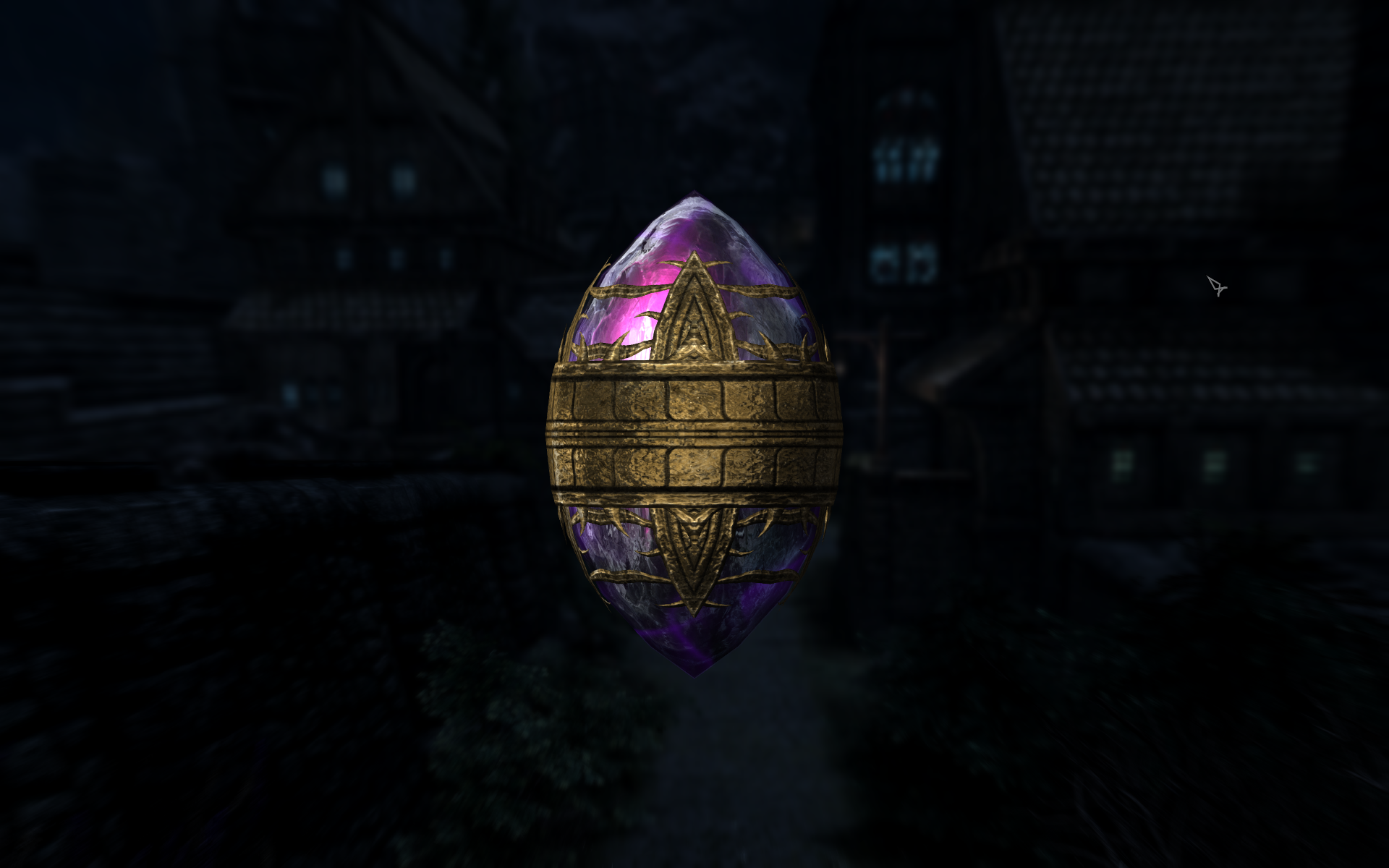
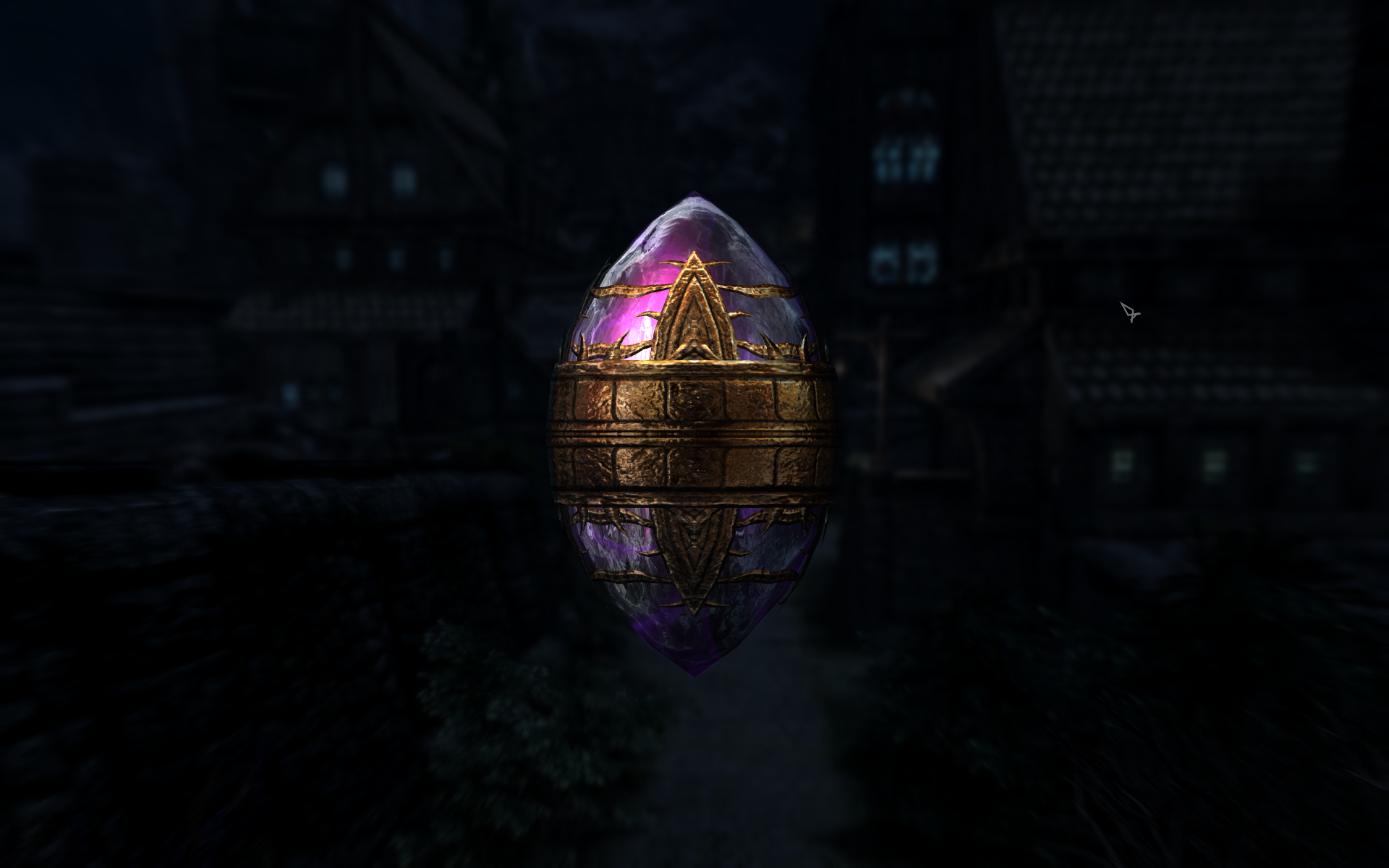
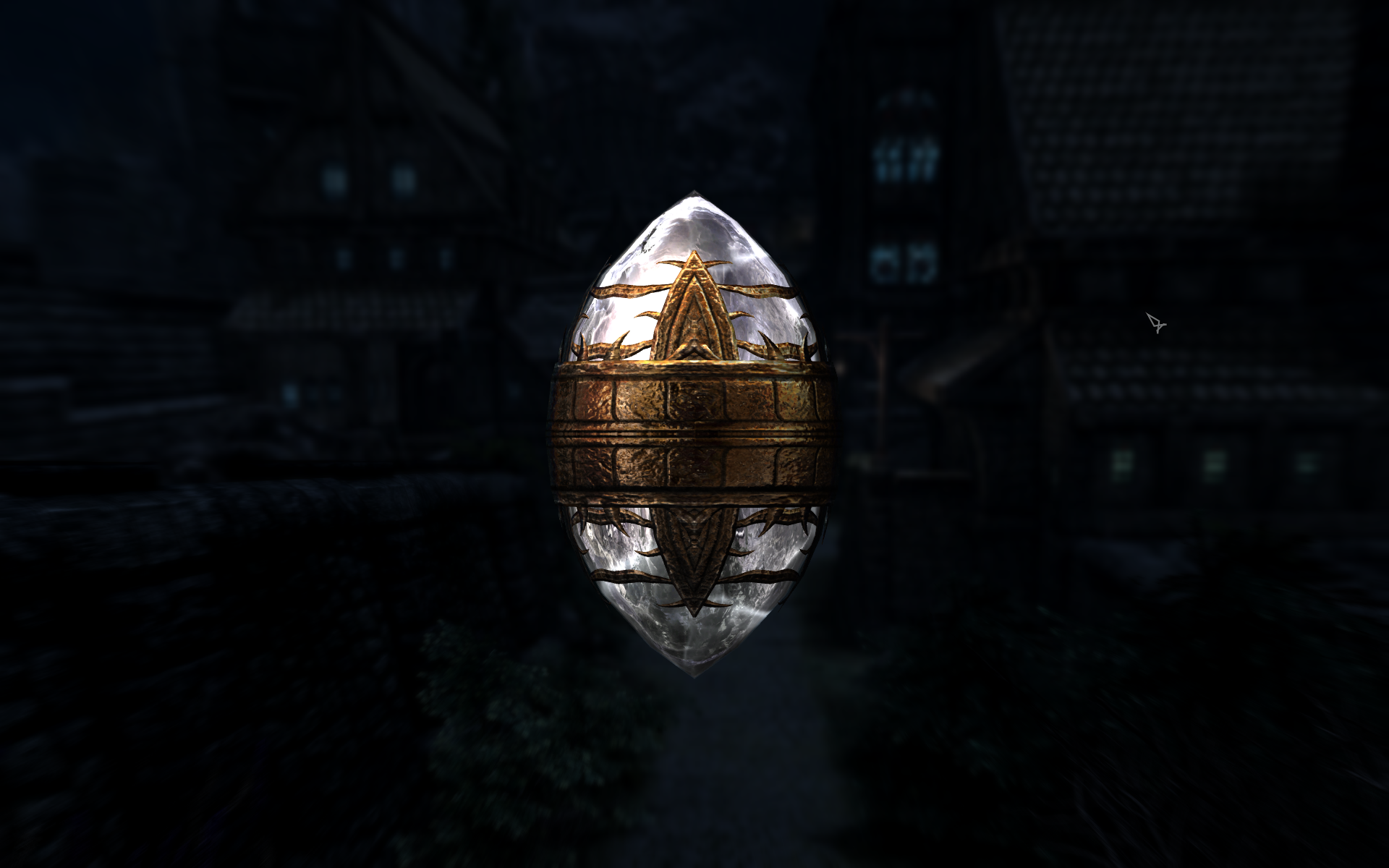
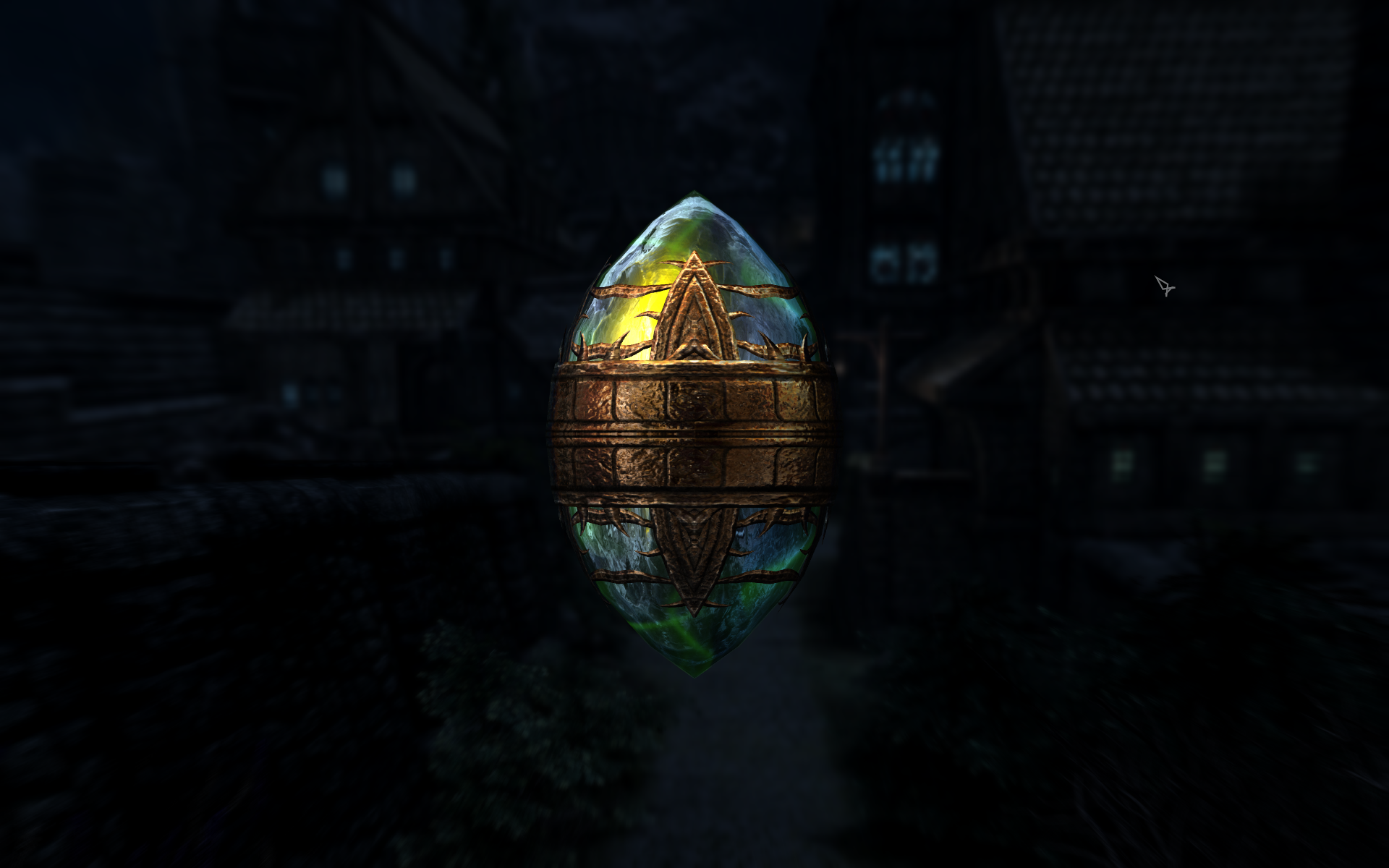
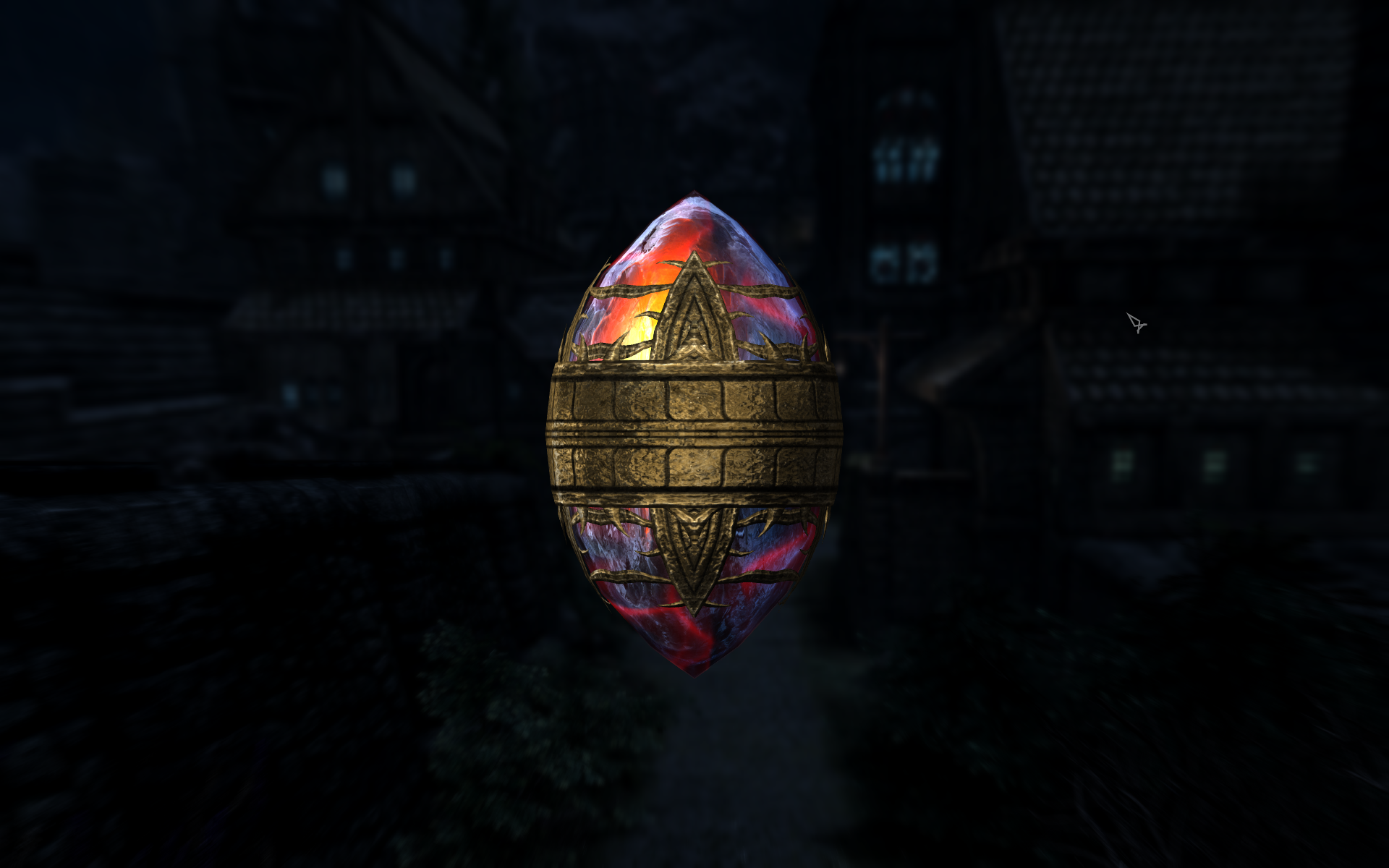
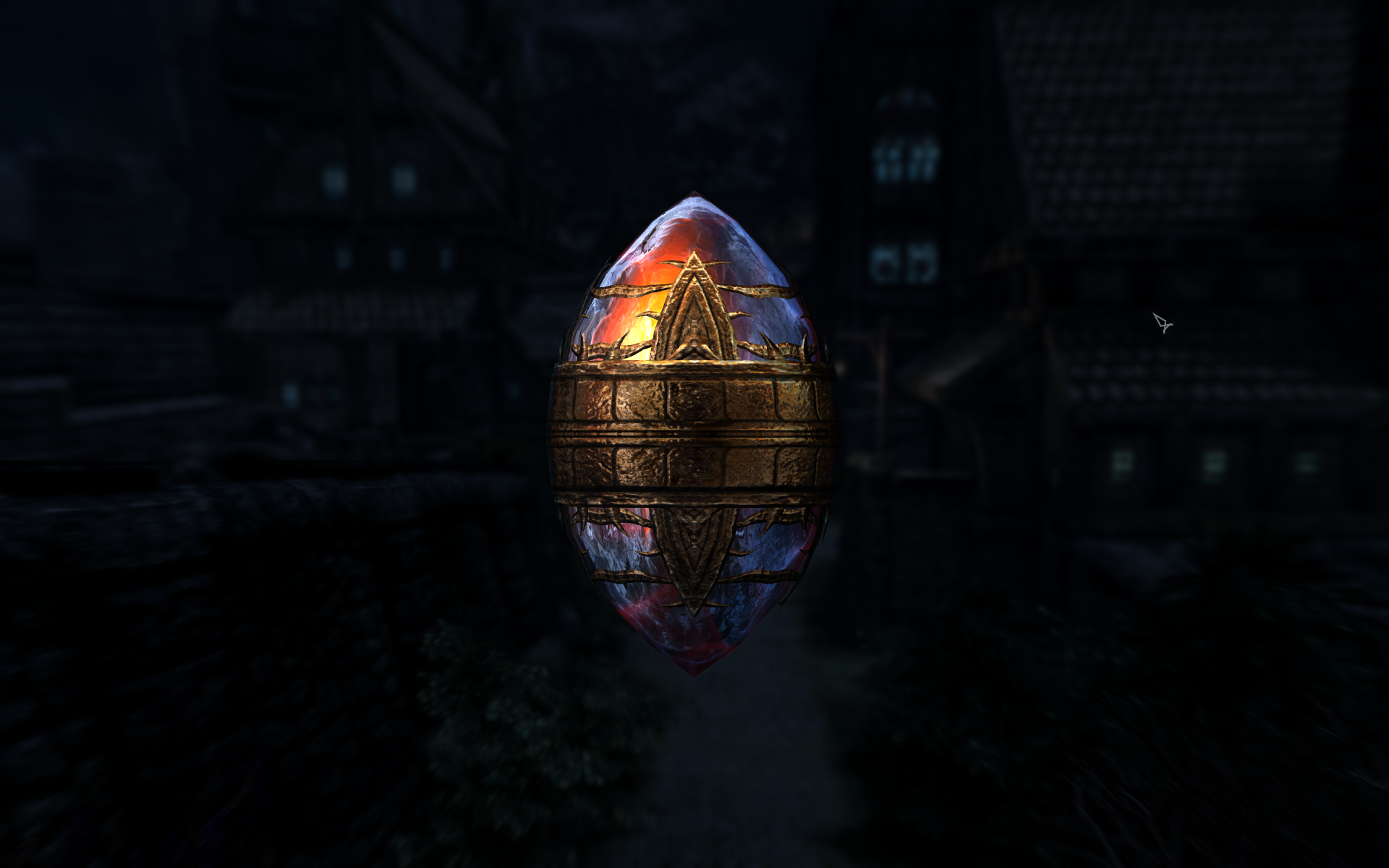
I think either the gold or the bronze are nice choices as well, although I have yet to decide which of the two I prefer.
-
New Profile. Now Letterbox on sides, can't change in ini.
Greg replied to Darklustre's question in Mod Organizer Support
If you mean LOOT in the ModOrganizer\LOOT folder that contains loot.dll and lootcli.exe, you may run into issues if you attempt to update it if LOOT has changed significantly. I suggest hopping over to the Tool Setup portion of the guide and installing the full version of LOOT. Also note that you need to include the --game="Skyrim Special Edition" parameter to LOOT so it knows which game you are using. -
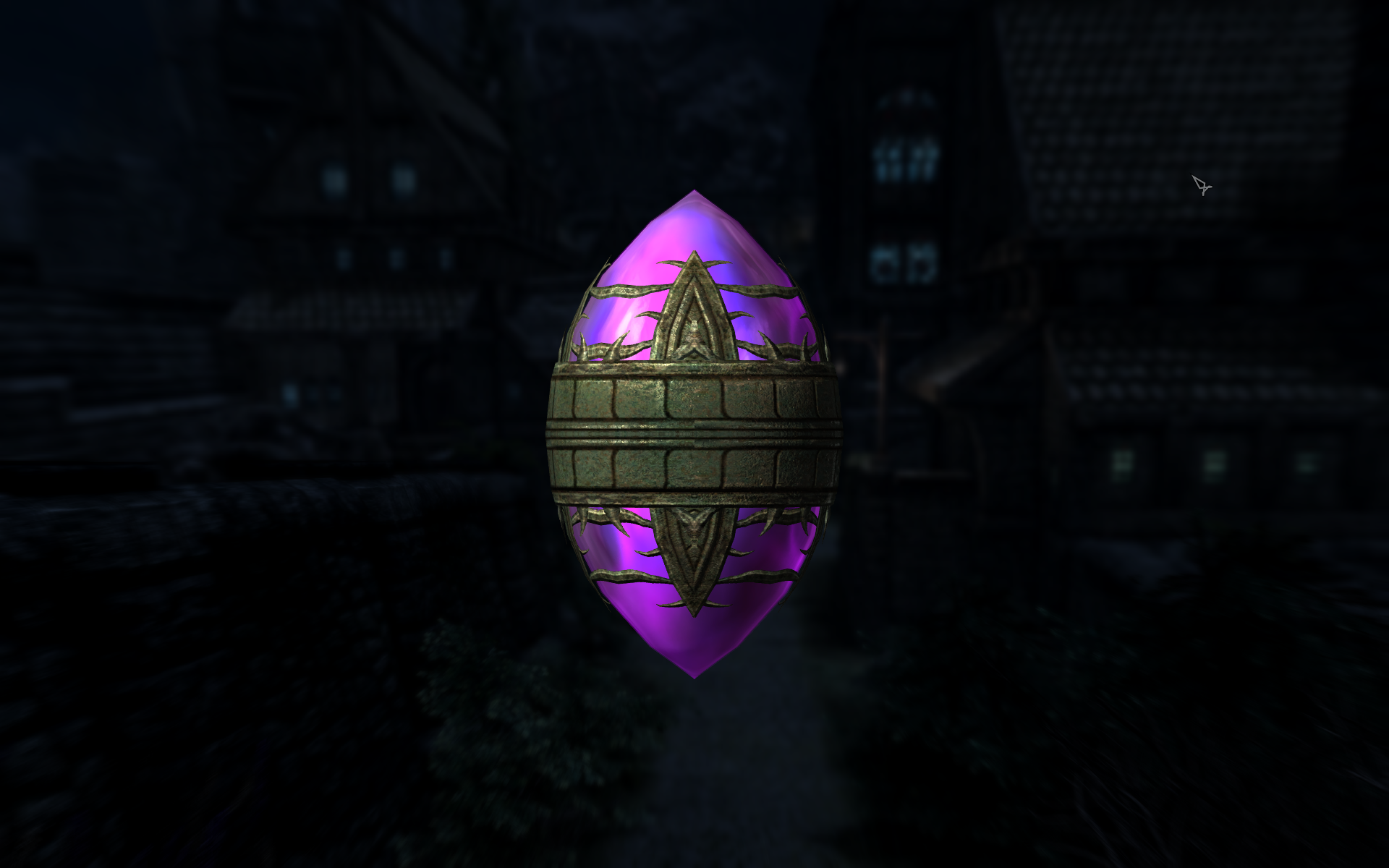
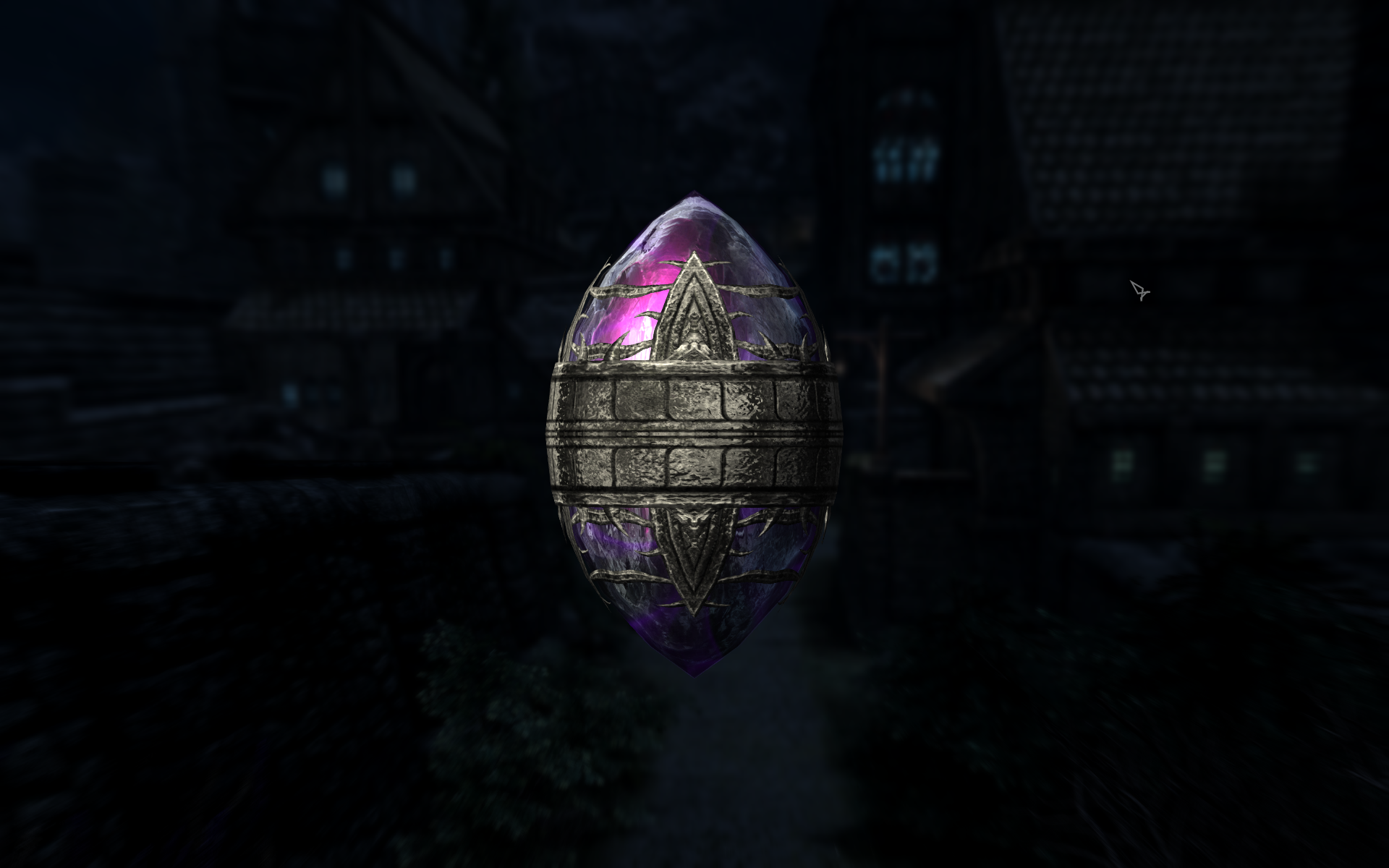
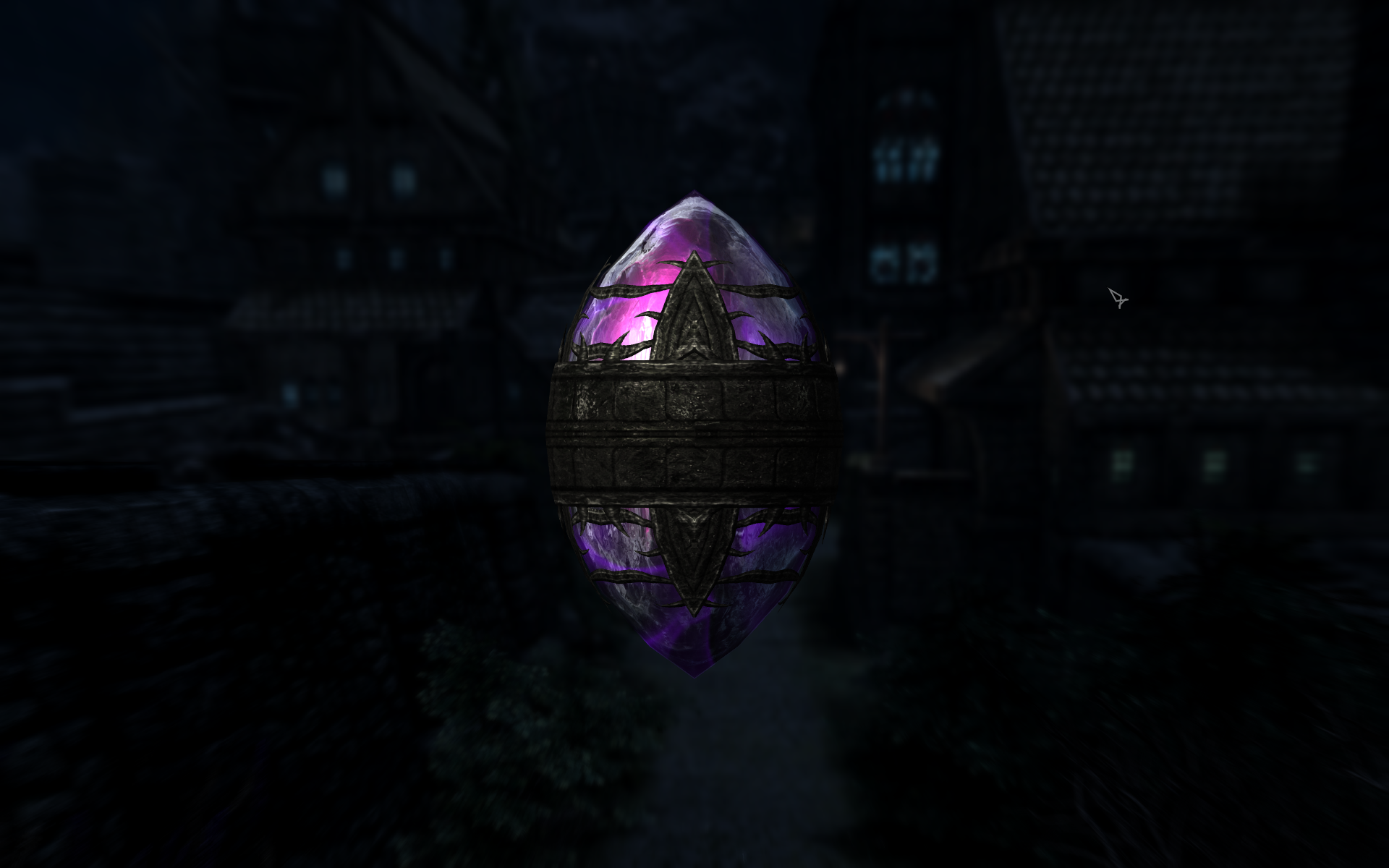
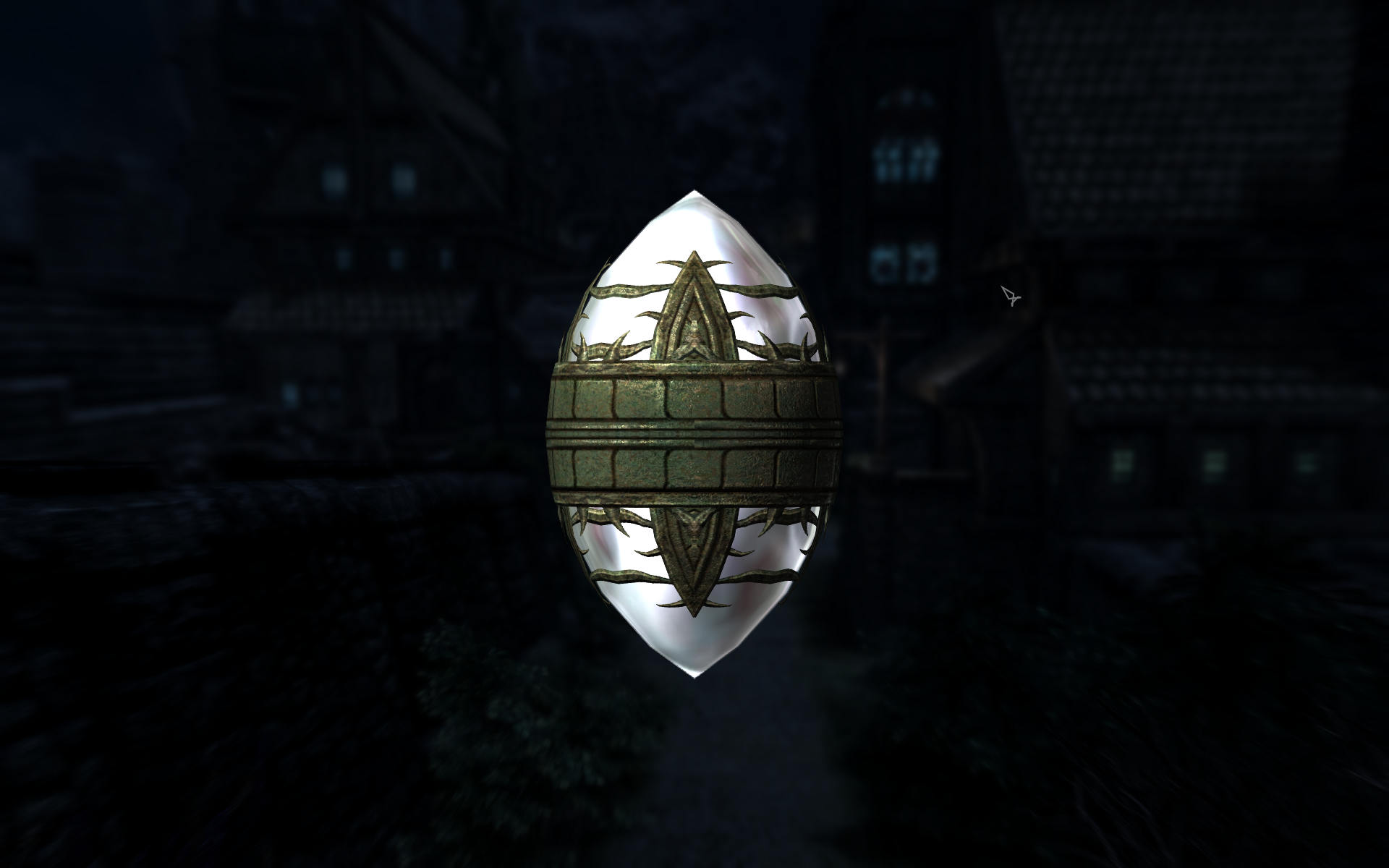
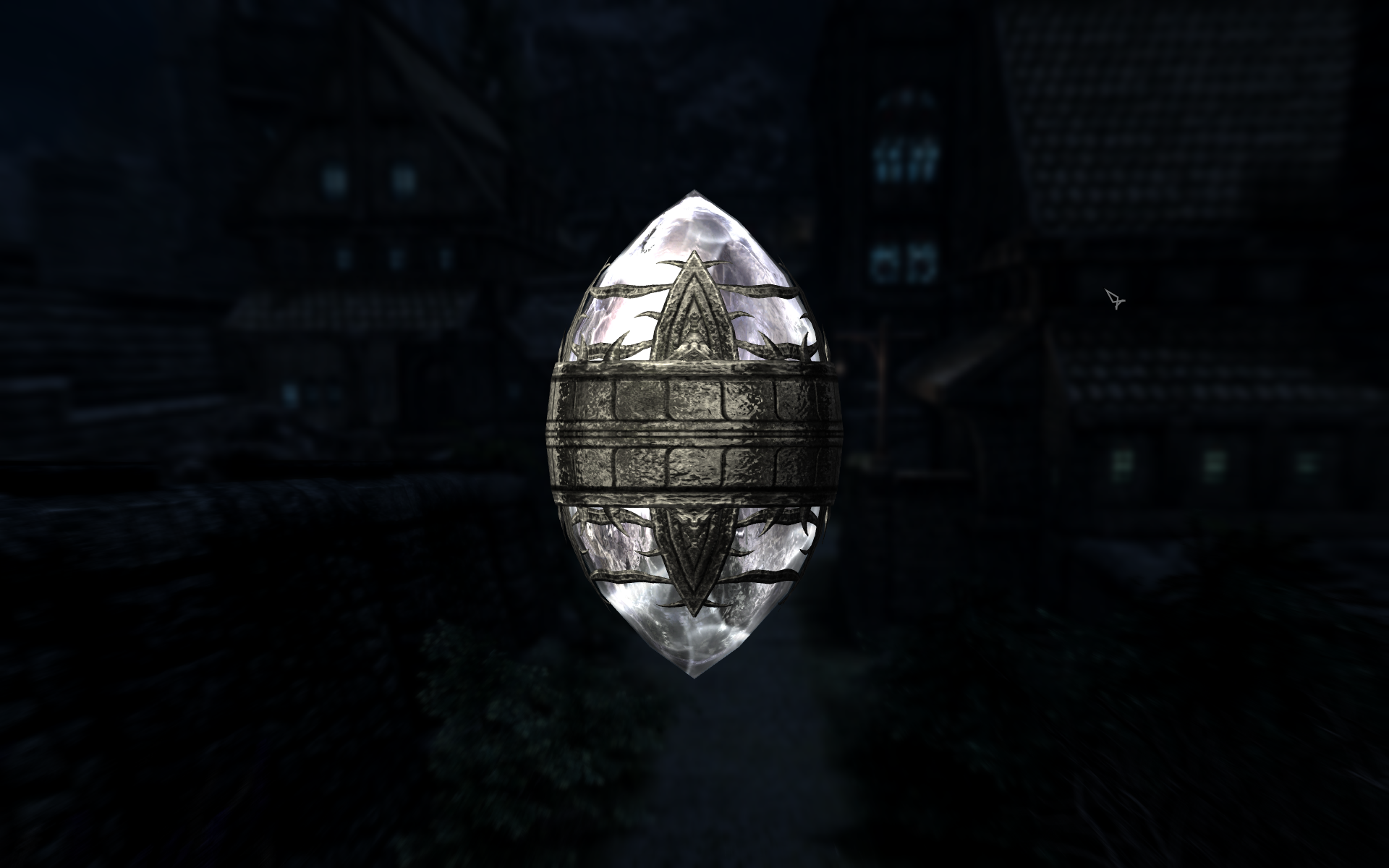
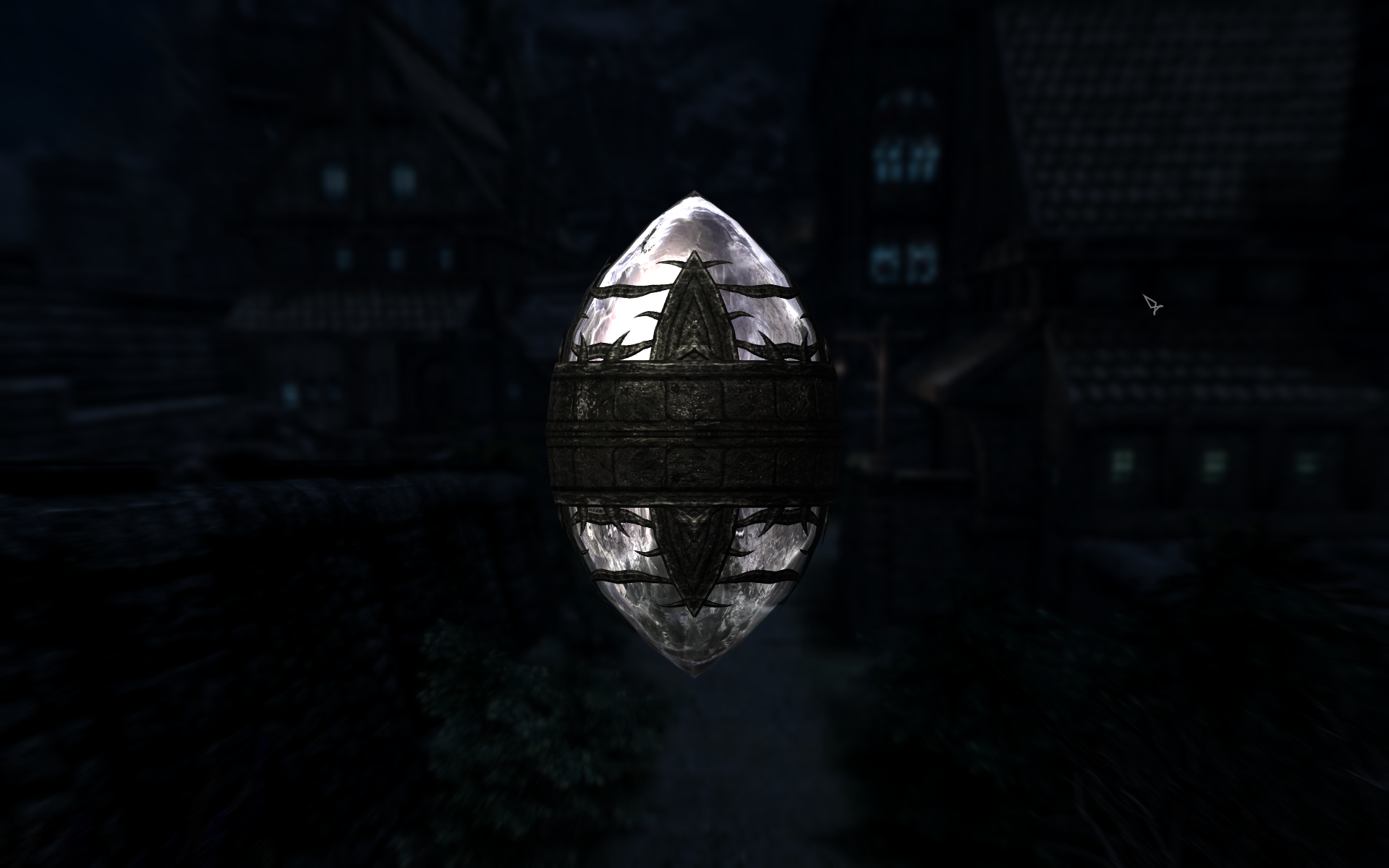
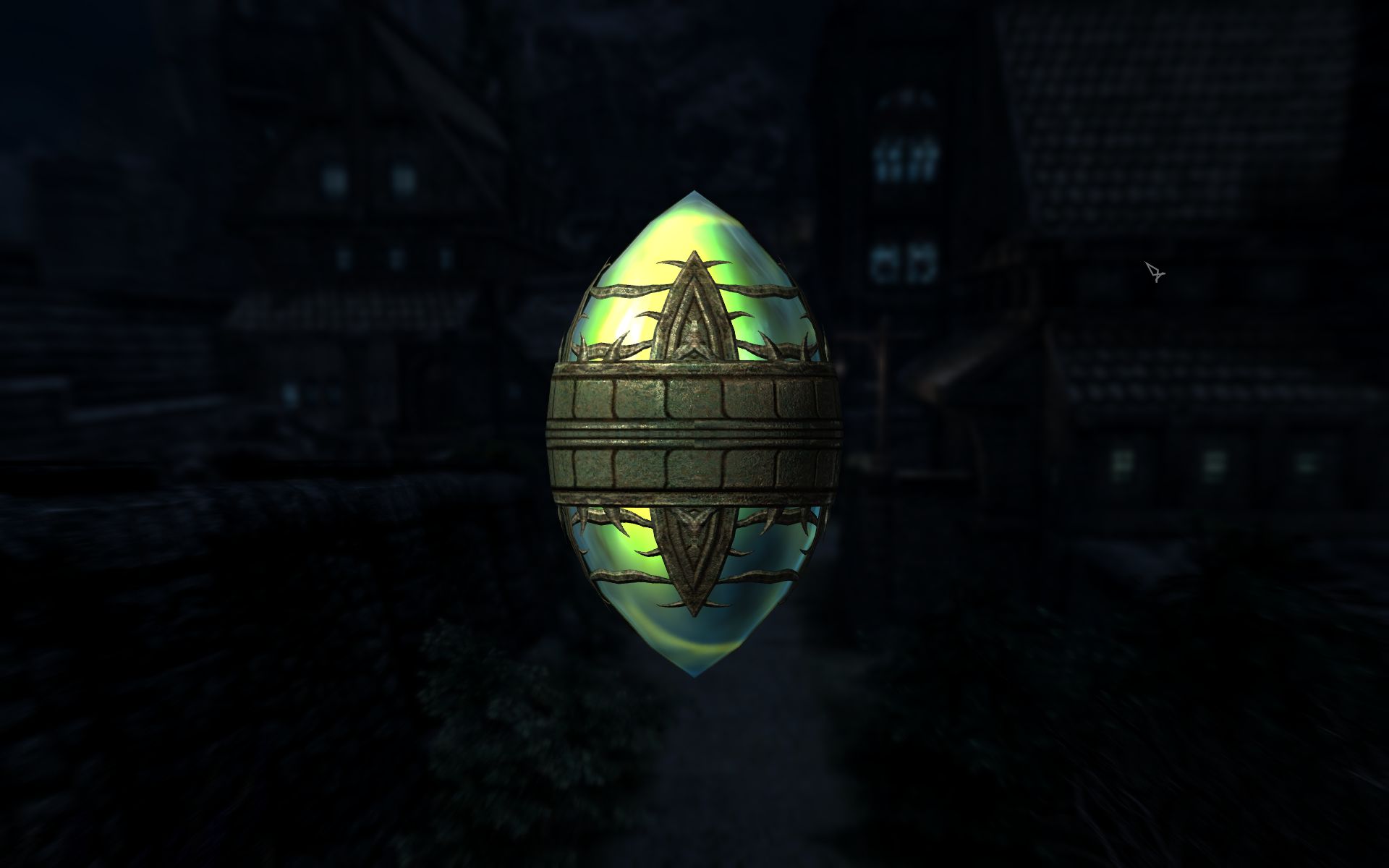
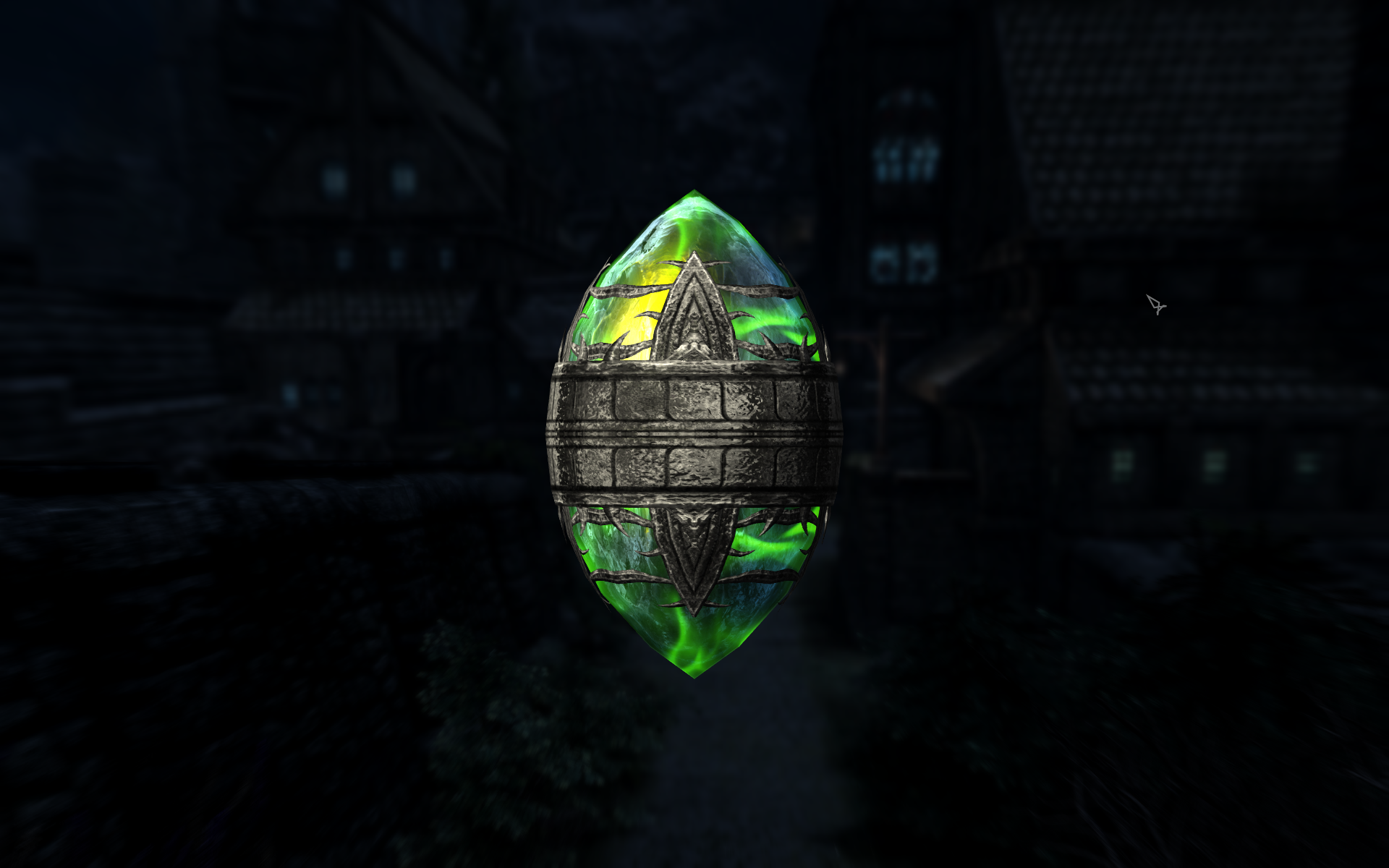
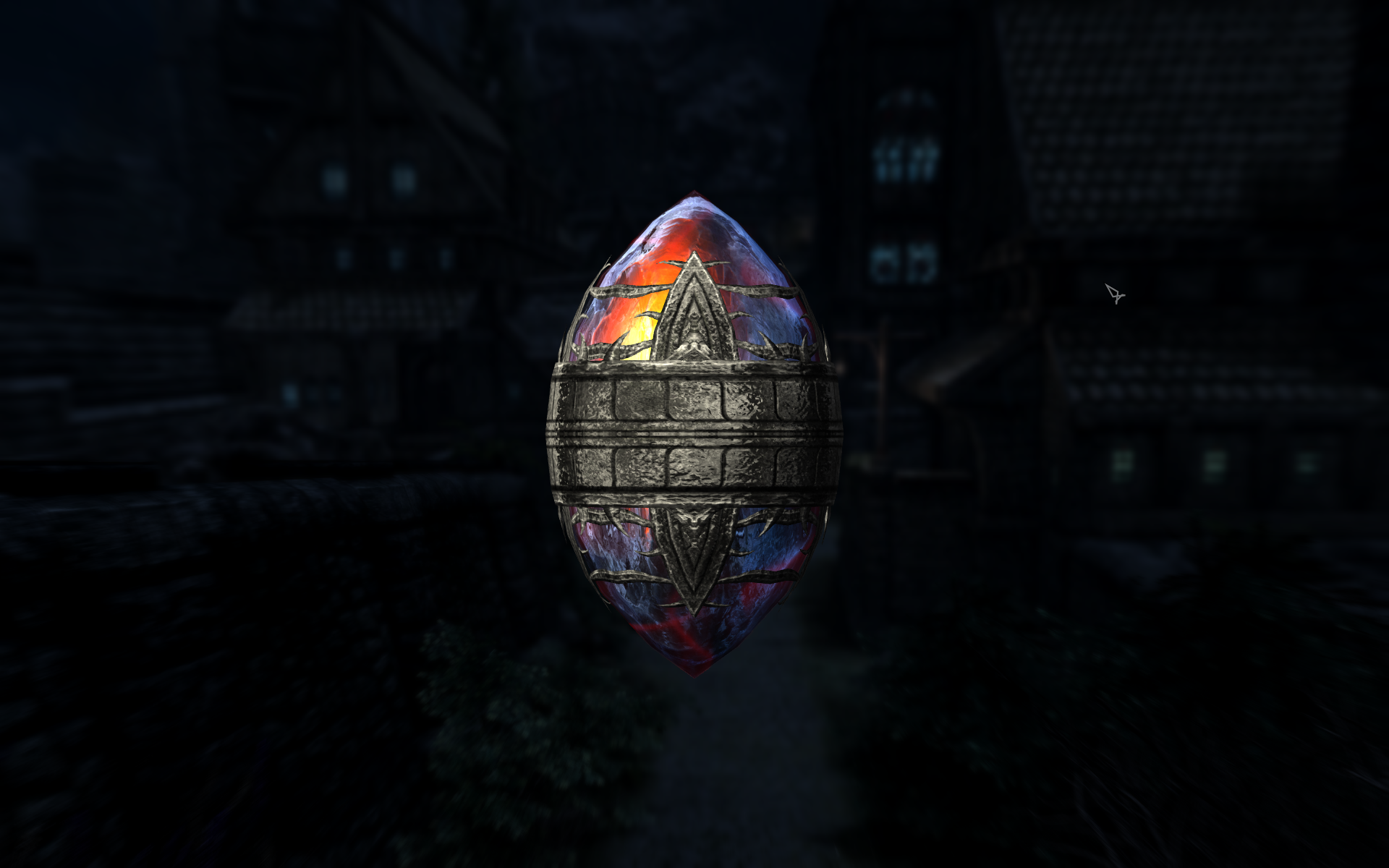
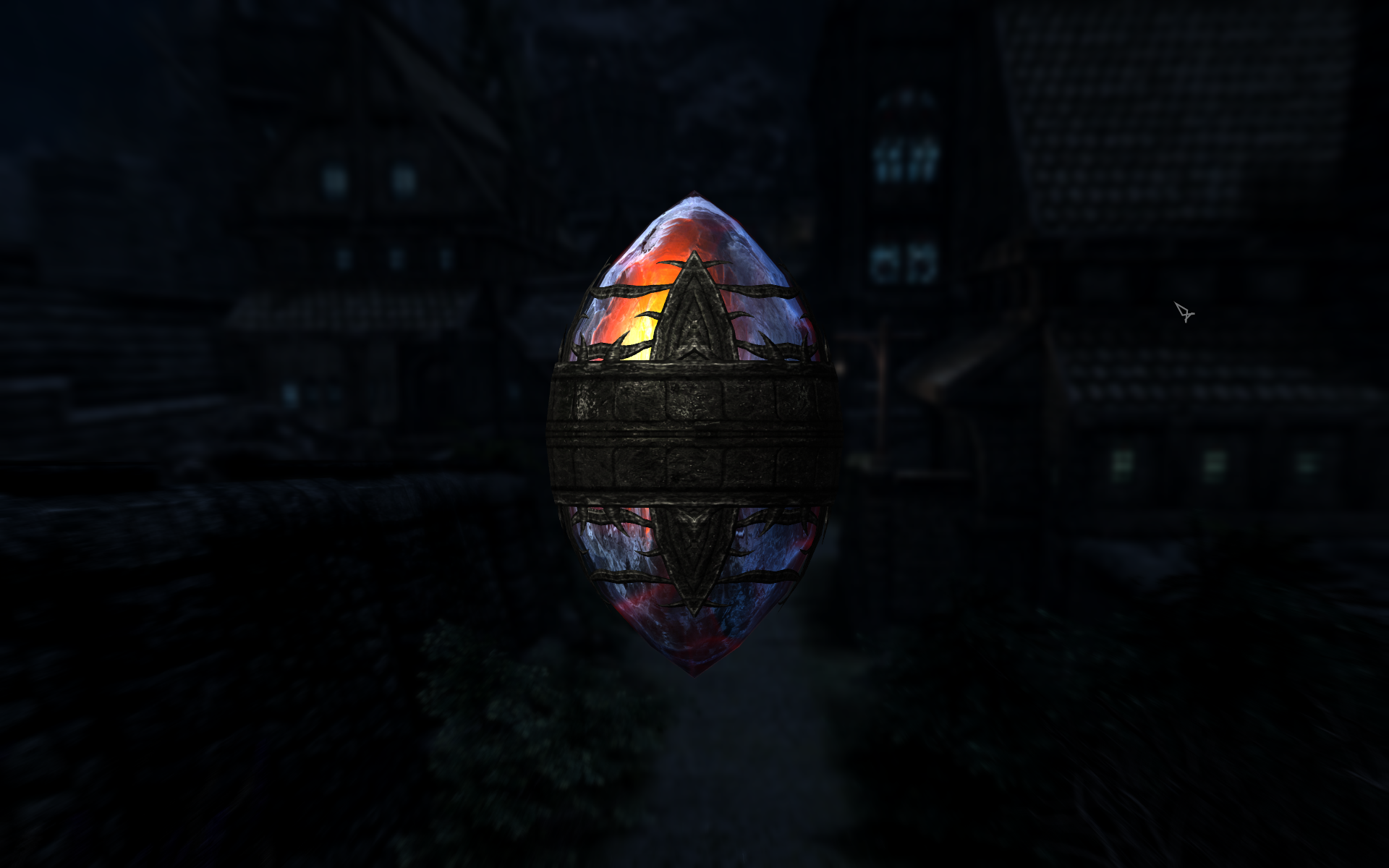
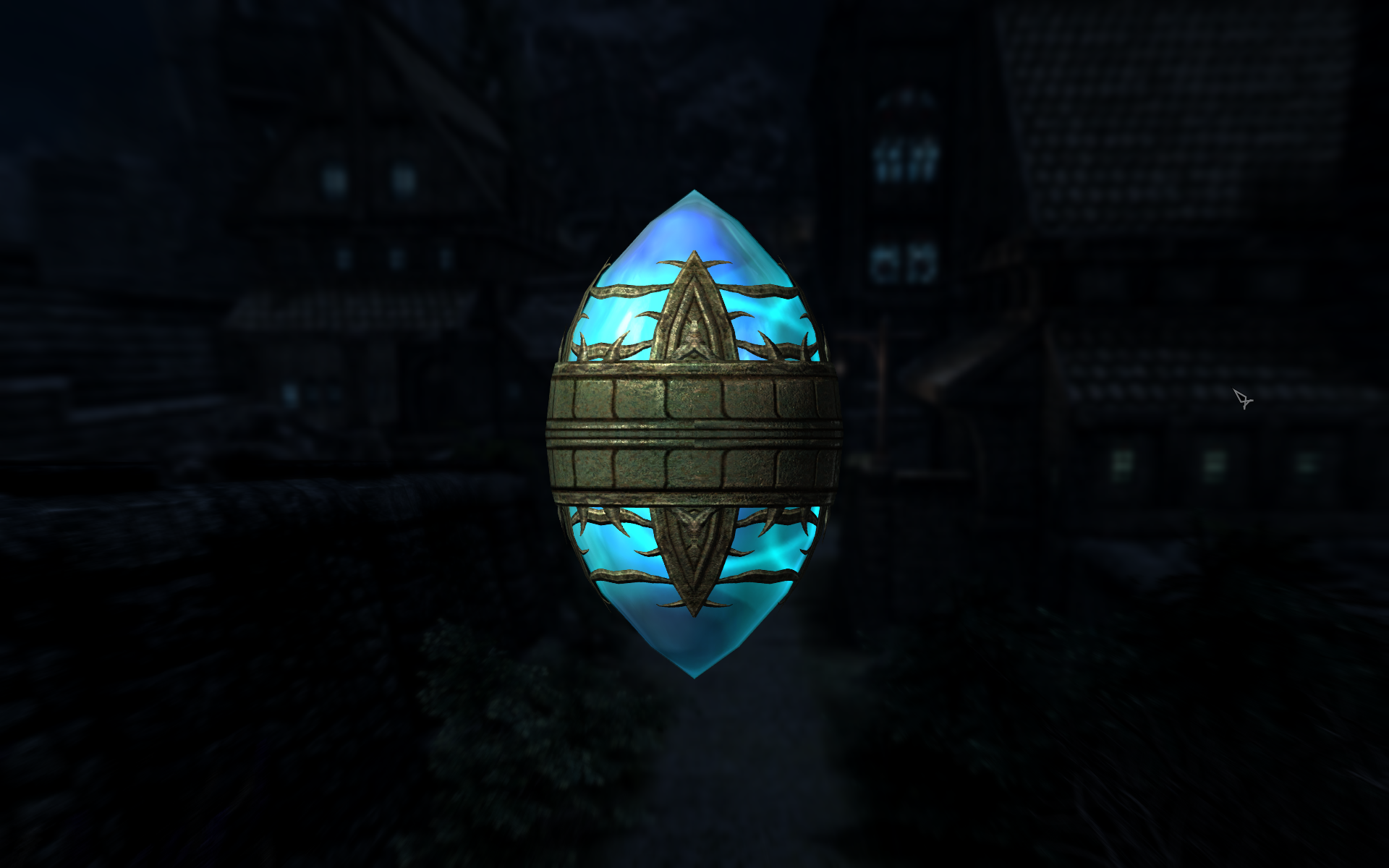
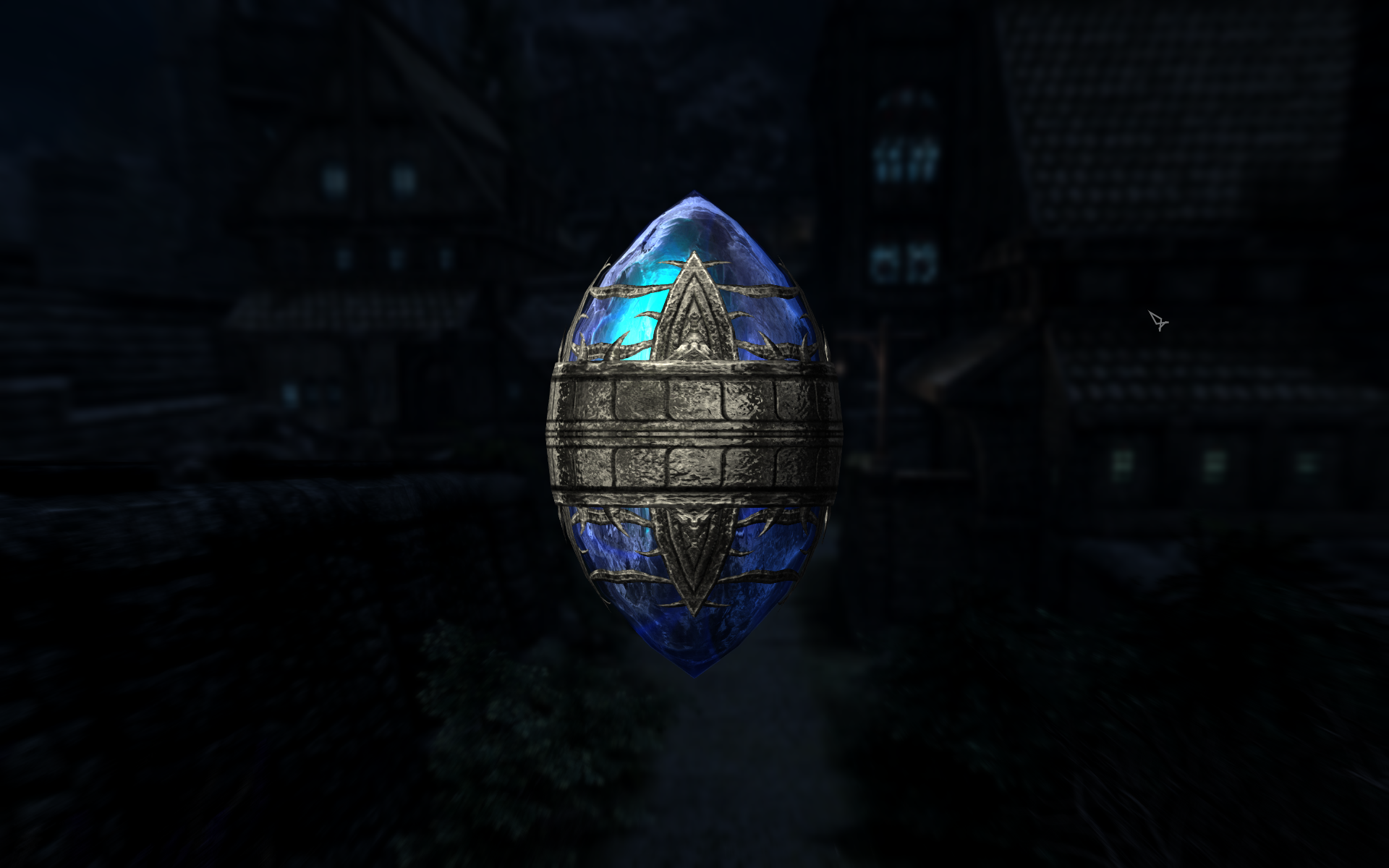
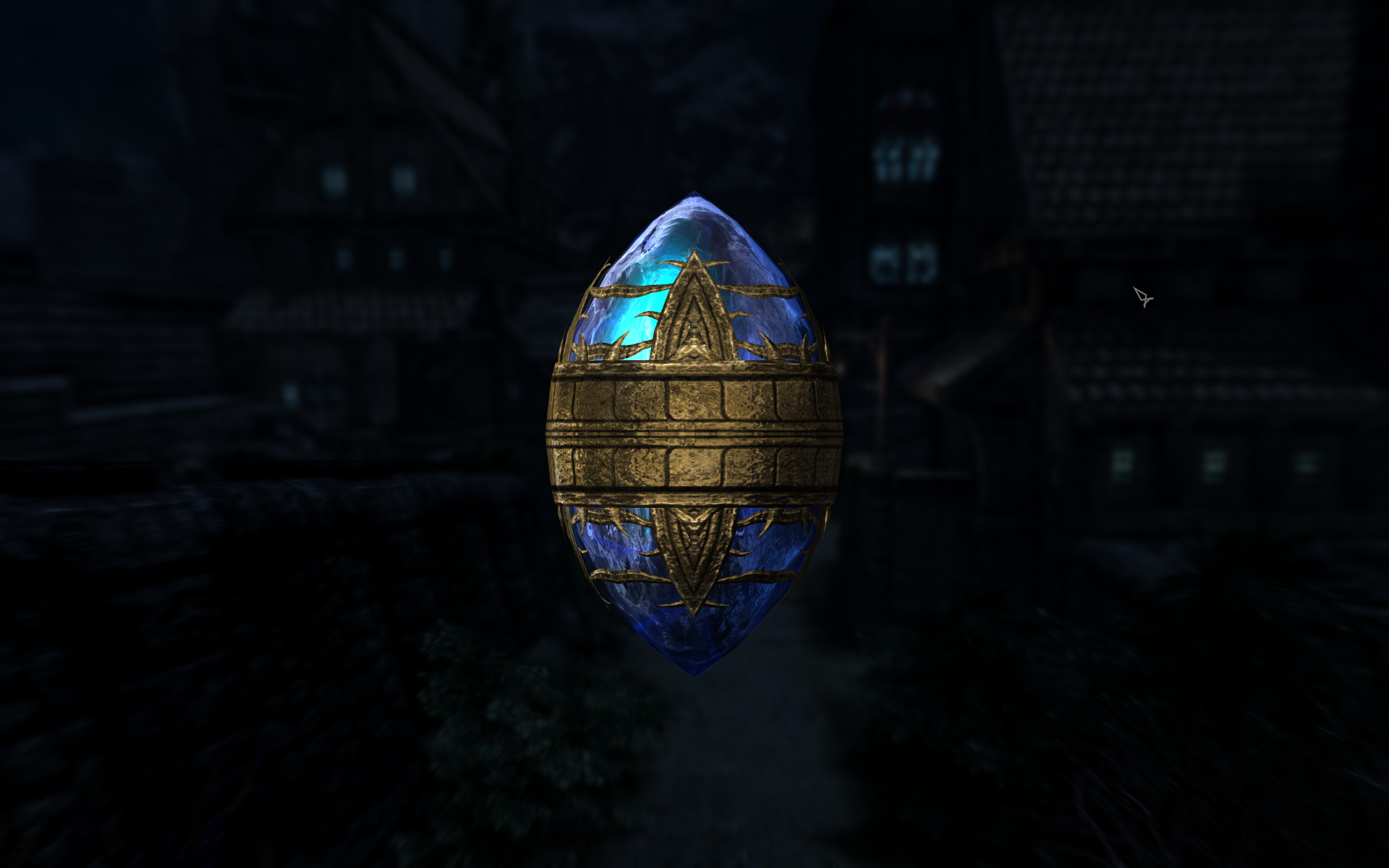
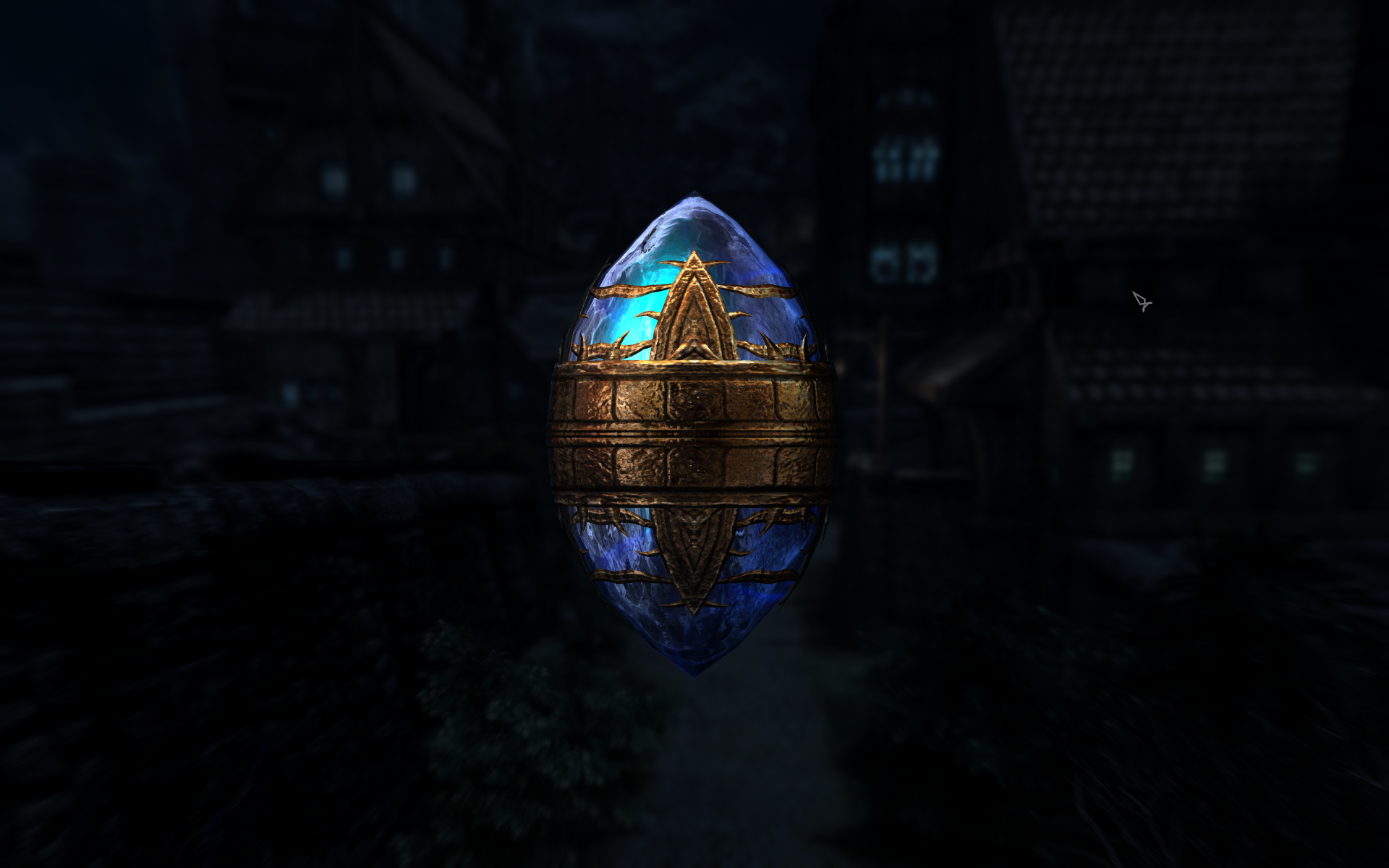
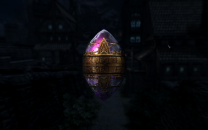
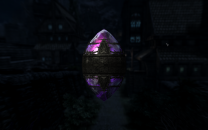
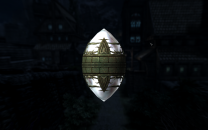
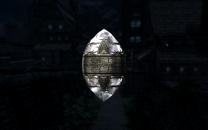
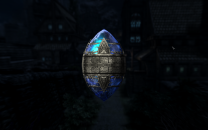
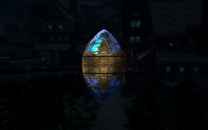
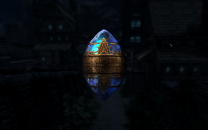
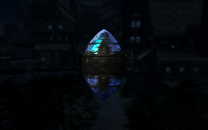
I couldn't find a good location for comparisons because the lighting is so dark and these things roll around like marbles, so I took these screenshots from my inventory. Also note the paragons are animated so it's difficult to see the colors of the paragons in still images. I think the silver metal most closely matches the color of the vanilla metal, although the metal could be user choice. Amethyst Paragon: Vanilla > Iconic's Silver > Iconic's Gold > Iconic's Bronze > Iconic's Black Iron Diamond Paragon: Vanilla > Iconic's Silver > Iconic's Gold > Iconic's Bronze > Iconic's Black Iron Emerald: Paragon: Vanilla > Iconic's Silver > Iconic's Gold > Iconic's Bronze > Iconic's Black Iron Ruby Paragon: Vanilla > Iconic's Silver > Iconic's Gold > Iconic's Bronze > Iconic's Black Iron Sapphire Paragon: Vanilla > Iconic's Silver > Iconic's Gold > Iconic's Bronze > Iconic's Black Iron
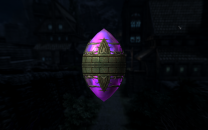
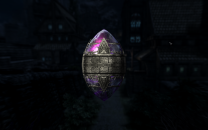
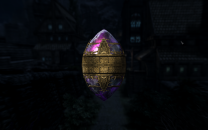
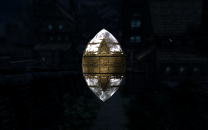
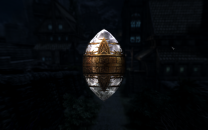
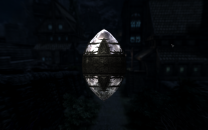
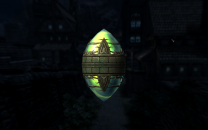

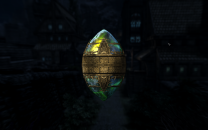
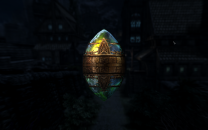
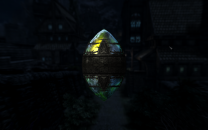
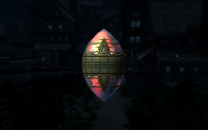
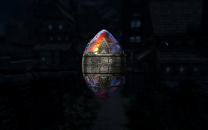
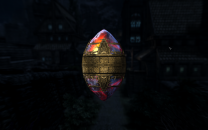
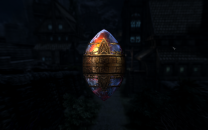
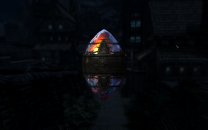

-
The change is in the STEP Skyrim SE - CR Patch and is documented in the Changelog (link at the top of the guide just below the title).
-
New Profile. Now Letterbox on sides, can't change in ini.
Greg replied to Darklustre's question in Mod Organizer Support
It looks as if settings should be correct to run in full screen mode at 1024x1280.Do you also have Intel video and is it possible the game is trying to use the Intel video by mistake? bFull Screen=1 iSize H=1024 iSize W=1280 iAdapter=0 sD3DDevice="NVIDIA GeForce GTX 1080" -
Step SkyrimSE Patches (by Step Modifications)
Greg replied to TechAngel85's topic in Step Skyrim SE Guide
I commented out the setting a while back and I haven't noticed any significant issues so far. -
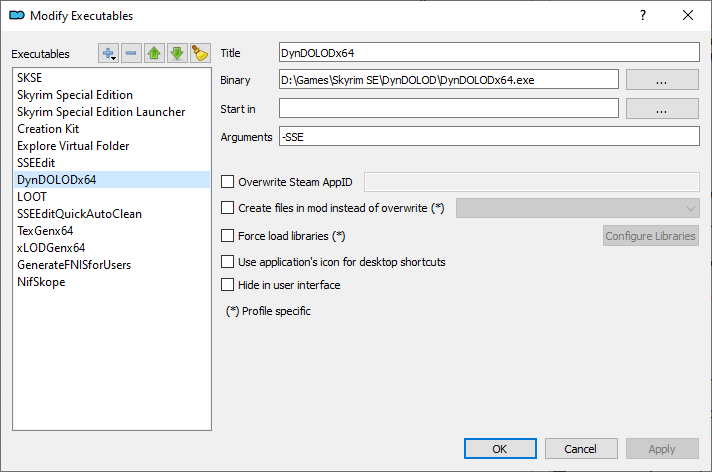
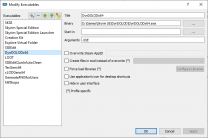
Also go back to the top of the guide to "Tool Setup Reference for Skyrim SE" and you'll see the executable configurations for DynDOLOD64.exe and TexGen64.exe both need a -SSE parameter to tell these executable to use Skyrim Special Edition. Here is a screenshot of my configuration for DynDOLOD
-
No, this is my mistake. For some eason I was thinking Kryptopyr had added FISS support but this is incorrect.
-
You can save the MCM settings for mods that support FISS and you'll see an option in the MCM to save or load the settings for these mods. For all of the other mods, you'll have to manually configure the settings every time you start a new game. If you are feeling very experimental, you might try Yeolde - MCM Settings that may be able to backup and restore MCM settings for some mods that do not support FISS. Keep in mind that this mod has not been updated in about two years and the mod author notes it may not work for all MCM mods. It's known not to work with Kryptopyr's mods (CACO and CCOR), but these support FISS for saving/loading settings.
-
Agreed