DoubleYou
-
Posts
7,933 -
Joined
-
Last visited
Everything posted by DoubleYou
-
@Jarda It should not modify your custom tweak to those lines. You can verify this in Summary of Changes, as it will list any changes it makes there.
-
Discussion thread: Guide:Skyrim SE Game Files by STEP Wiki Link This thread is for discussion and improvement of the Skyrim SE Game Files guide on the wiki.
-
I just tested again to be sure, and same stutter as in my post. It's exactly the same stuff, so it should be the same? I don't understand why it is different.
-
Tried that already. That's exactly the test I did a few posts ago. It shouldn't be the case, agreed, but it is.
-
There is a noticeable difference. You will typically see things farther, and the game will typically stutter at cell transitions from trying to load too much.
-
We should be able to make such a list via a script of all the grass cache files to be made. The script does not yet exist as far as I can see. You would need to account for mods that alter the landscape, or that add worldspaces/worldspace cells.
-
Well, FPS will probably take a significant dip, but you shouldn't have any other problems.
-
I finally figured out this whole Worldspace####x####y bit naming structure of the grass cache files. So in xEdit expand the worldspace, and the blocks and subblocks. The Name column is the x y coordinates used. So, for example, DarkwaterWorldx0025y-012 is DarkwaterWorld < 25, -12 >. Grass is generated for DarkwaterWorldx0025y-012 because its Landscape record contains the Landscape Texture LRocks01, which contains a grass (RockGrass01). Only cells that actually contain grass will receive a gid cache file. So, we should be able to parse out all the cells and required grass cache files necessary against the load order, which can spit out only the cells that contain grass, via an xEdit script.
-

Cleaned Skyrim SE Textures (by Kartoffels)
DoubleYou replied to TechAngel85's topic in Skyrim SE Mods
Quote the full quote: The "treatment" is that it knows to look for common incorrect settings that cause assets not to load, and try to retain the setting already employed by the user, even if reset to "default," as long as it can determine that it is not a common mistake. For instance, the default value for original Skyrim would cause some assets not to load, and knowing what that incorrect value is, if it finds it, it corrects it. Since it is a string value, however, it isn't as simple as "this can only be 1 or 0," so it basically looks for "Well, it can't be that, as that is the default erroneous value, so correct to correct value. Otherwise, don't touch." Hard to really describe it in non-programming terms. -
Discussion topic: Fixed Mesh Lighting by Catnyss Wiki Link On the hot files currently, this mod fixes meshes that are too bright in the shadows. Tree portion is incompatible with EVT, but the ice and plant fixes appear to be viable.
-
Lightened Skyrim (by nicola89b and Firegtx)
DoubleYou replied to DoubleYou's topic in Skyrim SE Mods
Thanks! -
Discussion topic: Lightened Skyrim by nicola89b and Firegtx Wiki Link This mod sounds like a no brainer to me. Anyone try it yet? Dropped from testing: This mod doesn't account for USSEP (purposefully, it would seem), and it makes some bizarre and nonsensical changes.
-
Discussion topic: Copy and Paste in Console by Felisky Wiki Link Useful mod if you have long console commands that you would like to copy and paste.
-
ACCEPTED Majestic Mountains (by T4gtr34um3r)
DoubleYou replied to TechAngel85's topic in Skyrim SE Mods
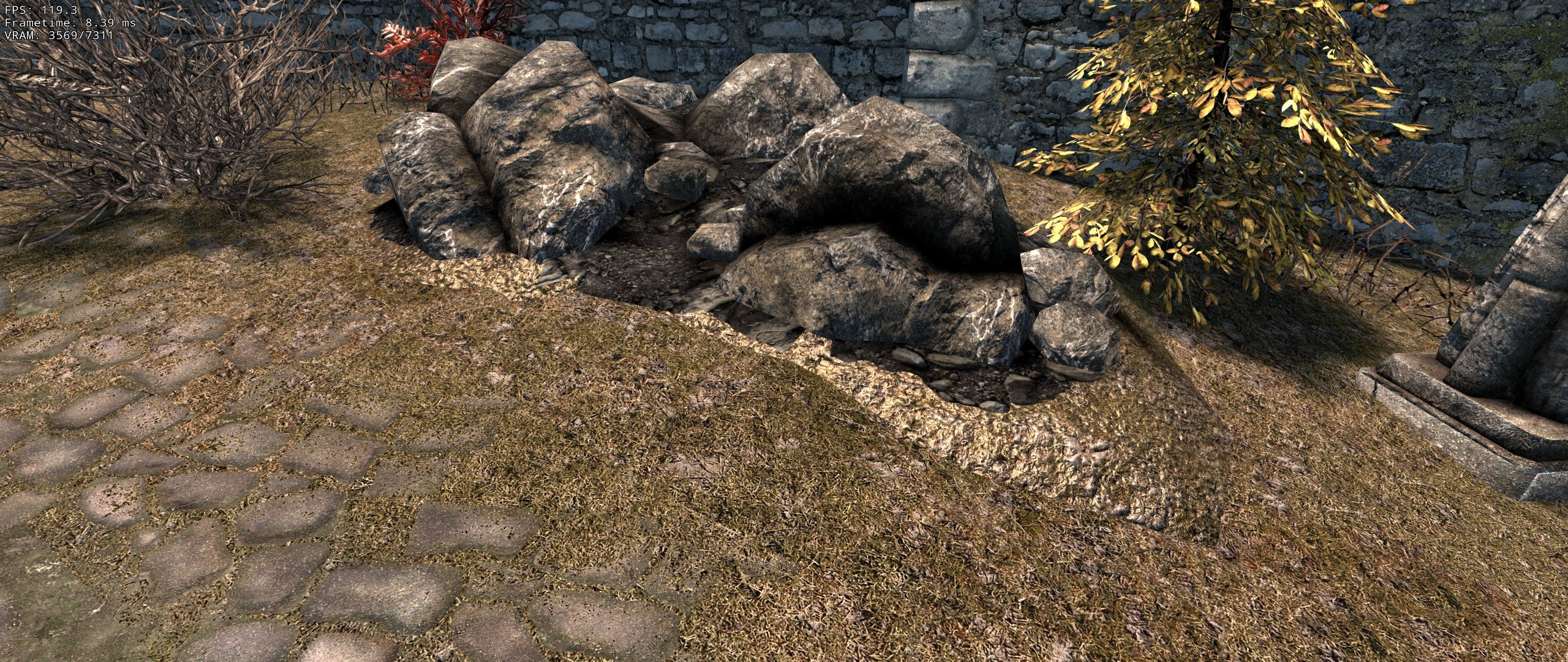
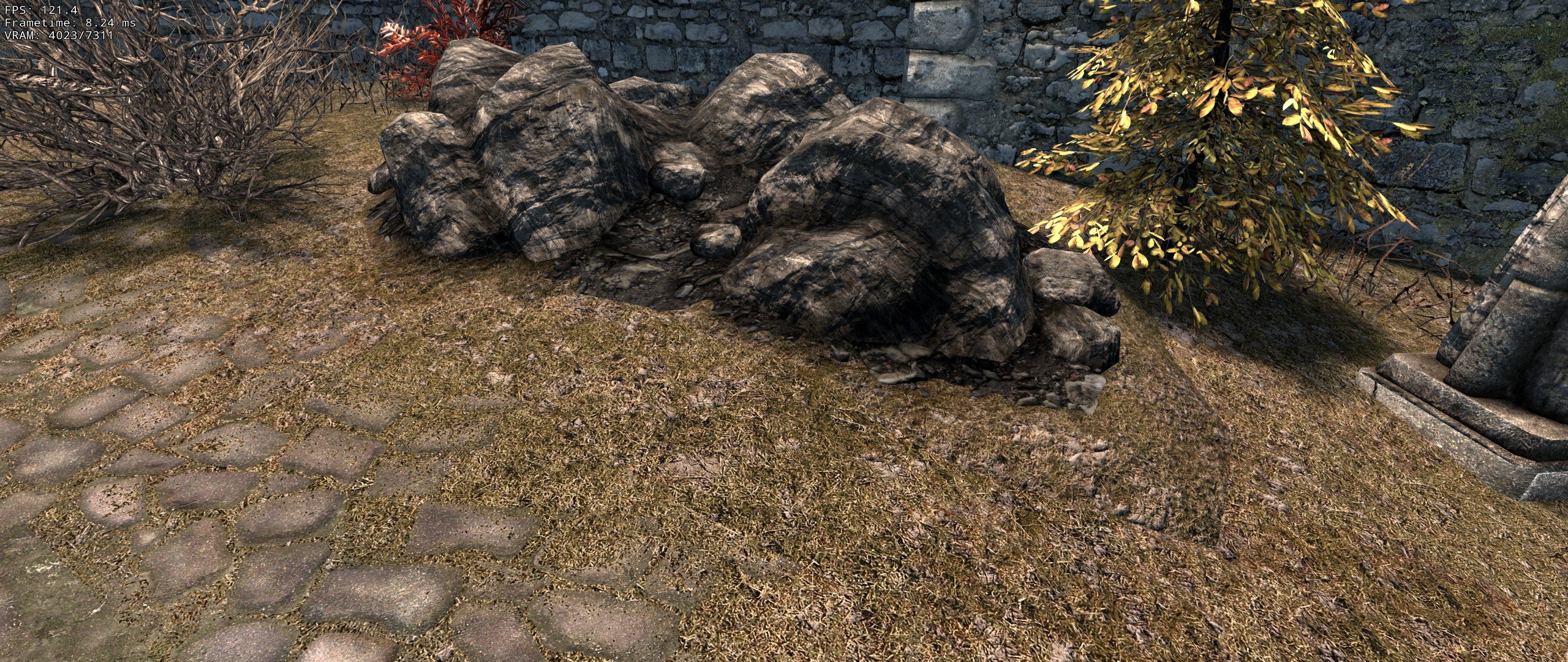
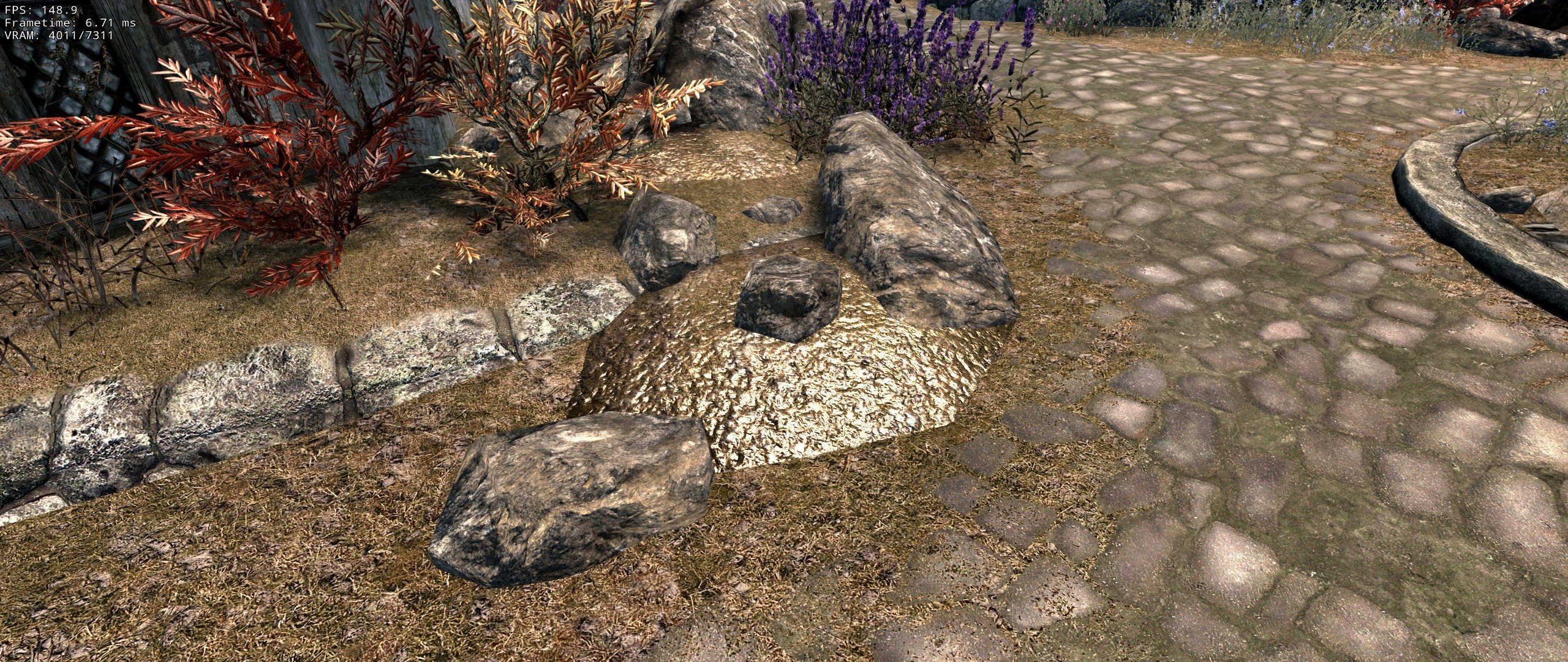
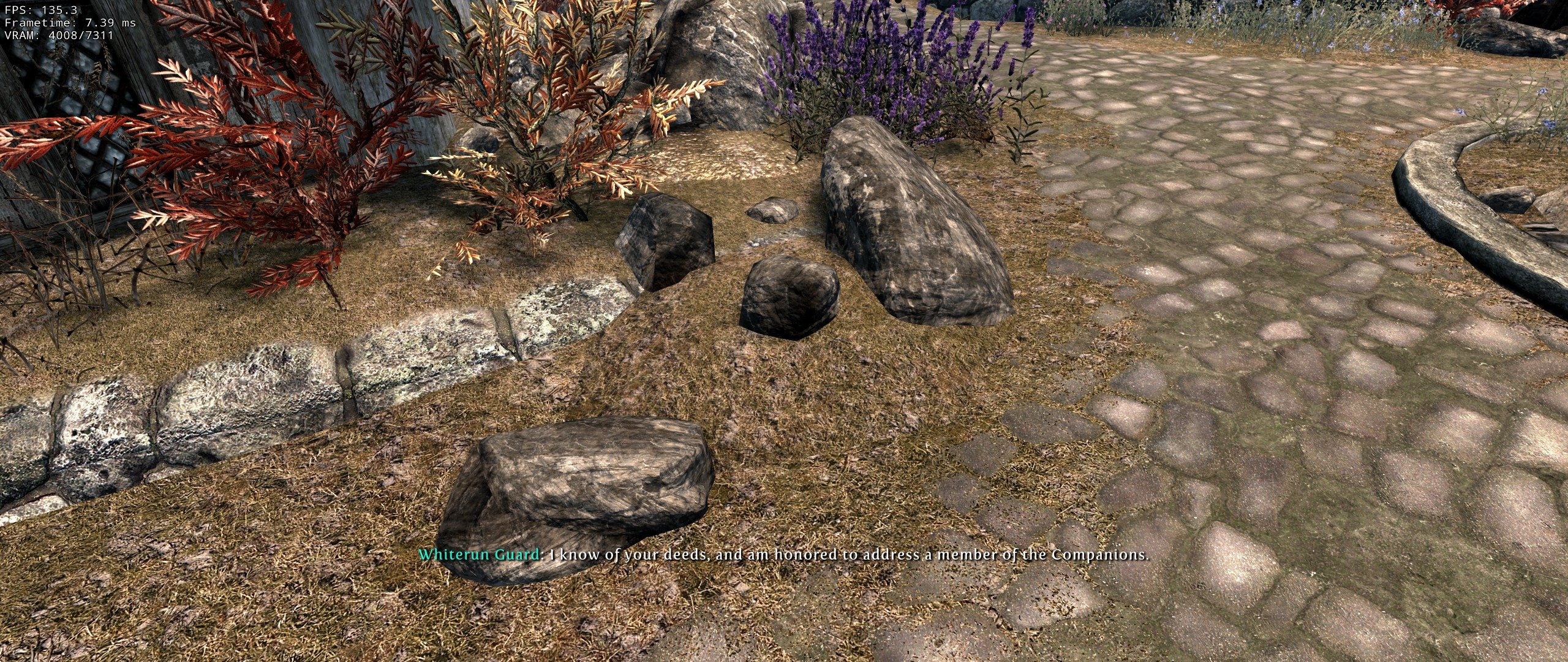
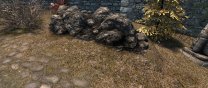
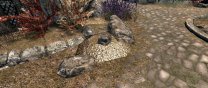
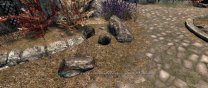
Some compares and recommendations from some testing. I think that 2 nif files should be hidden for STEP to allow SMIM to override: \meshes\Landscape\rocks\rockpilem02.nif MM --> SMIM \meshes\Landscape\rocks\rockpiles01.nif MM --> SMIM We might want to look at the other SMIM meshes to see if they have any issues as well. These ones have simply bothered me long enough to track them down.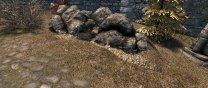
-
Sorry, it's kinda far away and hard to see if you're not looking for it. I've circled it:
-
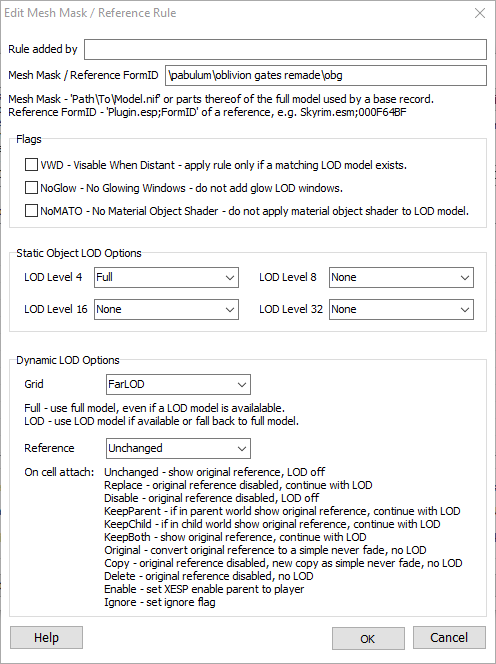
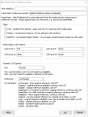
Oblivion Gates Remade mod doesn't provide lod files, and it uses a unique path. I added a rule to account for it by setting the Full model for lod4, and that seems to have fixed it. Is this the best way to support this mod without making dedicated lod for it? Without rule, no Oblivion Gate lod: With rule, Oblivion Gate lod (Oblivion gate is in the center of the screen):
-
ACCEPTED Aspens Ablaze Add-On - DynDOLOD 3 (by z929669)
DoubleYou replied to z929669's topic in Skyrim SE Mods
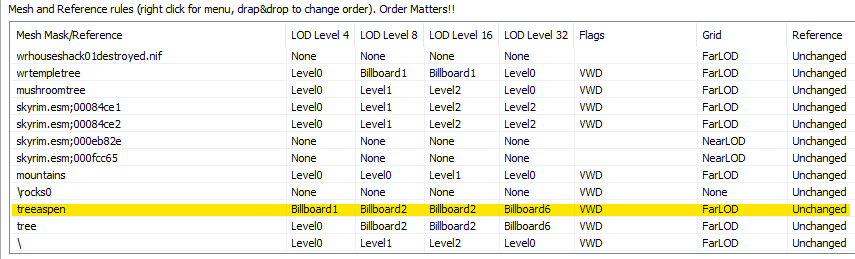
My testing showed that this aspen tree LOD if used as 3d LOD can cause upwards of 30fps performance hit. Users can simply create a rule for treeaspen to use Billboards instead for this tree. Remember that order matters, so make sure you have treeaspen above tree, for example. For reference, my DynDOLOD output was about 2gb smaller after making this change.
-
Agreed. It was just a test to see if that was the issue. Need to regen again with modified rule for it.
-
I just made a mesh rule to remove the treeaspen from LOD and it mostly fixed the LOD performance issue. If I tll, the performance is fine, so that was how I knew it was LOD. If we use this, it would be good to improve this, as that is quite the fps hit.
-
I love the look, but I'm not in love with the animation of the trees. The wobble seems strange. Nevermind the performance issue, as that is an LOD issue I need to correct.
-
STEP Part 17-Locations -- Oakwood File Missing
DoubleYou replied to DOOGLAK's topic in Step Skyrim SE Guide
I'm actually quite good at lockpicking. I can sometimes get a master lock the first try. I never invest in Lockpicking perks. -
Yep, that fixed it. Thanks!
-
Well, I think I have the answer, and it's a rather hacky fix. It seems that NGIO is causing these stutters, which I have now been able to repeat several times. Here is the repeatable sequence that I employed to find a stutter location that always happens: Use the settings as I posted above for successful grass cache/lod generation Get to the bridge in front of Robber's Gorge traveling down from Rorikstead and make a save. This will be your start location. Travel toward the Gorge. A bandit will greet you and try to extort a toll. Rocks will fall down. All will be good so far, except for the mean old bandits. Tell them to get out of your way. Continue running along the road underneath the bridge at the Gorge. Here you will experience the big stutter. Video (stutters at 25-26 second mark): Now the fix: This fix involves modifying the game INI settings to load the generated grass cache by the vanilla game without requiring NGIO. This requires fixing the bugs caused by loading the erroneous grass cache files contained within the Skyrim - Misc.bsa. To remove the erroneous grass cache files from Skyrim - Misc.bsa: Load Skyrim - Misc.bsa into Bethesda Archive Extractor and extract the scripts and seq folders into a directory, preferably into a new folder on your desktop or somewhere else handy. Do not extract the grass folder. Run the official Archive.exe bundles with the SSE Creation Kit (location will be Skyrim Special Edition\Tools\Archive\Archive.exe). Beside Root Dir, click the 3 dots and select the directory you placed the scripts and seq folders into. Under Edit menu, choose Add Directory, and select same directory you just did for Root Dir. Under Edit menu, select Check All Items Tick Misc and Retain File Names Under File menu, click Save and use the name Skyrim - Misc.bsa. You now have a modified Skyrim - Misc.bsa that no longer contains erroneous grass cache files. We will load this file as a mod in Mod Organizer so that it will overwrite the vanilla Skyrim - Misc.bsa so we don't have to remove the original version of the file from the game data directory. Alternatively, you could simply backup the vanilla BSA and replace with the modified file. Or you could name the Skyrim - Misc.bsa to something else and modify the sResourceArchiveList INI setting to point to the new file. I do NOT recommend these methods, as loading it through Mod Organizer is way simpler. To do so: In the left pane of Mod Organizer, right-click, hover over All Mods, and select Create empty mod above. Name it Skyrim - Misc BSA without buggy grass cache or something similar. Right-click your new mod and select Open in Explorer. Copy your modified Skyrim - Misc.bsa into the new mod. The bsl file is unnecessary. Checkmark your mod in Mod Organizer. Order shouldn't matter, as all you're doing is overwriting a vanilla bsa. Great. So now you removed the erroneous grass cache. Now how do you make your NGIO grass cache compatible with the vanilla game? Easy. Just rename all the *.cgid files to the *.gid file extension. My grass cache has over 8000 files. That might take awhile by hand. Let's do this via a batch file: Open Notepad Paste the following code: rename *.cgid *.gid Under File menu, click Save As Change Save as type dropdown to say All Files (*.*) Navigate to the directory where you have your grass cache. You will know you are in the right place when you see all the *.cgid files. In File name, enter the following: 1-rename-grass-cache-to-gid.bat Click Save Exit Notepad Navigate to the directory where you have your grass cache. You should now have your fancy-dancy batch file there. Double-click 1-rename-grass-cache-to-gid.bat to run the batch file. Now all your grass cache files have the *.gid extension and are able to be read by SSE. How can we load our grass cache with SSE? INI settings! However, since there are many, many mods that like to modify the settings necessary to use the grass cache successfully, we are going to make a plugin INI of our own to override any of their foolishness. Occlusion.esp is the last plugin you should have loaded in your load order. If it is not, whatever plugin you have in your load order that loads last should be the name you use. In this example, we use Occlusion, but if you have Your-Awesome-Mod, you should use Your-Awesome-Mod instead. In the left pane of Mod Organizer, right-click, hover over All Mods, and select Create empty mod above. Name it Force Load Grass Cache. Right-click your new mod and select Open in Explorer. Right-click on meta.ini and choose Copy Right-click inside the directory and choose Paste. Right-click on meta - Copy.ini and choose Rename Type Occlusion Hit enter. Hit enter. Yes. Do it again. Delete all the contents of this file in the text editor that opens and instead paste the following: [Grass] bAllowCreateGrass=0 bAllowLoadGrass=1 bDrawShaderGrass=1 bEnableGrassFade=0 iMinGrassSize=60 Save the file. Enable the mod in the left pane of Mod Organizer. Any time you wish to modify the grass density, you can modify it in this new INI file within the Mod Information window for the mod under the INI files tab. Alternatively, remove the iMinGrassSize line and modify the value elsewhere. Okay. So now your grass cache should load using the vanilla game mechanism for loading cached grass files. Be aware that you should modify Grass Fade settings via your INI files to your liking. I find it needless to go beyond the following when you are going only up to the uGridsToLoad distance: Skyrim.ini [Grass] fGrassFadeRange=10596 SkyrimPrefs.ini [Grass] fGrassStartFadeDistance=6144 Video at the same spot after these changes. No stutter. This was repeatable. Do happy dance! Now, why does this fix this stutter? Honestly, I don't know. I disabled ai and combat ai via the console and it still existed. I disabled everything in NGIO except the UseGrassCache and OnlyLoadFromCache line and it persisted. As soon as I remove the NGIO plugin, it's gone. I think there must be some hitch with it that only seems to occur at some locations. Perhaps it is checking for missing cgid grass files? Can it be fixed? Probably. However, this exercise is good, as this knowledge is useful to potentially be used for the other games that do not currently have the NGIO mod. Generation of the grass cache for those games are tricky at the moment. Notice: It may be possible for a grass cache file to NOT be generated when pre-caching grass. If you find a place that is missing grass that should have grass, you will need to reenable NGIO to create the necessary cgid file at that location. This file will then need to be renamed gid as mentioned above. Full test run. Also increased DynDOLOD rules to high from medium, and still no big stutters:
-
Yes, I need to test that, as I noticed the same thing. I got some more tests I want to run.
-
My current setup seems to be working better than it has been before, so I will document my progress here. GrassControl.config.txt Skyrim.ini [Grass] bAllowCreateGrass=1 bAllowLoadGrass=0 bDrawShaderGrass=1 bEnableGrassFade=0 bGrassPointLighting=0 SkyrimPrefs.ini [TerrainManager] fBlockLevel0Distance=56472.0000 fBlockLevel1Distance=152040.0000 fBlockMaximumDistance=343900.0000 fSplitDistanceMult=1.0000 fTreeLoadDistance=0.0000 DynDOLOD_SSE.ini Other notable change was the Cathedral 3d Pine Grass mod was installed. Over the course of a 7.5 minute period while sprinting from coc Whiterun past Rorikstead, I experienced 7 big frame drops, where big frame drop is defined as a drop of 10fps or more. I think about 4 of these were rather noticeable below 60fps, where the worst two were down to 38fps and 48fps. This is actually significantly better than it was, and I wasn't sprinting before. Sprinting is basically the stress test I'm using to quantify these stutters. This seems almost acceptable to me at this point, but I want to tweak it further. I need to tweak the grass lighting settings a bit brighter, as I noticed they were too bright, so I went for big changes to see how much they affected it. Got rather close to what I want, but it needs a bit more brightness.