DoubleYou
-
Posts
7,933 -
Joined
-
Last visited
Everything posted by DoubleYou
-
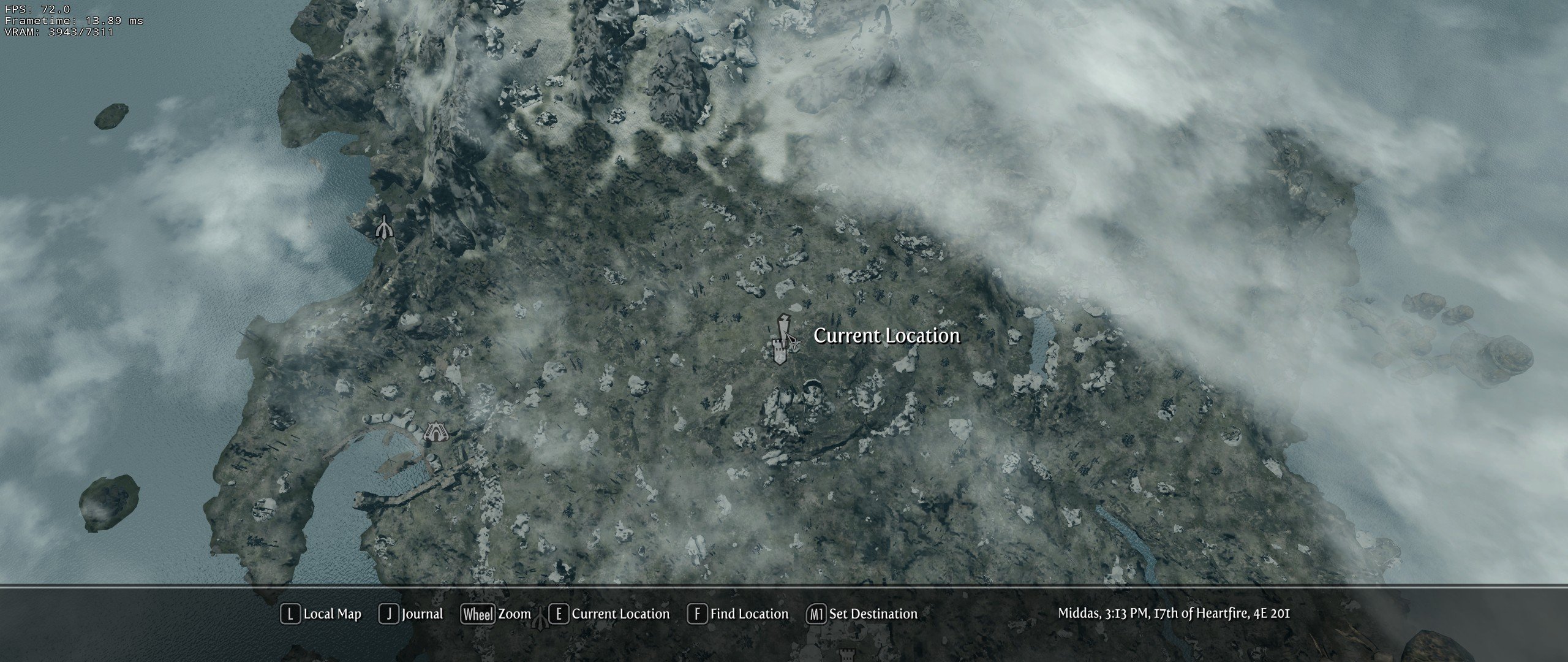
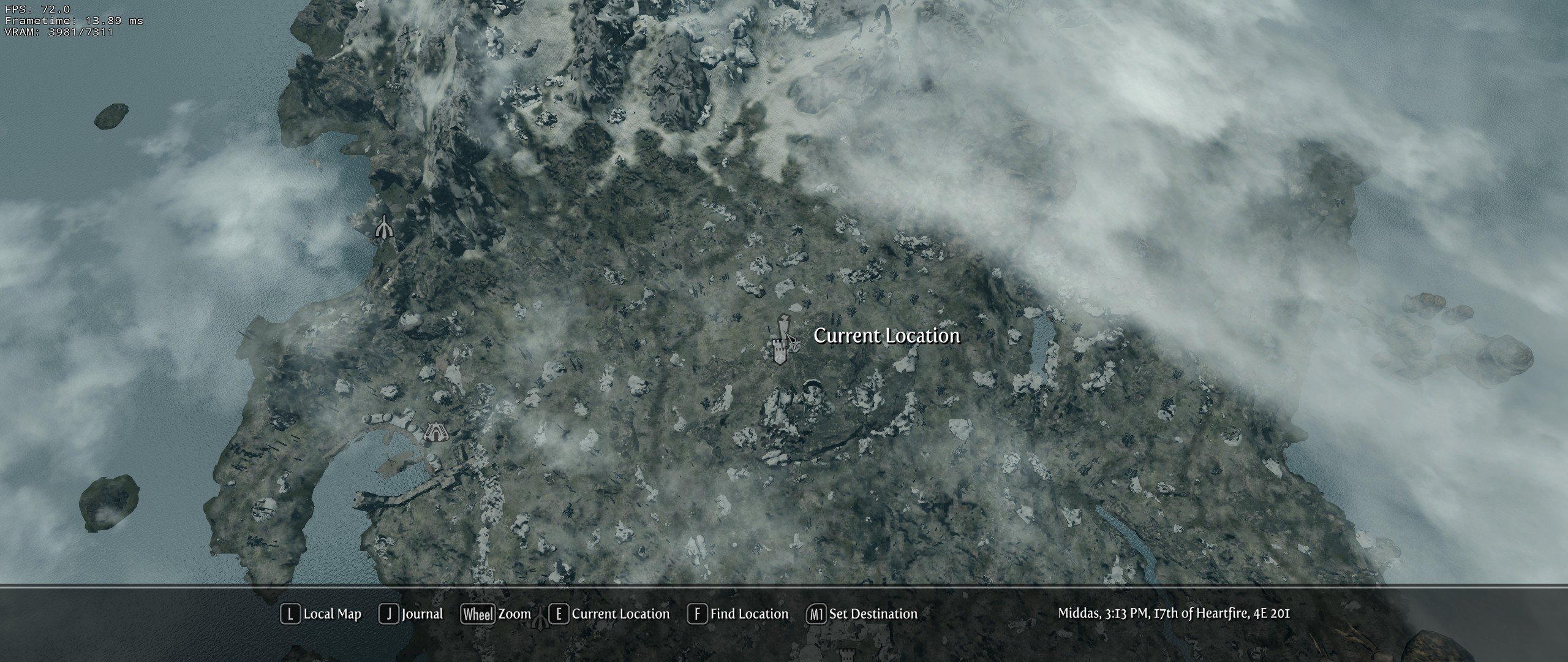
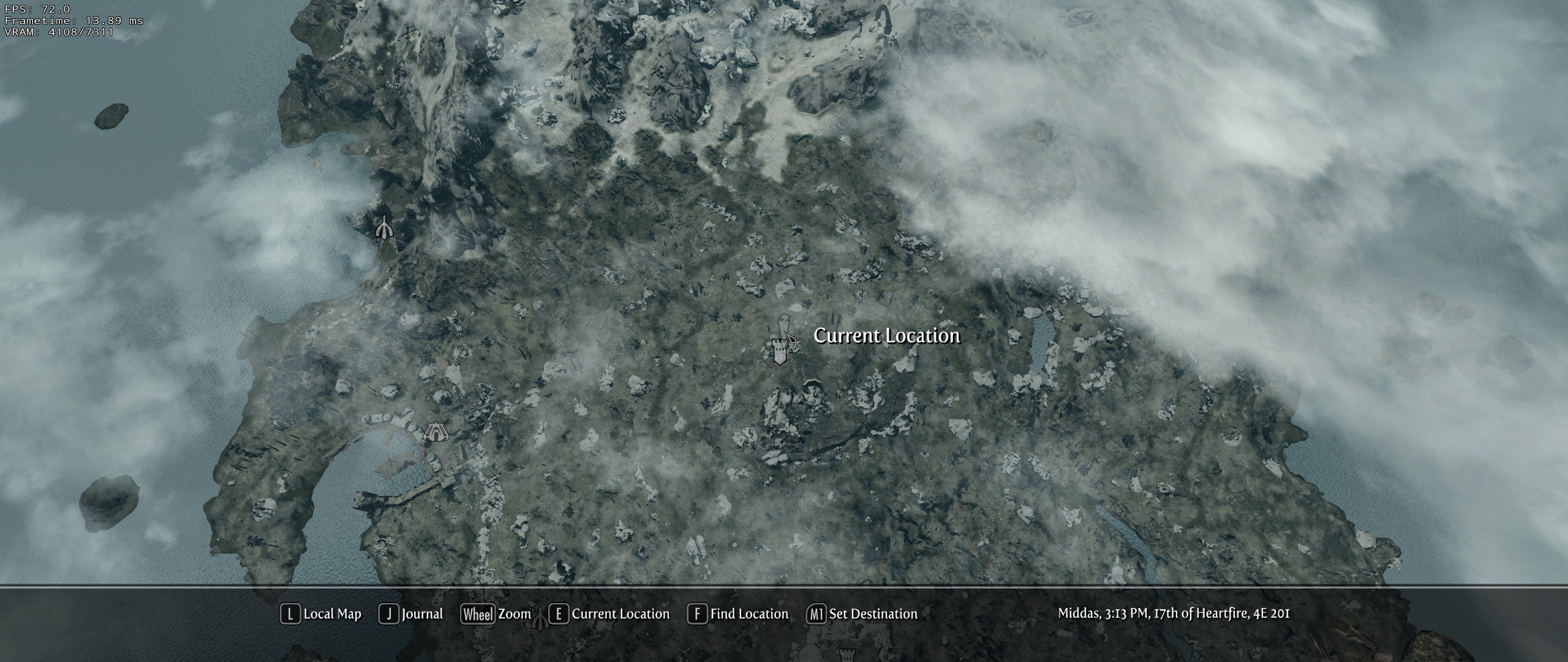
It isn't a waste of resources because you will not see any lod32 anywhere except for the map, and there are so few textures used for lod32, the VRAM difference is splitting hairs. For all of Tamriel, it is merely 16 diffuses and 16 normals -- 32mb VRAM @ 1k resolution. Versus 8mb VRAM @ 256.... I don't think anyone is needing the extra 24 mb that badly. Actually, the vanilla game uses 2k textures for lod32. Edit: The vanilla game uses 256 for lod32. I'm not sure why the xLODGen hover says it uses 2k.
-
This was unclear to me, as I mentioned in my first post on the subject. I'll have to compare using the 2.0 settings. The banding I mentioned on Discord on the map? If so, that is unrelated. I'm unsure of any other banding you may be referring to. I'm at 2560x1080, as are my shots, which will actually become smaller for you guys. 1024 would probably be ample on HD. For me, I appreciate the extra detail of 2048.
-
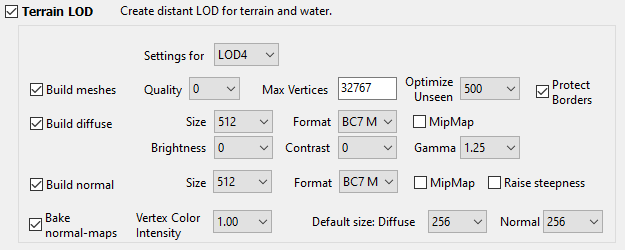
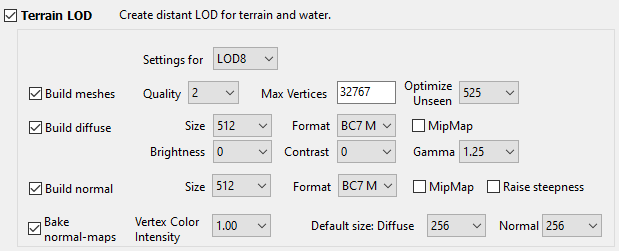
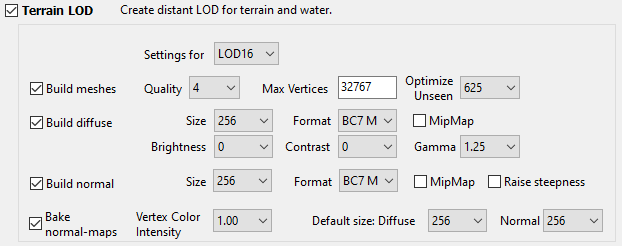
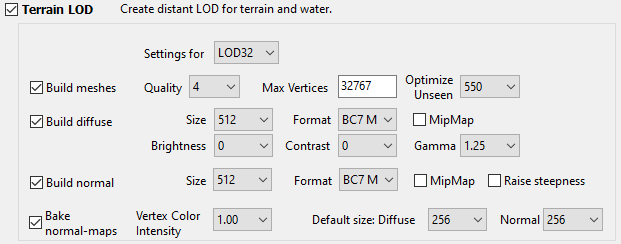
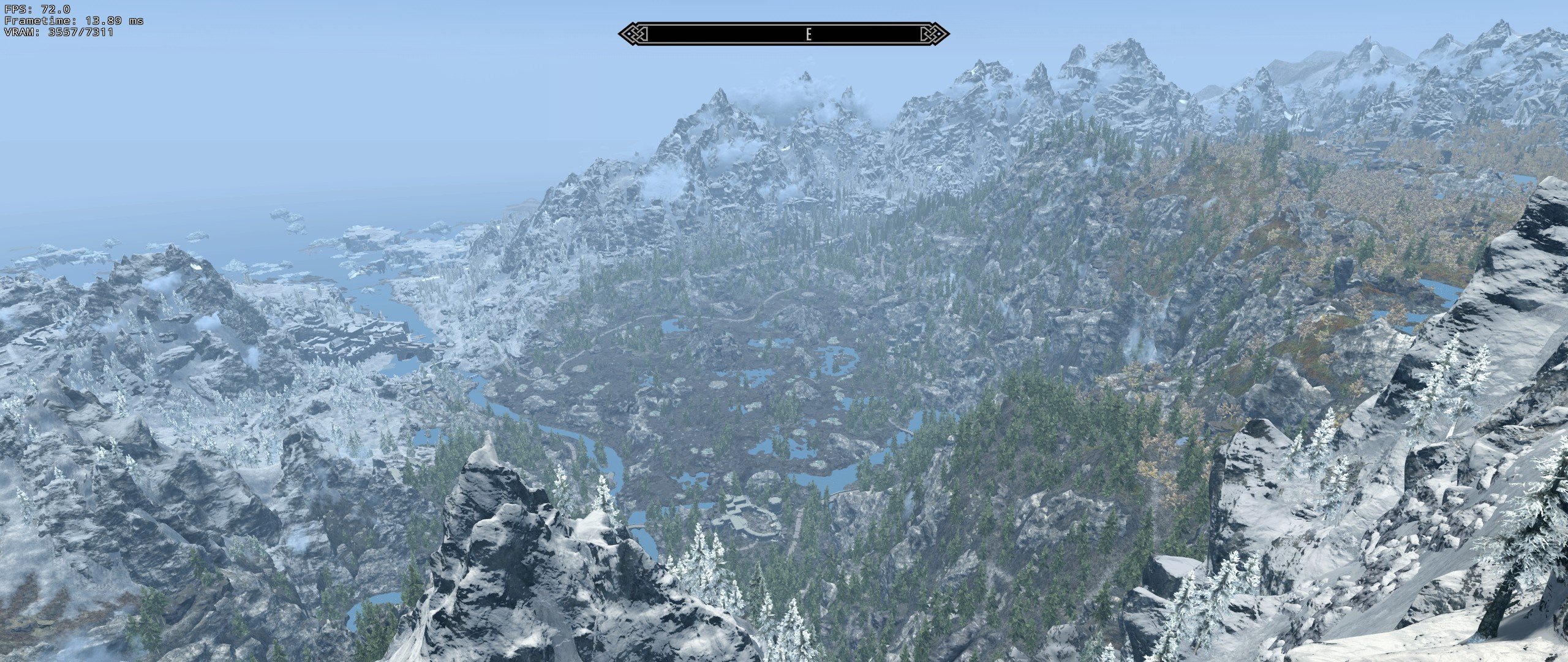
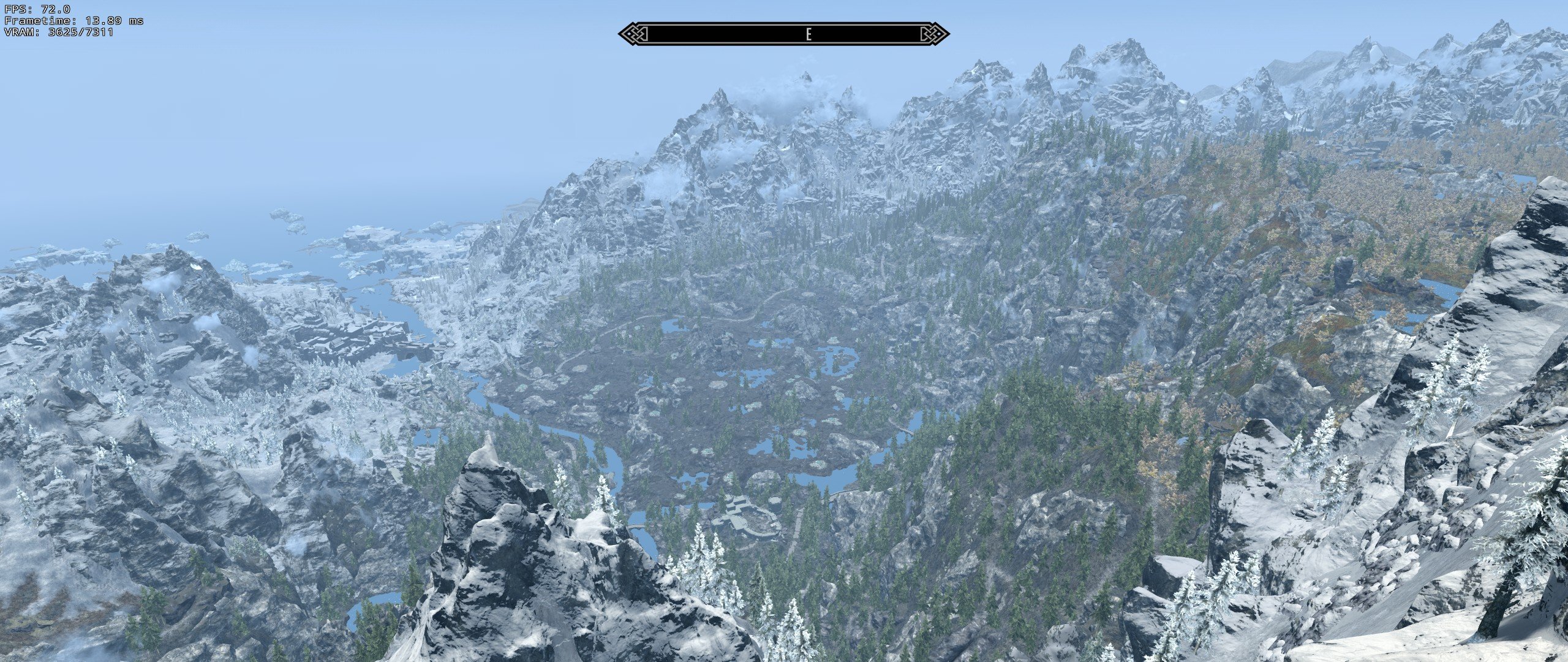
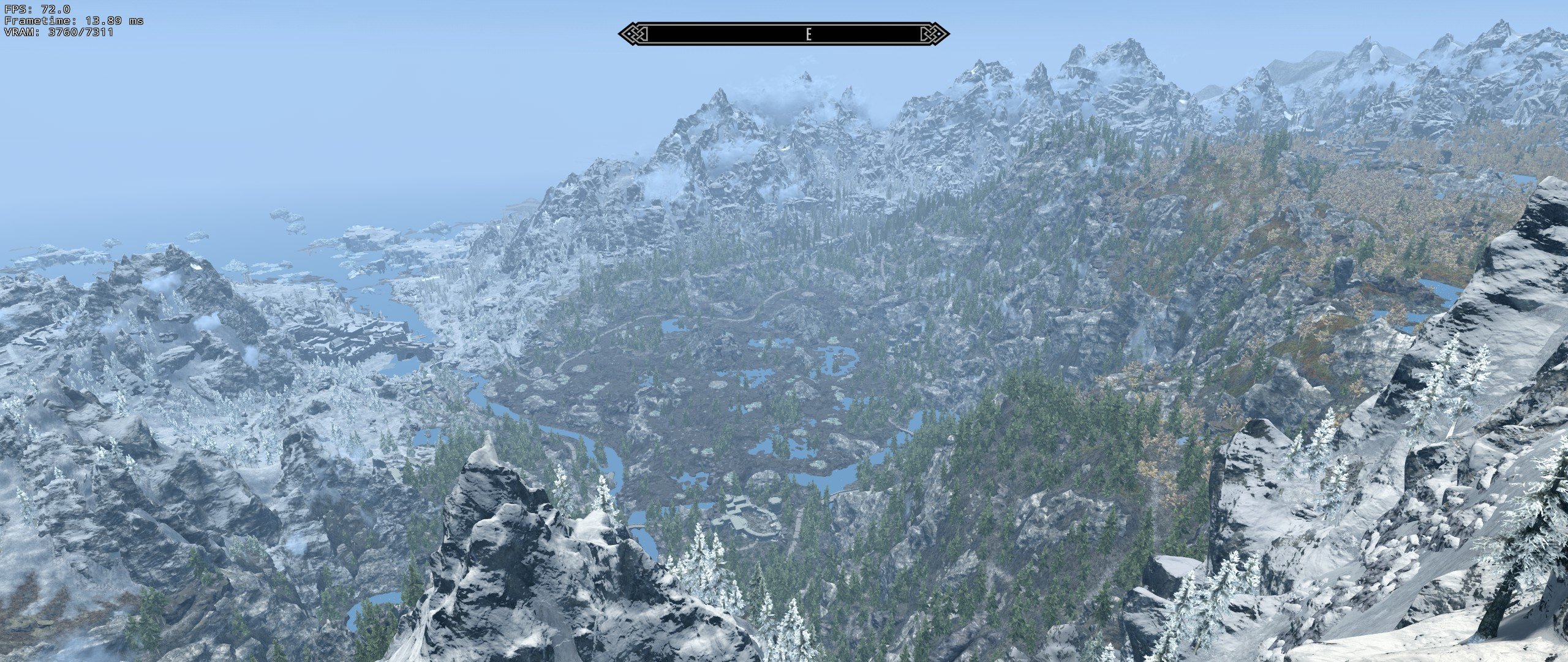
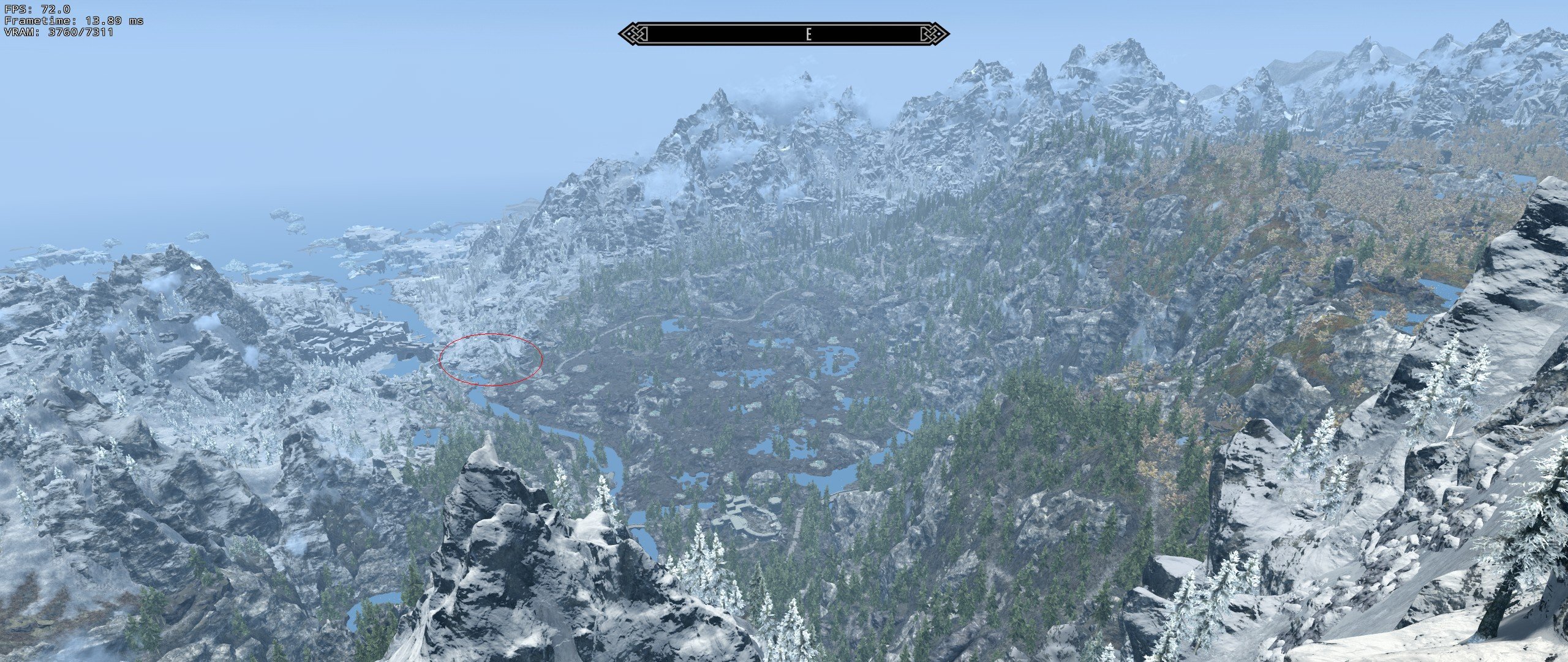
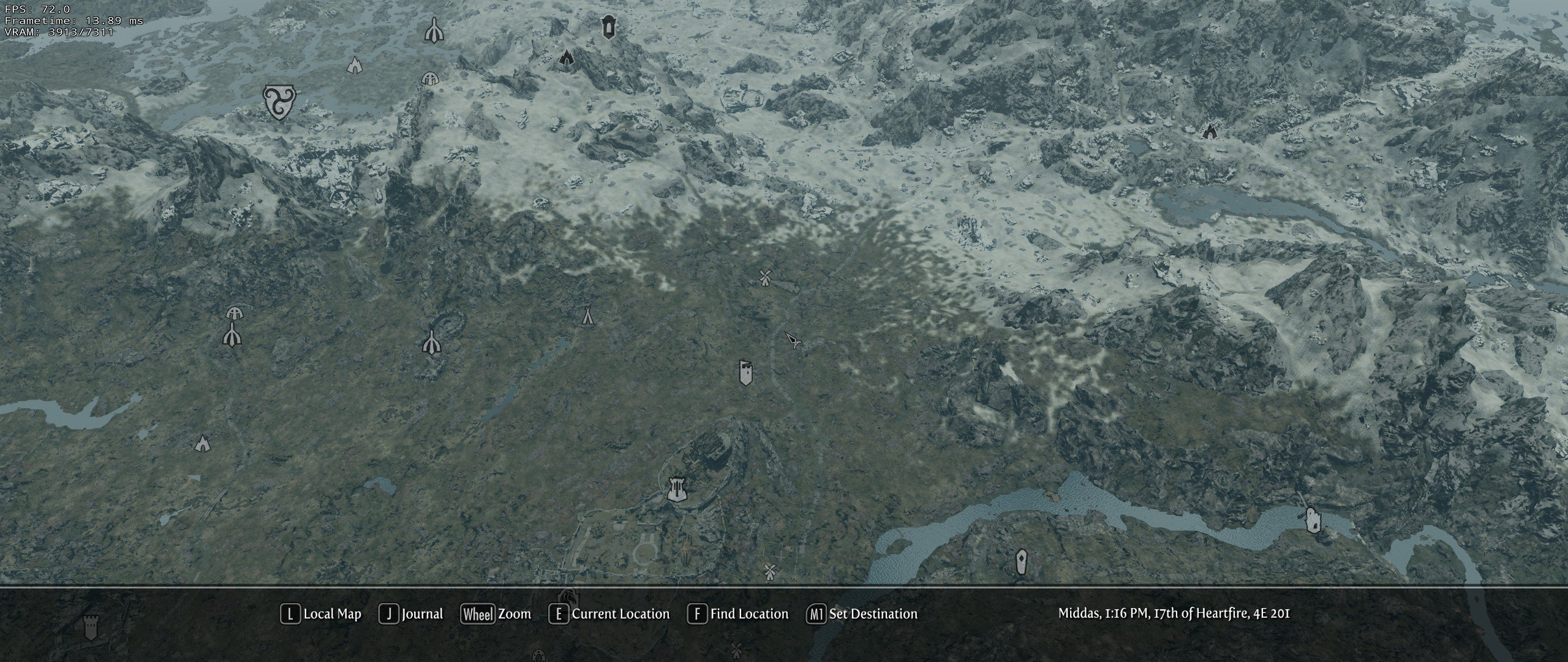
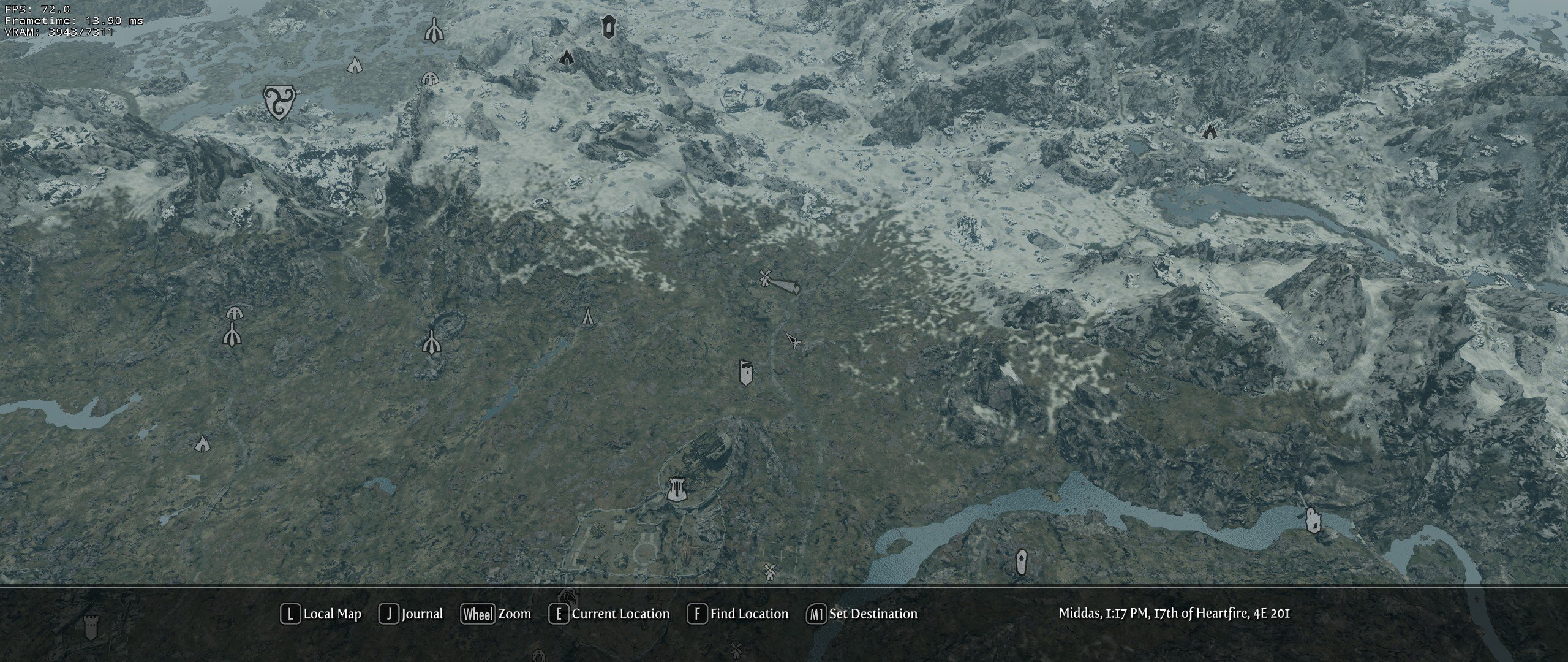
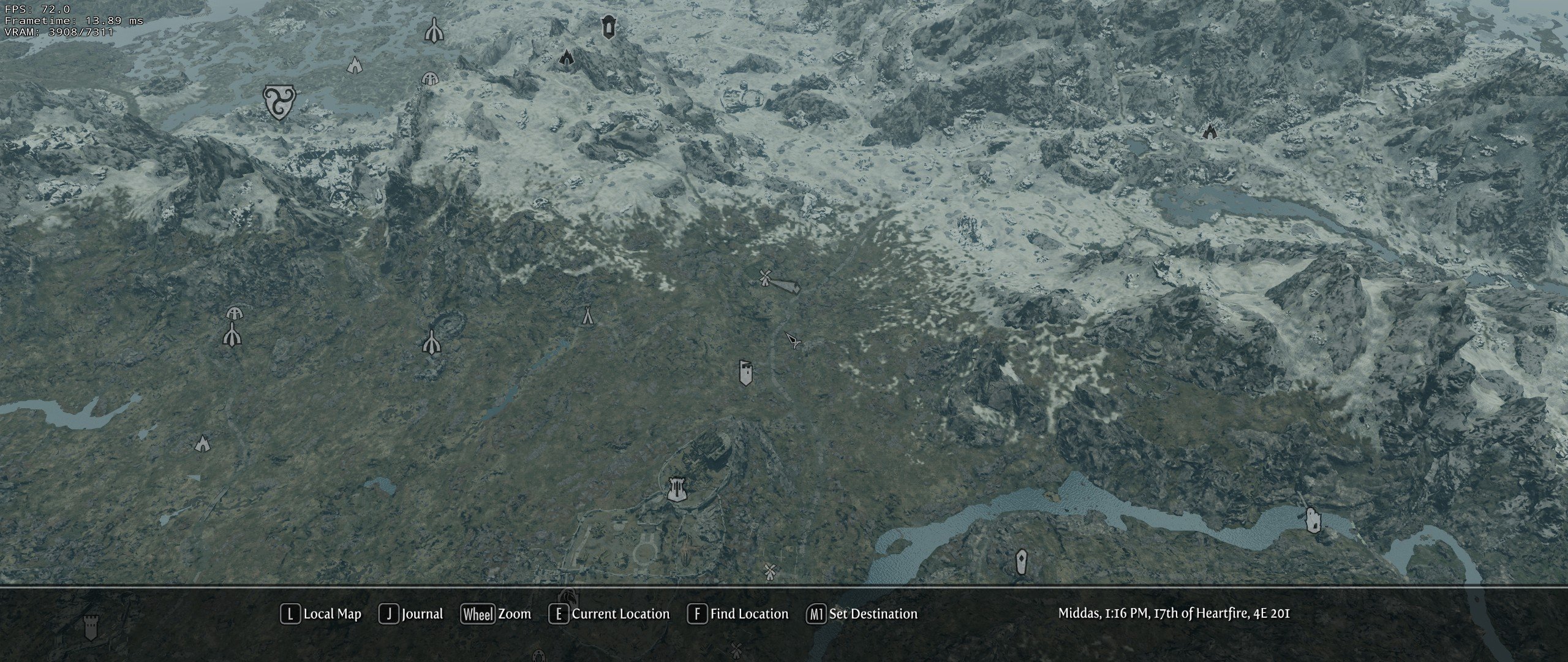
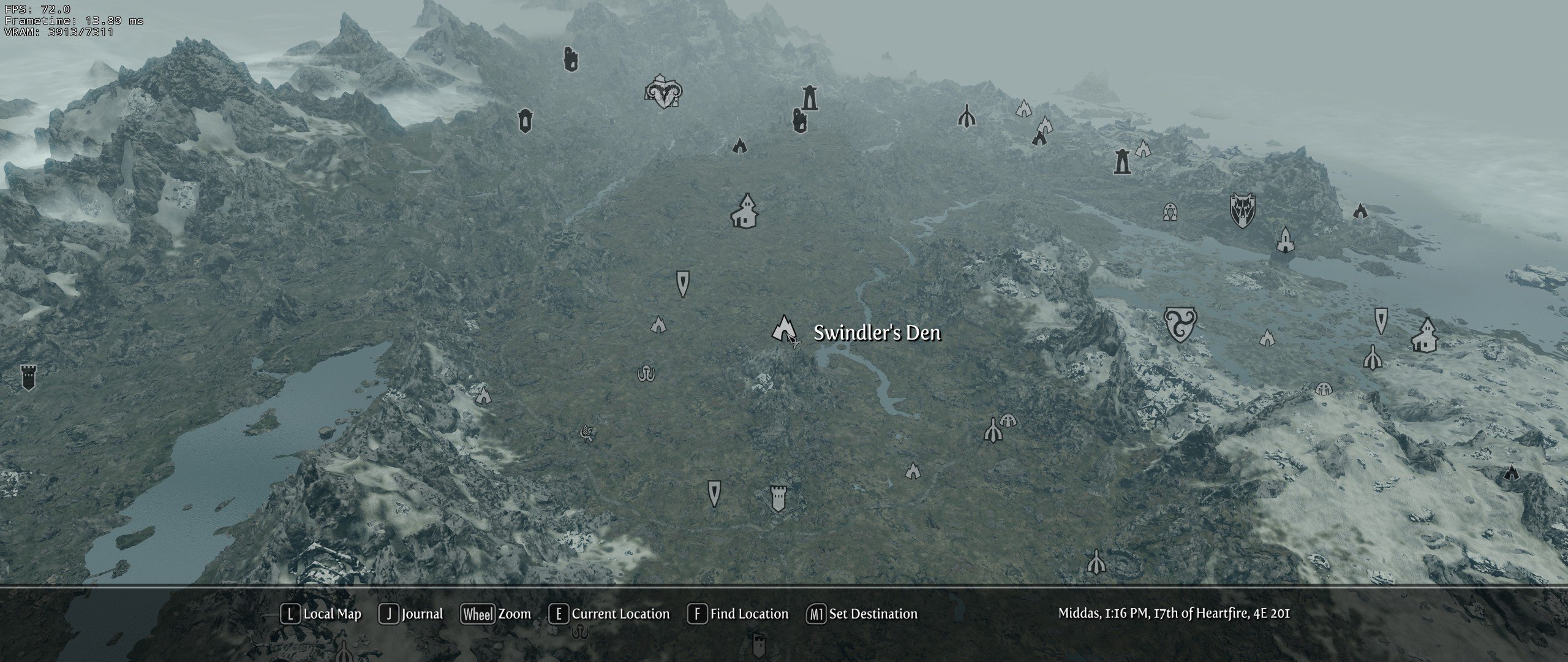
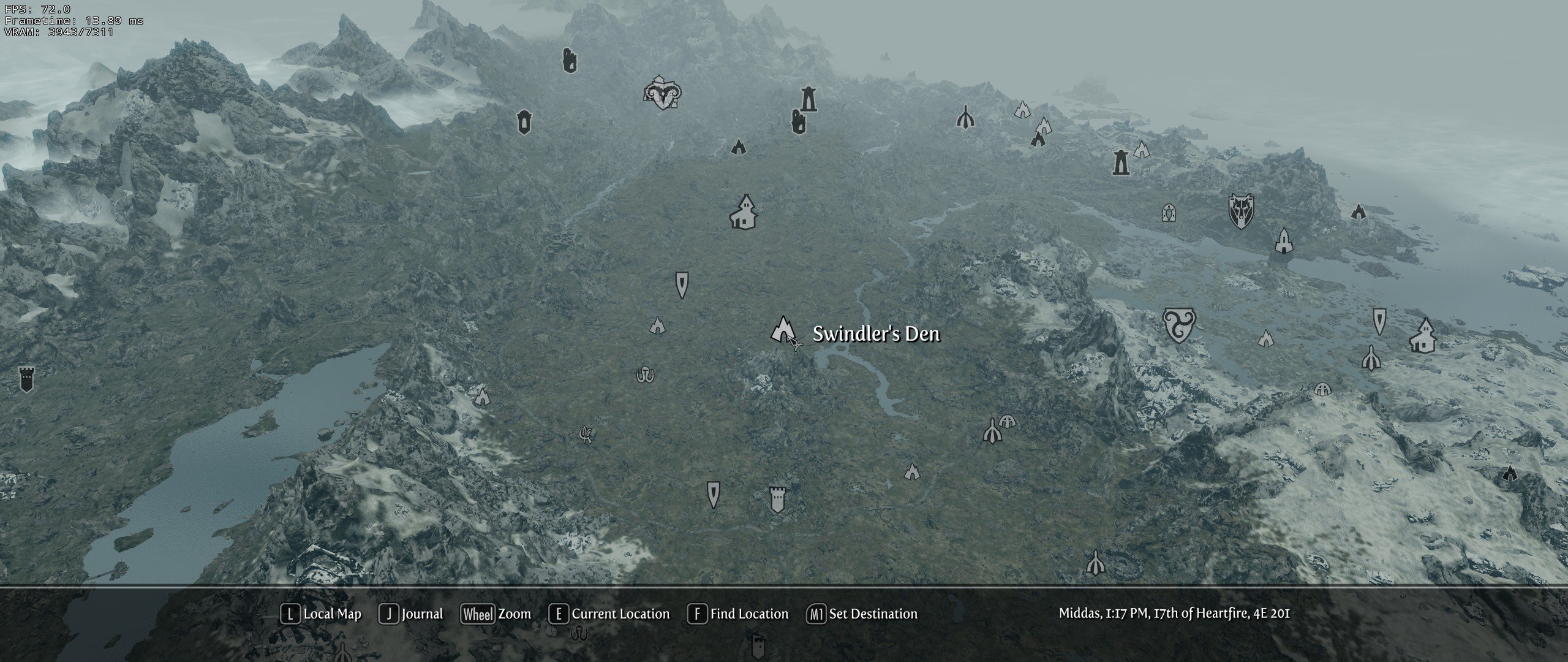
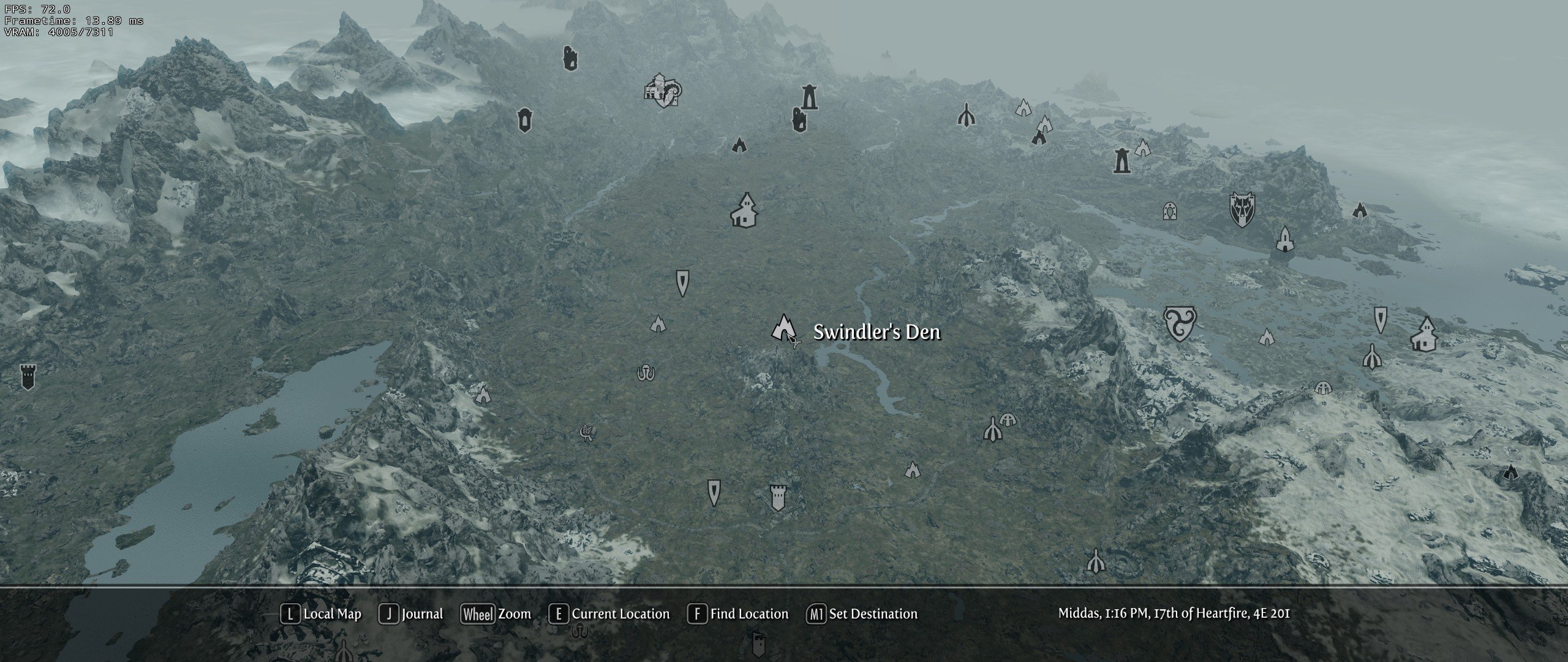
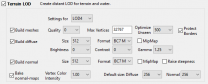
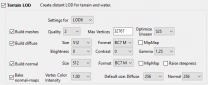
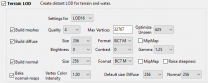
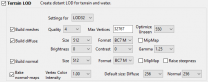
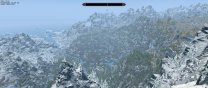
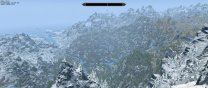
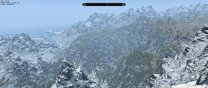
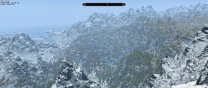
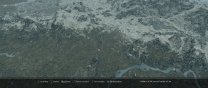
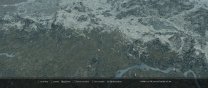
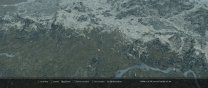
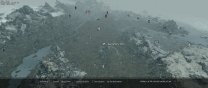
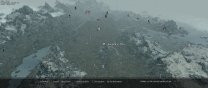
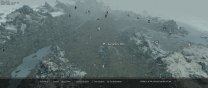
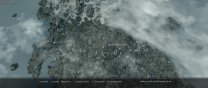
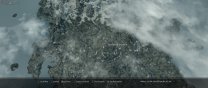
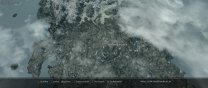
xLODGen settings used as described in the current STEP 1.0 guide. This baseline uses lod4 @ 512, lod8 @ 512, lod16 @ 256, and lod 32 @ 512. Compares: In-game LOD as seen from the top of High Hrothgar looking down toward Windhelm Map TLDR: I recommend setting lod16 to 512 resolution and lod32 to 2048 resolution.
-
Not currently. The beta version gets close. It will not modify any setting unless you change it, but it will remove any ini setting that is invalid, and it will sort your ini file. Comments will remain on the beta version. Otherwise, you will need to make the edits manually, which would seem to be within your capability.
-
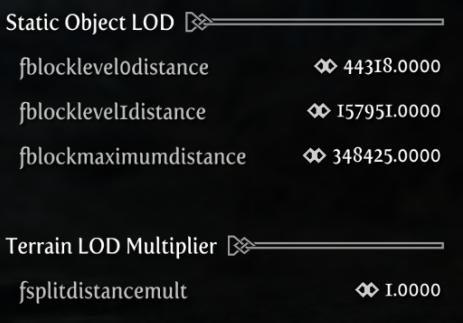
I'm still working on getting the best solution to this. Currently tweaking DynDOLOD generation to a lower standard from high, as the entire reason this stuttering exists is because the grass lods in lod4 are just so dang expensive. Sacrificing some firstborn lods in lod4 and tweaking down the density of grass lod is my plan, but I need to do a lot of experimenting to figure out and understand exactly how this all works. Another thing I might try is making lod4's primary existence be for grass lod, and turning down the TerrainManager setting (fBlockLevel0Distance) for it low, maybe just 9 cells ~36864, and making lod8 higher quality to make up for the loss of lod4 distance.
-
I think we should at least increase the size of lod32 so that the map can benefit. It won't really show up in the worldspace anyway.
-
Despite the content pointing to this thread, our guide xLODGen settings differ between the current guide and the dev guide and the settings I am seeing in this thread. Also, is it just me, or does the texture size recommendations seem random? I would think that the higher level LOD should, generally speaking, have a larger resolution than the lower level LOD to account for the effective doubling of their respective sizes (e.g., 4 lod4 squares fit in 1 lod8 square, so for the resolutions to be equal, the size would double for each lod level).
-
Yeah, I was getting some huge frame drops from NGIO today. I normally stay very close to 72fps, but it would suddenly dip down to 35 for a second because of loading all the extra LOD, which is not okay. I'd rather not even have grass LOD if I have to endure that kind of issue. I was able to tweak my INIs down to where the dip would only hit 50 fps every once in a blue moon, which is somewhat acceptable, but I'm not even on an ENB and having that kind of issues on rather good hardware.
-
You just gotta keep lowering LOD settings until it disappears, or lowering the settings for the generated LOD. NGIO is very performance demanding. I have big frame drops myself if I don't play along.
-
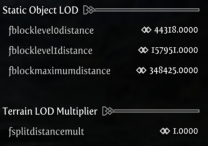
I just looked into this a bit. It seems that with the new Grass LOD loaded into Object LOD, some systems will not be able to quite keep up with the generally accepted TerrainManager settings used by most people. These settings can be tweaked within the DynDOLOD MCM menu, and the most important one is the first block distance. [TerrainManager] fBlockLevel0Distance=35000 fBlockLevel1Distance=70000 fBlockMaximumDistance=250000 fSplitDistanceMult=1.5 Tweaking these settings, especially the first one, will help users the most with their new Grass LOD performance. Just some quick tweaking on my setup, I changed mine to the following, and I'm getting much better performance. I'll be playing with this more to see what kind of balance I can strike up.
-
Ok. I must be misunderstanding then. Correct path IS Data\Grass. Loaded it up the other way and no grass lol.
-
I never knew to do this. I thought NGIO would yell at me if it was in the wrong place. I have it inside the Data\Grass folder. So the directory structure should be Data\SKSE\Grass?
-
Ah. I didn't know that about the grid system. It's great to hear such good feedback! Keep up the good work!
-
We might be better off using the Bootstrap grid system for this instead of flexbox.
-
You must use it. It is not optional. It is required for other mods to function.
-

FALLOUT4 Bethini - MO2 custom.ini - Fallout 4
DoubleYou replied to Stefan's question in BethINI Support
Fallout4Custom.ini will never overwrite Fallout4Prefs.ini. BethINI does read FalloutCustom.ini, however. See my reply to your other thread for more details. -
FALLOUT4 MO2 and Fallout 4 - Custom.ini versus fallout4.ini and prefs.ini
DoubleYou replied to Stefan's question in Mod Organizer Support
Fallout New Vegas is the oddball. Fallout New Vegas does not natively support a custom.ini file, but just about everyone uses the JIP LN NVSE Plugin mod for Fallout New Vegas, which adds the ability to use a FalloutCustom.ini file to overwrite any and all INI settings set in Fallout.ini or FalloutPrefs.ini. For the rest of the games, the order is game.ini, gameCustom.ini, custom plugin INIs (INI files that accompany a mod plugin), and then gamePrefs.ini. In other words, gameCustom.ini will overwrite any setting in the main game.ini file, but not any setting that is validly placed in the gamePrefs.ini file. However, only a select few settings of the many thousands of available INI settings are valid in the gamePrefs.ini file. You can see the lists of valid settings for each of these games within BethINI, or through our wiki guides, or my several threads listing all valid INI settings for each of the games. Here is the one for Fallout 4 for instance: Therefore, since iLocation X and iLocation Y are invalid within Fallout4Prefs.ini, as long as a plugin INI file is not overwriting the values, it will use the value assigned within FalloutCustom.ini. If you are unsure at any time if an INI setting is being applied by the game, you can easily verify it in the console with the following commands: getini "setting:section" An example in this case would be: getini "iLocation X:Display" Which should return 0 if you are using the setting displayed above. -
OK. I don't think it is an animation issue, as I would think it should also happen in Solstheim. I think it is more likely one of your mods that is not playing nicely with the rest, one that is affecting Tamriel. Pretty much the only way to figure that out is by process of elimination, which will take some time. You're going to need to disable plug-ins probably 5 at a time or some sort until the crash goes away, and then when it works, figure out which one is at fault. You will have to be careful to avoid missing masters doing this. It is more likely for it to be a patch than anything, as they often don't get updated with one of the mods it is patching, throws an error cannot be resolved, and crashes the lot.
-
Good. Let's see if it affects the Solstheim worldspace. Try from the main menu: Coc DLC2RavenRock01
-
OK. Seems we're getting somewhere then. Did you set InitProxyFunctions=false? I would also set ReservedMemorySizeMb closer to 256 until we get things working.
-
Since you are using Crash Fixes, most people load the d3dx9_42.dll file from the required SKSE Plugin Preloader mod in the Proxy section of enblocal.ini. It is possible you renamed the file, or are using an alternate proxy chain. However, it seems likely that you haven't installed SKSE Plugin Preloader correctly.
-
I see you have enabled a proxy library in enblocal.ini. What secondary dll are you using? It is set to the default ProxyLibrary=other_d3d9.dll, whereas most users would rename the value when using it. If you don't think you are using one, you should set the proxy settings to false. I would recommend changing your memory settings in enblocal.ini according to the guide here: https://stepmodifications.org/wiki/Guide:ENBlocal_INI/Memory#ReservedMemorySizeMb Specifically, ReservedMemorySizeMb, VideoMemorySizeMb, and AutodetectVideoMemorySize should be changed, as it is possible it is "detecting" the wrong amount of memory and for VideoMemorySizeMb and therefore not applying the memory patch correctly.
-
Could you provide your Crash Fixes config file and enblocal.ini? There are so many ways this game likes to crash, so it's always best to start with the basics.
-
What this means is that whatever is causing the crash is not in that room. It also eliminates the possibility of several other instant CTDs. Do you have Crash Fixes installed and configured? https://www.nexusmods.com/skyrim/mods/72725
-
Can you open the console from the main menu and type: Coc qasmoke This is a test game cell. See if it crashes.