z929669
-
Posts
13,086 -
Joined
-
Last visited
Everything posted by z929669
-
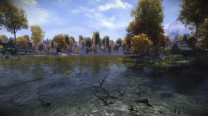
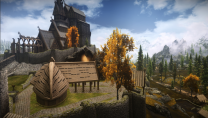
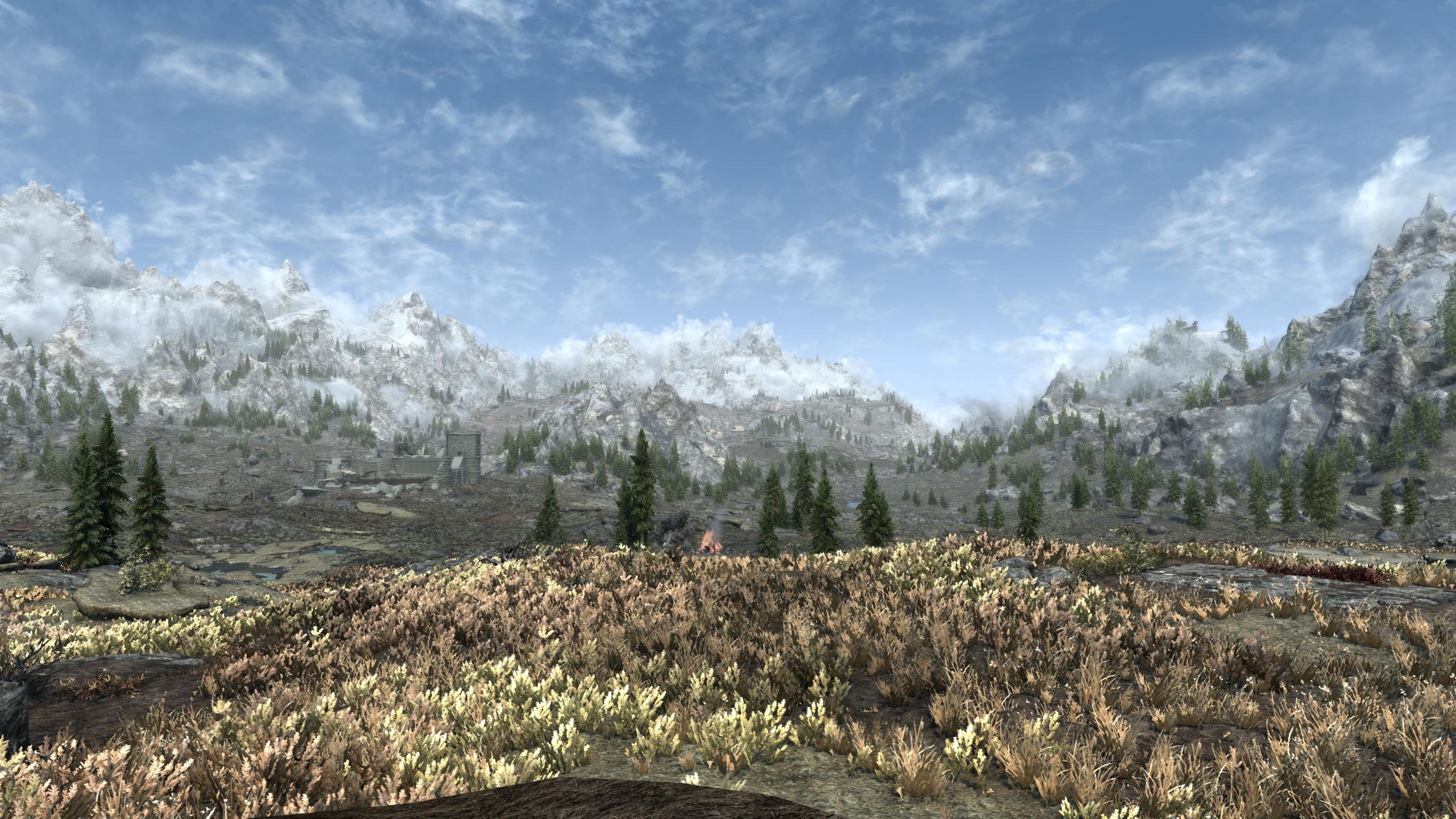
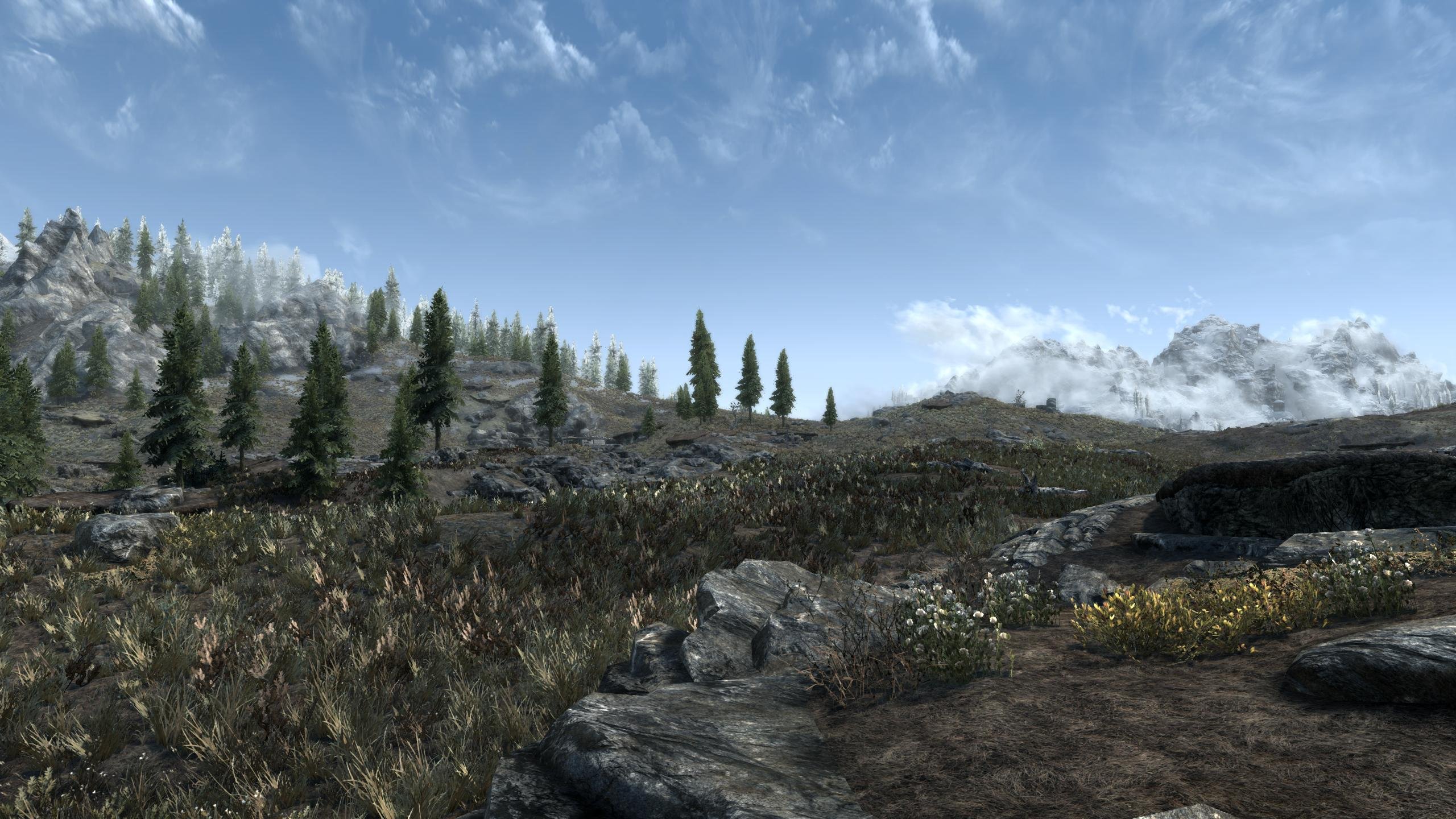
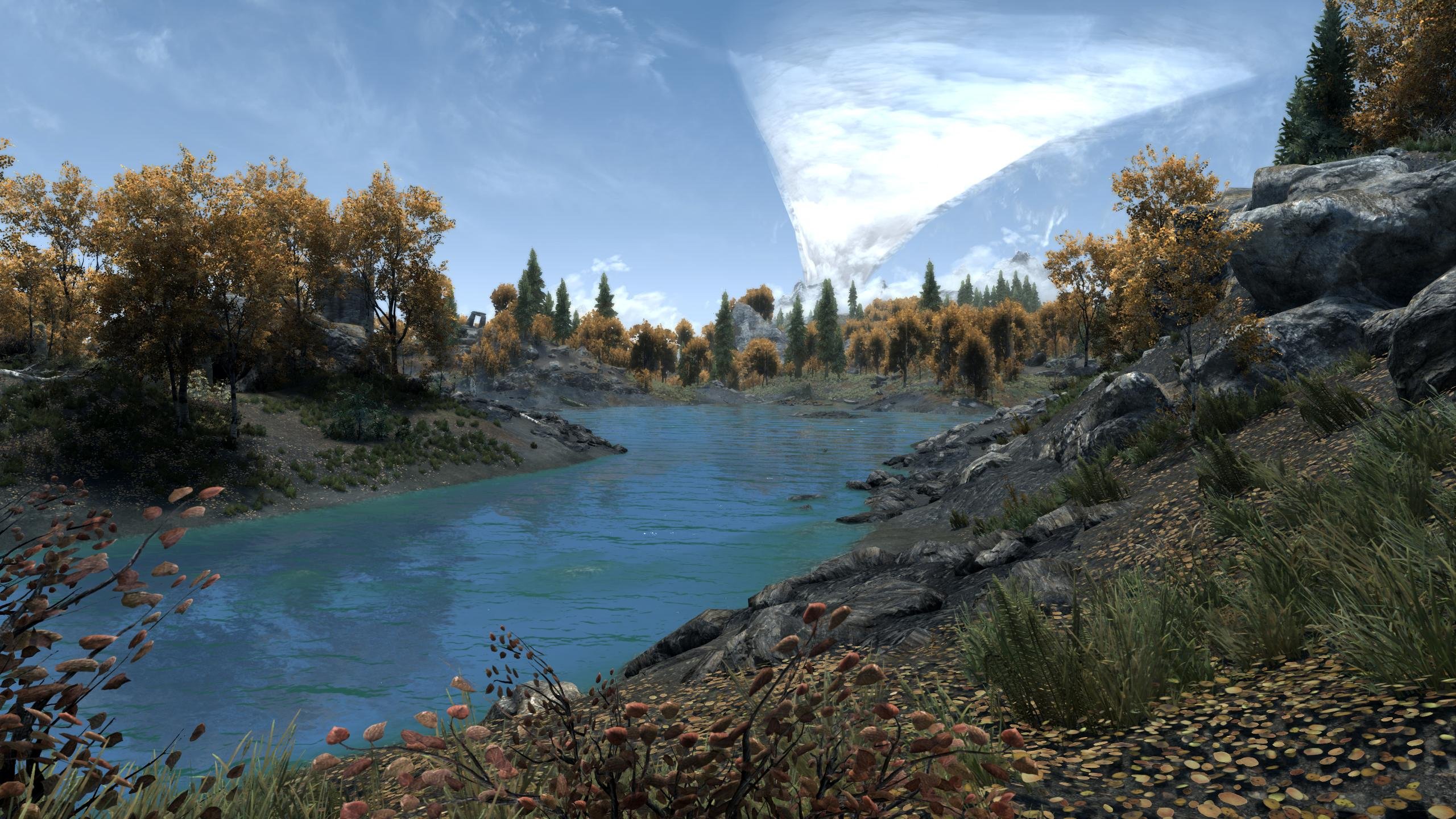
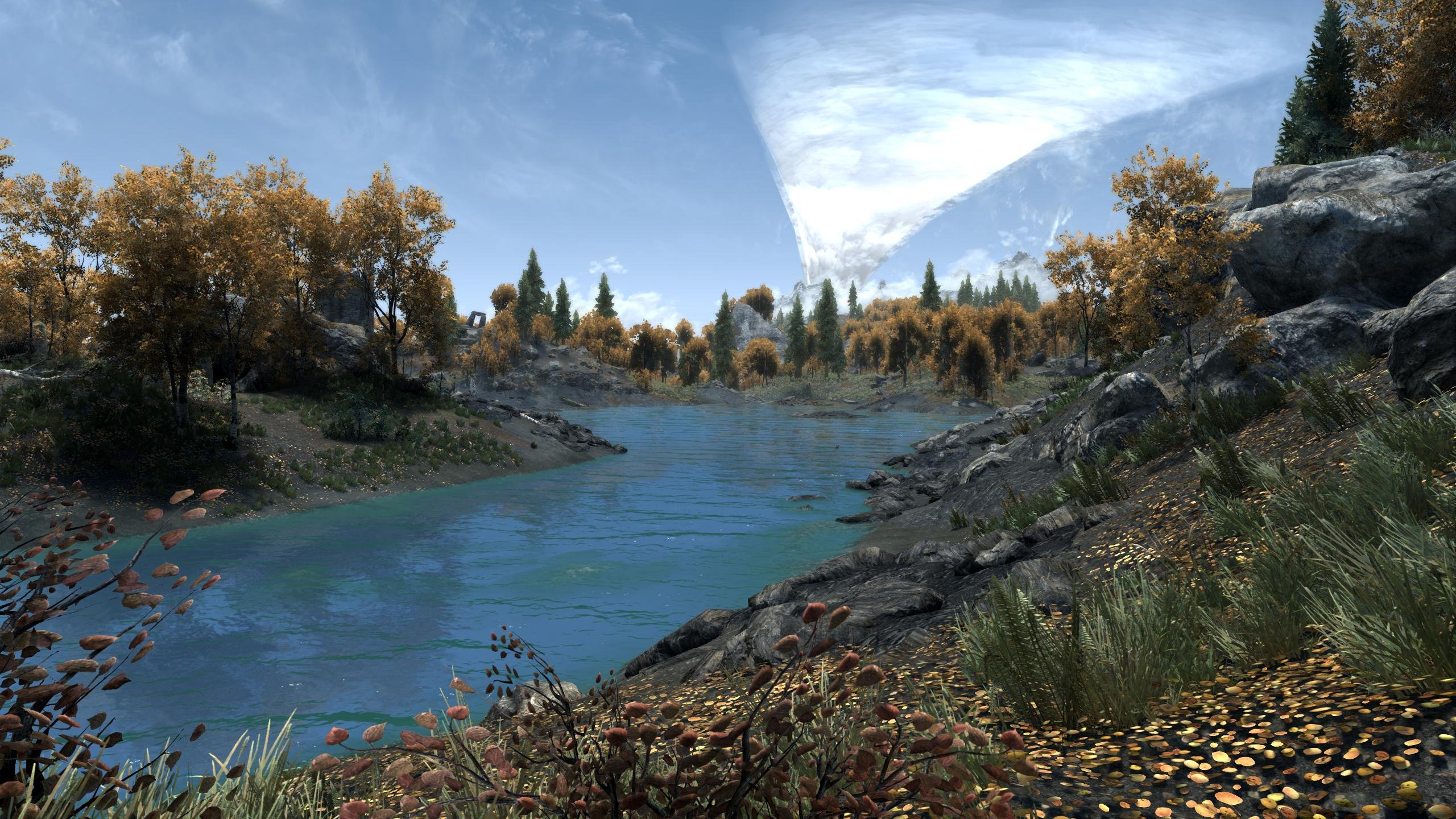
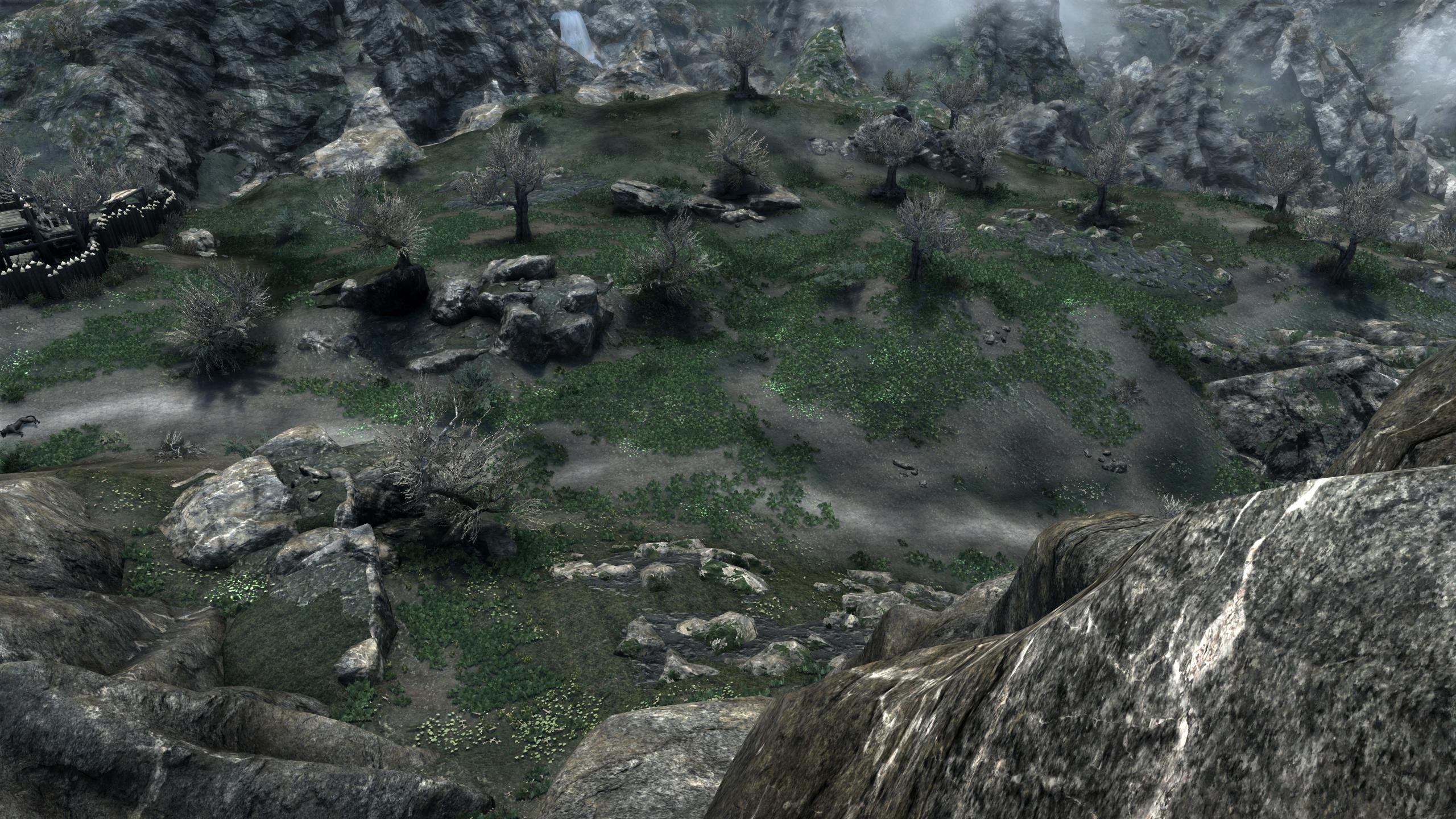
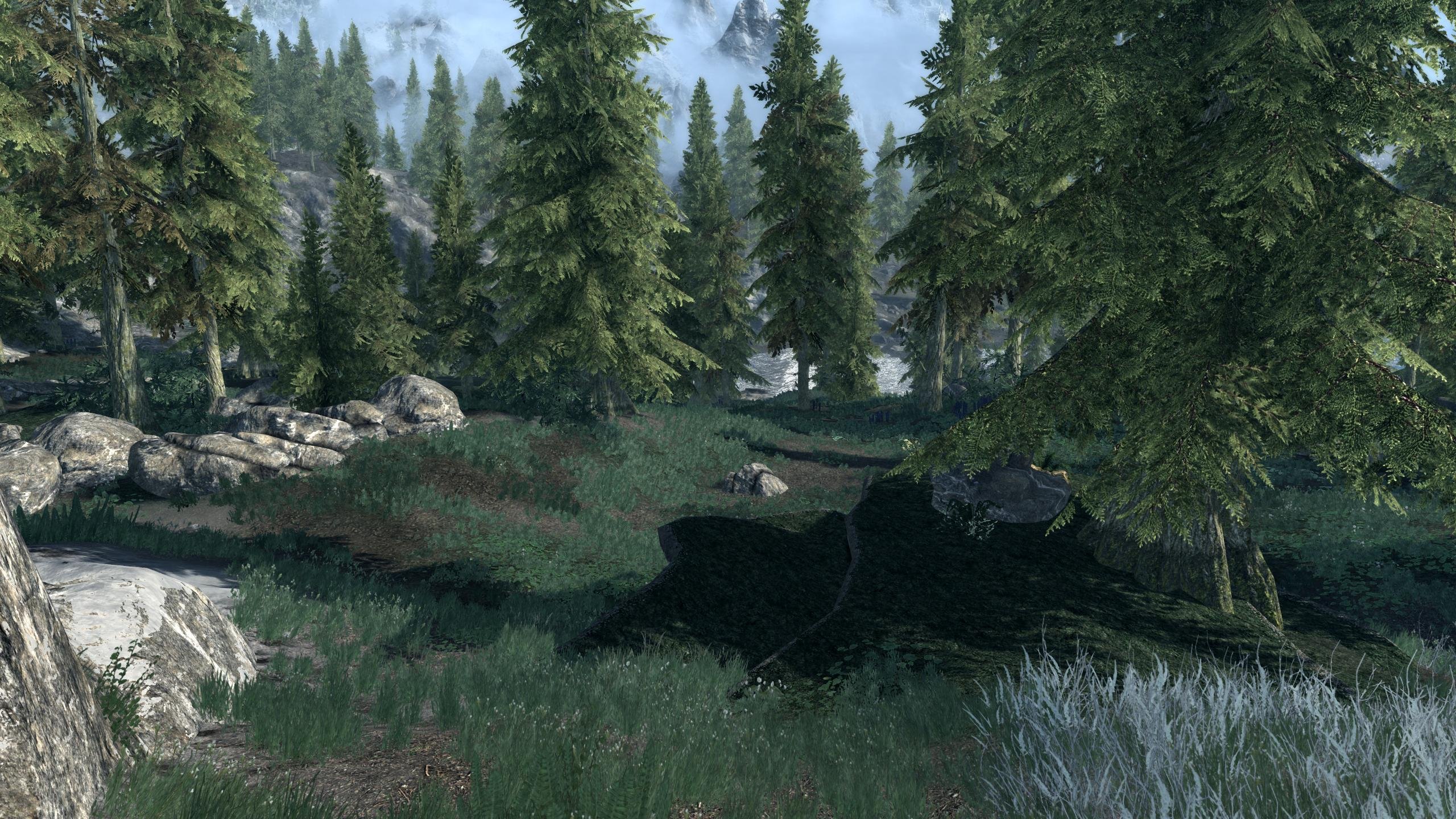
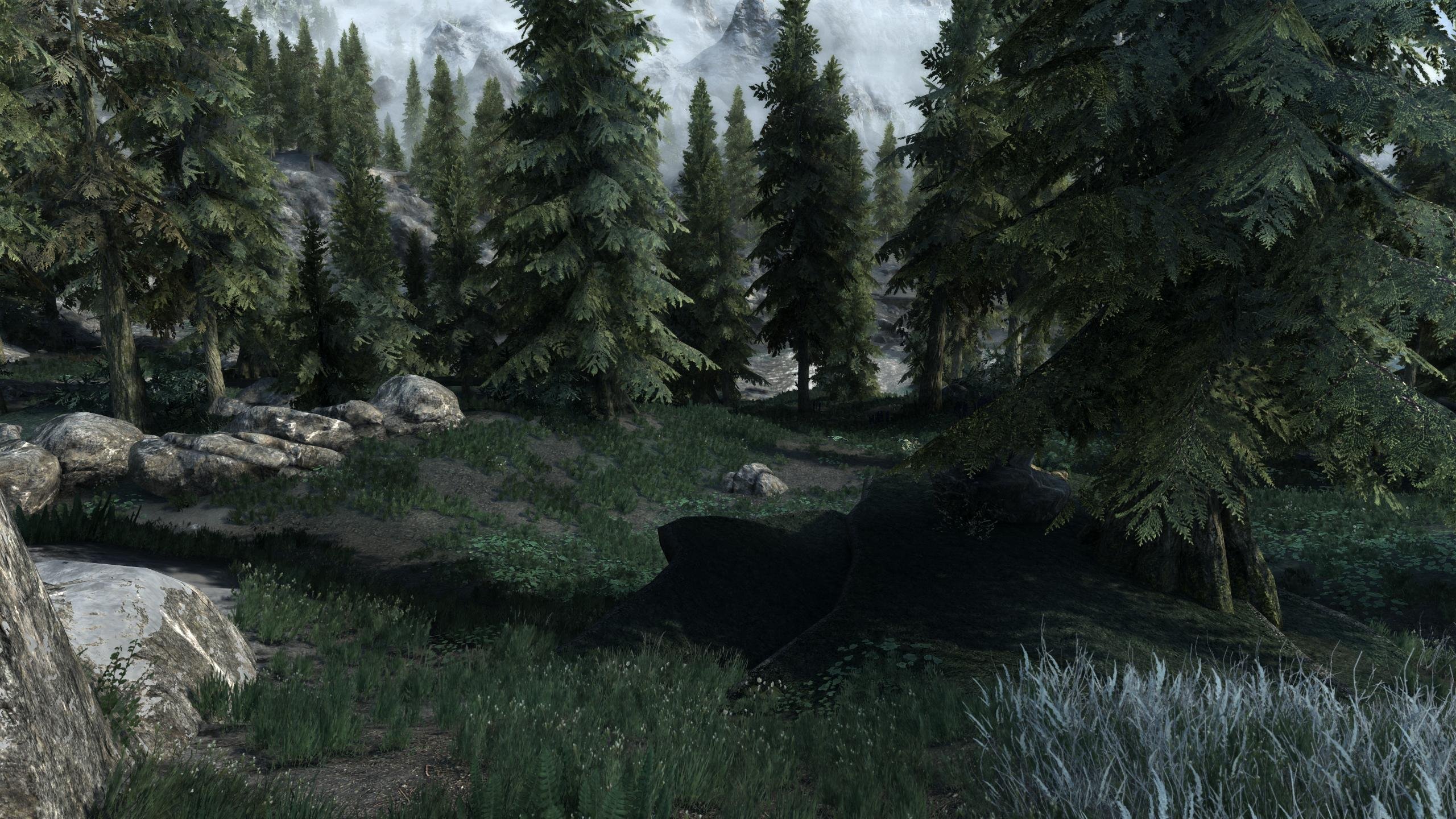
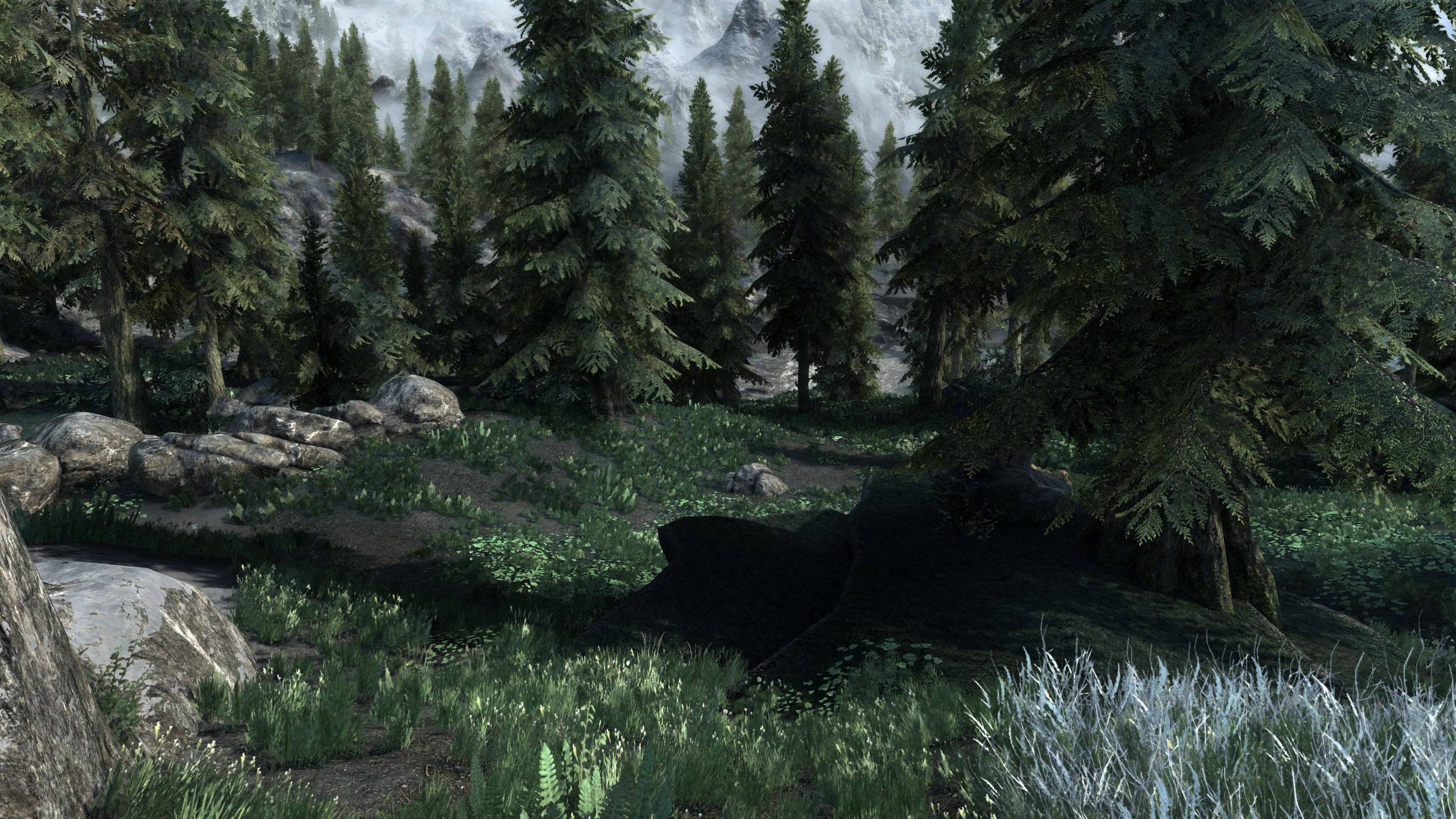
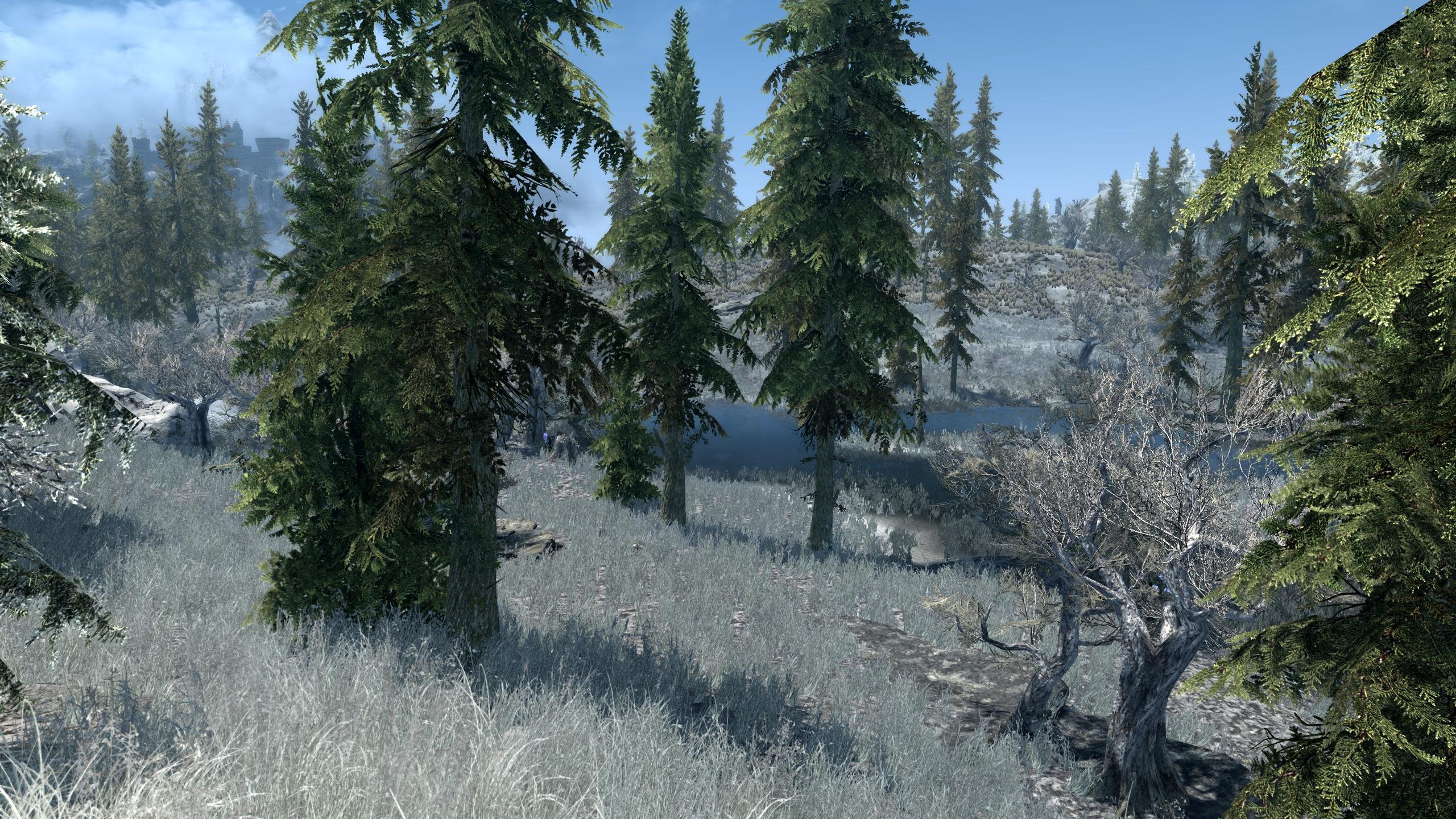
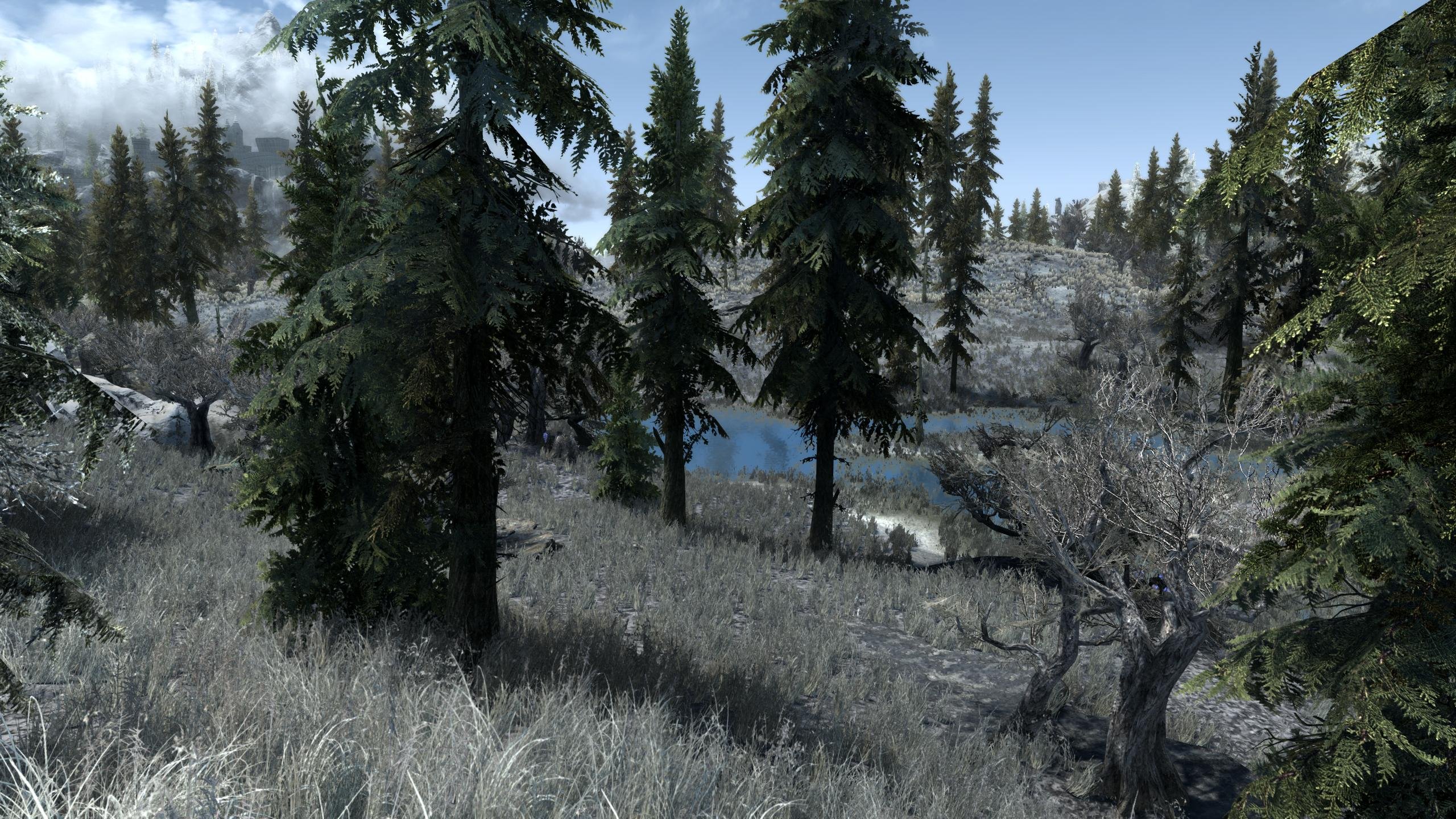
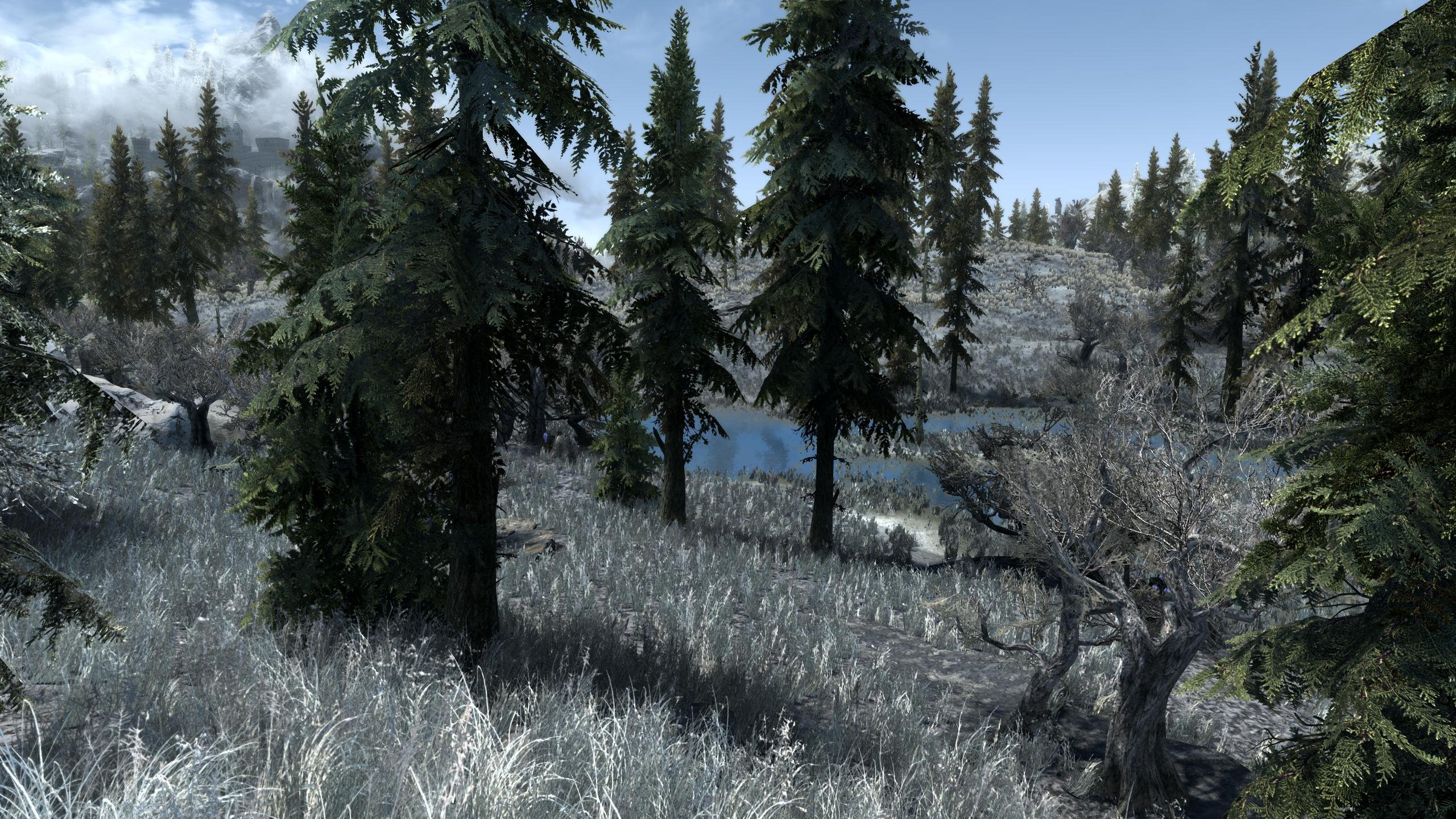
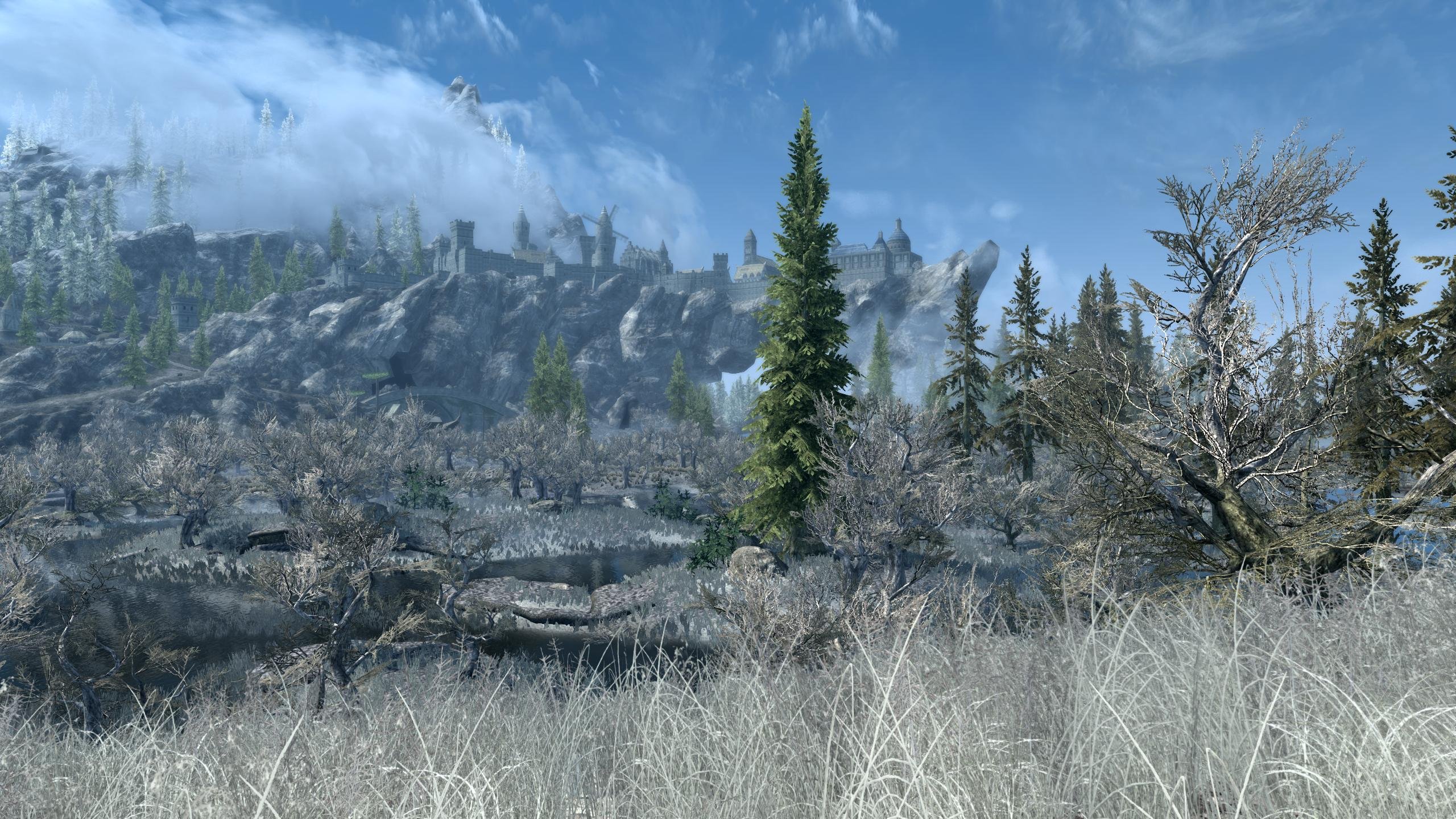
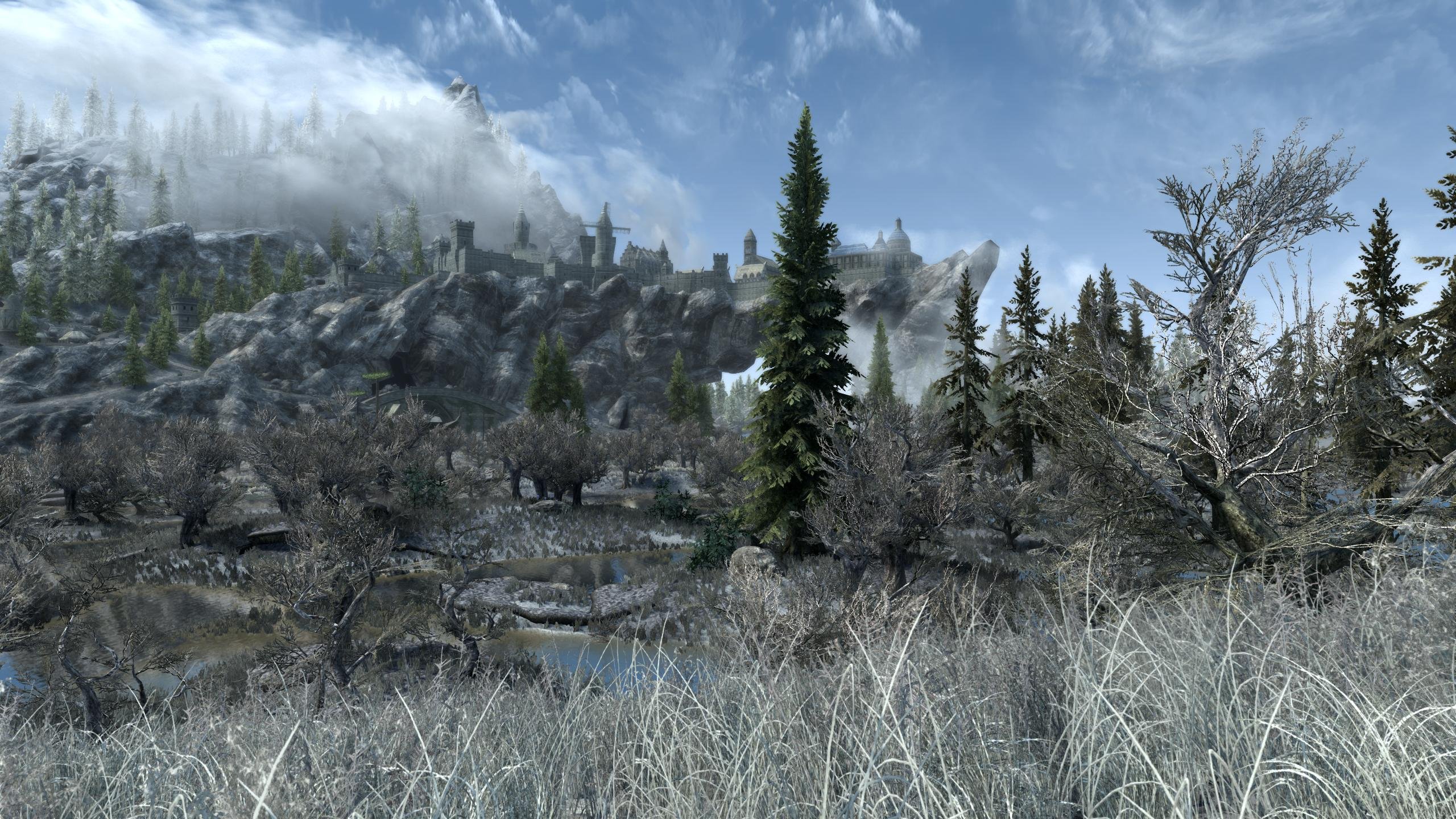
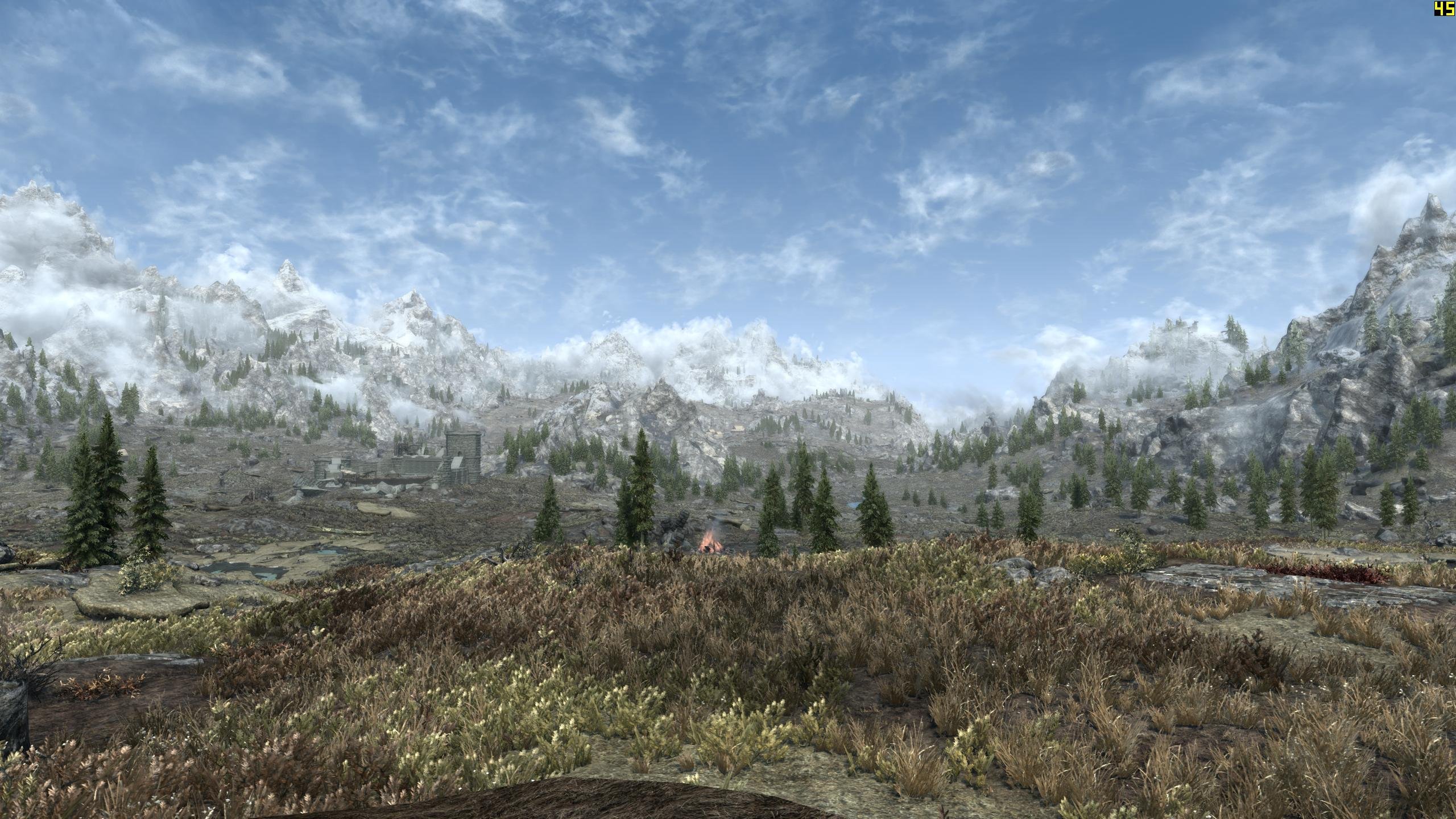
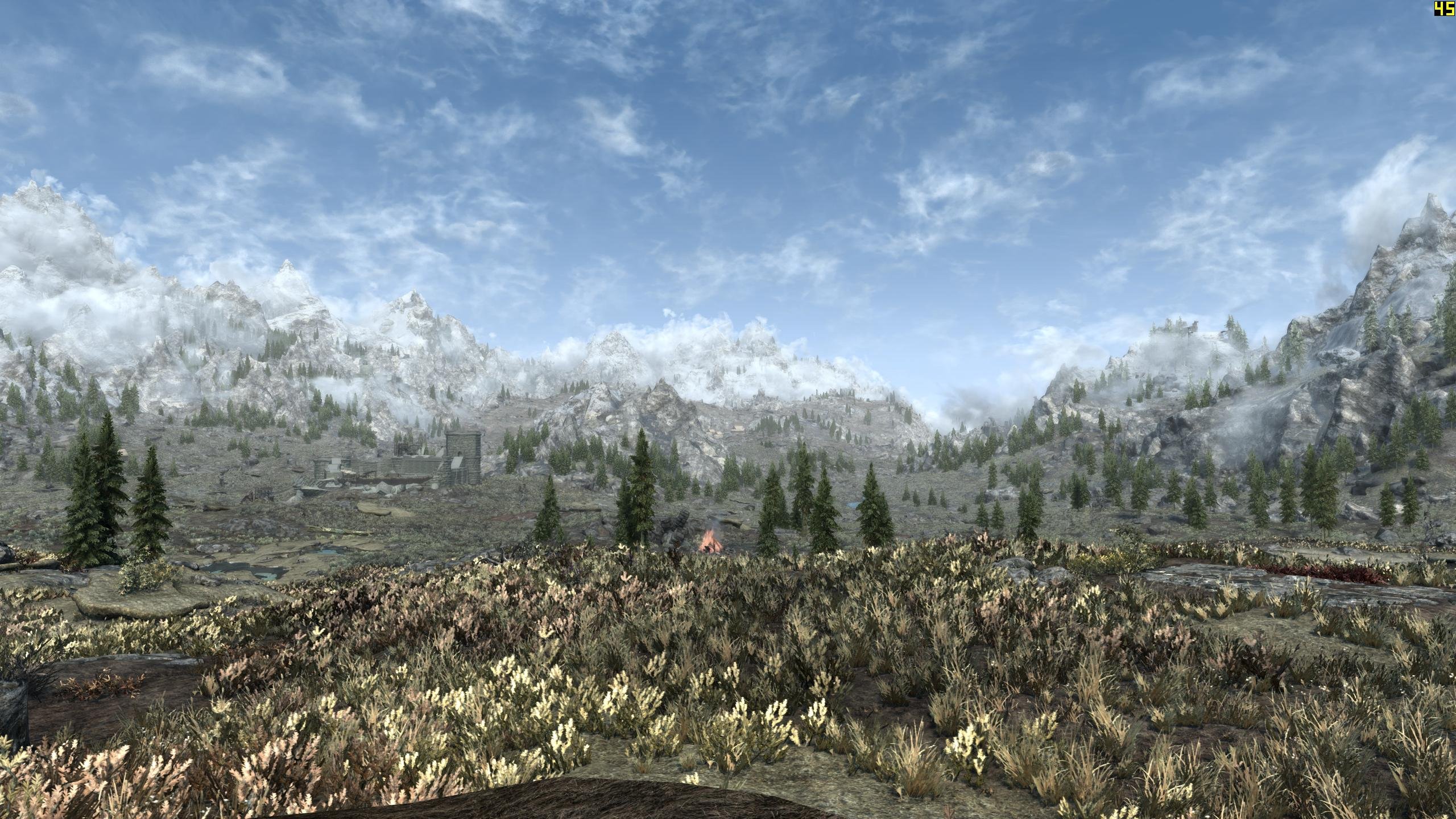
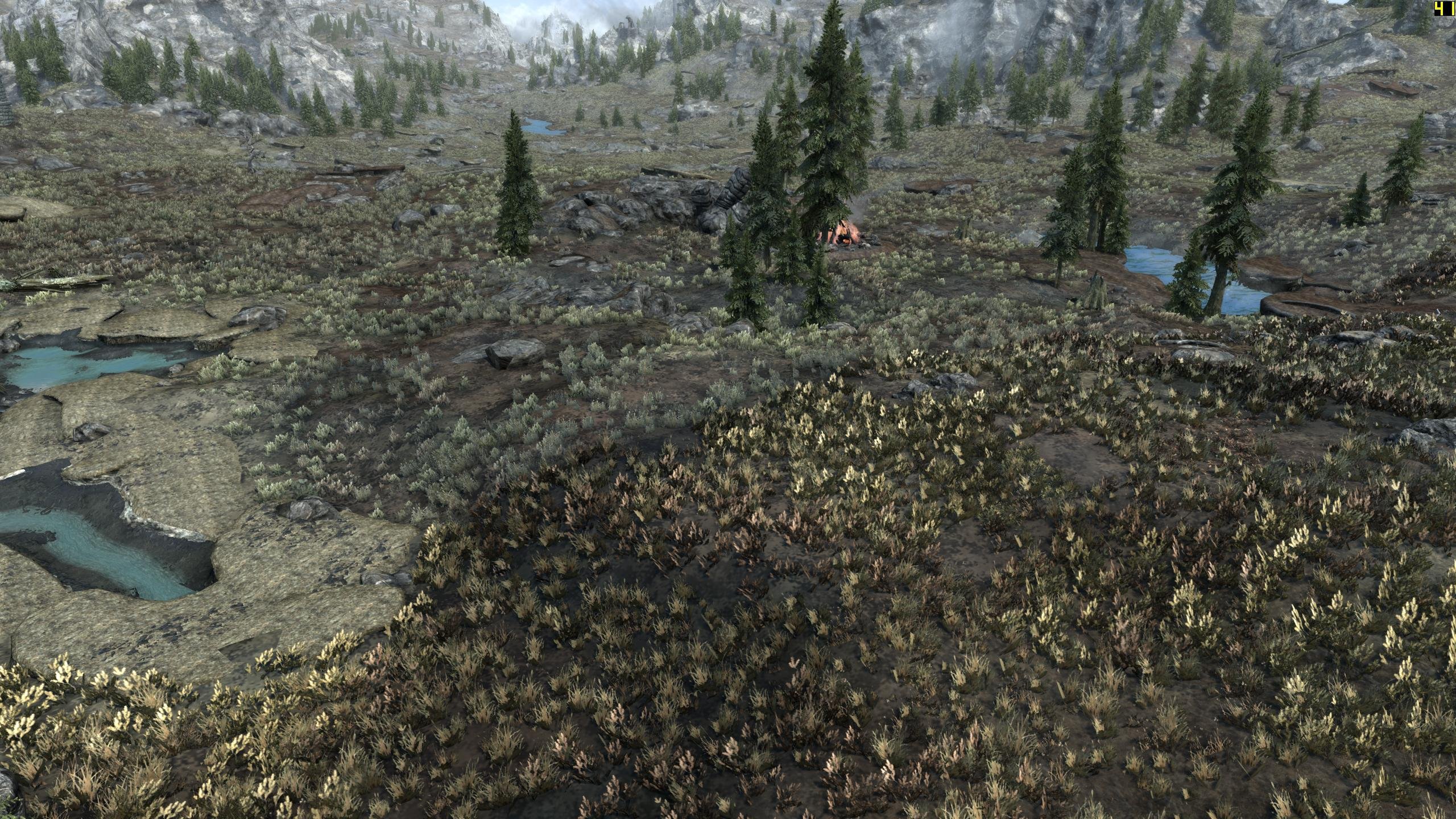
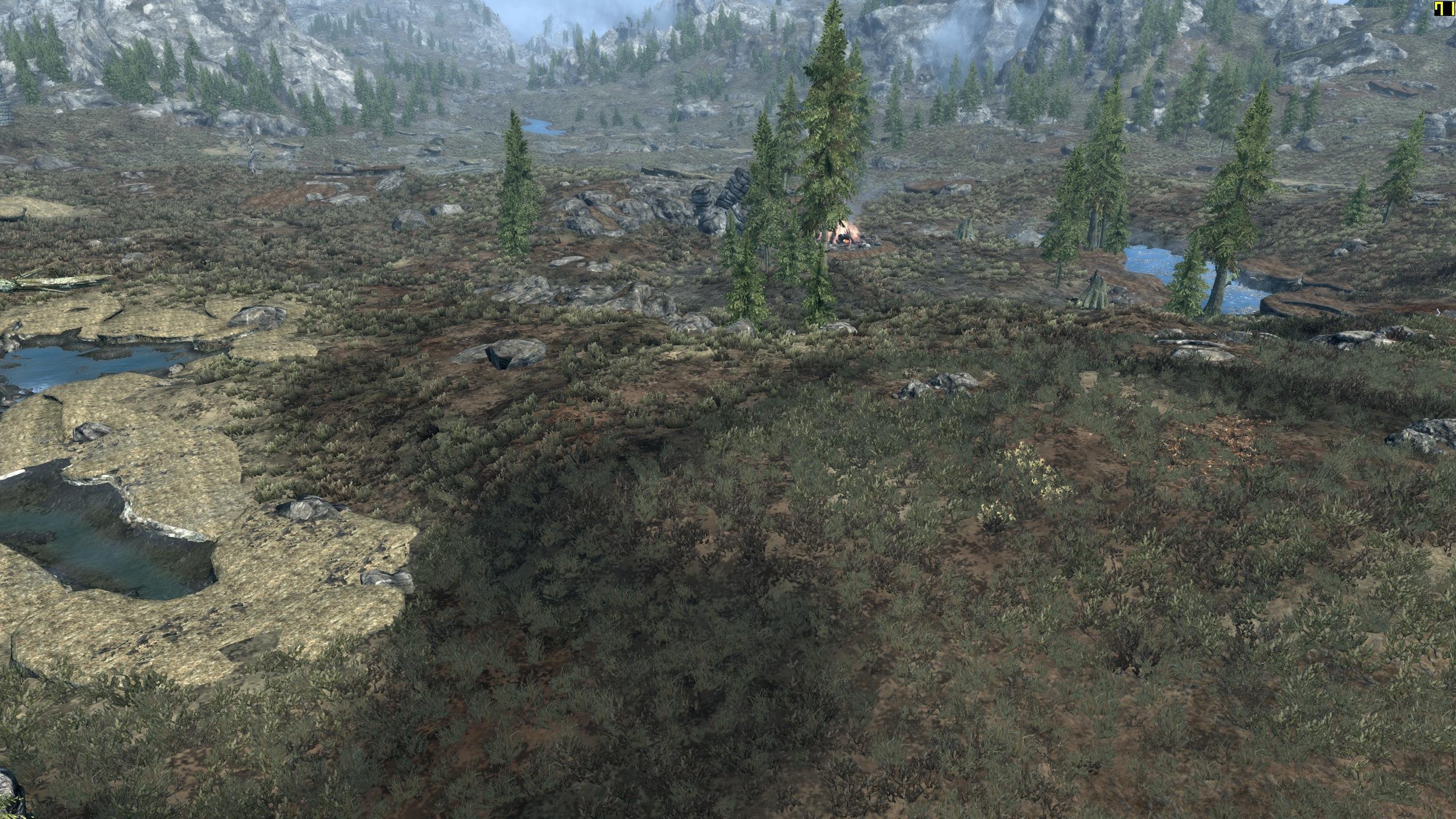
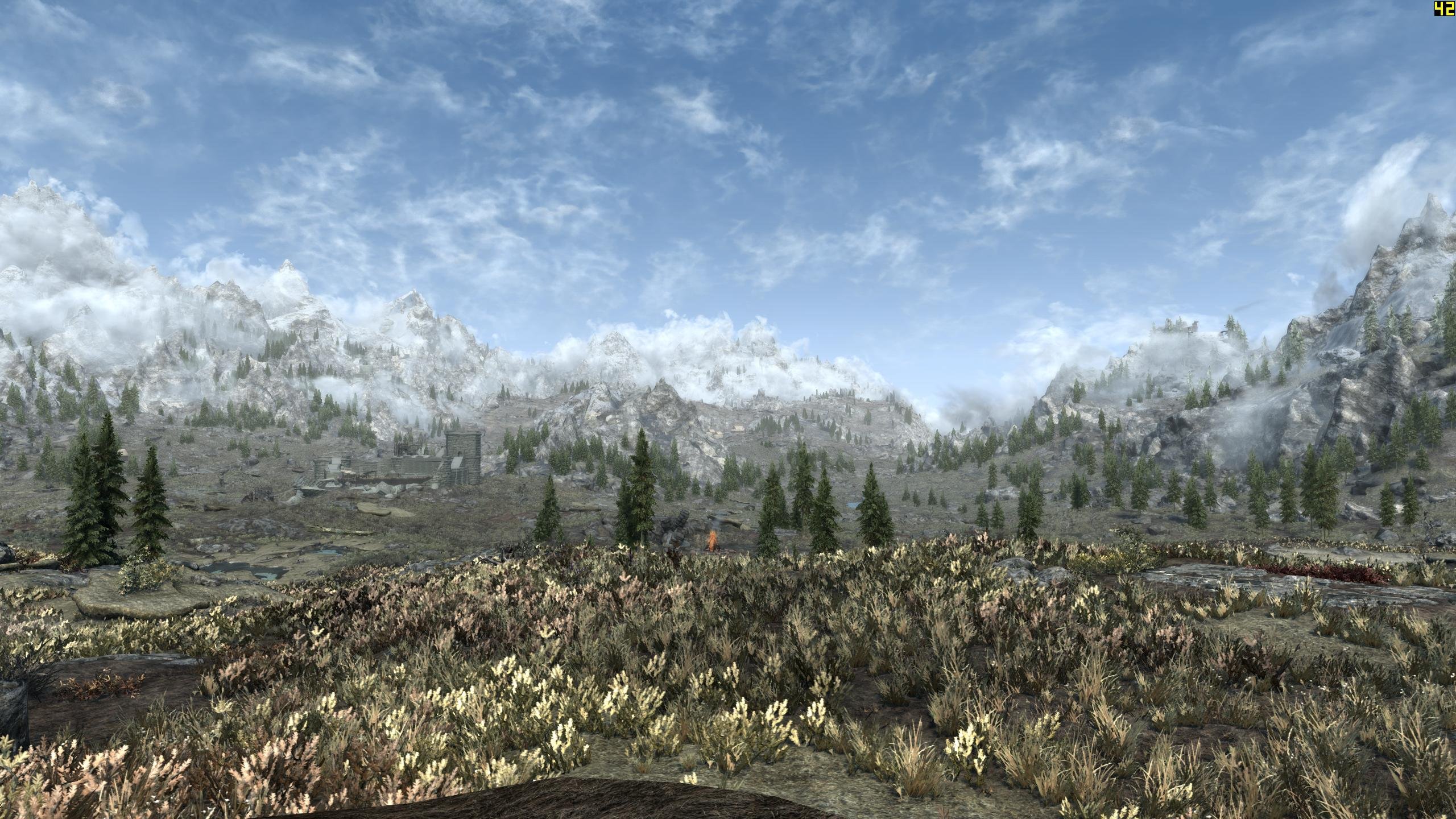
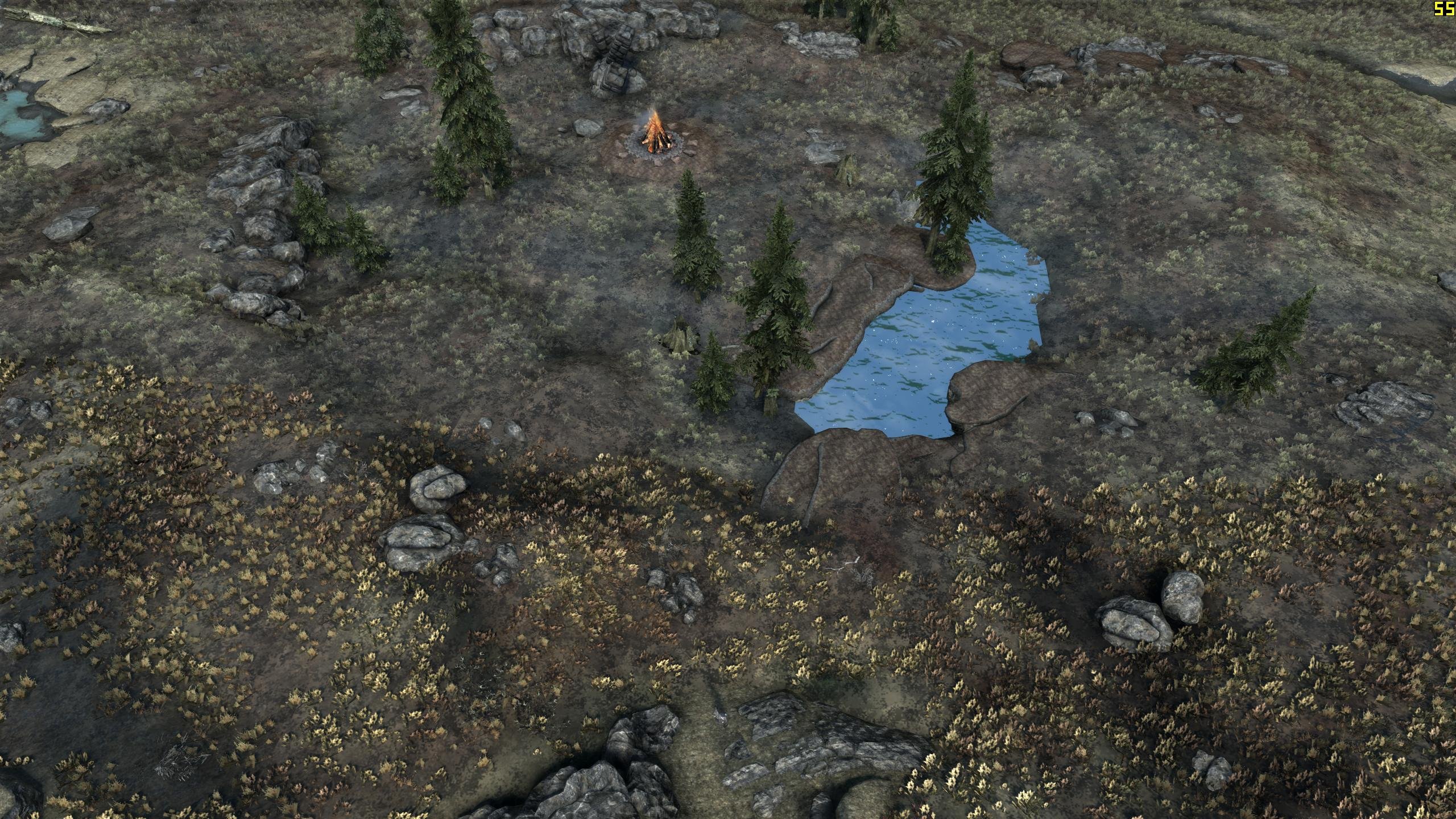
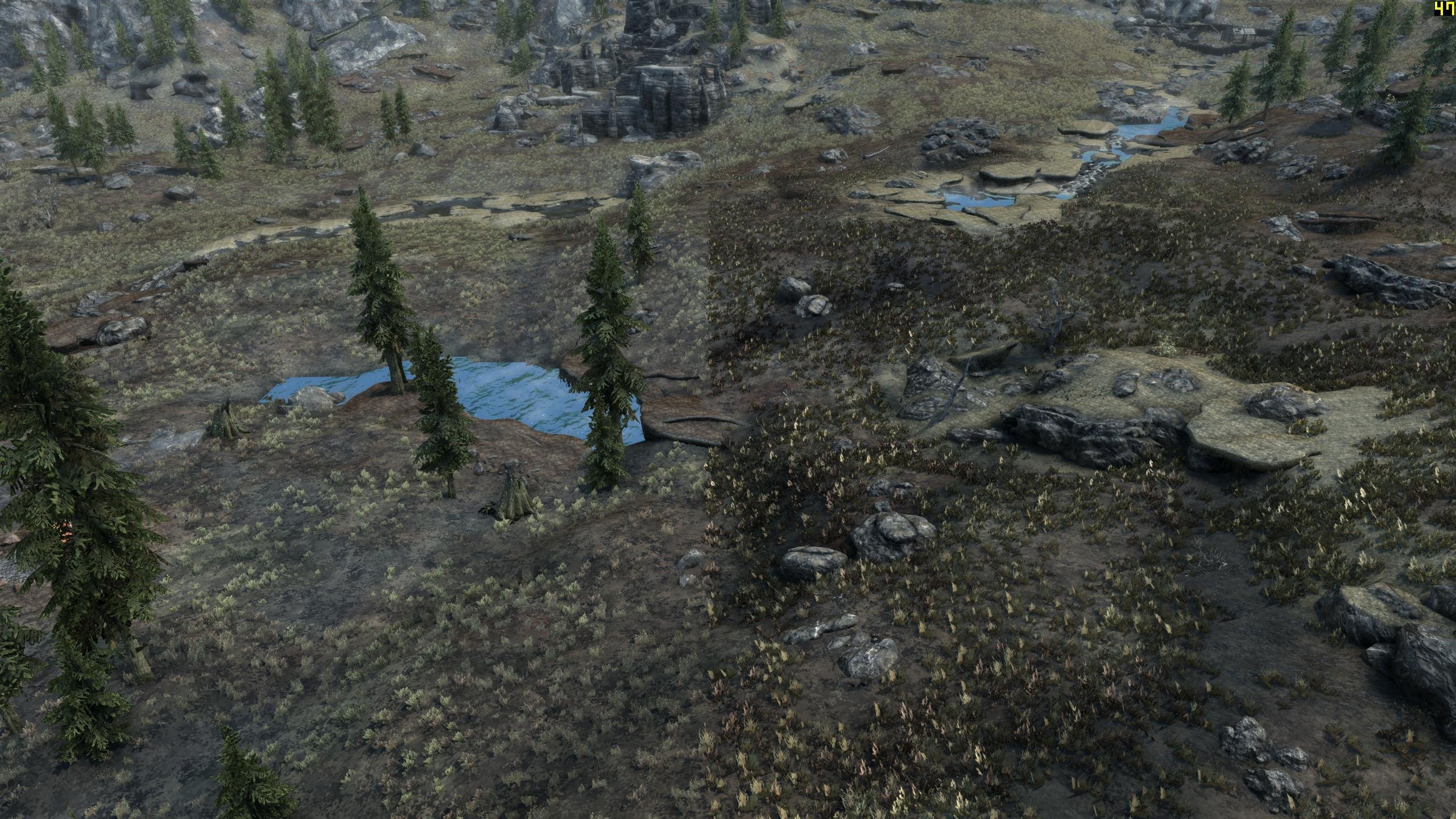
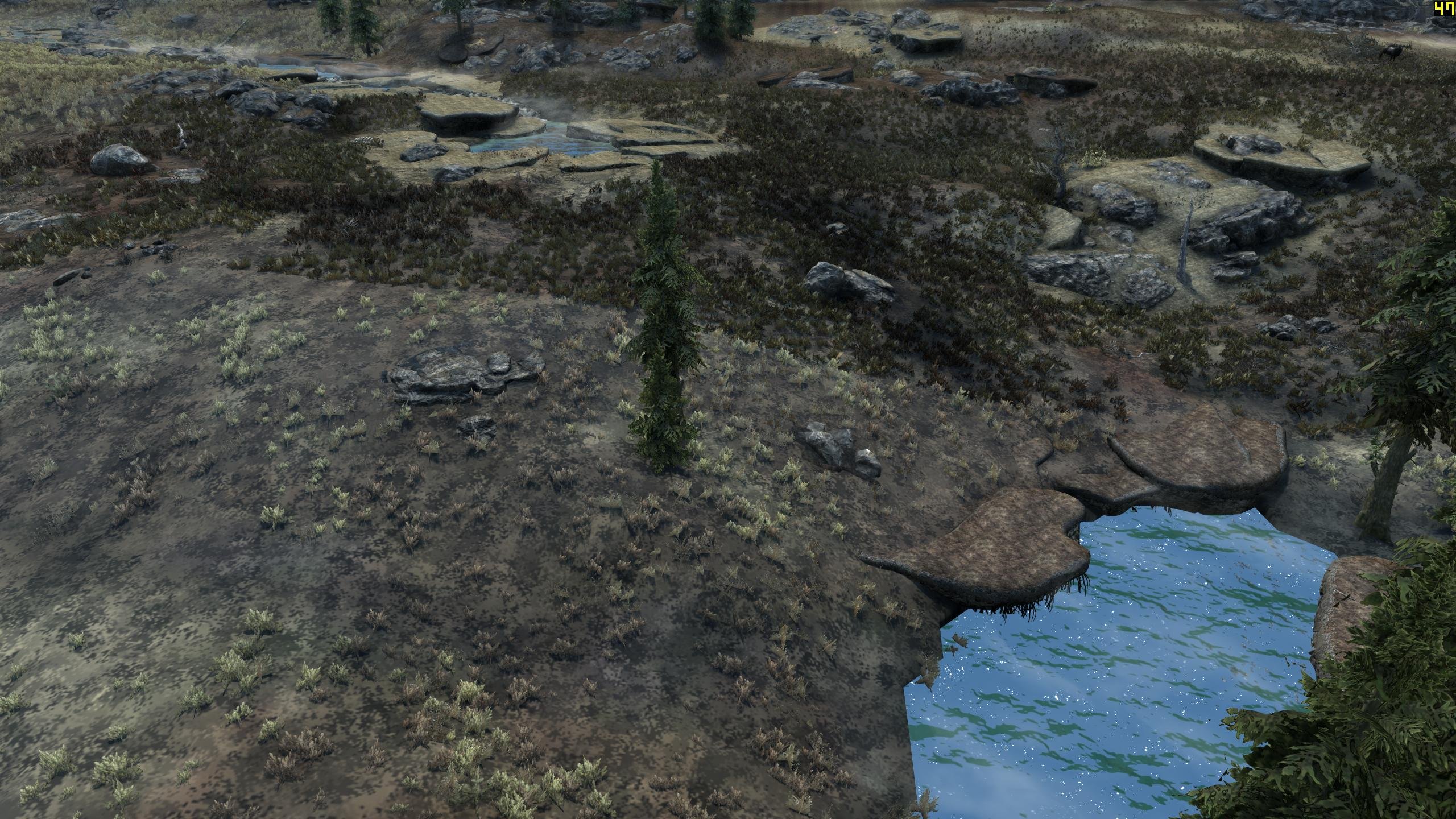
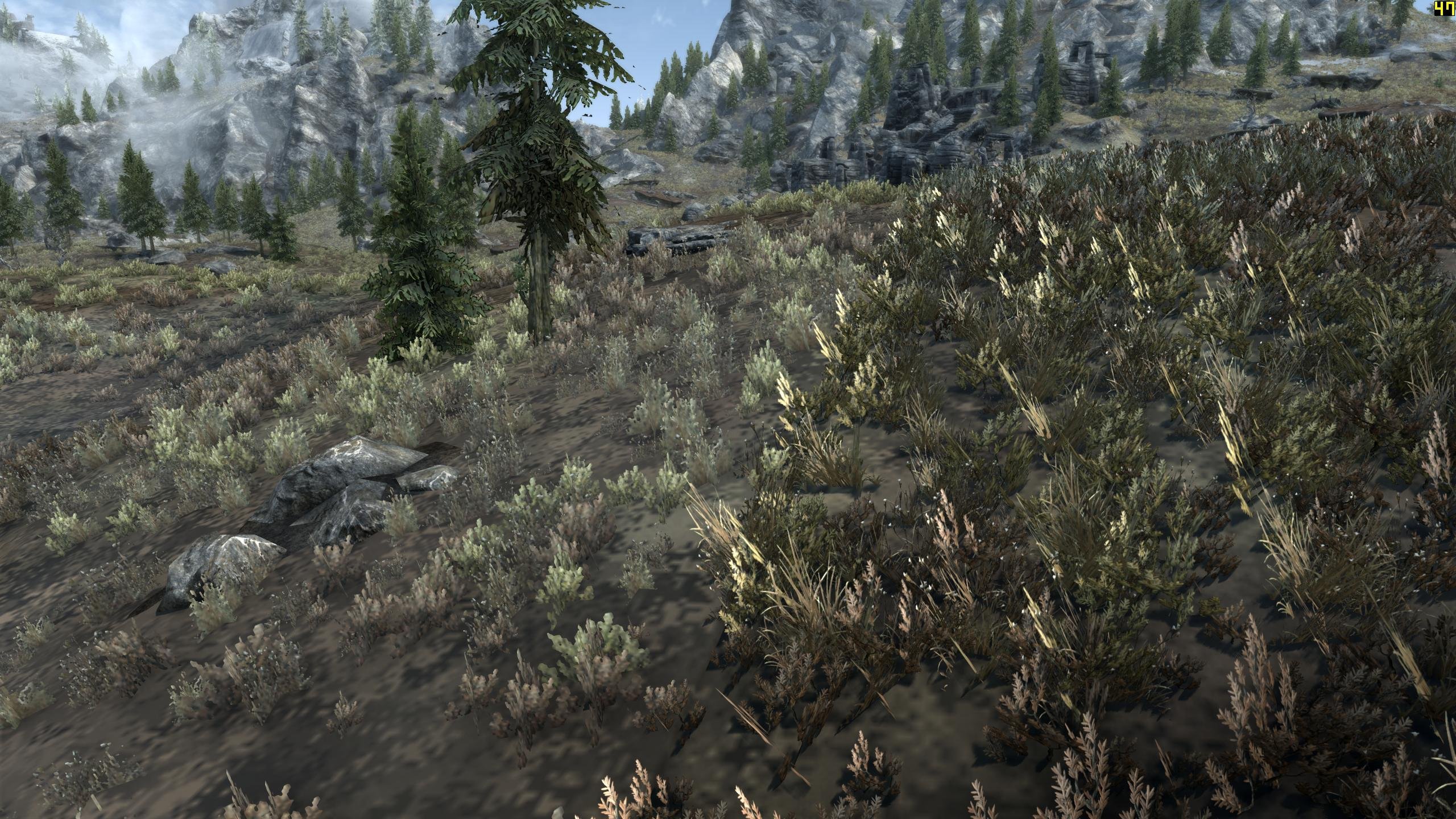
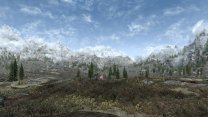
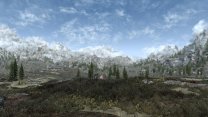
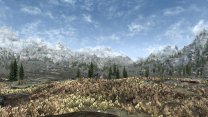
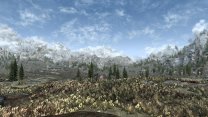
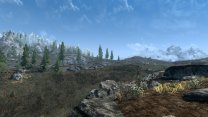
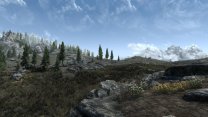
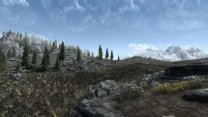
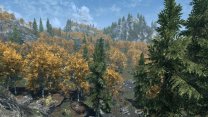
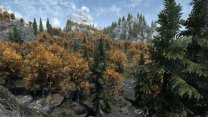
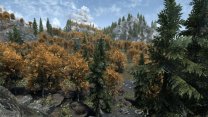
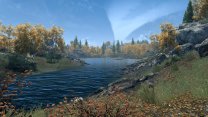
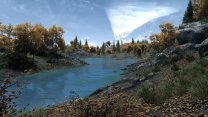
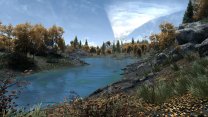
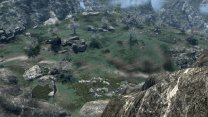
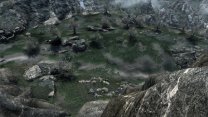
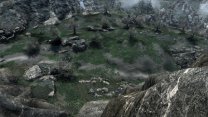
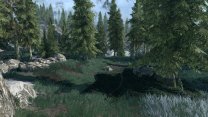
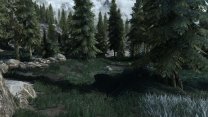
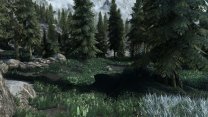
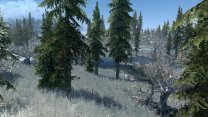
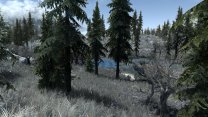
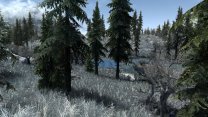
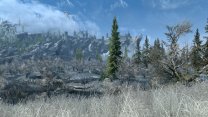
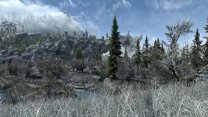
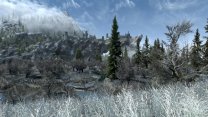
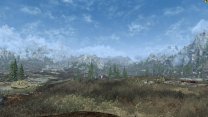
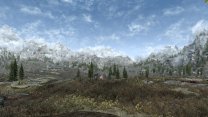
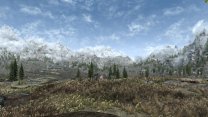
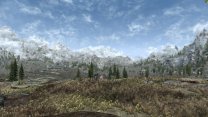
 See UPDATE in green text I spent quite a lot of time working with DynDOLOD settings to make this compatible with grass LOD. I've had some success. Settings that work well for the tundra do not necessarily work well elsewhere. this is also true for grass LOD without this mod or ENB for that matter. This issue is only really apparent on the tundra, as it's rare to notice grass LOD elsewhere. While it does peek through now and again, it isn't obvious. The compares below were all attempts to find such situations. All testing using most up-to-date 2.1.0 DEV mods, patches, and configs. Note that I'm fairly certain that DynDOLOD doesn't use the normal portion of the complex grass textures. It splits them and uses the diffuse half, which should be identical to the original textures. Then it creates normals with Texconv from the diffuse I think. First question: How does this mod affect grass look, irrespective of using ENB or complex grass? The following are compares with vs without this mod installed. No ENB ENB (wo/complex grass) ENB (w/complex grass) without this mod >> with this mod >> my own CL complex grass ↓ below is increased SSS and Fake Lights ↓ As these shots show, grasses with normal maps are more responsive to lighting in all situations. Note that grasses without normals are brighter all around without light sensitivity of normal maps ... no idea why. Grasses with normals just act more like other models in the game. My version uses much harsher normal maps and standard specularity (not super dark specular). The following shots are of my mod only: No ENB >> ENB (wo/complex grass) >> ENB (w/complex grass) >> slightly increased CG SSS and Fake Lights All the remaining shots have this mod installed: No ENB >> ENB (wo/complex grass) >> ENB (w/complex grass) DynDOLOD settings used in all LOD (optimized for Cathedral Landscapes & CL compex grass) TexGen grass settings: GrassBillboards=1 GrassBillboardsDirect=300 GrassBillboardsDirectLR=4 GrassBillboardsDirectFB=4 GrassBillboardsDirectTB=-4 GrassBillboardsAmbient=15 DynDOLOD_SSE.ini: ; grass LOD brightness multipliers GrassBrightnessTopR=0.355 GrassBrightnessTopG=0.335 GrassBrightnessTopB=0.275 ; make bottom darker to fake shadowing GrassBrightnessBottomR=0.020 GrassBrightnessBottomG=0.015 GrassBrightnessBottomB=0.010 NOTE: The above settings are optimized for complex grass, so the non-complex grass shots are at a bit of a disadvantage in comparison to LOD out of the gate. Those settings have historically been: GrassBillboards=1 GrassBillboardsDirect=160 TreeBillboardsDirectLR=0 TreeBillboardsDirectFB=0 TreeBillboardsDirectTB=-100 GrassBillboardsAmbient=25 ; grass LOD brightness multipliers GrassBrightnessTopR=0.295 GrassBrightnessTopG=0.315 GrassBrightnessTopB=0.300 ; make bottom darker to fake shadowing GrassBrightnessBottomR=0.170 GrassBrightnessBottomG=0.175 GrassBrightnessBottomB=0.180
-
ACCEPTED ENB Lights For Effect Shaders (by powerofthree)
z929669 replied to D1Z4STR's topic in Skyrim SE Mods
I am running with all 2.1.0 test mods and this one. My reasoning is that this mod's shaders will cover anything that ENB Lights and other mods don't cover. Others are doing the same, since it isn't clear what is or is not redundant. powerofthree states that they are not totally redundant. -
ACCEPTED Blue Palace Dome Windows (by AgentW)
z929669 replied to Mousetick's topic in Skyrim SE Mods
Thanks Greg! Tagged accepted for 2.1.0 -
ACCEPTED Major Cities Mesh Overhaul (by raiserfx)
z929669 replied to DoubleYou's topic in Skyrim SE Mods
I vote to accept this one with other mods overriding as we have discussed. -
I don't think this is better that what we are using for Step now, so I vote to pass on this one. It's just a retex of a single wall note, so the Nexus in-game screens speak for themselves.
-
ACCEPTED ENB Lights For Effect Shaders (by powerofthree)
z929669 replied to D1Z4STR's topic in Skyrim SE Mods
I've been running this for a while now without issue. It Since it adds ENB lights to effects shaders, it makes sense to use it with the Step ENB. I vote to accept this one for 2.1.0. -
DROPPED Stay At The System Page - Updated (by multiple authors)
z929669 replied to TechAngel85's topic in Skyrim SE Mods
Removing testing tag, since we are going with QUI. -
We aren't going with this in favor of QUI, so removing from testing
-
ACCEPTED Highland Cows More Wooly - Cut Content Restoration (by Exalderan)
z929669 replied to D1Z4STR's topic in Skyrim SE Mods
Tagging as Accepted for 2.1.0 -
We have the votes for this, so marking as accepted for 2.1.0
-
The monitor max refresh frequency should have no impact on rendered game visuals at frequencies < monitor refresh rate (144 Hz in your case). Regardless of your monitor refresh max, any rate < around 50 FPS can cause some render glitching when lots is happening on the screen. Just running around will look OK at 30 FPS, but lots of additional motion from spellcasting and NPCs running around will likely cause visual glitching at < 50 FPS. The same is true for rates exceeding your monitor refresh rate.
-
See my edits to previous
-
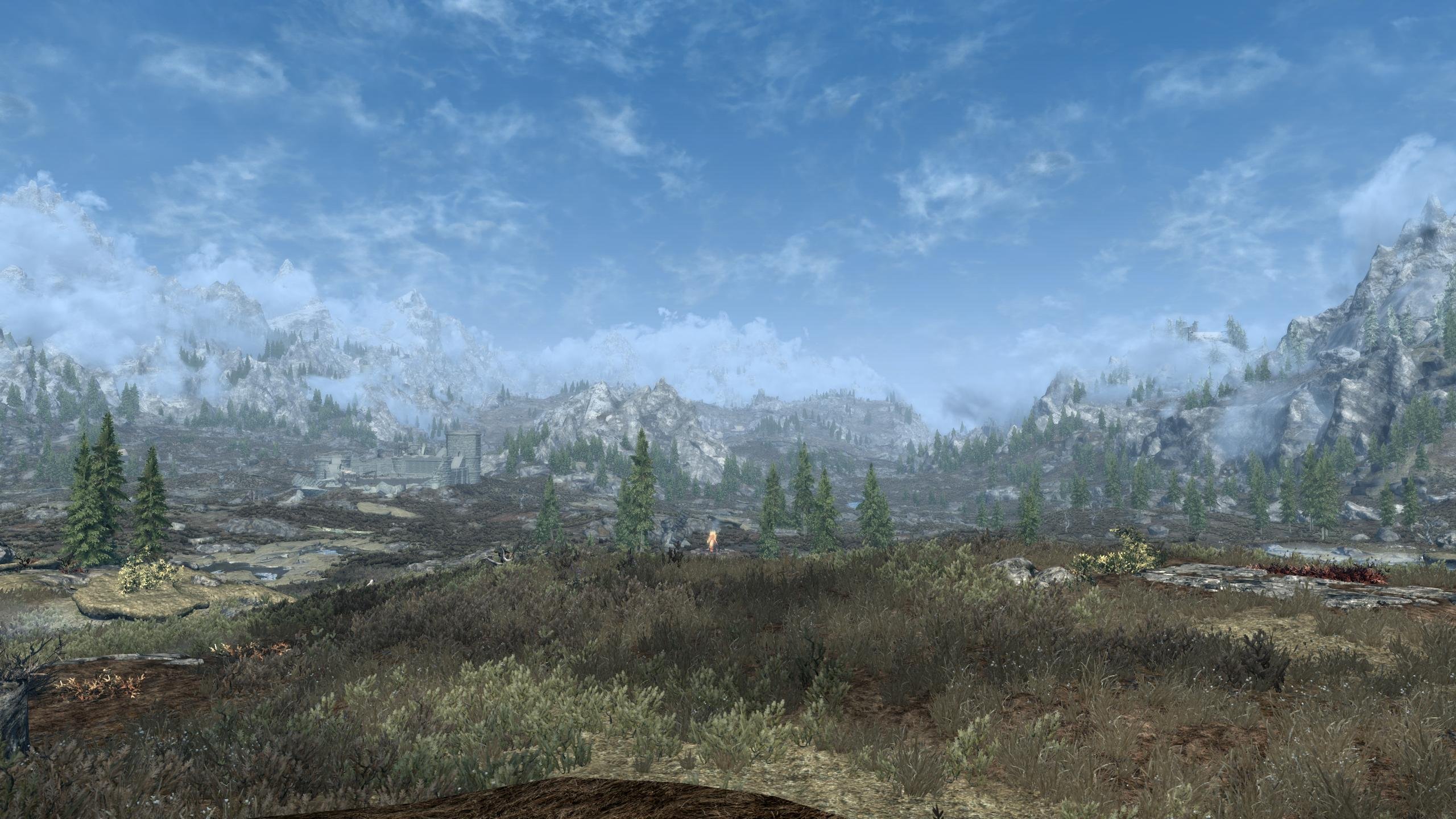
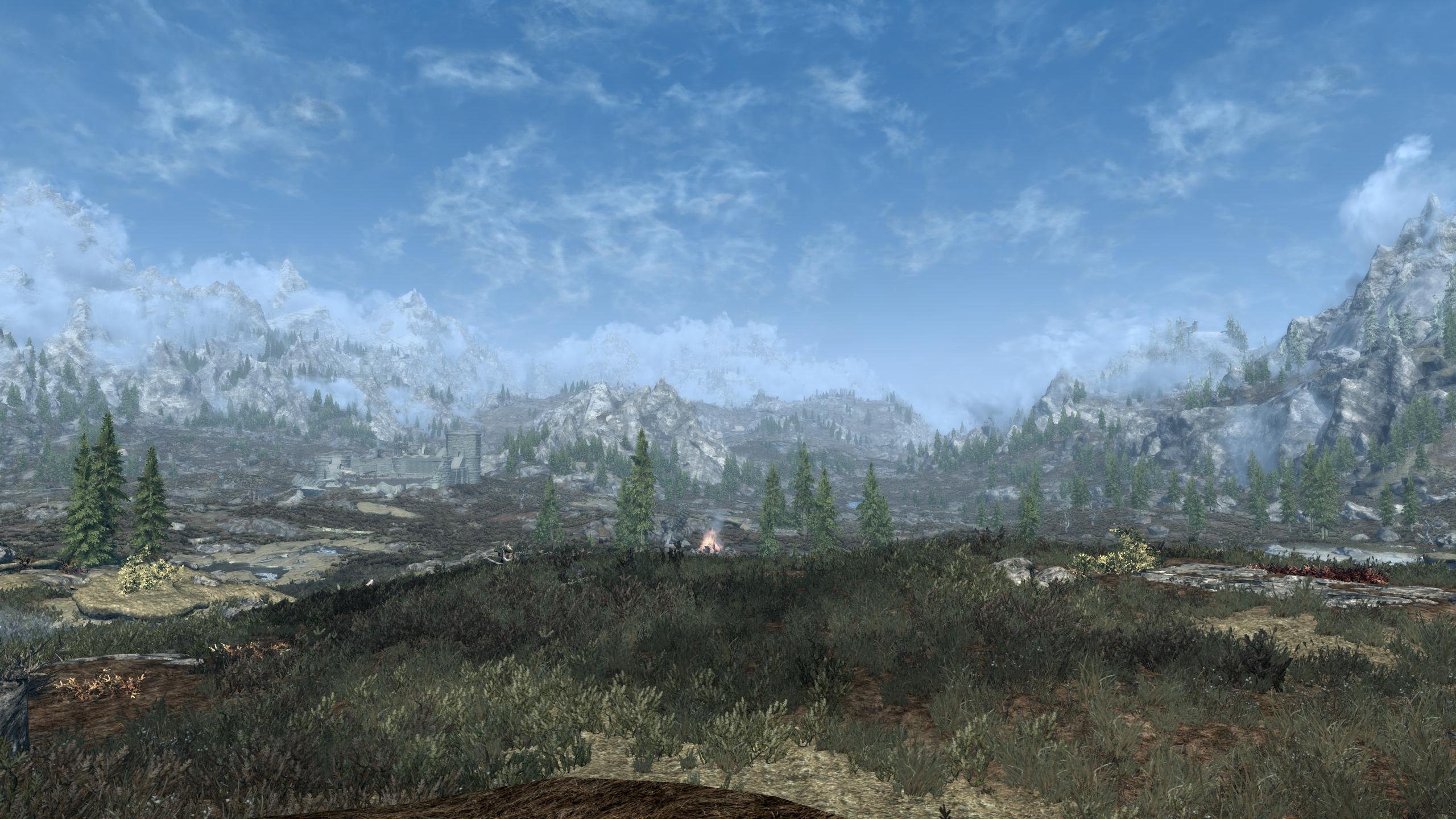
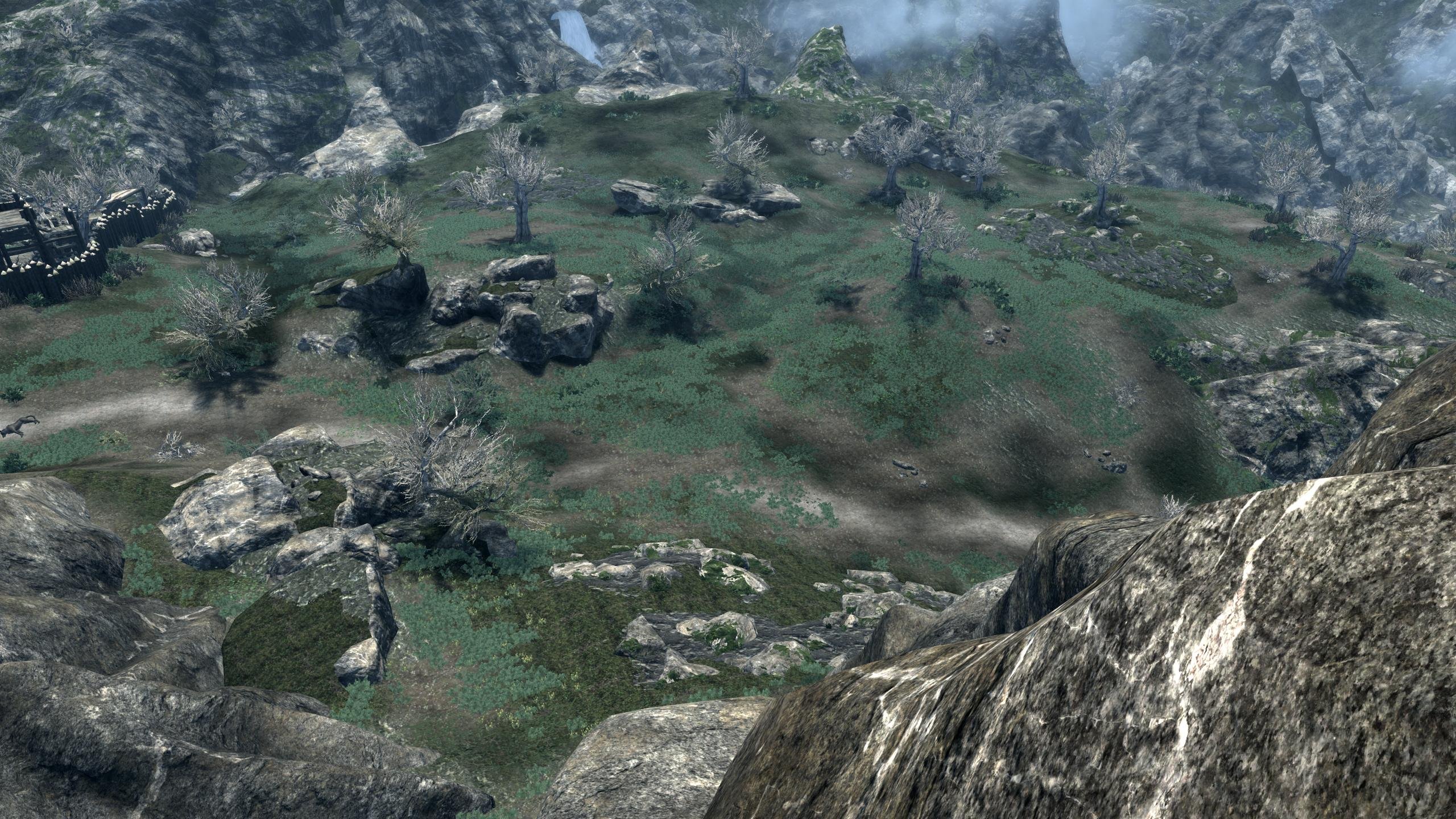
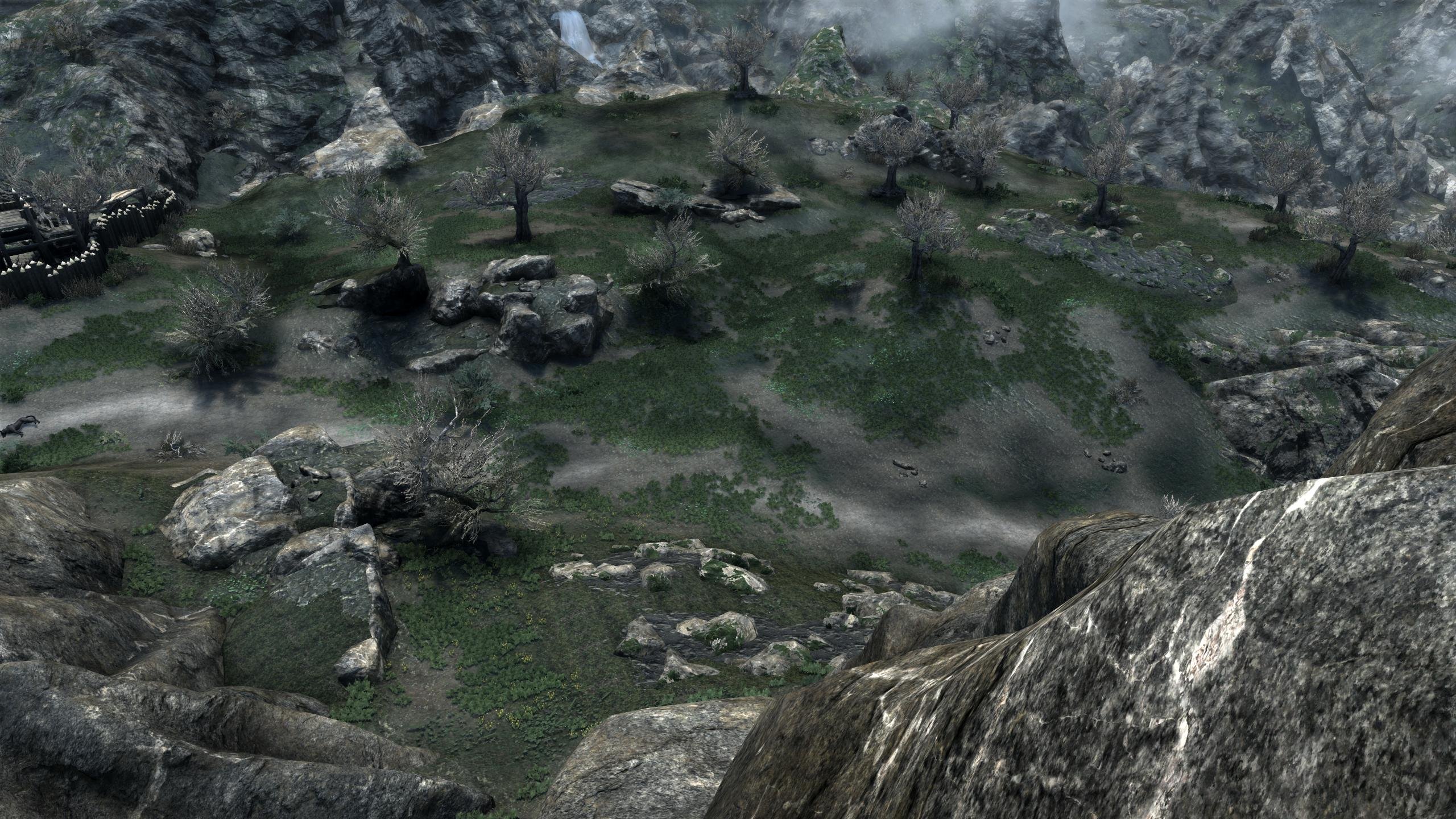
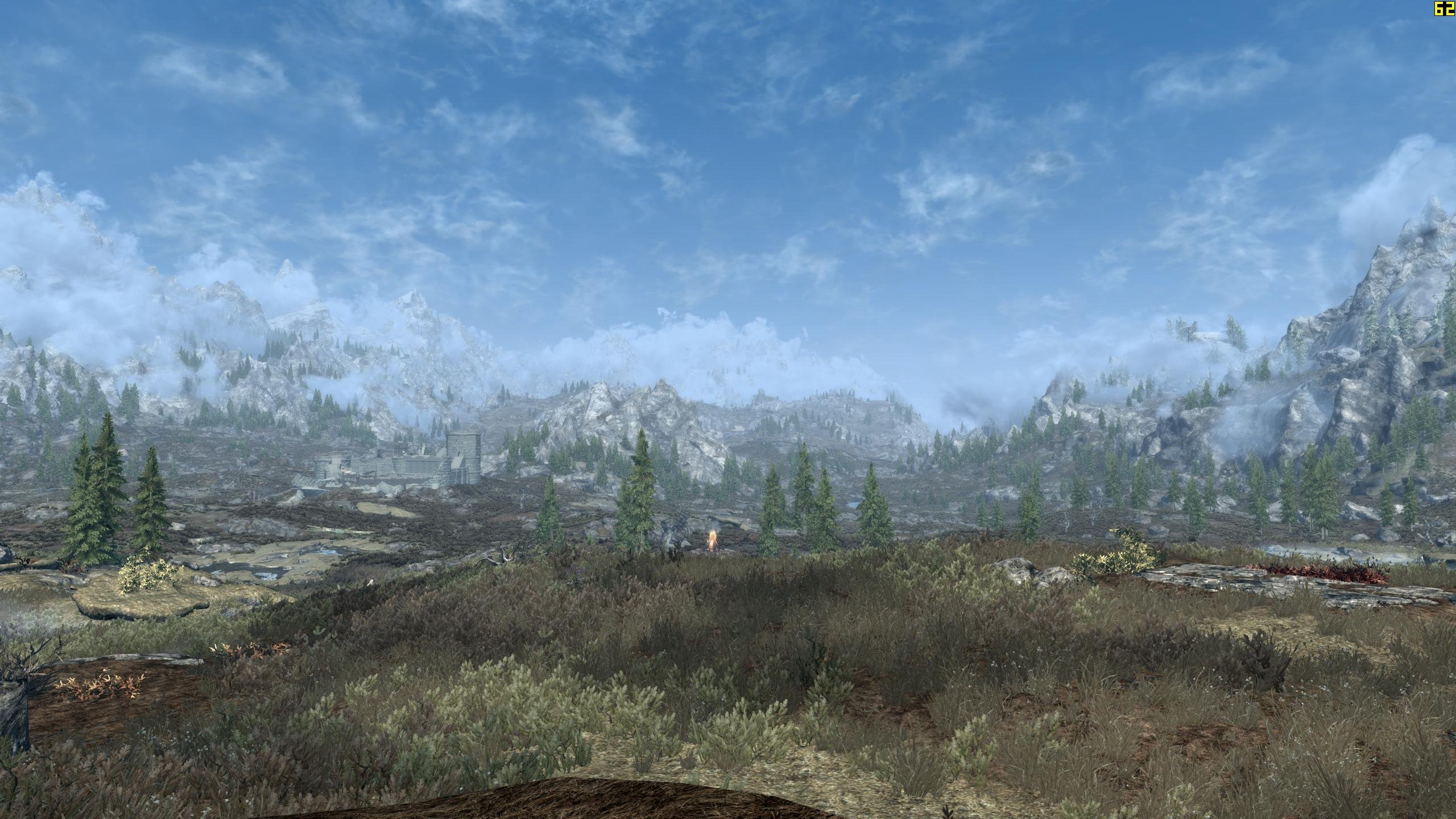
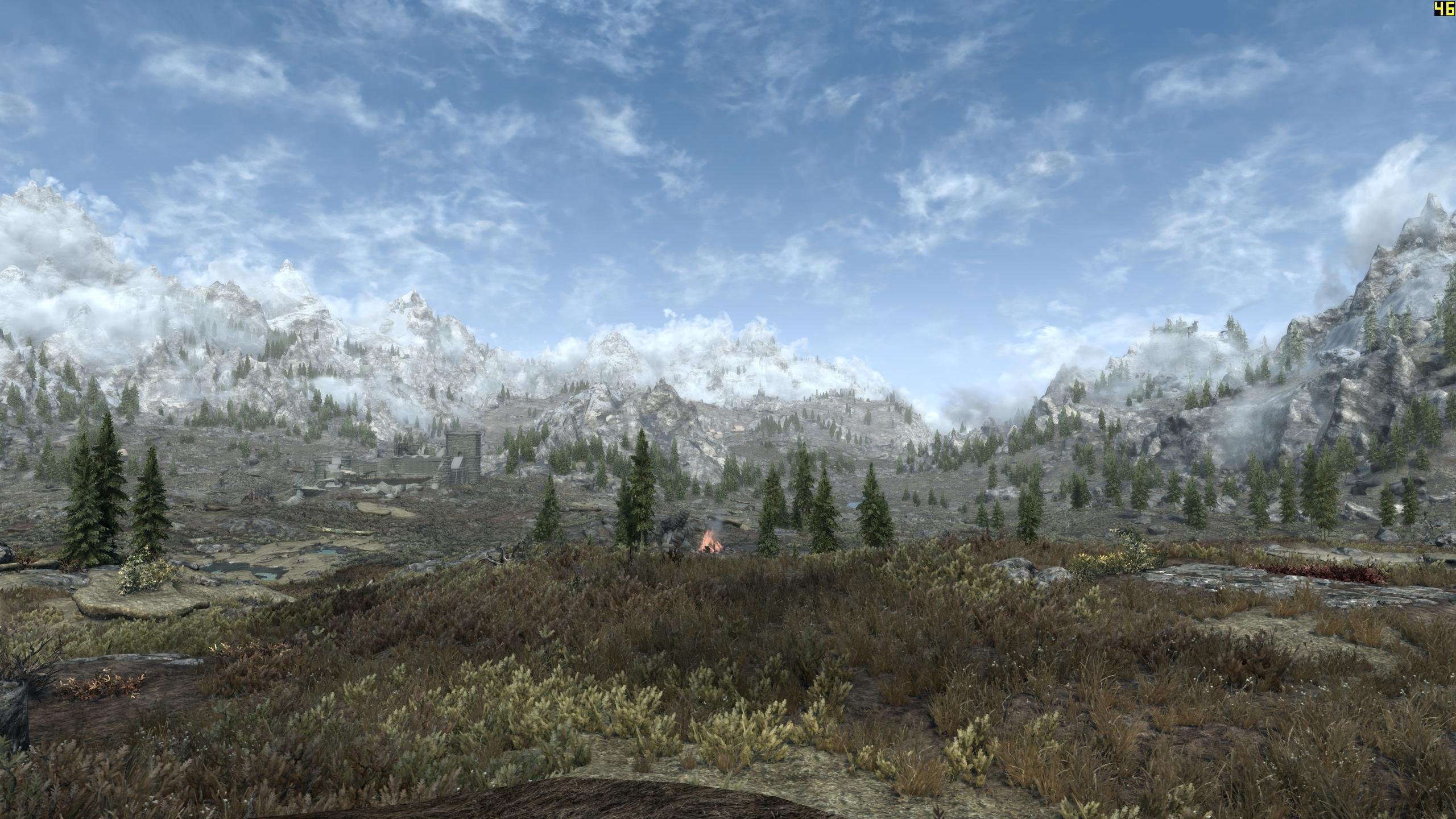
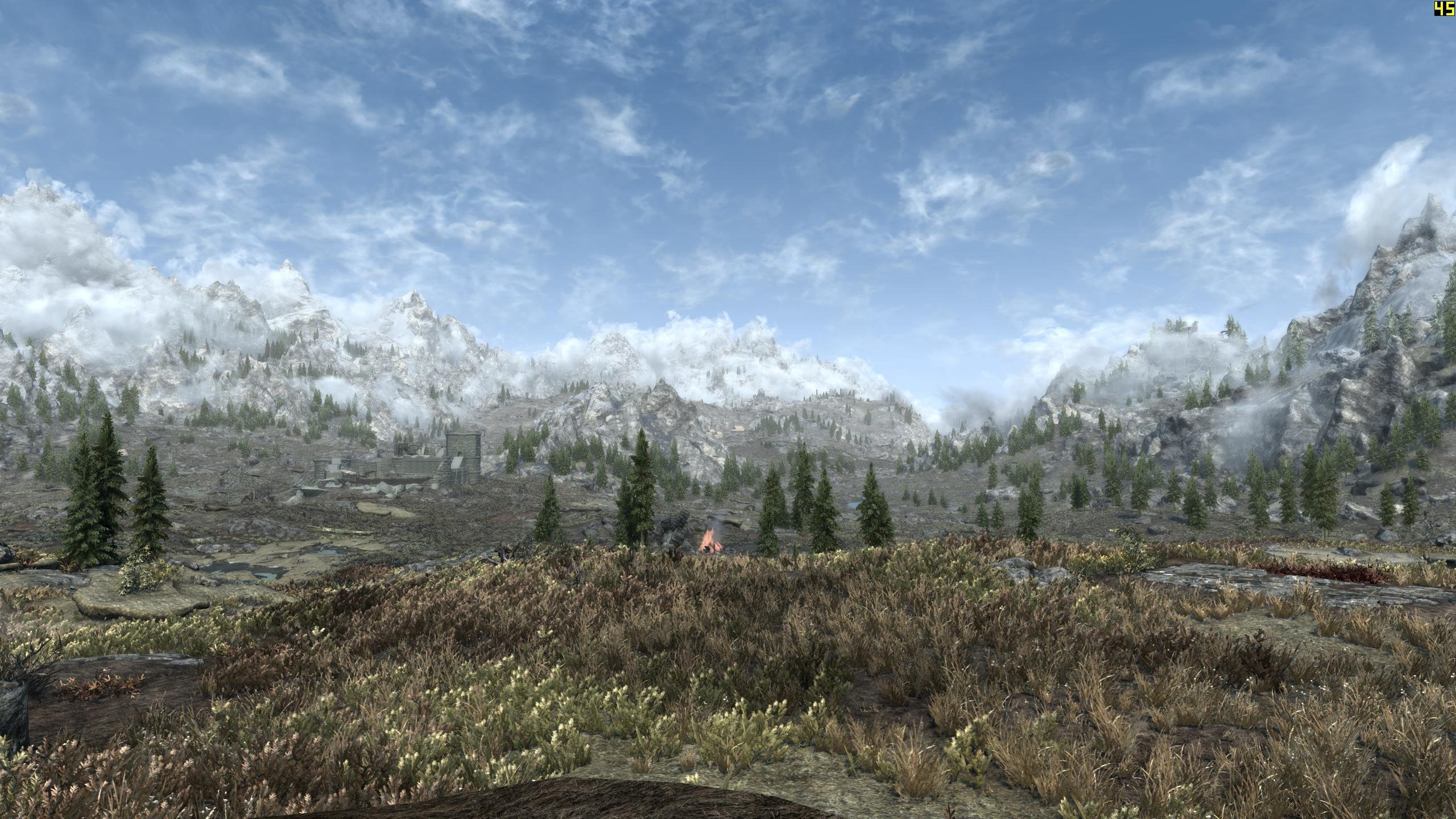
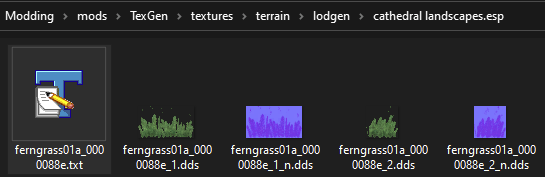
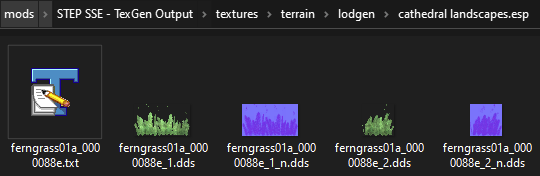
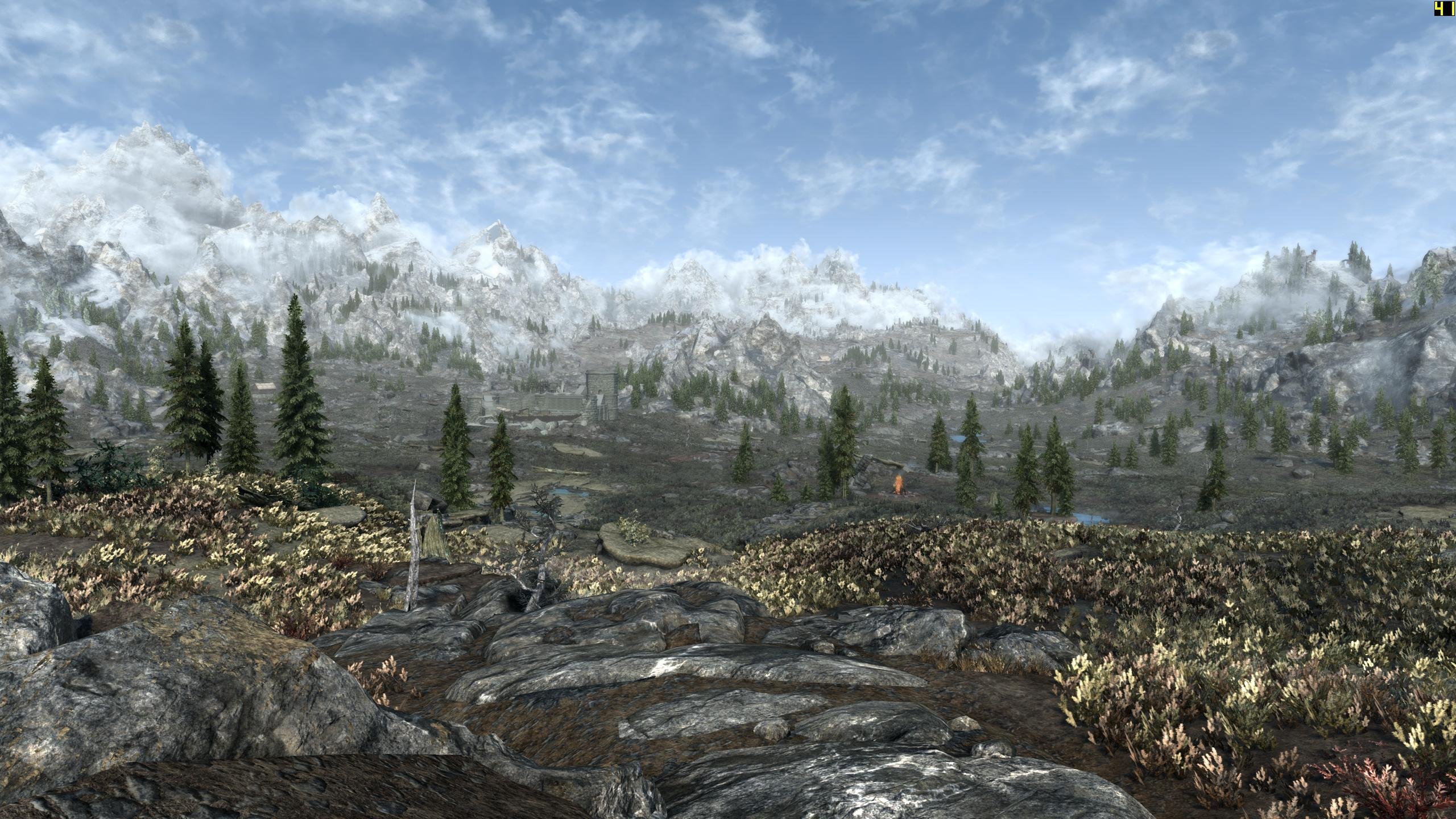
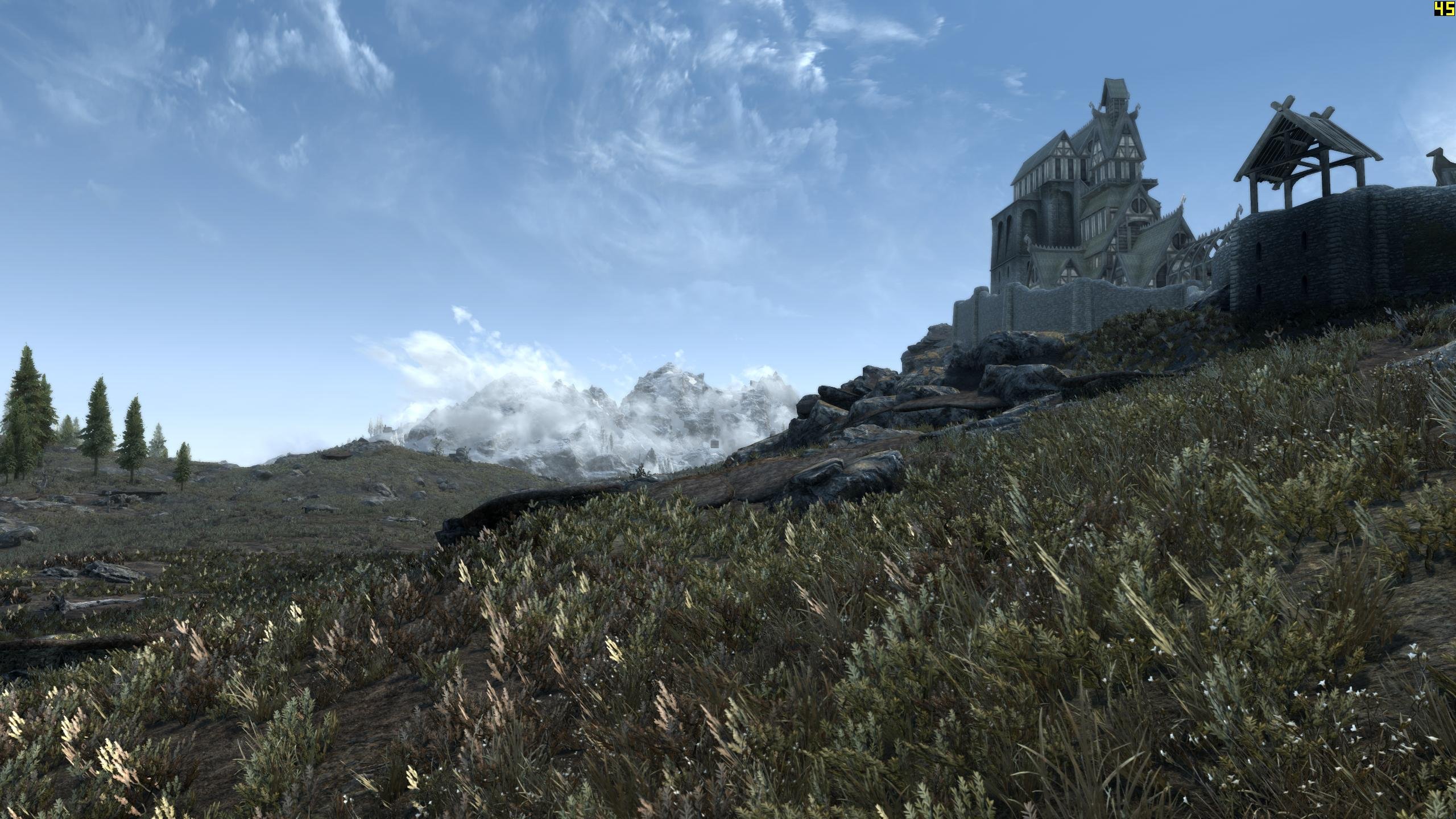
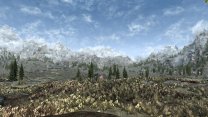
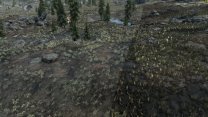
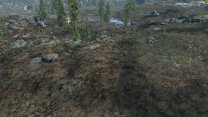
I'm not seeing any obvious missing grass billboards. I am using only 50% LOD grass, BTW, so that may make it look like there are some missing billboards. Maybe I should use 100% for testing though. These grass LOD are also based on GID CL grasses generated under 1.5.97. It looks like the TexGen lighting is key. I had to carefully set top/bottom in the TexGen preview slider to maximize contrast. These settings seem to work well in terms of TexGen brightness and contrast. They yield the max contrast within the diffuse, but the normals are identical regardless of settings (which is the main limitation of LOD grasses I think). I know this because I can regen the grass Textures with TexGen using various settings in about 30 seconds and can watch the tumbnails change in Explorer. Normals don't change at all, regardless (which makes sense, since there are no recognized grass normals that TexGen can alter it seems): Default TexGen grass settings Tweaked settings that have worked best so far GrassBillboards=1 GrassBillboardsDirect=300 GrassBillboardsDirectLR=4 GrassBillboardsDirectFB=4 GrassBillboardsDirectTB=-4 GrassBillboardsAmbient=15 Just need to mess with the tint a bit in the DynDOLOD INI settings. These shots are getting there with the following (will increase top in 0.100 increments in next run(s)): ; grass LOD brightness multipliers GrassBrightnessTopR=0.375 GrassBrightnessTopG=0.395 GrassBrightnessTopB=0.380 ; make bottom darker to fake shadowing GrassBrightnessBottomR=0.120 GrassBrightnessBottomG=0.125 GrassBrightnessBottomB=0.130 ENB on >> ENB off I haven't found any complex grass vanilla replacers. I might just do that if you or someone else doesn't beat me to it.
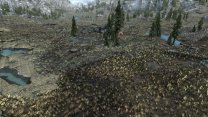
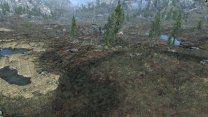


-
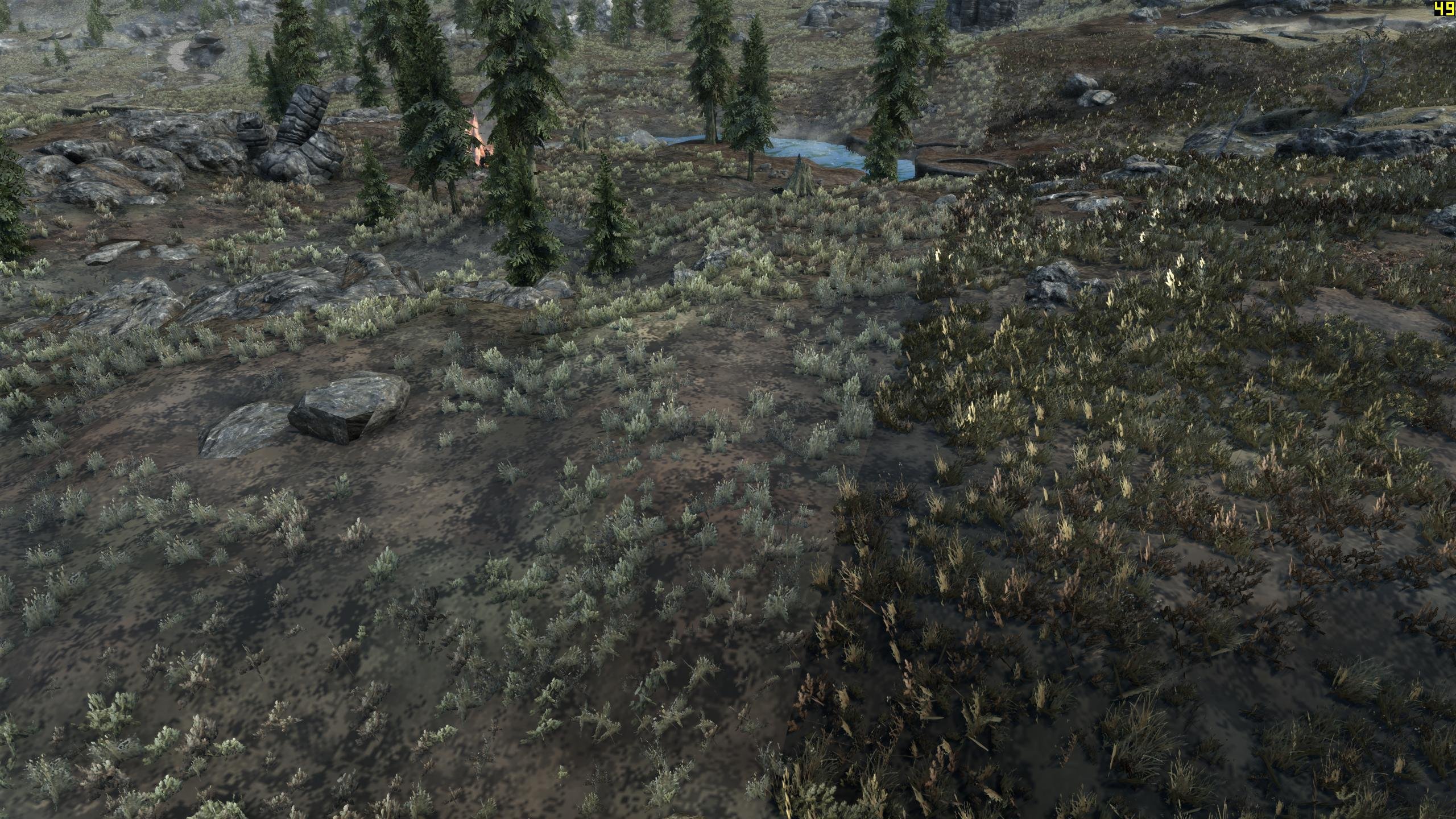
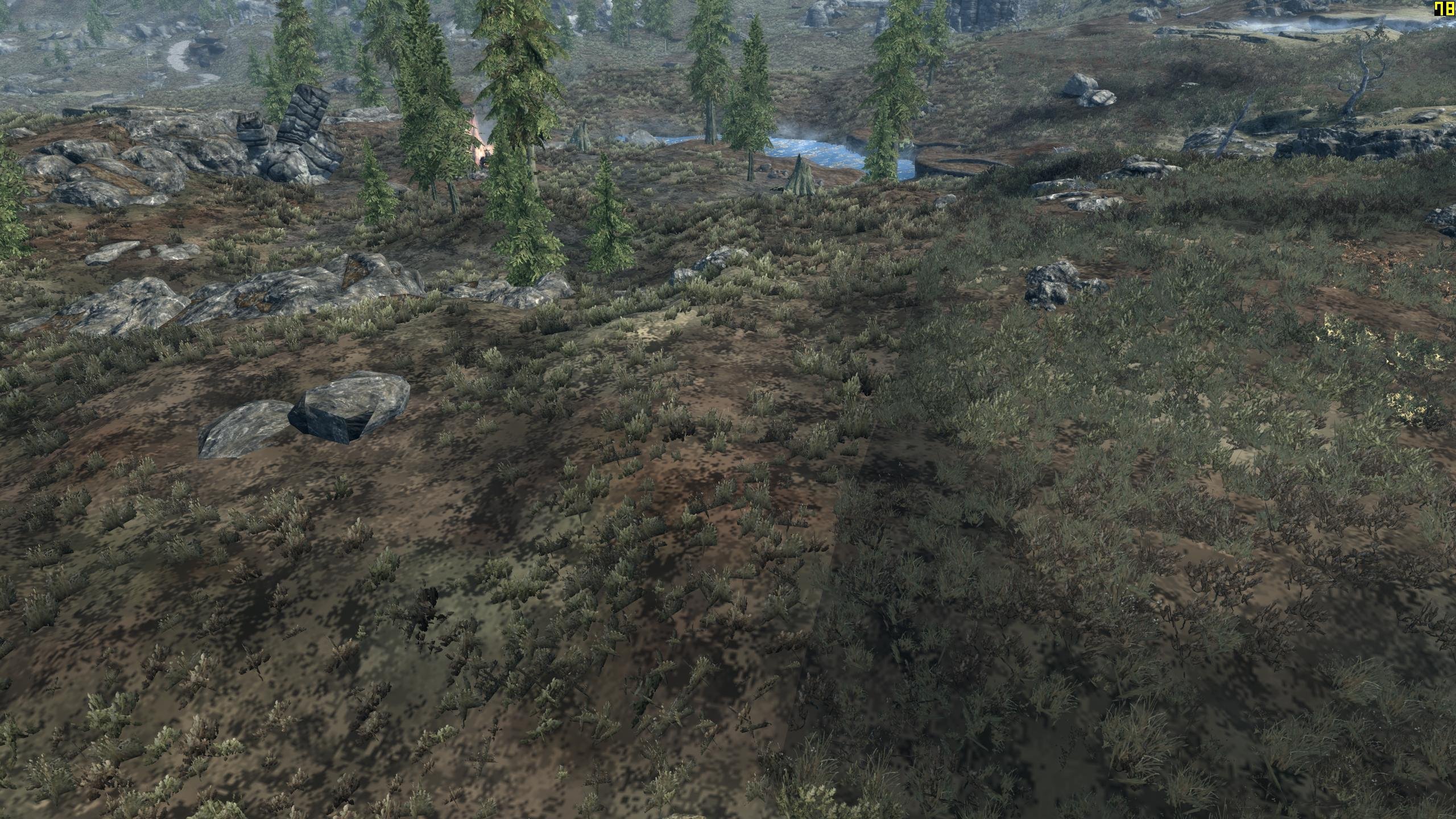
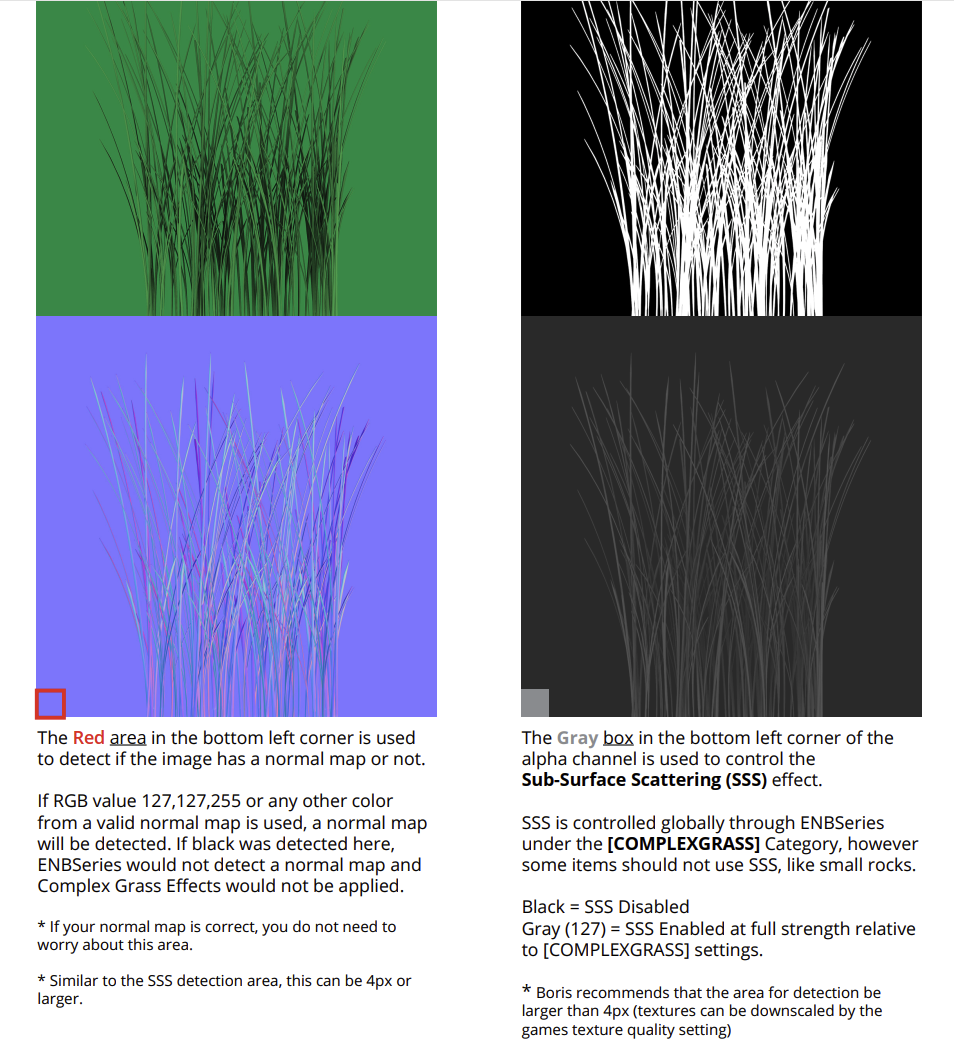
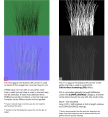
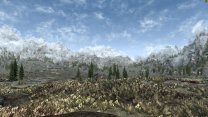
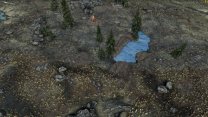
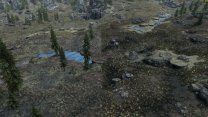
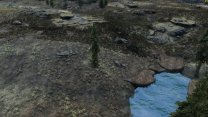
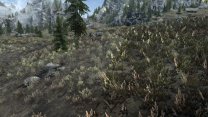
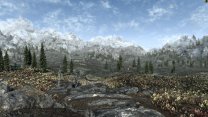
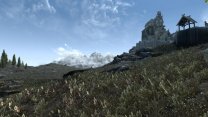
Following up on this ... I generated TexGen/DynDOLOD again using HD Trees direct/ambient defaults for grass and raised my DynDOLOD grass top/bottom RGB values by 0.05. As you can see, whatever ENB is doing to make use of the complex grass normal maps in post processing isn't happening likewise with LOD grass. I do think the grass normals make a slight difference for LOD, ENB doesn't make use of it. The panorama shot looks decent, but you can tell by the other shots that color is still off, and LOD is arguably too bright now. I prefer the TexGen defaults for grass and our custom values for DynDOLOD top/bottom (as shown in the second row from my original run). I have included several angles to show the effect of sun position (9:30 AM and sun is just to ESE of Whiterun): ENB requires specific pixel values in the lower-left corner of the texture and in the alpha channel to flag ENB for these effects (link to guide):
-
Lore fixes and not-bug unfixes for USSEP?
z929669 replied to Halde's topic in General Skyrim SE Discussion & Support
The writing purity patch looks good to me though. -
Lore fixes and not-bug unfixes for USSEP?
z929669 replied to Halde's topic in General Skyrim SE Discussion & Support
I wouldn't use Purist Vanilla Patch. It seems that mod breaks some things according to this topic. There seems to be greater potential for author and user error with some of these mods. While USSEP makes some sweeping changes, I would argue that 90% of them are 'fixes' of 'corrections', and the rest are sound judgement calls made by people that understand TES and Skyrim lore much better than the authors of mods like this. Bethesda DID make mistakes, so reverting USSEP fixes is generally a bad idea, IMO. Some changes touch many small things, so I trust that USSEP does this correctly. -
I think it's settled as a 'no' vote then. I'm really not a fan either.
-
Like DY, I'm voting for QUI rather than this mod.
-
I have this installed and the System Page tweak works as expected without any configuration to the TOML file. I think the default config is fine and vote to accept this one in favor of the other one's for this and the additional features.
-
ACCEPTED Cathedral - 3D Lavender (by DrJacopo)
z929669 replied to TechAngel85's topic in Skyrim SE Mods
It's thinness is my only complaint as well (flowers and leaves). I think Cathedral's is the best replacement for vanilla, but will go with whatever the next voter thinks. EDIT: The same is true for this author's thistle. Too sparse. But that one also has leaves of the wrong color -
ACCEPTED Atlas Map Markers SE - Updated with MCM (by kryptopyr)
z929669 replied to wojsku's topic in Skyrim SE Mods
It simplifies configuration for those that like to use MCM. The downside is that it relies on FISSES and can break when the game is updated. I rarely use MCM settings and prefer INI configs (set and forget). This one has lots of options though. -
This crash log is not indicating anything obvious to me outside of the "INISettingCollection" lines and the "Controller disconnected" message. Be certain you have not enabled a controller in the INI, and verify you have BethINI set up correctly. Maybe revisit the BethINI section and repeat that piece. Check that your game folder location doesn't have any *.dll files that are not in this bunch (don't worry if you are missing any of these though):

-
It seems as though you are on the right track with this suggestion according to sheson's latest response. I will test.
-
Thanks for the detailed explanation. I understand now what to expect and will play around with brightness settings. Also glad to have found the texture path issue fort split textures is not affecting the visual outcome. I will ignore this as I proceed.
-
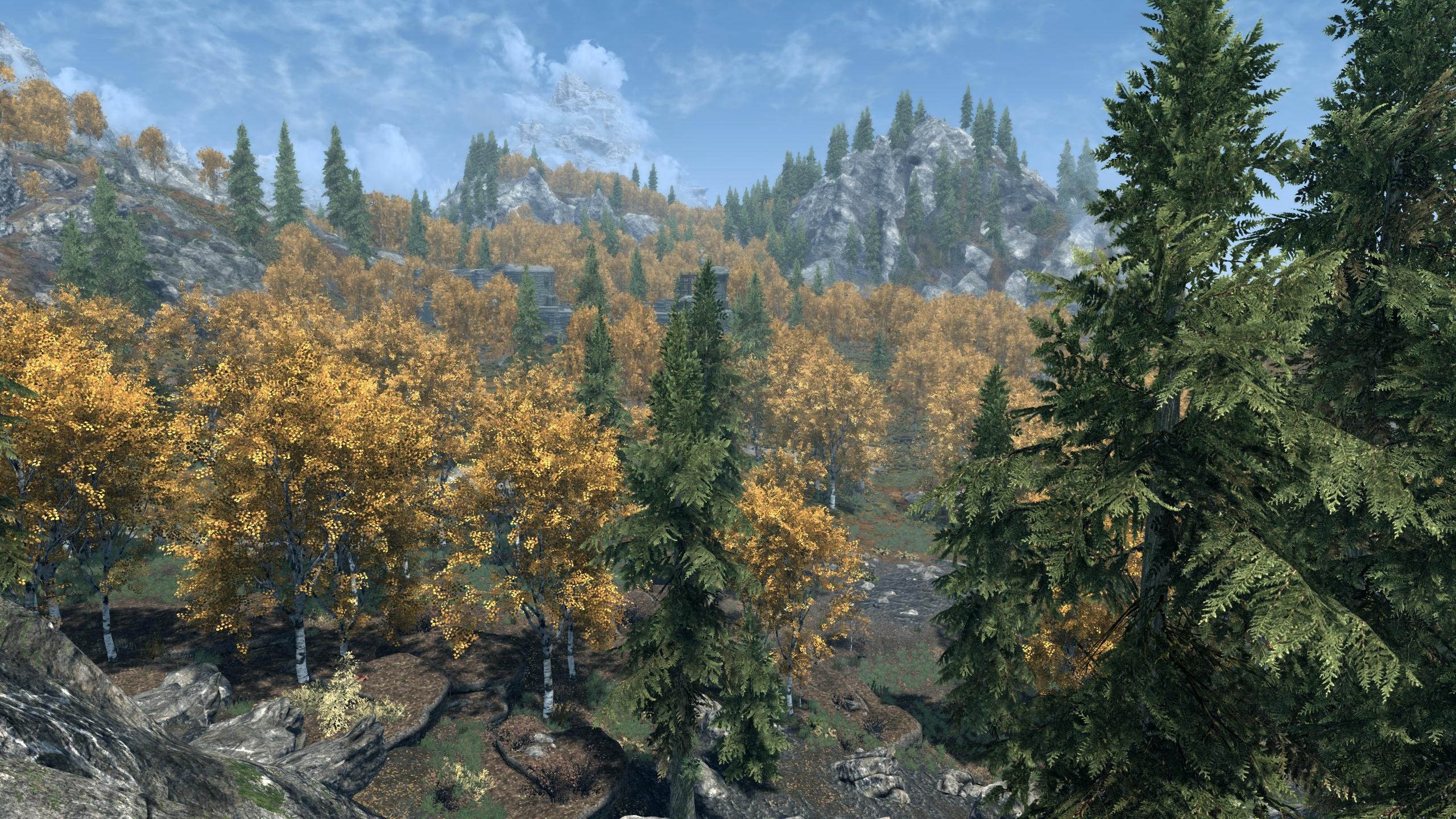
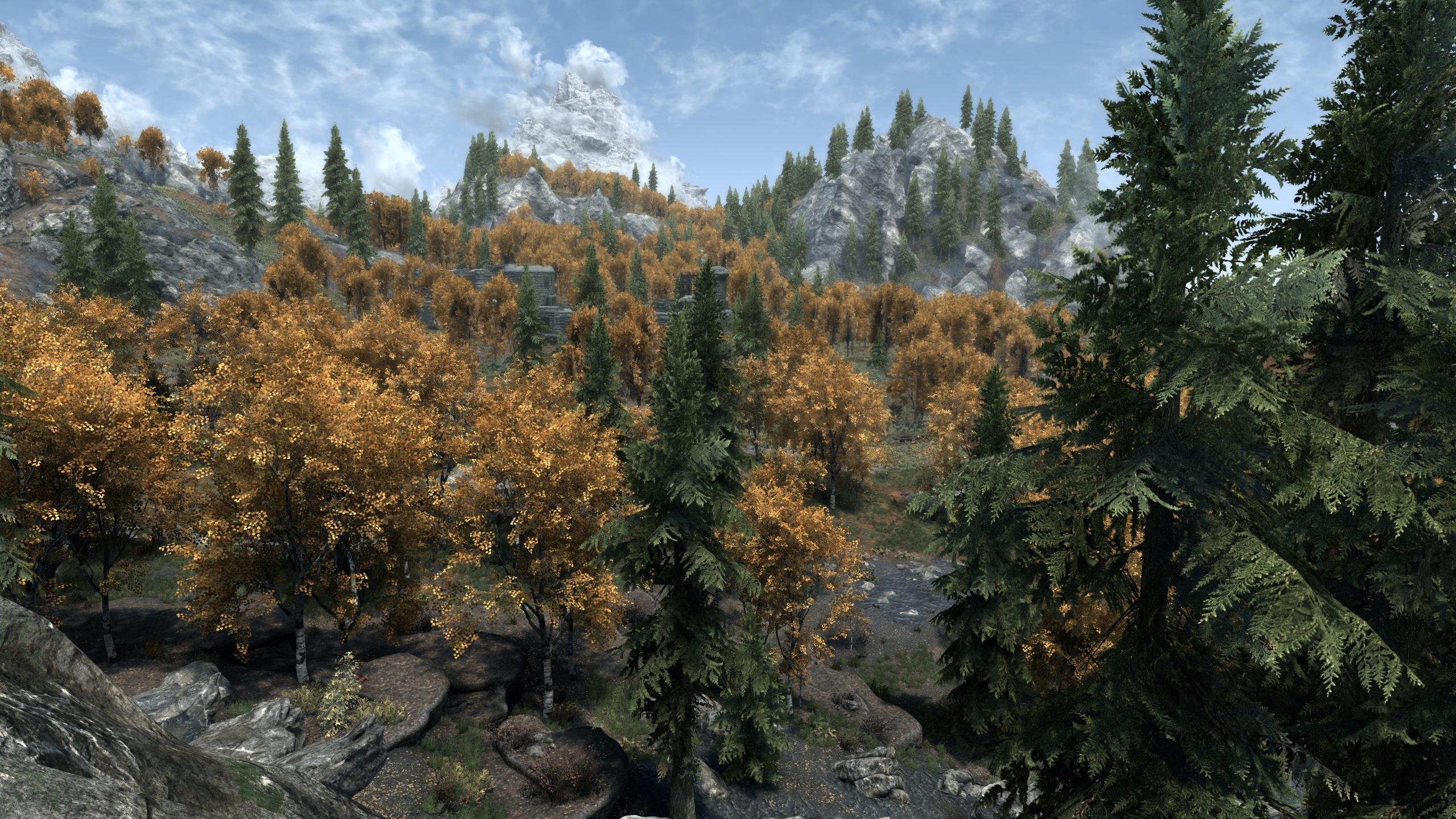
Also have a quick question about billboard4 in LOD4. Have you seen this issue with reaction to sunlight when low on the horizon? I haven't noticed this in my testing, but a couple of people have this issue. I suspect it may be exacerbated by ENB/INI/display settings for this reason. The following examples were snagged from the Aspens Ablaze DynDOLOD Add-On mod topic on Nexus