DoubleYou
-
Posts
7,933 -
Joined
-
Last visited
Everything posted by DoubleYou
-
I do need to get this done. It is planned.
-

ACCEPTED Majestic Mountains (by T4gtr34um3r)
DoubleYou replied to TechAngel85's topic in Skyrim SE Mods
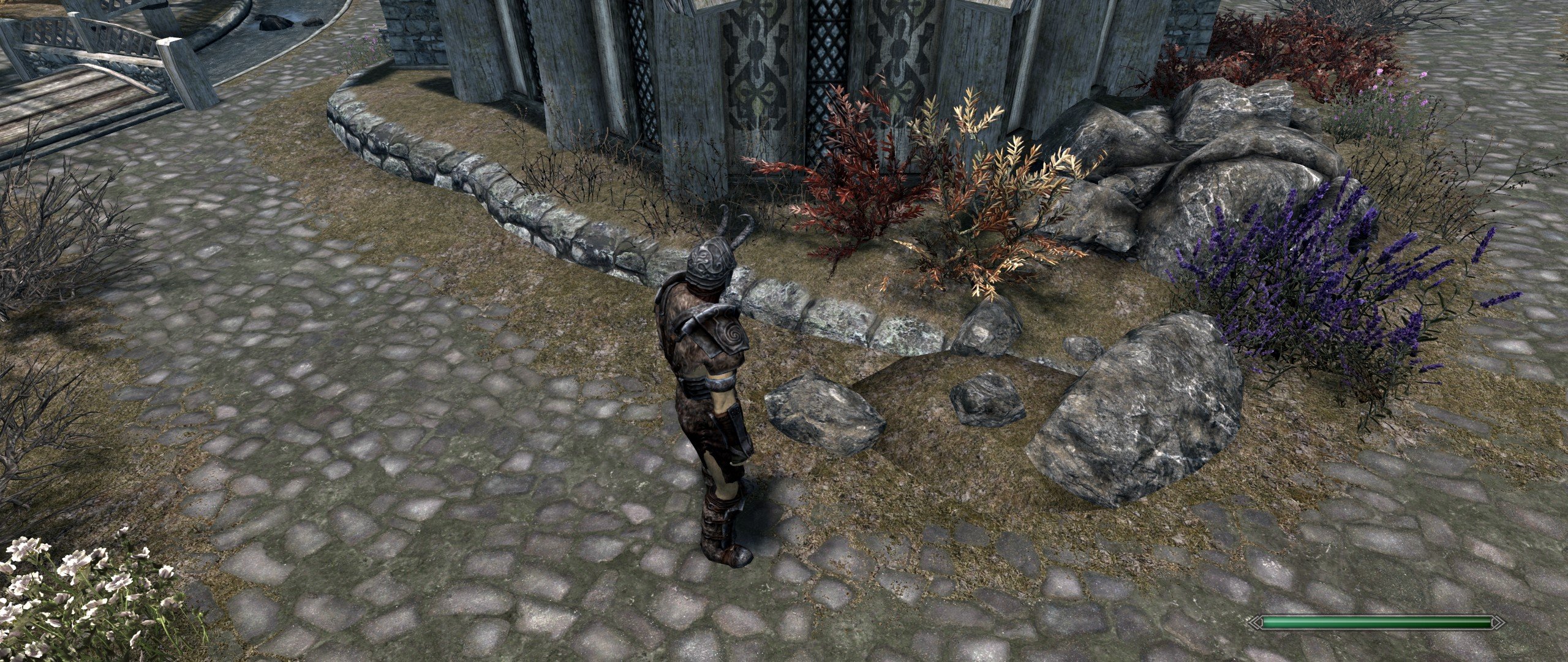
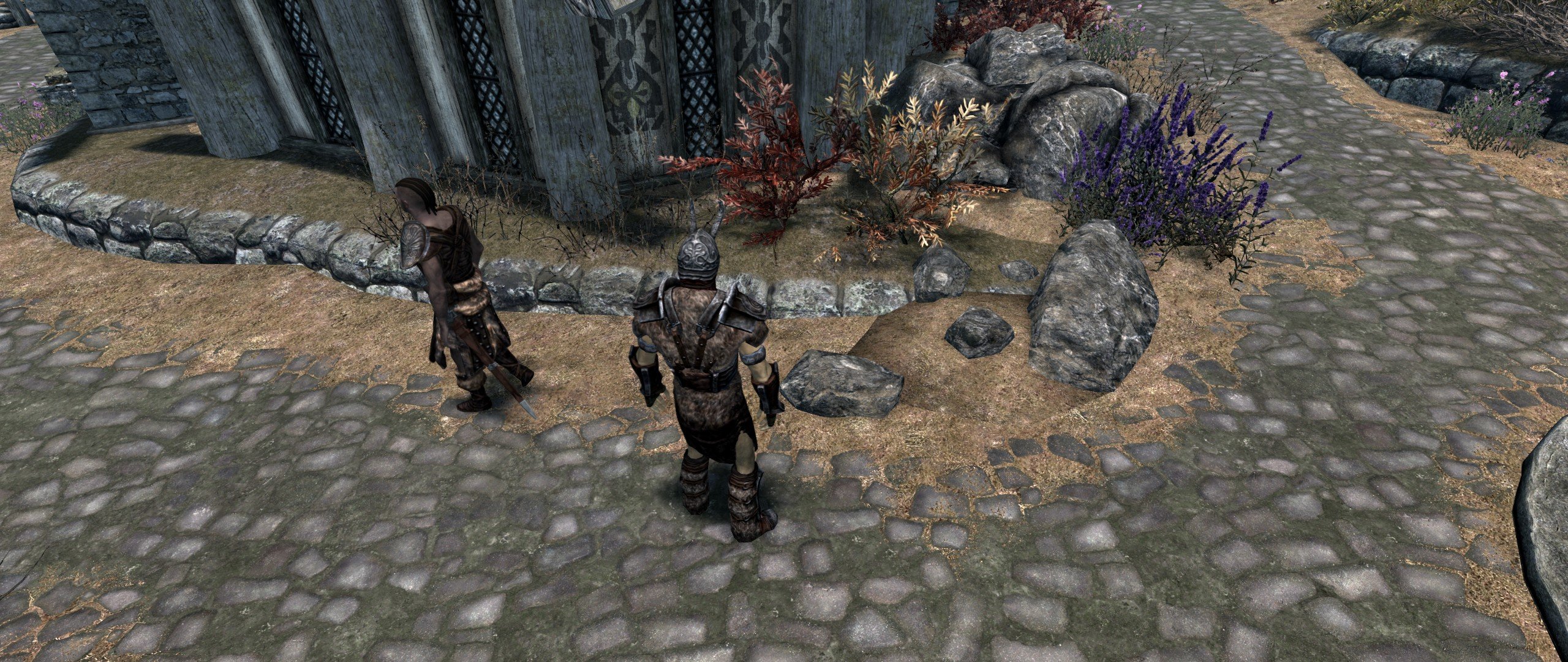
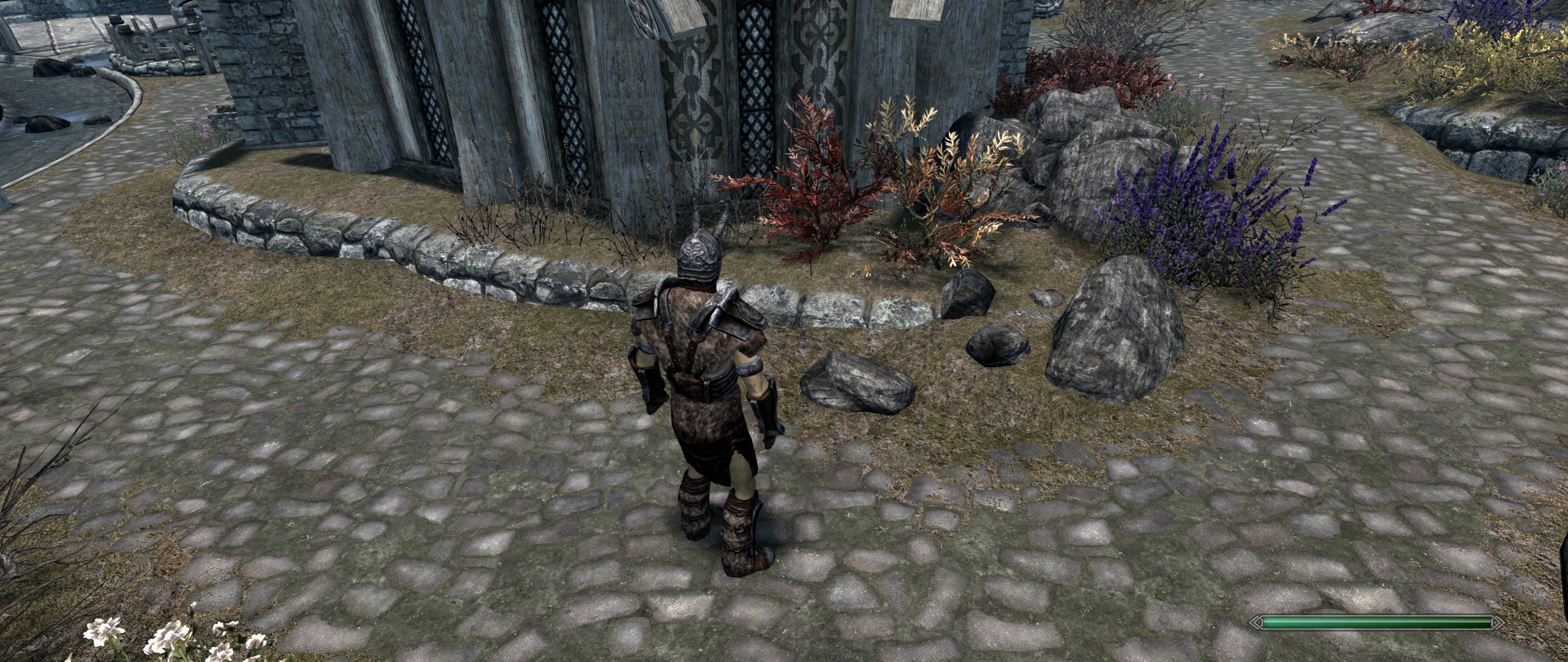
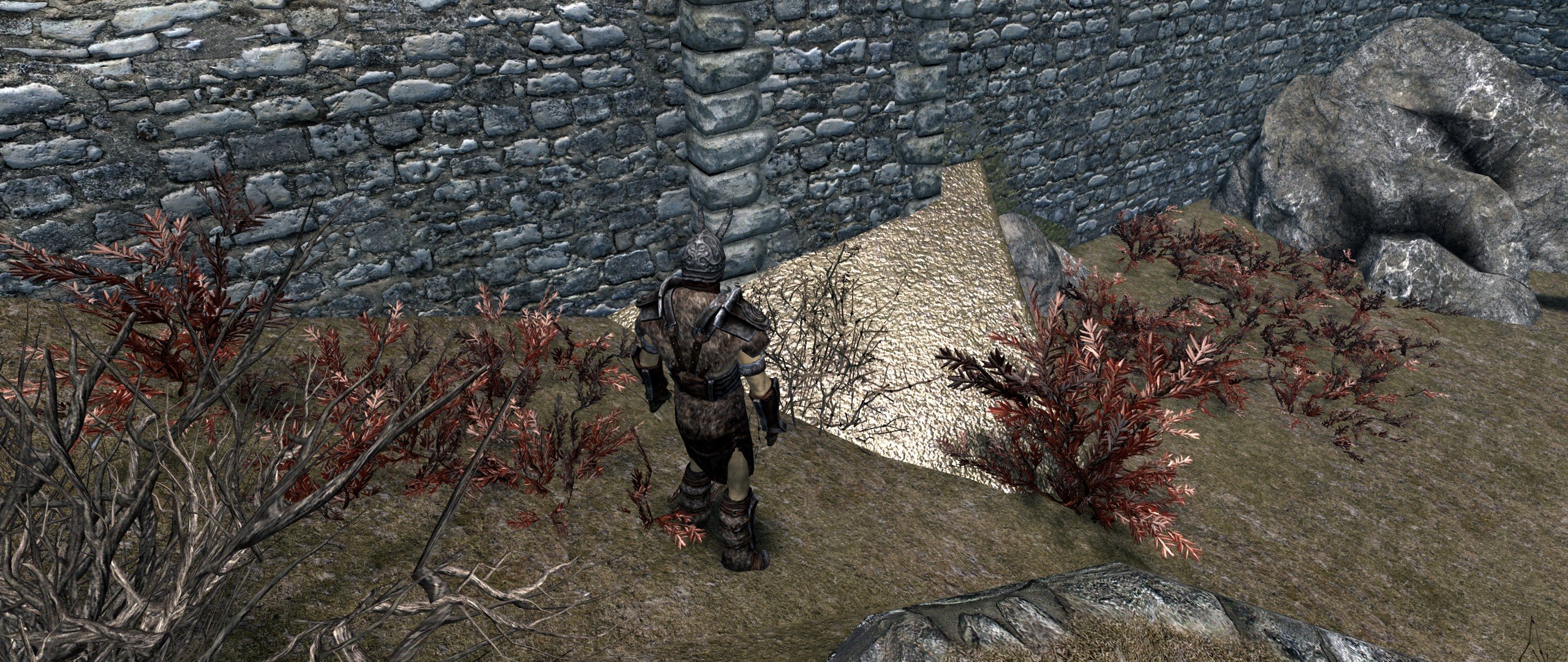
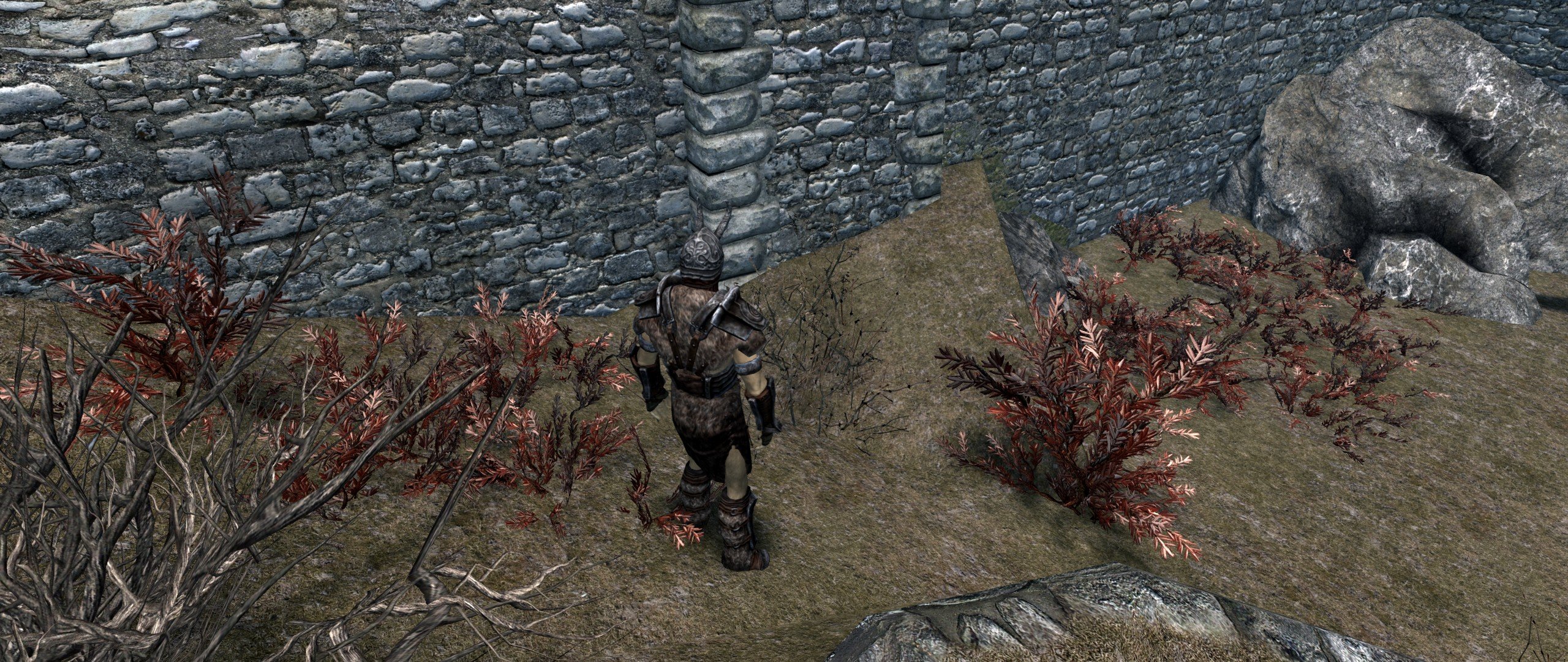
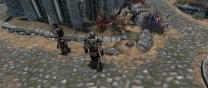
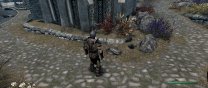
So I guess he is technically correct that if architecture\whiterun\wrfieldgrass01_n.dds had a proper specular, it wouldn't be an issue, and that mod (Skyrim Realistic Overhaul) should fix that. However, I doubt we're going to get a proper specular for SRO, so it is an issue with compatibility for us. Both SMIM and USSEP remove the specular flag from the mesh, because it appears they are using meshes based off original Skyrim which did not include the specular flag for these meshes. I can't say that I've seen any such issues since hiding the MM meshes, just a slightly different rock texture, which seems okay to me since not all rocks look the same anyhow. I tested with hiding just the normal map and hiding both the diffuse and normal maps for wrfieldgrass01. Vanilla texture is awful. Hiding the normal map is mostly okay. Vanilla texture with MM meshes --> SRO texture with hidden normal map and MM meshes --> SRO textures with hidden MM mesh Honestly, I prefer the look of hiding the MM meshes more, as it seems to fix the bad shadowing towards the edges of the mesh. We may want to test alternate textures for wrfieldgrass01 at some point, however, that have a proper specular.
-
ACCEPTED Majestic Mountains (by T4gtr34um3r)
DoubleYou replied to TechAngel85's topic in Skyrim SE Mods
T4 seems to think it is a problem with the grass we're using and that the specular is the same as vanilla. Not sure why USSEP patch and SMIM would fix the issue with the texture... needs investigation. -
Just use Cathedral Minimalist for now. I do not think that there is much difference.
-
No change. If I can't get the bug fixed in NGIO, I will make a mod to make this easy. I have already developed an alternative method of effectively removing the erroneous grass cache files from Skyrim - Misc.bsa.
-
Yeah, I so far haven't figured out how to make these play together nicely with ENB Light.
-
The map is made from your object and terrain LOD. The problem is there somewhere. I have not seen this problem, so I can't be sure what mistake would cause it.
-
This is a LOD issue. Are you using xLodGen? Pretty sure you have incorrect terrain LOD.
-
ACCEPTED Flickering Meshes Fix (by nicola89b and gururaj20000)
DoubleYou posted a topic in Skyrim SE Mods
Discussion topic: Flickering Meshes Fix by nicola89b and gururaj20000 Wiki Link Accepted for v2.0.0 -
Discussion topic: ENB Lights for Aetherium Shards by lilum Wiki Link
-
ACCEPTED Majestic Mountains (by T4gtr34um3r)
DoubleYou replied to TechAngel85's topic in Skyrim SE Mods
I haven't as of yet. Edit: Added a bug report. -
ACCEPTED Majestic Mountains (by T4gtr34um3r)
DoubleYou replied to TechAngel85's topic in Skyrim SE Mods
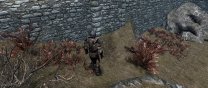
Found another one to hide: \meshes\Landscape\rocks\rockcliff07.nif MM --> USSEP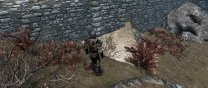
-
What do you mean by "it wasn't that"? Did it crash or not? If it did crash when loading that way, please ensure that it doesn't crash with your pre-bethini file.
-
@jold Ok. Let's test that. Put your pre-bethini file back in. Load it up in BethINI and immediately click Save and Exit. Report your results.
-
@jold The instructions in the readme include instructions to reset your INIs to the defaults. This is what happens when you click the Default preset. In your case, you already had a fully modded setup working, and customized changes which require that those changes remain. Therefore, you do NOT want to reset them to default, as it then changes the settings to default values that you don't want in your case. Using the other preset buttons other than "Default" should allow you to tweak performance without changing your customized settings. In your case, you have customized fonts because of your UI mod (DarNified UI by the looks). Without those fonts set to what they need to be, I believe this is causing the crash in your case. There are other significant changes, however, that I'm not certain of the effect when changed between saves. Also, your post bethini file indicates an increase in screen resolution from 1920x1080 to 2560x1440. If your screen is incapable of the increased resolution, that also could be the cause of CTD. My recommendation would be to restore your pre bethini file, run BethINI, skip selecting the Default button, select a preset, ensure your resolution is set how you want, and tweak from there.
-
@sheson I have attached an output grass cache file for Fallout 4. I haven't modified it as of yet to try to get it to work in game (loading them as is crashes the game). Do you think you could use these files the same way you do for SSE to make grass lods? Commonwealthx-002y0028.gid
-
It looks like you need to turn off bEnableImprovedSnow in SkyrimPrefs.ini.
-
Could you make some compares?
-
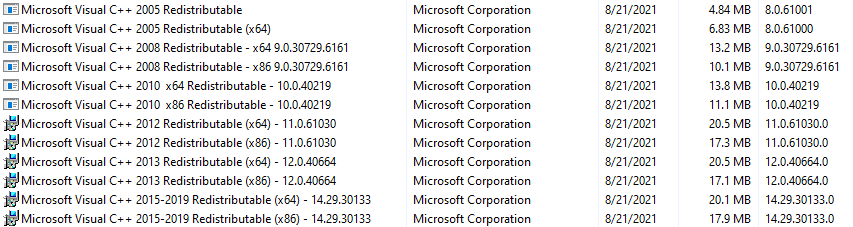
I remember one time in development I had a similar issue, where Python wouldn't run for me. It was just plain broken. Worked on my laptop, not my desktop. I finally gave up troubleshooting it, and did like you said, reformatted and reinstalled. Then it worked. I blame Microsoft Updates. That being said, I did take the time to look at your Visual C++ redistributables, and you got multiple entries and multiple versions installed (probably most of us do), and not the most up-to-date versions. You could try uninstalling and reinstalling these to see if that fixes the issue. This is the current list of them that I have with the most up to date versions (it appears mine were out of date too, so I just reinstalled them myself just now). Microsoft does a terrible job of keeping these up-to-date.

-
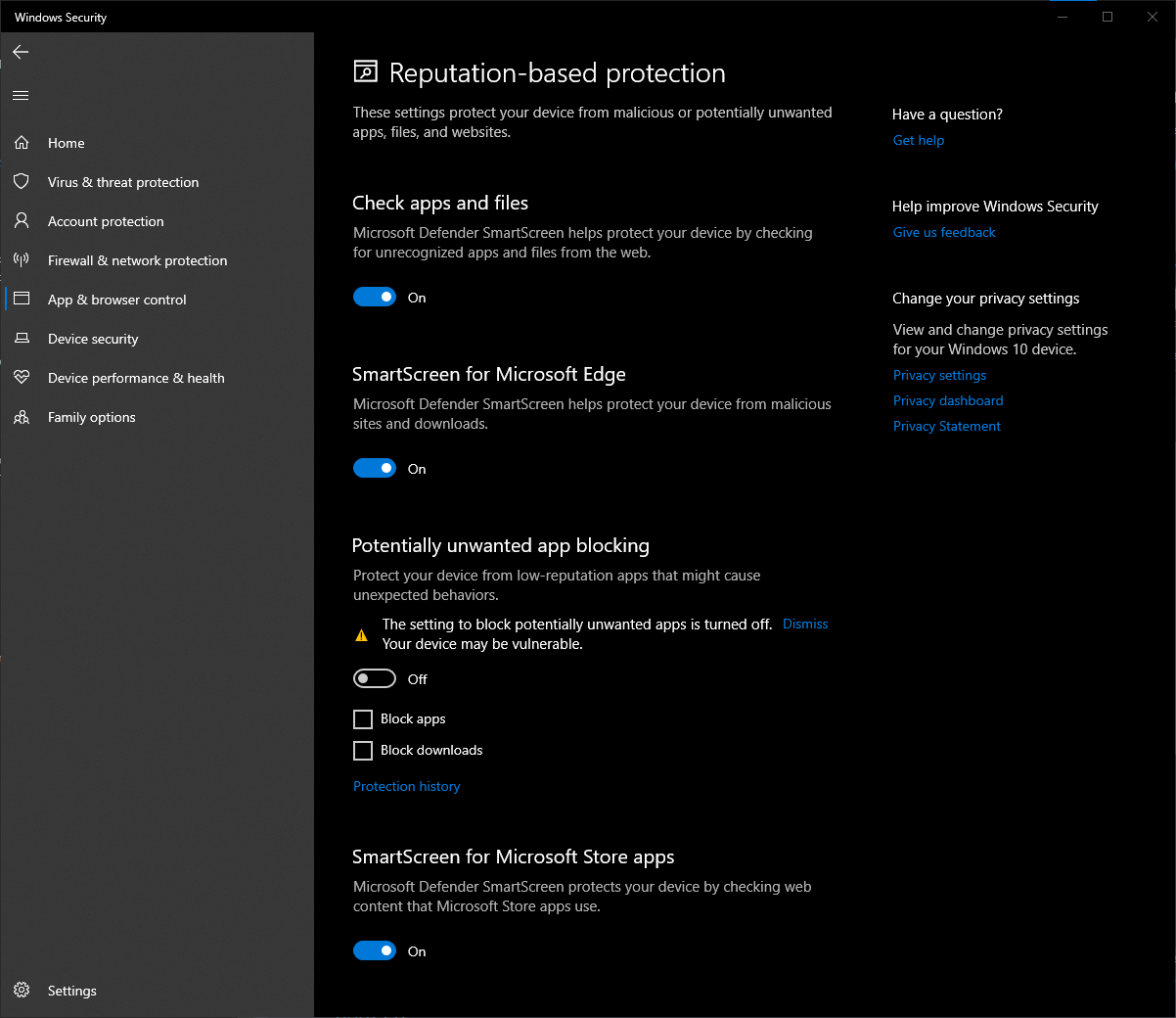
Well, there really shouldn't be anything he's missing. It might be a security setting such as the Potentially unwanted app blocking that ships with the OS. I know I found it best to turn this off because it's just a big PITA.

-
The wiki already says this, unless you aren't talking about this guide: https://stepmodifications.org/wiki/Guide:Skyrim_Configuration_Settings#The_prefixes At any rate, try using your username instead of your email to login. That has been an issue in the past. Please post back if that fixes it. @z929669 will probably have to look into it.
-
Hmmm. I can't see any reason why that wouldn't work. There must be something special about your setup. Try looking in Event Viewer, as I would expect there to be some displayed errors in there, probably under Application Error. Not sure how useful it is to find out the issue, however. It has all the hallmarks of an overzealous Antivirus, but you got it excluded, so unless you have a second Antivirus, I'm not sure what the issue might be. You might try the AHK Script version. You just need to download and install Autohotkey to use it. Alternatively, if you are only trying to tweak Skyrim Special Edition, you could try and see if the beta version under Miscellaneous works for you. It's got a few bugs, but seems mostly stable. Totally different code/gui. https://www.nexusmods.com/skyrimspecialedition/mods/4875/?tab=files
-
Could you please take a screenshot of your extracted BethINI folder? Also, it isn't wise to have a Windows Defender exclusion for the downloads folder.
-
Did you extract the archive before running it? It needs to be extracted before you can run it, as it needs the files contained within. Also, where did you extract it?
-
https://bethesda.net/en/article/REybYU3Gy2InVlHmus4UC/skyrim-10th-anniversary-fan-celebration It would seem that we are getting yet another upgrade to Skyrim in the form of Skyrim 10th Anniversary Edition. It will be made available for free to owners of Skyrim Special Edition on 11-11-21.