z929669
-
Posts
13,086 -
Joined
-
Last visited
Everything posted by z929669
-
Thanks for confirming. Since I am not as familiar with the characters of Skyrim, I can't speak to this sort of issue happening to other characters. My thought is to revisit the TSfF FOMOD and choose different options to see if that resolves. Then it will at least apply to all characters that should look old. Let's see what @Greg or @TechAngel85 have to say about this example and determine if this is a general thing with this mod or just an exception (in which case, your fix is probably best). They know the characters far better than me ... I have modded Skyrim like crazy, but I have never taken the opportunity to get to Skyrim lore. I always get hung up on modding, process, and guide editing. I will play it once I have finished modding it (so maybe never).
-

Inaccuracies in STEP 2 and 3 in the guide?
z929669 replied to Whitestar127's topic in Step Skyrim SE Guide
I agree that this is all very confusing, and I honestly don't exactly know the reasoning for "xEdit Output" empty mod. Maybe to hold the original vanilla plugins to make them easy to find? Possibly to prevent anything going to Overwrite so that people don't have issues with conflicts winding up in there and overriding everything conflicting. Most of us have cleaned the vanilla masters only once (when these files are [rarely] changed by Bethesda), so validating this process doesn't happen often. The note about the overwrite folder is just an example, but it probably should be changed to avoid confusion. I will need to set up a test profile to validate and revise this set of instructions, unless @TechAngel85 can explain his reasoning here (I think he uses this workflow, and I only followed it once ... probably hacked my way through it without much issue and figured others would do the same). The "xEdit Output" mod also must be enabled in MO to run xEdit, so I have both used it and NOT used it in the past. I don't like having it enabled otherwise. -
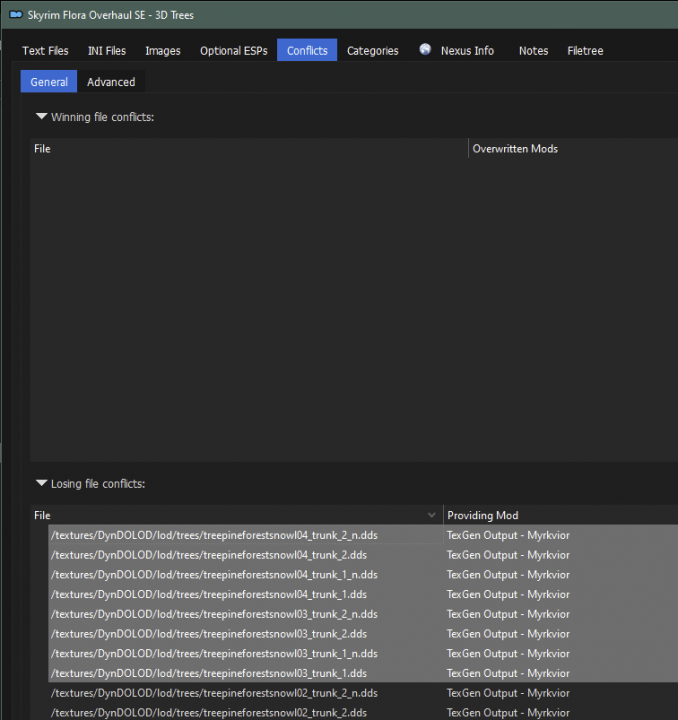
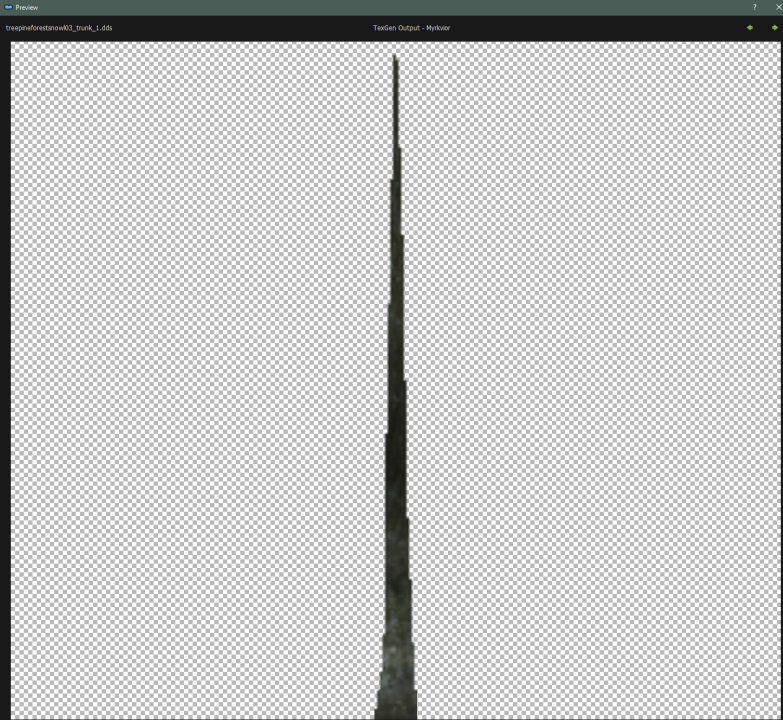
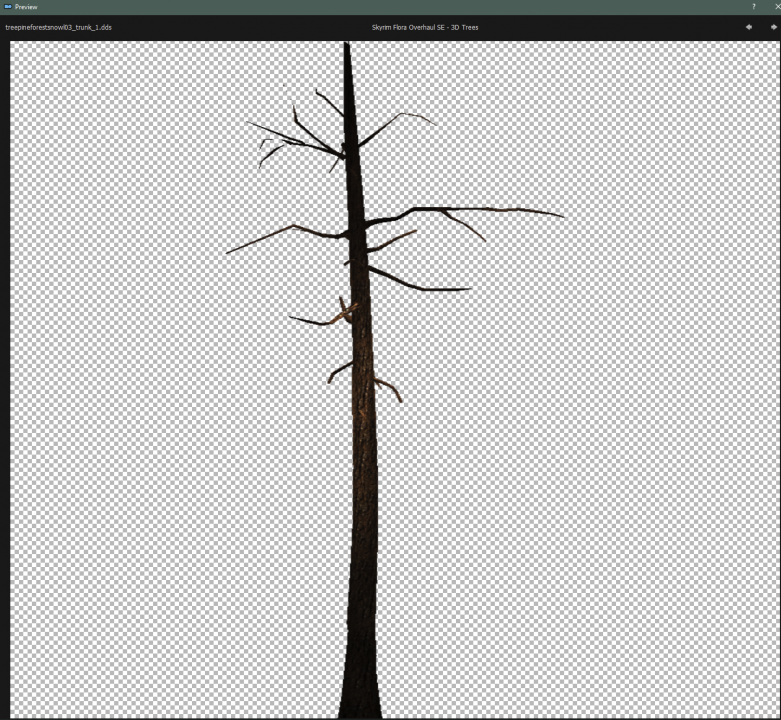
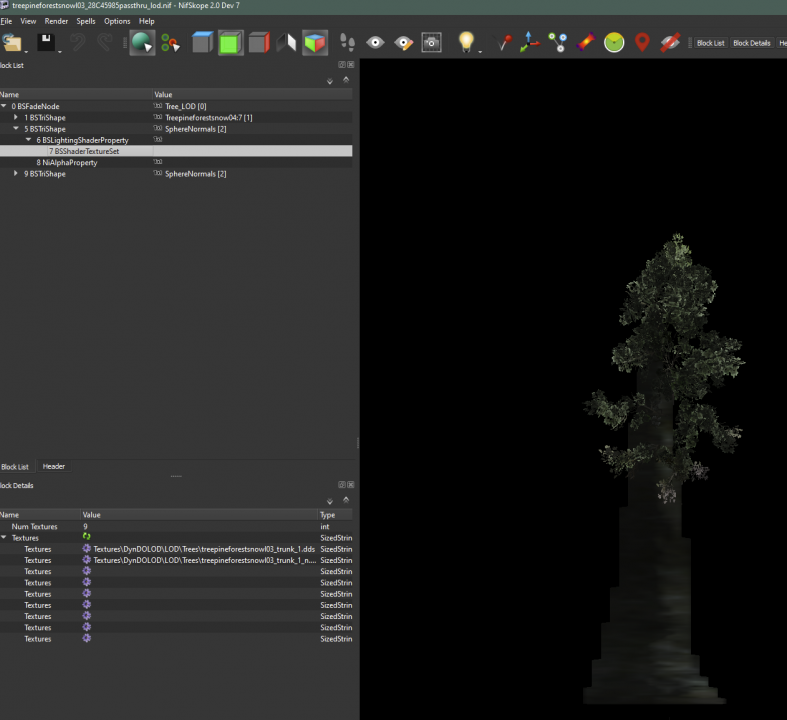
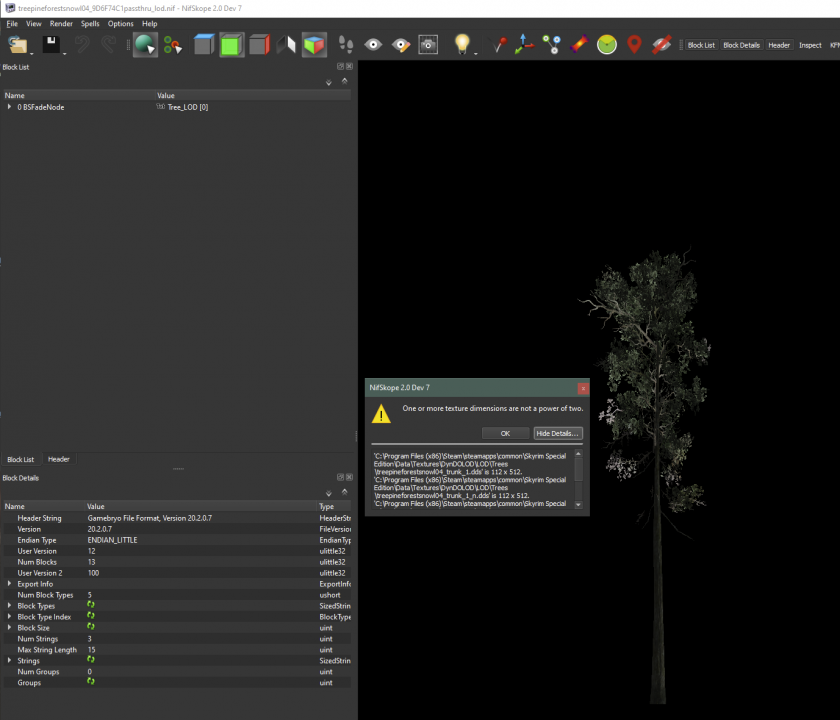
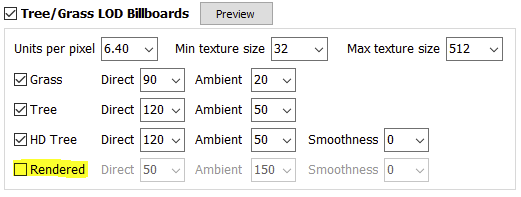
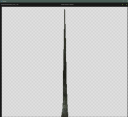
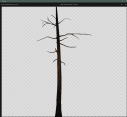
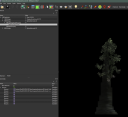
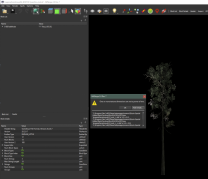
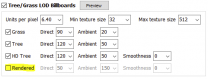
@sheson I am testing a custom mix of tree mods, and I have a SFO custom tree I want to use. TexGen 3 "Render" settings get the trunk from: \DynDOLOD-3.00\Edit Scripts\DynDOLOD\Render\Billboards\DynDOLOD\lod\trees This trunk obviously gets its correct pre-defined textures from DynDOLOD ... but I want to either override this to use a custom 3D static hybrid NIF or to override the TexGen-created trunk billboard textures to use the custom trunk billboards. I can do this manually but am wondering if there is a recommended way to instruct TexGen to use custom assets in generation. Here is the tree resource conflicts I want SFO to 'win': This is the DynDOLOD diffuse created for one of these: This is t he desired custom trunk diffuse needed for this particular example: This is how the tree LOD renders now in game: Also, I'm getting a "power of 2" warning in Nifscope for this one, and it appears that the TexGen-generated trunk billboard does not conform? EDIT: perhaps I shouldn't be Rendering the trunks in TexGen? I'm suspecting that ticking this effectively tells DynDOLOD to NOT use hybrid trees and prefer fully-rendered trunks for vanilla trees?
-
I will update the next guide version to include recommendations for widescreen support according to DY's validated setup. This topic should ideally be in Q&A Support, so we'll see about that if DY agrees.
-
I assume you know that this is not working yet and that there is no button or indicator about how to move into the editor: After clicking 'X' the editor popped up. All settings shown were an accurate reflection of my INI. I brought up an instance of the current version of BethINI to compare the two. Notice that you have parsed the grass/light fade settings (start & distance now separate), which is nice. Those settings were always a pain to manage, since they were parsed into the INI but combined in the editor. The new ability to use without worry for MO status is nice. The Pi version also closes more gracefully when finished. For the interface, I know you are probably still working on many things, but decreasing whitespace between grouped settings and aligning columns (names, checkboxes, sliders, etc). would be great for readability. I also assume you will add more settings tabs in the future. Would be really great if Pi could auto-recognized MO path for both portable and standalone/instanced versions (we should make this terminology consistant) as well as INI paths connected to MO instances. Maybe have Pi display a pick-list of MO profiles found, so that user can select and Pi makes all relevant path connections. All-in-all, this looks to have great potential and is already exibiting some major improvements.

-
Nice, thank you! Will give it a try tomorrow.
-
Install the widescreen fix anywhere under Resources or Extenders (if meets the mod's requirements). The others should go just after their corresponding mods.
-
There are some options for Tempered Skins for Females and possibly Consistent Older People, but you can check what her records are using More Informative Console (Install in Resources section or Extenders). Then you can find that in xEdit to see what may be altering her head. I'm not as familiar with the TES characters as most around here.
-
Ha! That's the mod @notcyf mentioned inthe post above, and I was steering him away from it ... well, it helps to know one of the 2-3/100 I guess. We should probably make a note of this in the guide. Good stuff.
-
Why not use SSE Display Tweaks to modify resolution with the posted settings? ## Set the game resolution. Only applies in windowed and borderless fullscreen mode (when Fullscreen=false). # # Provided for convenience. Easily scale or set the resolution in windowed/borderless fullsceen mode. # # Note: These options override iSize W and iSize H in SkyrimPrefs.ini. They have no effect when commented out. # #Resolution=1920x1080 #ResolutionScale=0.75 Use the BethINI settings as instructed by the guide and make adjustments to SSE Display Tweaks. Remember that there can be conflicting INI settings, so having two things set to do the same thing is either going to be redundant or conflicting. Same goes for your display drivers. your display resolution isn't as common as 16:9 and 16:10, so you will need to tweak and test between game INIs, SSE Display Tweaks, and your video driver software. This is why you should set game INIs at a baseline and leave that alone until you have thoroughly and independently tested SSE Display Tweaks settings and driver settings. There could be hundreds of combinations of settings, so you will need to be methodical. I wouldn't add the Widescreen Fix to the mix until you know for certain that it is impossible with these three and your hardware.
-
You will need to post bugreport.txt from folder containing xLODGen.exe ... I also missed this file when I was having a crash issue. I had been looking in Logs: ..\xLODGen\bugreport.txt
-
Changing Windowed/borderless does nothing.
z929669 replied to notcyf's topic in Step Skyrim SE Guide
In SSE Display tweaks, set: Fullscreen=false Borderless=true ... and read through the other settings. Also, visit our BethINI recommendations. -
In SSE Display tweaks, set: Fullscreen=false Borderless=true ... and read through the other settings. Also, visit our BethINI recommendations.
-
CCOR PRUFEI Chest CTD Hotfix already part of CCOR update file
z929669 replied to notcyf's topic in Step Skyrim SE Guide
You probably need to refresh browser or clear cache -
CCOR PRUFEI Chest CTD Hotfix already part of CCOR update file
z929669 replied to notcyf's topic in Step Skyrim SE Guide
Thanks for pointing this out! Removed the redundant instruction. -
I don't have any of these issues either, so cannot speak to this. It's either an upstream configuration (human) error or a hardware/software limitation causing this issue. Suggest following the Skyrim Setup Guide to rule out improper config. This is exactly why we wrote it
-
SKYRIMSE SkyrimSE stalls on black screen after Bethesda logo
z929669 replied to Spect's question in Mod Organizer Support
Could be any number of things, but my first idea is to make certain that you are running the latest SE version of SKSE64. It's most likely a config issue, and could be related to UAC. Try following the Skyrim Setup Guide to get your environment configured properly. We created this exclusively to avoid issues like this. -
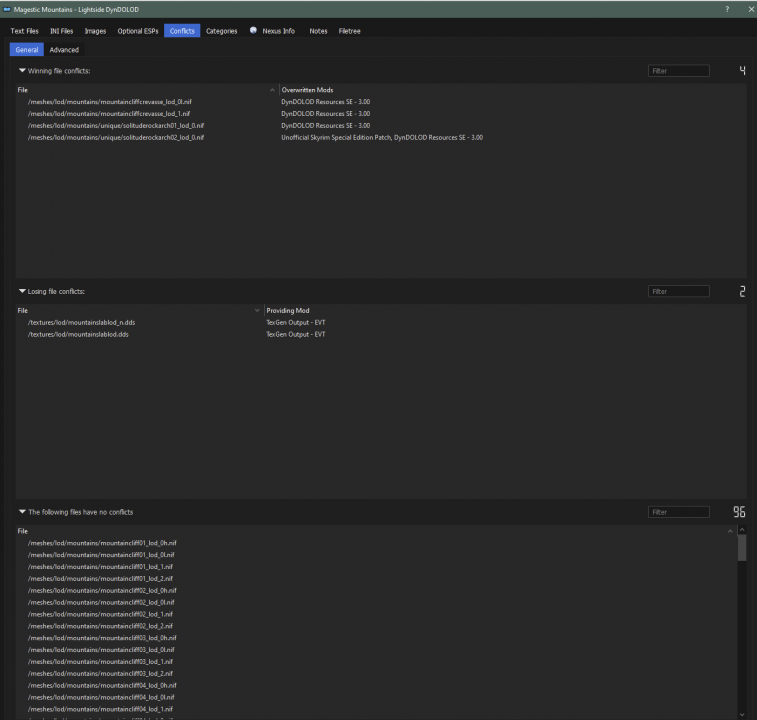
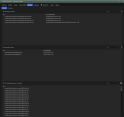
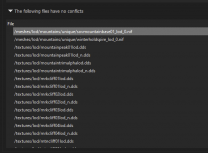
We do also use the MM LOD pack in our guide, but my experience with the MM LOD is that distant mountains are white and a bit grainy. When they load full, they look totally different (like they should). The mesh rule I mentioned (from OP BTW) resolves this completely, so I think the MM LOD files may be the grainy ones. I assume setting to Level0/1/2 overrides these in some way (maybe the LOD shaders don't get used):
-
When running DynDOLOD 3 alpha, create a new mesh rule: mountains | Level0 | Level0 | Level1/2 (VWD | FarLOD) Then set distance LOD under DynDOLOD settings in game to something like (LOD4 | LOD8 | LOD16) 50,000 | 100,000 | 200,000 ... you can play around with this setting. This all could cost you some VRAM but FPS should not be affected much if at all. PS: these settings should also work for DynDOLOD 2.xx, but level names are different.
-
I do have a bugreport.txt. I assumed it would be in logs dir and not base dir. I will PM it to you, as I don't know how to interpret.
-
It's not reliably reproducible. The file I posted contained two separate errors that occurred in two runs one after the other. The third run went without issue. All three runs were exactly the same but for the time.
-
Yes, not sure if this is informativeAppErrors.txt
-
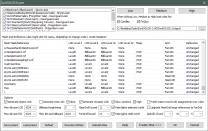
So no bug report or anything useful. All logs for this run attached, including TexGen logs in case they have any clues. I am running again and will watch the DynDOLOD xEdit process this time ... meh. Logs.7z EDIT: My DynDOLOD settings for these failed runs. This is the only piece for which I have made any changes. INI settings haven't changed for past 20-ish successful runs. Maybe the Billboard2 changes for the wrTemple* trees? I assume all settings here have fallbacks. EDIT: Well, I guess the app wanted my attention is all. Absolutely no changes aside from me watching it for 20 minutes straight to confirm the LODGen64 process started without DynDOLOD closing. Completed successfully this time with those settings.
-
It's strange and looks like it's going to happen again. Symptom is that the DynDOLOD xEdit window closes, while LODGenx64.exe process continues running. Once that is finished, it just closes, so my issue is the DynDOLOD process. I will post relevant log(s) once completed.
-
DynDOLOD quit unexpectedly after about 40 min with no helpful details but for the following from end of LOSGen_SSE_Tamriel_log.txt: ... plants\srg_shrub01half_n.dds=7: 2162 -> 2245 | 130, 4 Log ended at 2:29:57 PM (35:41) Code: 0 What is "Code: 0"? First issue I have had for alpha 33 (I have run with many varieties of settings around 30x on full modded setup). The new *Threads* INI params have completely resolved memory management issues for me (32 Gb system RAM, 8 Gb VRAM here), which occasionally 'broke' running object LOD in 2.xx beta when upwards of 30 Gb system RAM utilized. I will run again and post back with more detail if issue repeats.