z929669
-
Posts
13,086 -
Joined
-
Last visited
Everything posted by z929669
-

ACCEPTED XP32 Maximum Skeleton Special Extended (by Team XPMSE)
z929669 replied to TechAngel85's topic in Skyrim SE Mods
As of 2.1.0, I vote we move to NOT using this mod's plugin and dropping ... XP32 Maximum Skeleton Special Extended - Fixed Scripts XPMSSE - Nemesis - Papyrus Stack Fix We can probably add Nemesis to the list. This will simplify everything, and users can choose to use the plugin and FISS/Nemesis as they desire. -
Smooth Shores Patches - Merge when asked?
z929669 replied to mooit's topic in General Skyrim SE Discussion & Support
Then when you are installing mods from same Nexus page, you are actively choosing what mod name to use. We recommend installing ALL to "Smooth Shores Patches", in which case, you will see merge option after first. This is how we write the guide, because it's simpler to maintain that way. Do it any way you choose if you know how. If you are using custom names for each one, then you won't, but you will need to be certain that they are in proper order. For this mod, it's fine. As long as you know what you are doing, 'merge' applies only where applicable. -
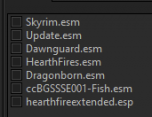
These are the masters for the latest file (movedaquarium_new.esp): ... so no issues. NEVERMIND, I am mistaken. I had checked the original rather than the new one. I removed this suggestion from the guide until we can get it sorted.
-
Smooth Shores Patches - Merge when asked?
z929669 replied to mooit's topic in General Skyrim SE Discussion & Support
Then I misspoke (didn't recall from memory how the Nexus page was set up). The point is, if you are using MO and you install the first file from the Nexus page, any subsequent files from same page will default to use same mod name. This invokes MO to prompt you to replace or merge the second, third, ... N files. 'Merge' means: don't replace all previously installed files, just add the new ones (with overwrite where exists). Again, if you fololw our guide(s), then this is explaned and becomes obvious like so many other tasks when completing a mod build. -
ACCEPTED kryptopyr's Patch Hub (by kryptopyr)
z929669 replied to TechAngel85's topic in Skyrim SE Mods
We still recommend avoiding it, because it is highly unlikely that thing will be kept in proper working order ... and I would not want to validate it is working correctly with every update to patches -
Smooth Shores Patches - Merge when asked?
z929669 replied to mooit's topic in General Skyrim SE Discussion & Support
Just install the main file using MO and then install one of the other optional files using the same mod name (besides WTT), and you will see a dialog asking to replace or merge ... use 'merge'. If you follow the guide carefully from start to finish (I mean every detail), not only will you have a stable and nice-looking build, but you will also learn a lot along the way. This is precisely why Step exists: to teach anyone good modding practice while accomplishing a worthy task (making the game look and play optimally). -
Step Skyrim Special Edition - SSE - Guide?
z929669 replied to mooit's topic in General Skyrim SE Discussion & Support
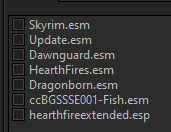
The CR patch is a master of the LW patch and the PP patch, so you must install all mods with a bar next to them unless you want to use xEdit to remove the masters. Again, I recommend installing the Step SSE guide from scratch. We will be updating it to 2.1.0 very soon though, so you may want to wait for that. @Mousetick provided some sound advice here: -
Moved to SSE forum
-
ACCEPTED Cathedral Landscapes Complex Grass for ENB (by z929669)
z929669 replied to z929669's topic in Skyrim SE Mods
I think this has passed for acceptance in 2.1.0 so marking Accepted. It will be optional for ModGroup 21 -
The LE patches are still available on Nexus, so not sure why you think they are "removed from Nexus" ... I imagine they are not compatible any longer, if masters have been updated. https://www.nexusmods.com/skyrim/mods/11?tab=files
-
Step Skyrim Special Edition - SSE - Guide?
z929669 replied to mooit's topic in General Skyrim SE Discussion & Support
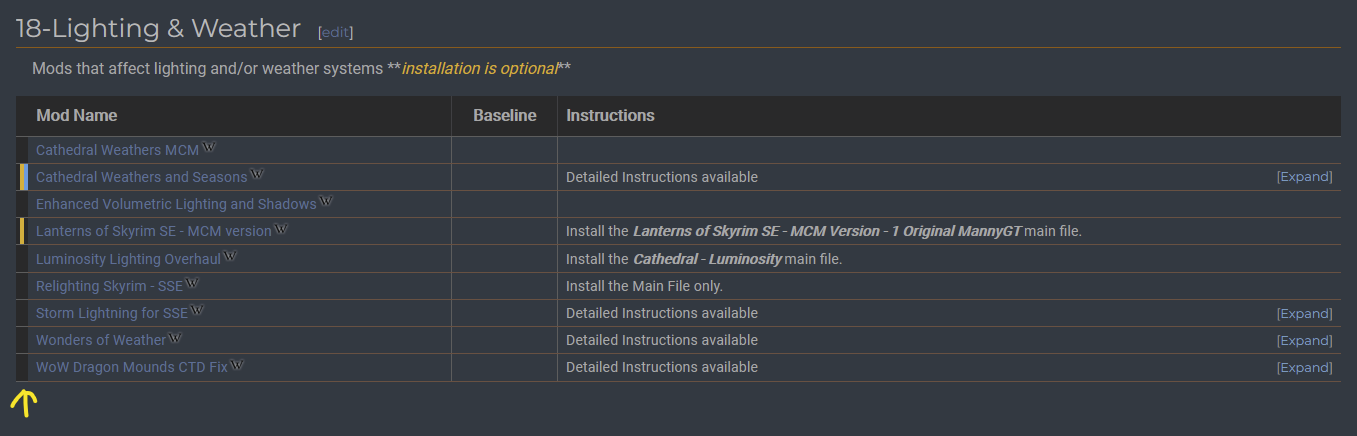
The guide linked in the top nav here and from the Nexus mod page includes a Mod Table Legend that provides this info: .... from the Lighting & Weather Modgroup:

-
DynDOLOD 3 - Is This As Good As Trees Get?
z929669 replied to mooit's topic in General Skyrim SE Discussion & Support
144 makes them less blotchy, and direct/ambient brightness settings handle color. The defaults are usually ok, but ambient can be lowered and direct raised to lend more color variation to match Level0. Works with either Billboard1 or Billboard4. -
DynDOLOD 3 - Is This As Good As Trees Get?
z929669 replied to mooit's topic in General Skyrim SE Discussion & Support
TreeMSAlphaThreshold in TexGen_SSE.ini -
DynDOLOD 3 - Is This As Good As Trees Get?
z929669 replied to mooit's topic in General Skyrim SE Discussion & Support
As mentioned, EVT Lush is what we use for Step. Level0/Billboard4/Billboard1 is what we recommend, since LOD16 is hardly noticeable. Billboard1 is very close to Billboard4 anyway. Either way, increasing the TexGen alpha for tree billboards makes them look a little better, depending on the mod. -
DynDOLOD 3 - Is This As Good As Trees Get?
z929669 replied to mooit's topic in General Skyrim SE Discussion & Support
I never archive my output, since I have plenty of drive space. Level# always uses 3D trees in object LOD, whereas Billboard# always uses billboards. As mentioned, you can fine tune your TexGen lighting for billboards and use Billboard4 at distance. Increase direct lighting and decrease ambient while increasing TreeMSAlphaThreshold in TexGen_SSE.ini to improve blotchy, 'flat' looking billboards. -
Everyone on the team has moved away from LE, since it's legacy and no longer updated itself. In order to maintain our guides, at least one of us must be running the exact Step build.
-
DynDOLOD 3 - Is This As Good As Trees Get?
z929669 replied to mooit's topic in General Skyrim SE Discussion & Support
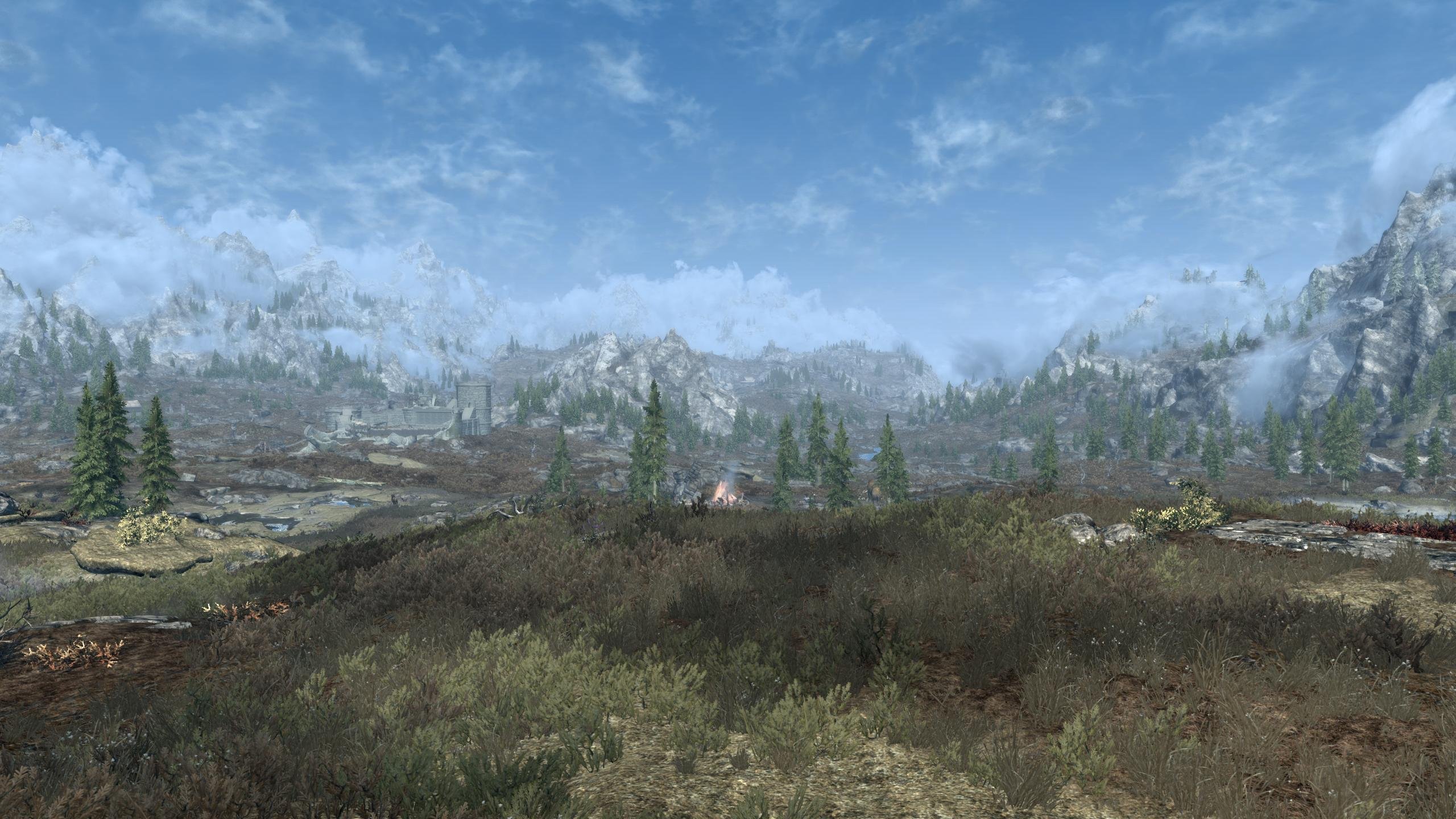
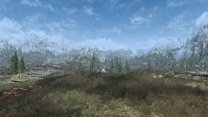
EVT Lush With ENB >> without ENB LOD4/Level0, LOD8/Billboard4, LOD16/Billboard1 Yes, you have them right.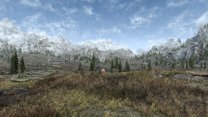
-
SSE - NPC With Pink/Orange Skin
z929669 replied to mooit's topic in General Skyrim SE Discussion & Support
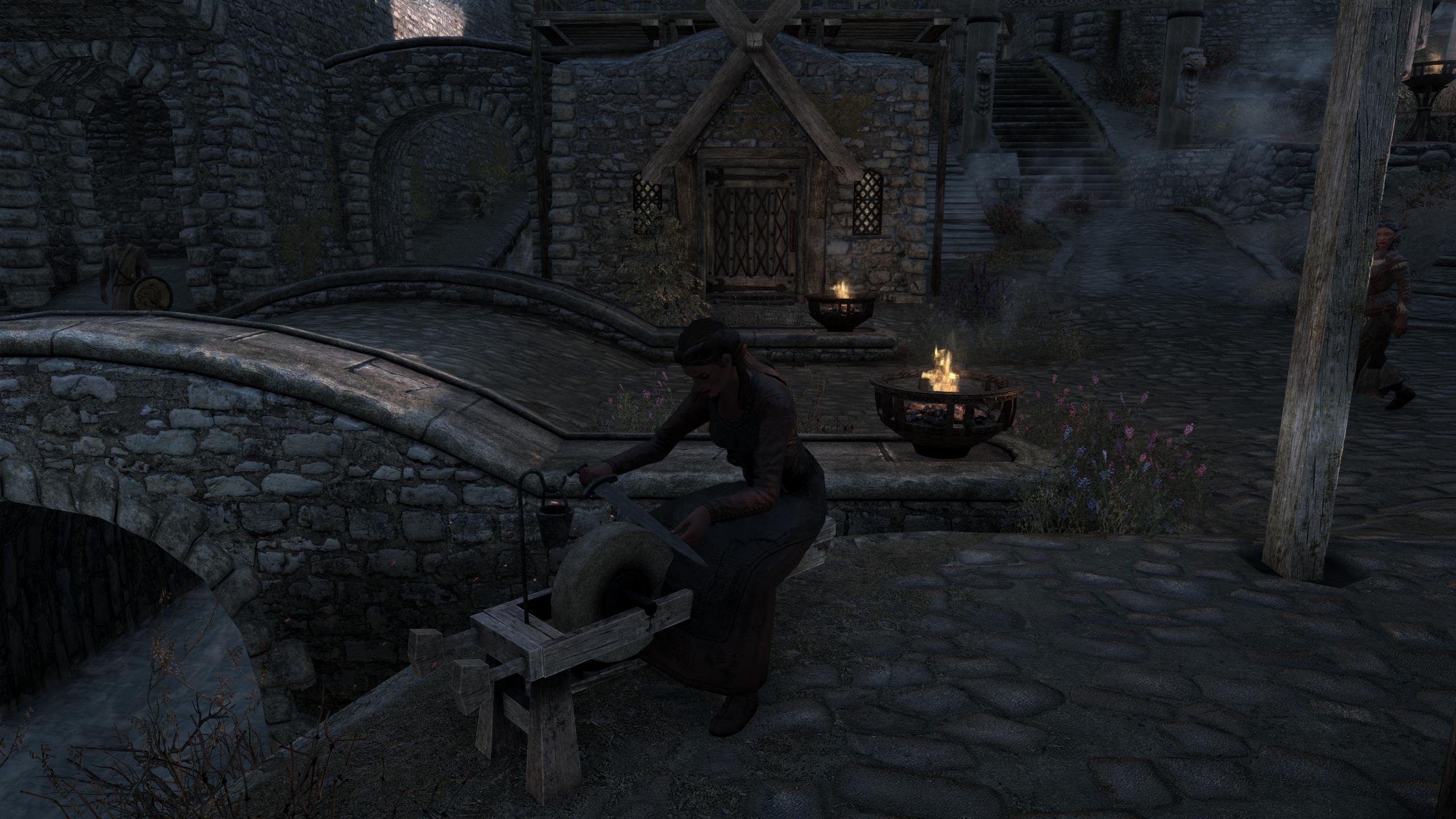
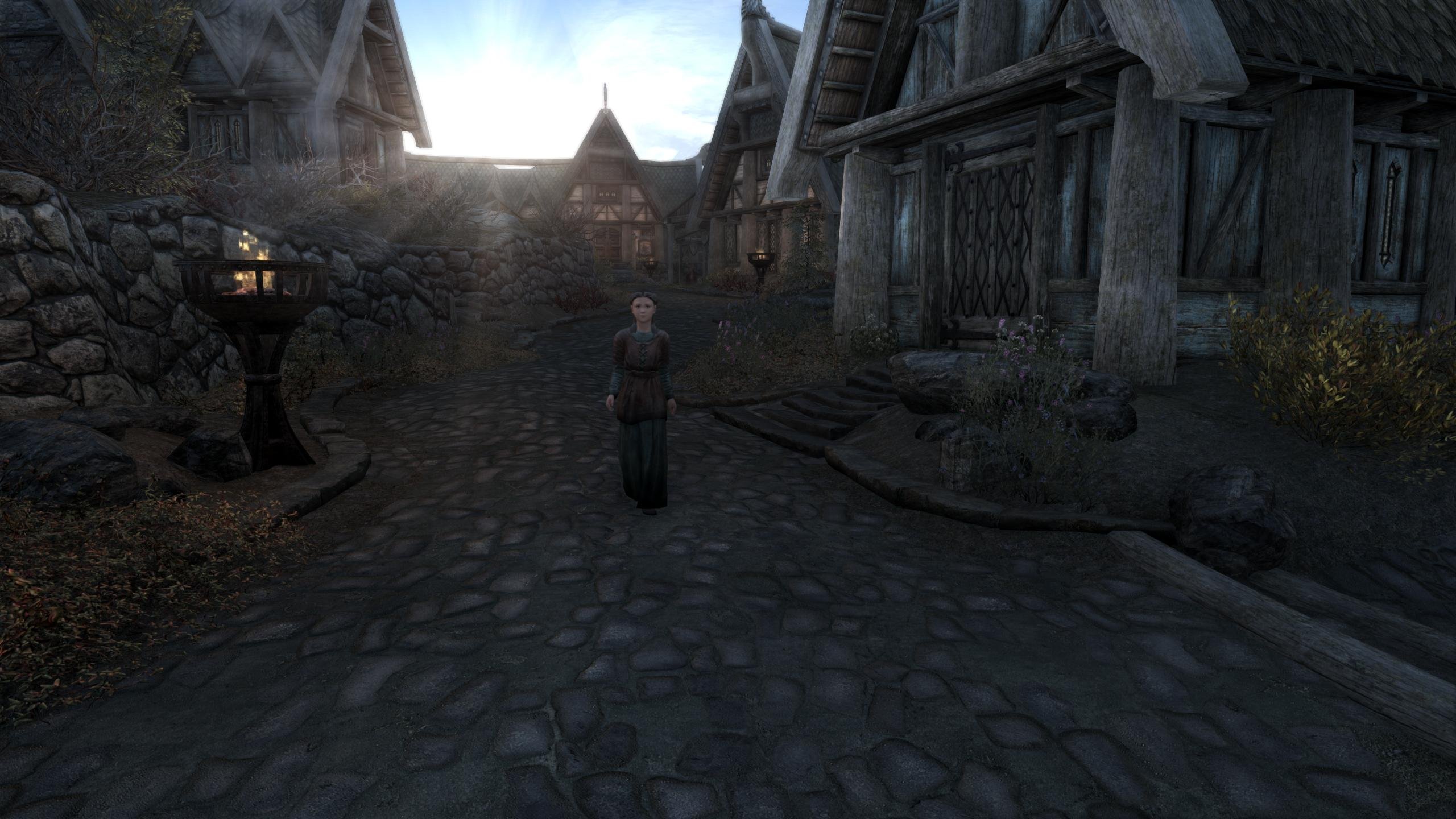
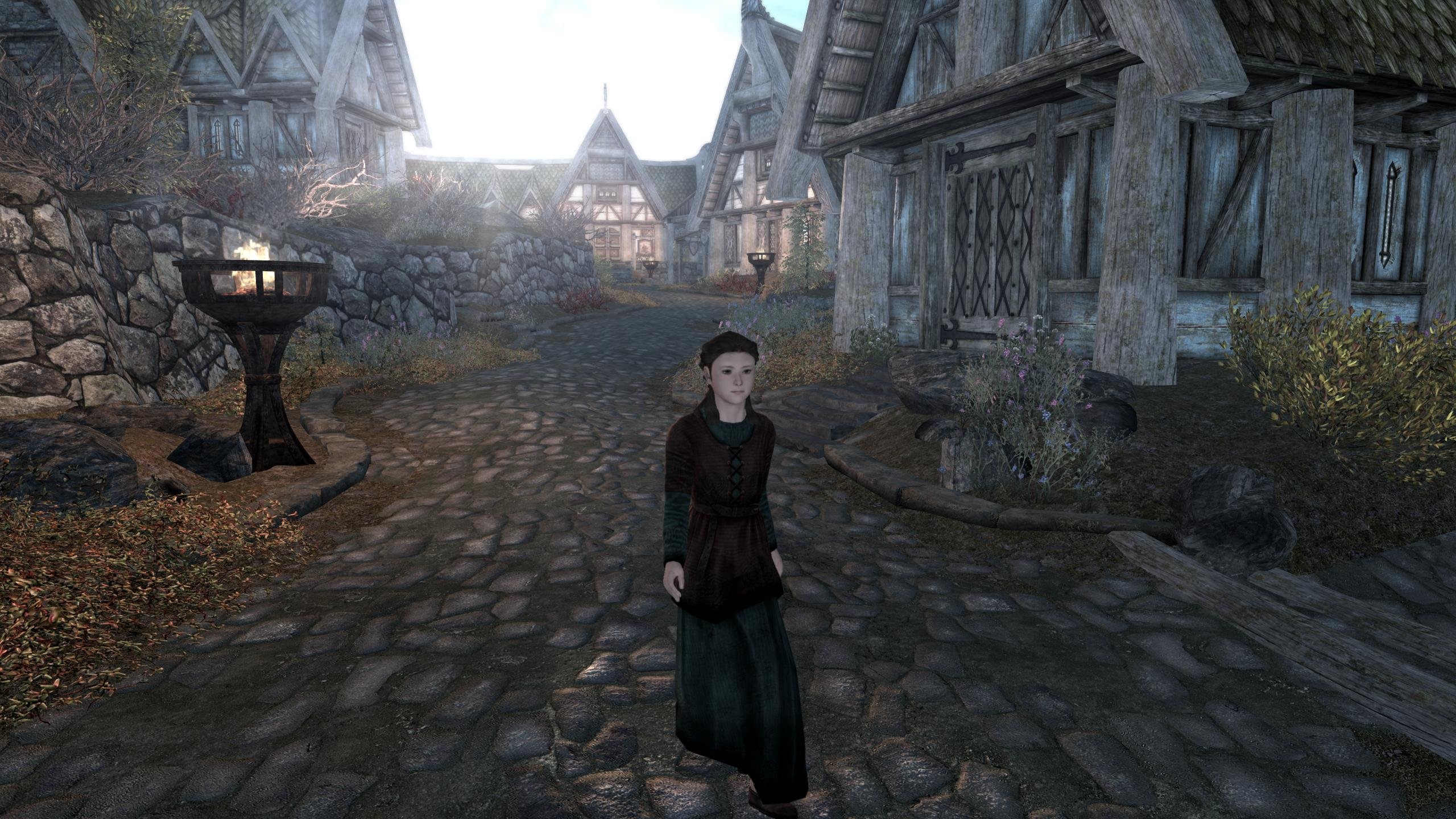
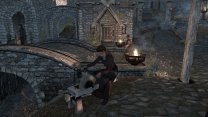
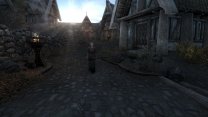
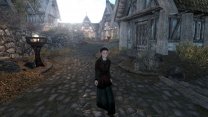
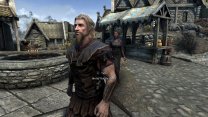
Well, that's not the vanilla wonam at Warmaidens, so you have a mod changing the look of NPCs. However, I do see what you mean about skin coloring with/without ENB, but I think it's much better with ENB. Without, people look like ... chalk. Pasty and unnatural. I will do some testing though to optimize the Step ENB, as I agree it's a bit harsh (but still better than without, IMO).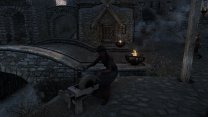
-
DynDOLOD 3 - Is This As Good As Trees Get?
z929669 replied to mooit's topic in General Skyrim SE Discussion & Support
The best quality tree mesh rule is Level0 for LOD4-LOD16, but it will kill you performance no matter what you have. Try Level0/1/2 for LOD4/8/16 for practical best possible results. -
I have grown accustomed to looking at your reqs on the OP, so you may want to replace all links in that with a link to your official doc to avoid redundancy and out-of-sync info. I just ran into this issue with Alpha 95. This topic and my Win Event gave me the idea to update .NET, but I failed to see it in your doc (since I look at the OP).
-
I'm not so familiar with Vortex, but that seems right. This mod or the version you have is for the wrong version of the game probably. Visit the mod page and see what files are available for your SSE version and SKSE version.
-
SSE - NPC With Pink/Orange Skin
z929669 replied to mooit's topic in General Skyrim SE Discussion & Support
Just saying that I don't have those pink NPCs, so something in your LO is impacting, and it's not ENB. ENB is just not compatible with whatever is causing this effect. I would check all mods you are using that provide textures/meshes for NPCs. -
I'm immediately getting this event just after hitting 'OK' when running Alpha 95. It's processing as notmal otherwise. This is 100% reproducible. I will post logs once complete; Got this bugreport shortly after posting. Strangely, DynDOLOD is still processing: bugreport.txt I'm shutting it down and attempting to repeat. Updating to the latest .NET 6.06 desktop runtime seems to have resolved the event posted previously .NET update resolved all of my issues. Finished processing as normal. So after seeing "Additional Requirements" in your doc, I see now that LODGenx64Win requiires .NET 6.0 (which I had, BTW but not updated to 6.0.6). Now what I want to know is how/why is DynDOLOD using this version instead of LODGenx64 on my box. I'm on Win 10.
-
SSE - NPC With Pink/Orange Skin
z929669 replied to mooit's topic in General Skyrim SE Discussion & Support
It's probably a bad reaction with one of your NPC mods or weathers. As I mentioned, if you follow the Step guide, you will have a great build as a baseline. Everything will look good. -
DynDOLOD 3 - Is This As Good As Trees Get?
z929669 replied to mooit's topic in General Skyrim SE Discussion & Support
LOD32 affects the map, so you will only see LOD16 in the distance aside from the map. If you follow the Step guide with respect to all of the DynDOLOD mods and BethINI, you will have great looking LOD. I recommend setting up a new MO instance for this. Follow Step 1 through Step 3 carefully. Then install the mods you want, but I recommend installing them all. It will take a while, but you will see how good the game can look.