DoubleYou
-
Posts
7,933 -
Joined
-
Last visited
Everything posted by DoubleYou
-
Just enable the OSD for SSE Display Tweaks. Capture with Nvidia Geforce Experience Overlay.
-
But @TechAngel85 has unlocked framerate on without windowed hardware composition support. This is NOT resolved.
-
Really, SSEDisplayTweaks.log from Documents\My Games\Skyrim Special Edition\SKSE is really all we should need. My guess is your setup has hardware composition support.
-
I agree that's @z929669's preference above is overly small. But I think the tweaks to ENB accomplished in the modified third - third shot may even make default size/glare look fine.
-
I think @z929669's enb tweaks will be all that is really needed to make it look fine with default size. The ENB fully makes the sun 2x size with current settings. This is why I opted for saying the next size down looked best. Putting this side by side from the compares above to show what I mean: Default with current enb --> Default no enb --> Next size down w/enb
-
Here's my requested files. However, I don't see how it is relevant for this, as I am running in fullscreen now to fix this issue. SSEDisplayTweaks.log SSEDisplayTweaks.ini SkyrimPrefs.ini
-
It is vertically oriented sizes descending. Second image is merely changing ENB settings.
-
The ENB looks like it makes the sun worse in these compares. Perhaps lower the glare to compensate for the glow effect? As for size, 200/282 looks best to me.
-
I definitely had framerate unlocked before the AE update in borderless windowed mode, as framerates were well above my 75 hz monitor, but the above is definitely the cause of the issue now.
-
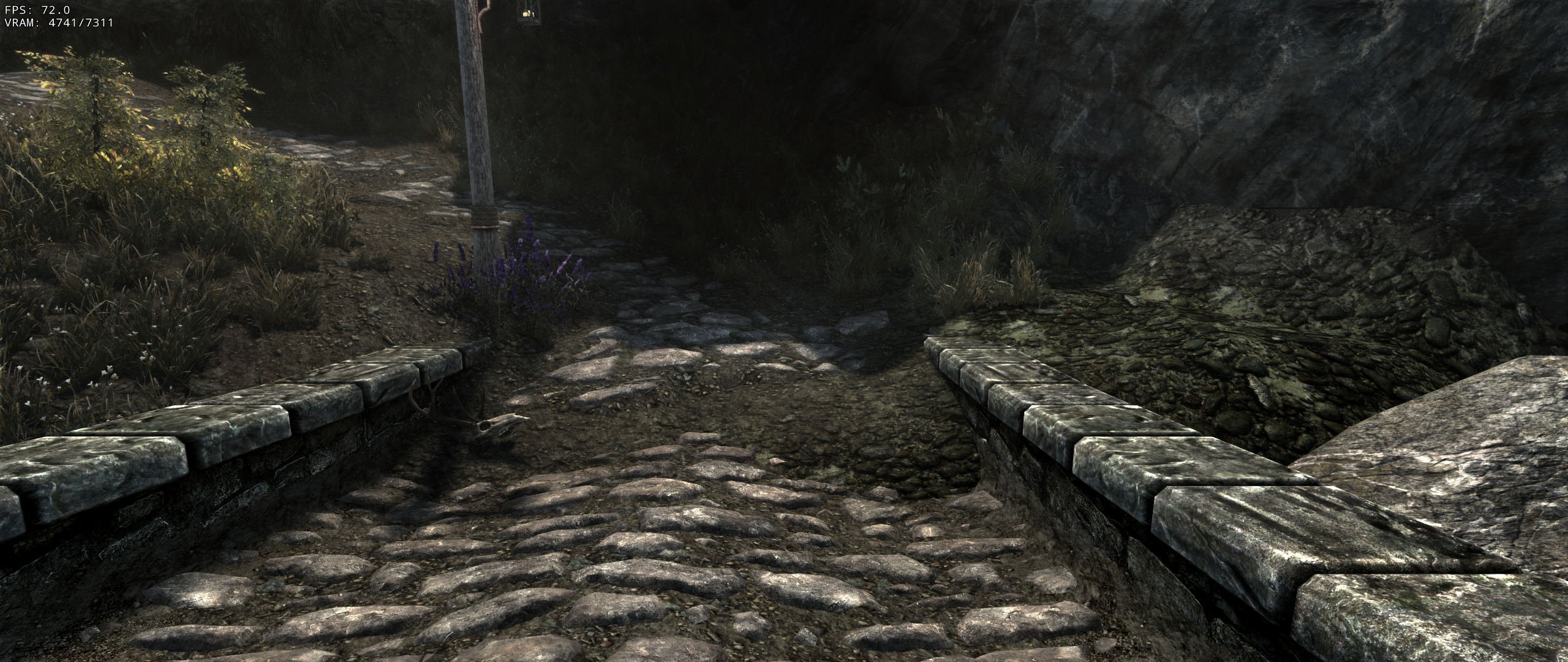
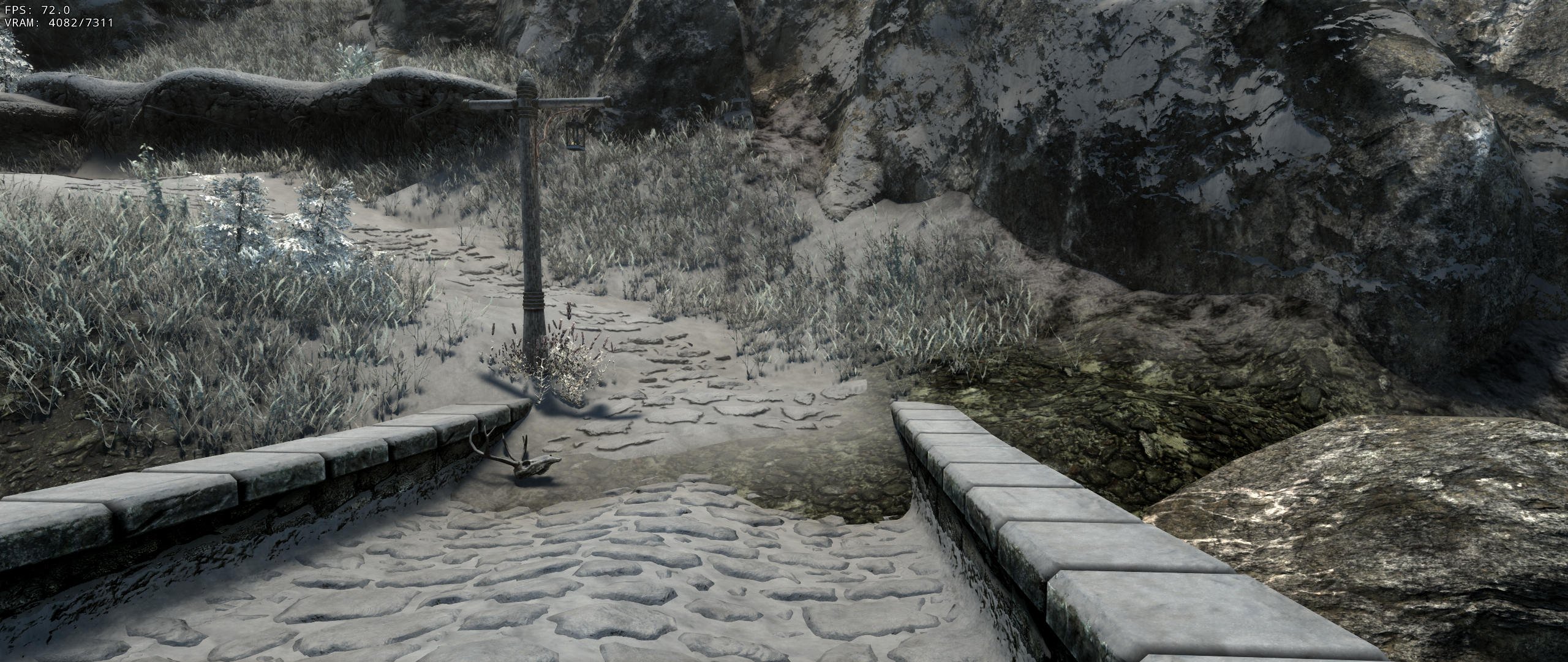
Checked, and that fixes the vertex color issue on the landscapes, so that is a definite win. Now the only issue with landscapes are issues where it looks fine with default landscape but wrong with snowy landscape, like below. So this will still need it's own separate patch. Summer --> Winter
-
I swear I had this disabled already, but it was enabled, so I disabled it again. Tested again, and framerate was capped to 60 in windowed mode. Put it back in fullscreen mode, and it was uncapped again. I literally have no idea what would cause this, but it is definitely the case on my system, and apparently the OP's.
-

Dimhollow Crypt No Cave Entrance
DoubleYou replied to uxnoel's topic in General Skyrim SE Discussion & Support
Where in Special Edition am I mod will do the same thing. I just assumed you probably used DynDOLOD. -
Tried adding Wyrmstooth but CR patch is causing graphic issues
DoubleYou replied to Phiolin's topic in Step Skyrim SE Guide
The reason for this is the author generated Oldrim grass cache and included it with the mod for SSE. To fix, you would need to generate grass cache via NGIO via a downgraded executable, which is probably more of a hassle than it is worth. Also, you would need to verify that all the old grass cache files included in the bsa were overidden, or delete them yourself. -
I have not been able to use borderless windowed mode with uncapped framerate on AE as of yet. Not sure why. Probably something on my end, but I see little reason to debug.
-
We would simply let users run the Synthesis patcher. I will test it out, as I believe it is likely 100% necessary for this mod to not look bad at places. Some of the vertex coloring at places look like graphiti.
-
Tried adding Wyrmstooth but CR patch is causing graphic issues
DoubleYou replied to Phiolin's topic in Step Skyrim SE Guide
Remove the INI file. You won't be able to use grass cached files in new worldspaces, so that will fix it. -
Dimhollow Crypt No Cave Entrance
DoubleYou replied to uxnoel's topic in General Skyrim SE Discussion & Support
Get me the cell coordinates from DynDOLOD MCM and I will have a look. -
That looks promising.
-
So, it isn't perfect but it works. Some notes: Landscapes are mostly fine, but some places that I think have special vertex coloring looks significantly off. To be perfect, a landscape mod would probably need to be created to fix these issues. It's better than I expected, however. Terrain LOD takes significantly longer to generate, due to generating for each season. However, our settings work fine, with the simple addition of adding the seasons. The map does update with the seasons. This is in line with my expectations. ACMOS will need to create a tool to dynamically add roads to the xLODGen output, as I intended to do anyway. Farms need a special mod made for them. Farmers should not be hoeing the garden in the wintertime. And green cabbages should not grow in winter. Shrubs of Skyrim fixes most of the shrubs, but there are stragglers. CACO plants may need a patch. EVT looks perfect. Aspen's Ablaze seasons beta is not perfect. I found a location with default trees in winter. Grass cache and grass lod are basically incompatible pending some form of NGIO update. If there is any workaround, it probably would be convoluted. DynDOLOD takes very long to generate, quite naturally. Best to test on only Tamriel worldspace until you have everything set up right, as you likely will need to change things that require regeneration. Also, it is a good idea to limit LODGenThreadSplit and MaxLODGen to help prevent it from trying to do too much at the same time. It also is probably wise to generate Occlusion separately after successful lod generation.
-
You probably need to load in Fullscreen mode instead of borderless windowed mode. You might also try to utilize High FPS Physics Fix to enable BorderlessUpscale to possibly fix this issue in borderless windowed mode.
-
Dimhollow Crypt No Cave Entrance
DoubleYou replied to uxnoel's topic in General Skyrim SE Discussion & Support
Looks like a landscape conflict. Surprised that someone would cover the entrance with landscape like that. -
I actually had this problem at one point, and switching from borderless windowed mode to fullscreen mode fixed it for me for some reason.
-
Glitches at cave entrance terrain and a little more
DoubleYou replied to TaxTalis's topic in Step Skyrim SE Guide
Load preset button is entirely different. It is used to save different sets of preset settings which includes rules and any other setting. Individual rules files only modify the settings indicated so it can be more dynamic and not fall out of date quickly. While both are ini files and have similar file structures, their usage is different. -
Glitches at cave entrance terrain and a little more
DoubleYou replied to TaxTalis's topic in Step Skyrim SE Guide
This is correct. It saves your settings/rules each time. You only should need to reload the preset if rules update to pull in updated rules. However, if you add plugins, and there exist DynDOLOD rules for them officially or as part of the mod, you will need to click it to load those rules. -
Glitches at cave entrance terrain and a little more
DoubleYou replied to TaxTalis's topic in Step Skyrim SE Guide
The rules file will be automatically detected by DynDOLOD and loaded when you click the low/medium/high preset buttons.