z929669
-
Posts
13,086 -
Joined
-
Last visited
Everything posted by z929669
-

FEEDBACK v2.0.0 - Feedback & Bug Reports
z929669 replied to DoubleYou's topic in Step Skyrim SE Guide
Also, the DoF with our ENB is Boiris'. It's not the limited DoF from the game. Just enable it in the ENB preset and play with the two DoF settings to modify that. DoF is good in Boris' ENB. no fancy shaders or fx needed for that, IMO. -
FEEDBACK v2.0.0 - Feedback & Bug Reports
z929669 replied to DoubleYou's topic in Step Skyrim SE Guide
But our goal is not for screen archers doing selfies, so DoF is not applicable to Step What texturess are "not good"? -
No rise/set issues either way. I agree that the 200/282 size is an optimal lore-friendly improvement.
-
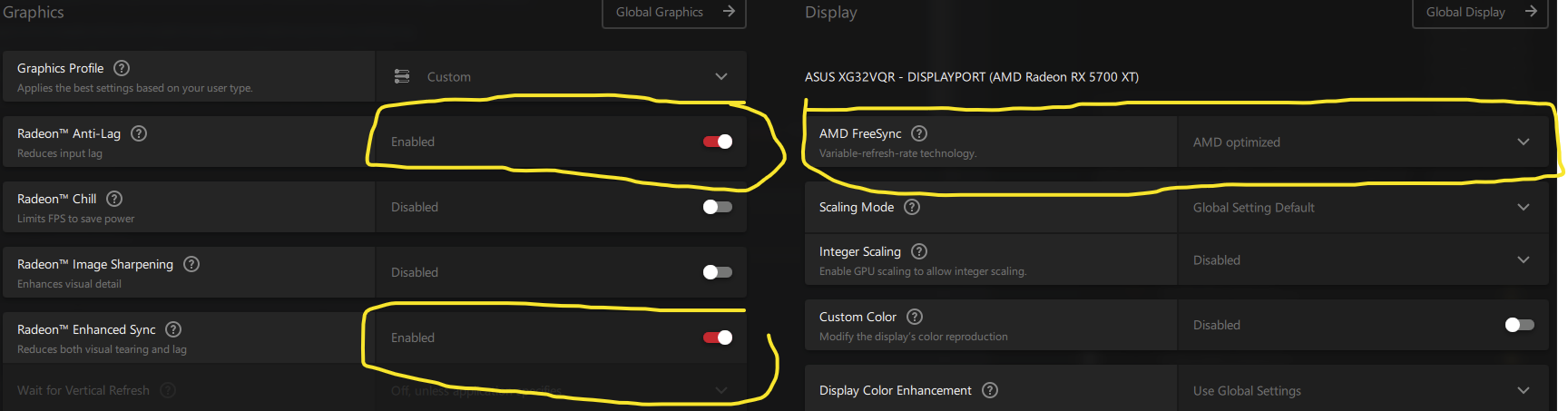
So I did some testing. Log file names indicate testing params as follows: amdApp: App controlled wherever possible, Freesync and proprietery functions disabled otherwise amdProprietary: Freesync and proprietery functions enabled stepBorderlessW: Step BethINI setup with both Windowed/Borderless toggled on StepFullscreen: Step BethINI setup with both Windowed/Borderless toggled off SSE Display Tweaks settings: Step recommendations but for toggling EnableTearing and/or EnableVsync as indicated LimitYes/No: Whether or not my FPS is limited to monitor refresh Additionally: All other possible sources of FPS limiters or vsync disabled ENB disabled on basically vanilla game so I can get max frame rates without having to do the little tricks mentioned Win 10 build 21H2 (latest) According to SSE Display Tweaks logs, my system doesn't support Windowed hardware composition; although, I do have the DWM process, and it's running (NOT shown as a service on my system. It's strictly a process and doesn't appear to be governed by any service, contrary to most recent Google search results.) SSEDisplayTweaks-amdApp-stepBorderlessW-EnableTearingTrue-EnableVsyncFalse-LimitNo.logSSEDisplayTweaks-amdApp-stepBorderlessW-EnableTearingFalse-EnableVsyncFalse-LimitYes.logSSEDisplayTweaks-amdProprietary-StepFullscreen-EnableTearingTrue-EnableVsyncFalse-LimitNo.logSSEDisplayTweaks-amdProprietary-StepFullscreen-EnableTearingFalse-EnableVsyncTrue-LimitYes.logSSEDisplayTweaks-amdProprietary-StepFullscreen-EnableTearingFalse-EnableVsyncFalse-LimitNo.logSSEDisplayTweaks-amdProprietary-StepBorderlessW-EnableTearingTrue-EnableVsyncFalse-LimitNo.logSSEDisplayTweaks-amdApp-stepFullscreen-EnableTearingFalse-EnableVsyncFalse-LimitNo.log As my logs show: EnableTearing=True always allows me to exceed my monitor refresh rate, irrespective of window mode. EnableVsync=True caps me at my monitor refresh rate, irrespective of window mode. Using Windowed/Borderless mode AND EnableTearing=False EnableVsync=False also caps me at my monitor refresh rate. Enabling Freesync on my system has no bearing to capping my rates. SSE Display Tweaks governs my FPS limit behavior regardless of all other variables. I think further testing combinations would be redundant, as we can predict all other outcomes from the untested combinations of the testing params (I THINK). So, I think AMD (my system) behaves as those of you using NVIDIA. It's just that my settings are a bit more intuitive. amdProprietary settings below. amdApp is with these all disabled or under app control where possible. So long story short, I think we can simply leave our BethINI/SSEDT recommendations in place and have users set EnableTearing=True to break FPS caps (I think that's @Mousetick's point, so my results support that). I think this is simpler than messing with BethINI configs and explaining all of that in the guide (makes sense to do so in our Dispay Settings guide though). Let me know if I missed something though. It's a lot of info and a bit of a brain tease. Also, compare the log files in WinMerge ... I found the SwapEffect diffs interesting and don't have time to reason that out ATM.

-
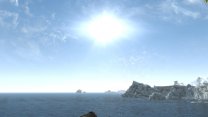
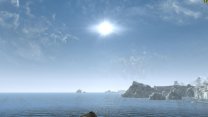
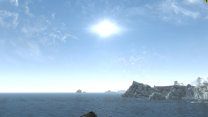
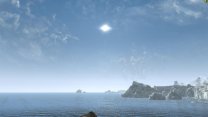
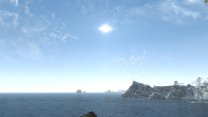
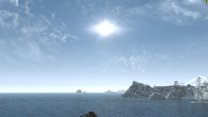
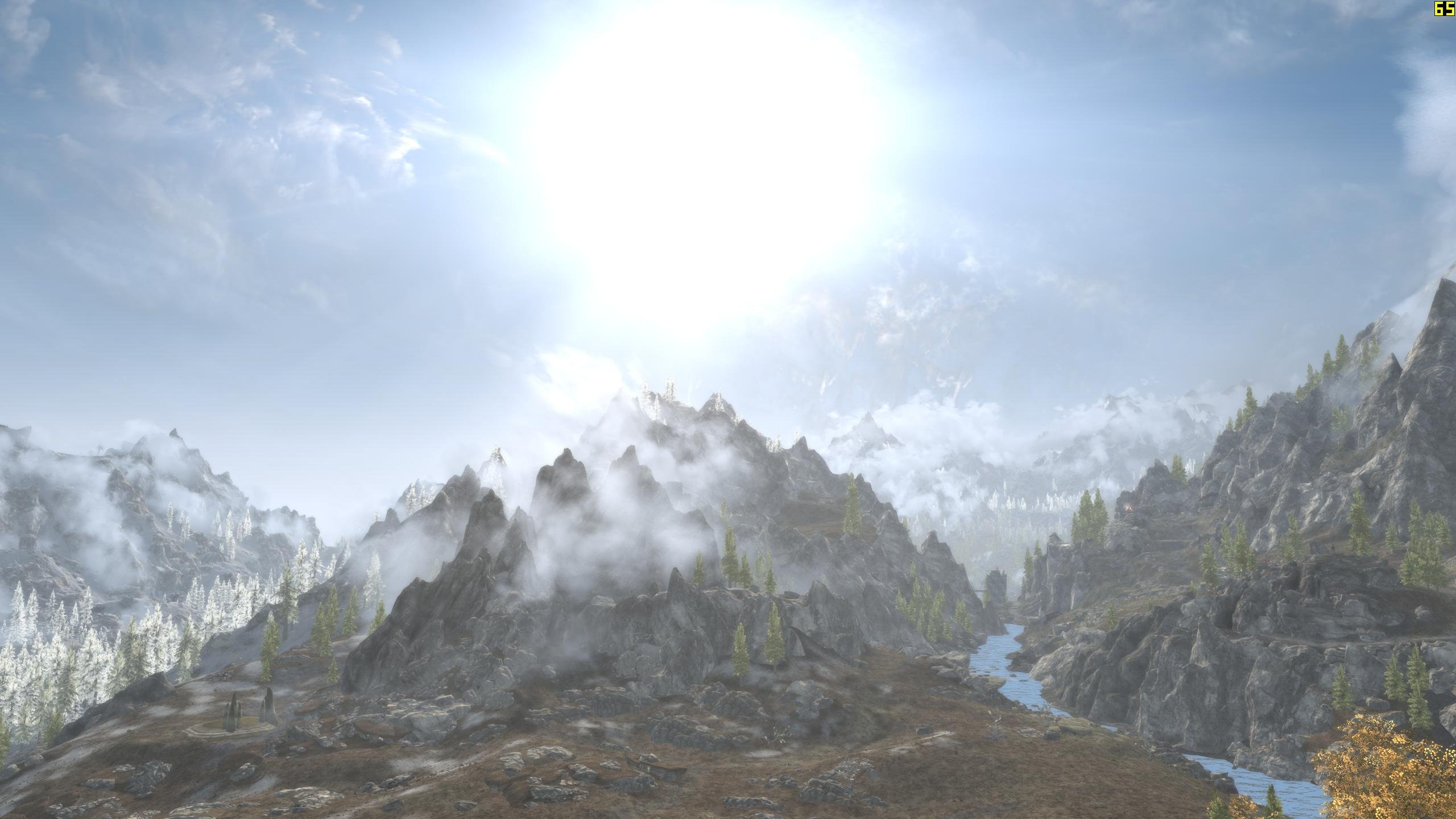
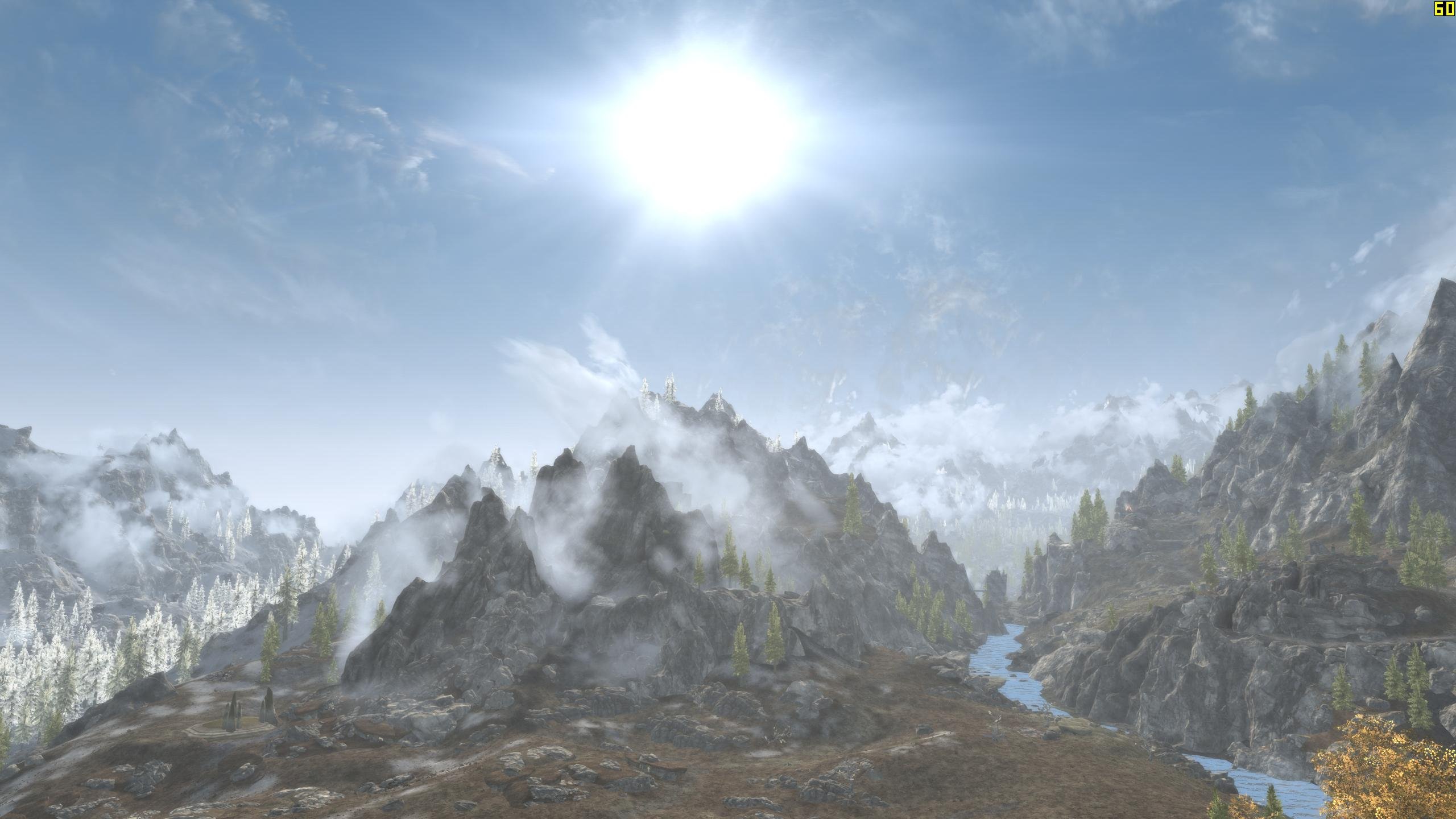
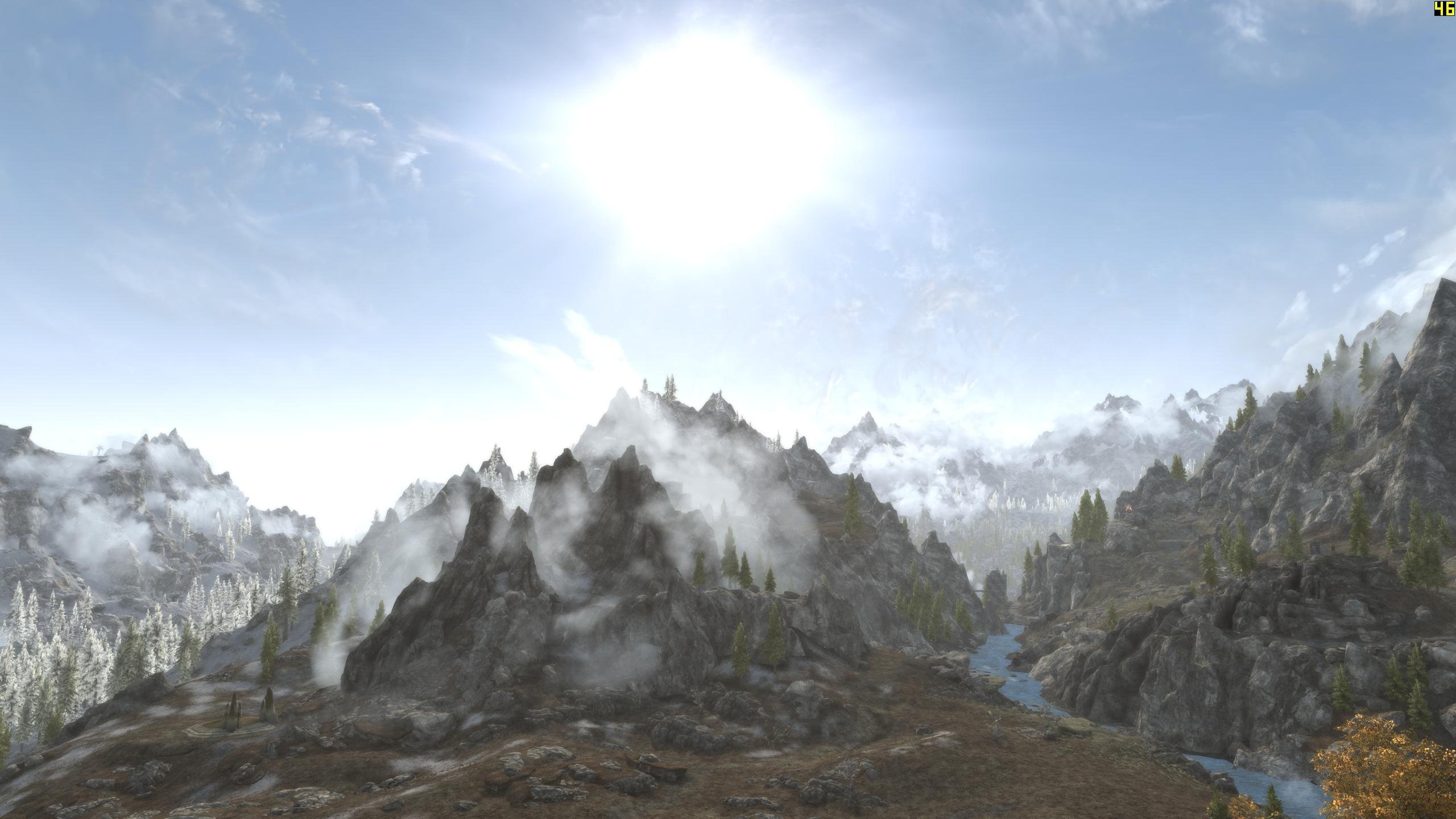
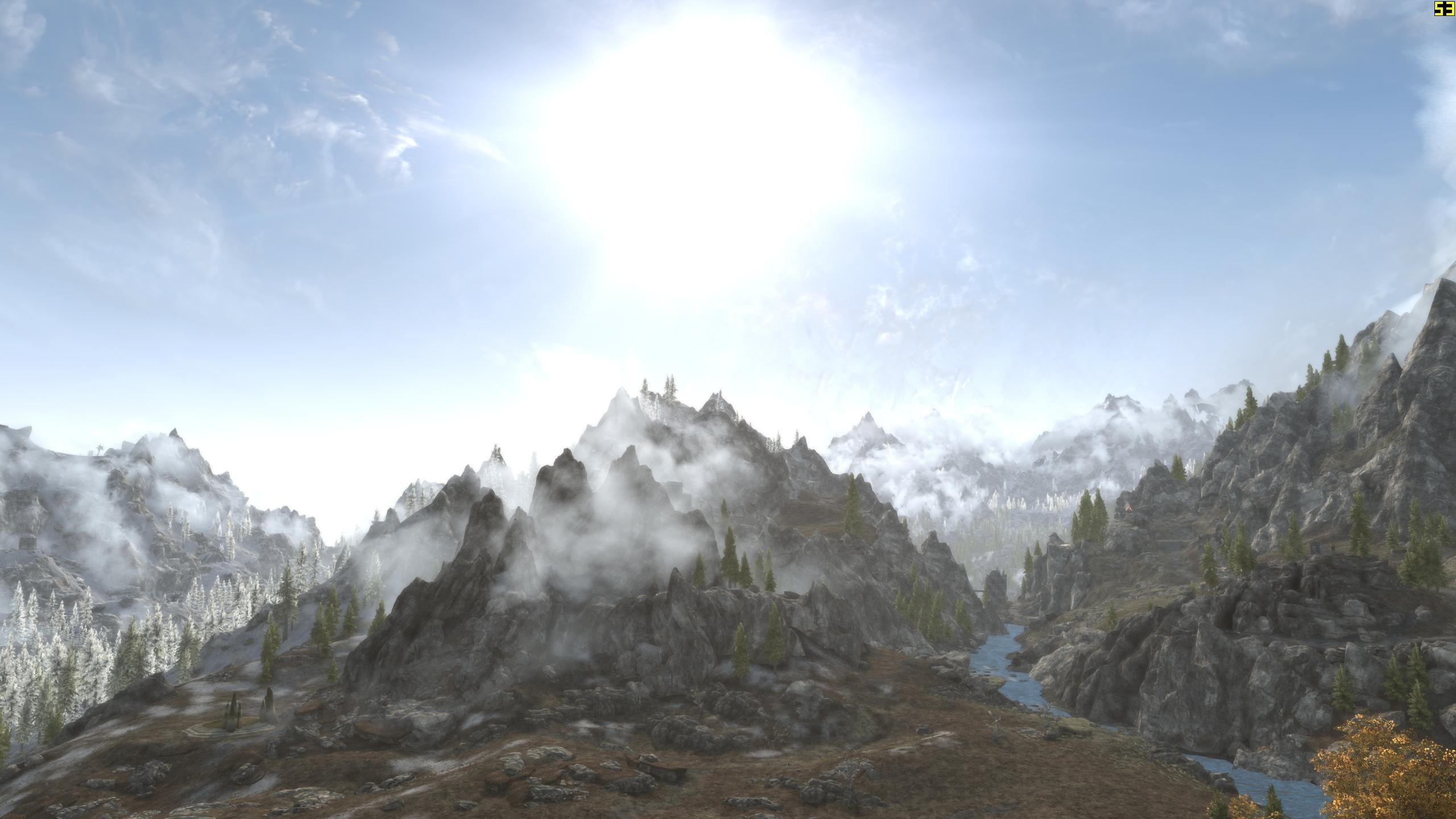
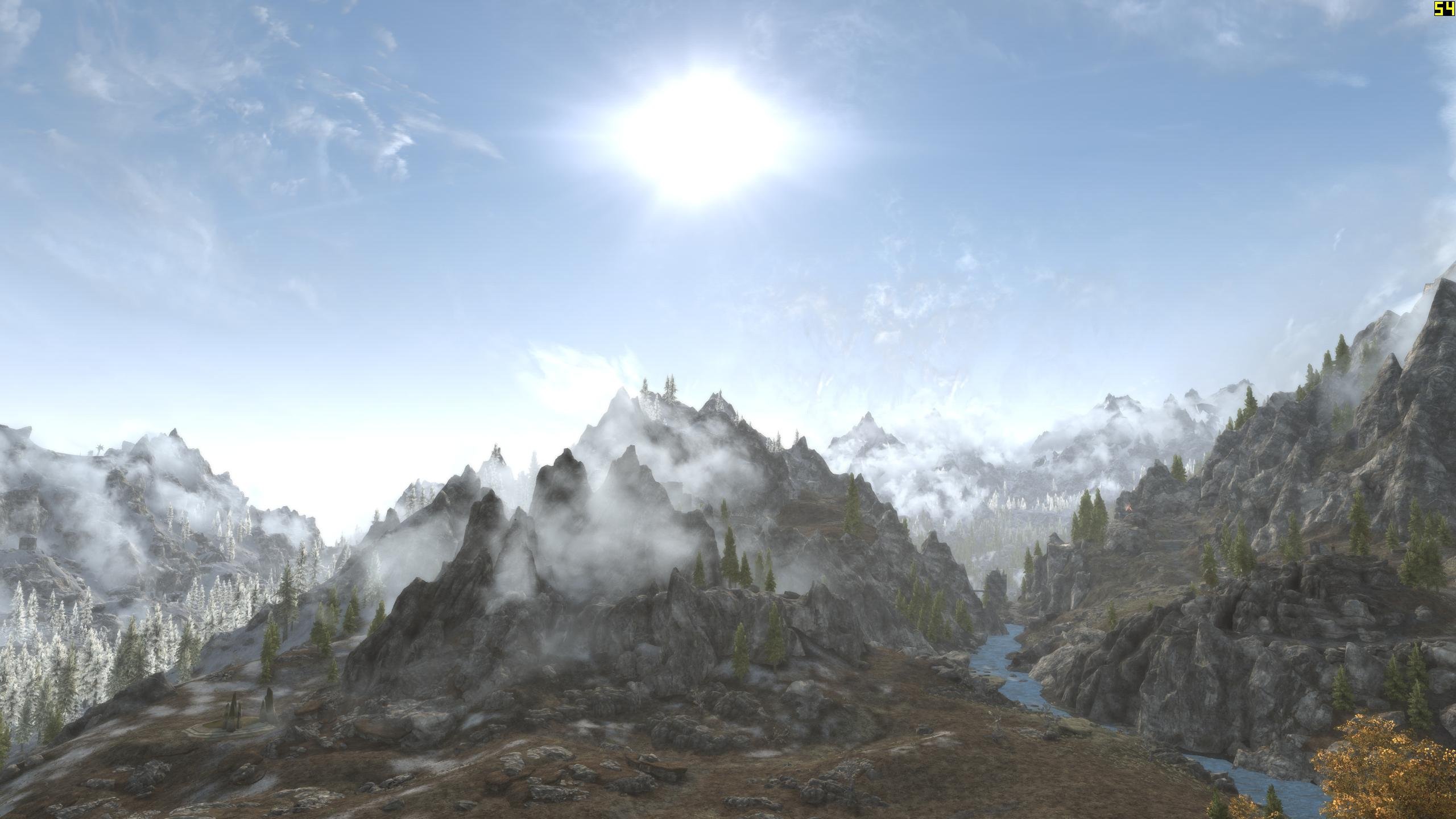
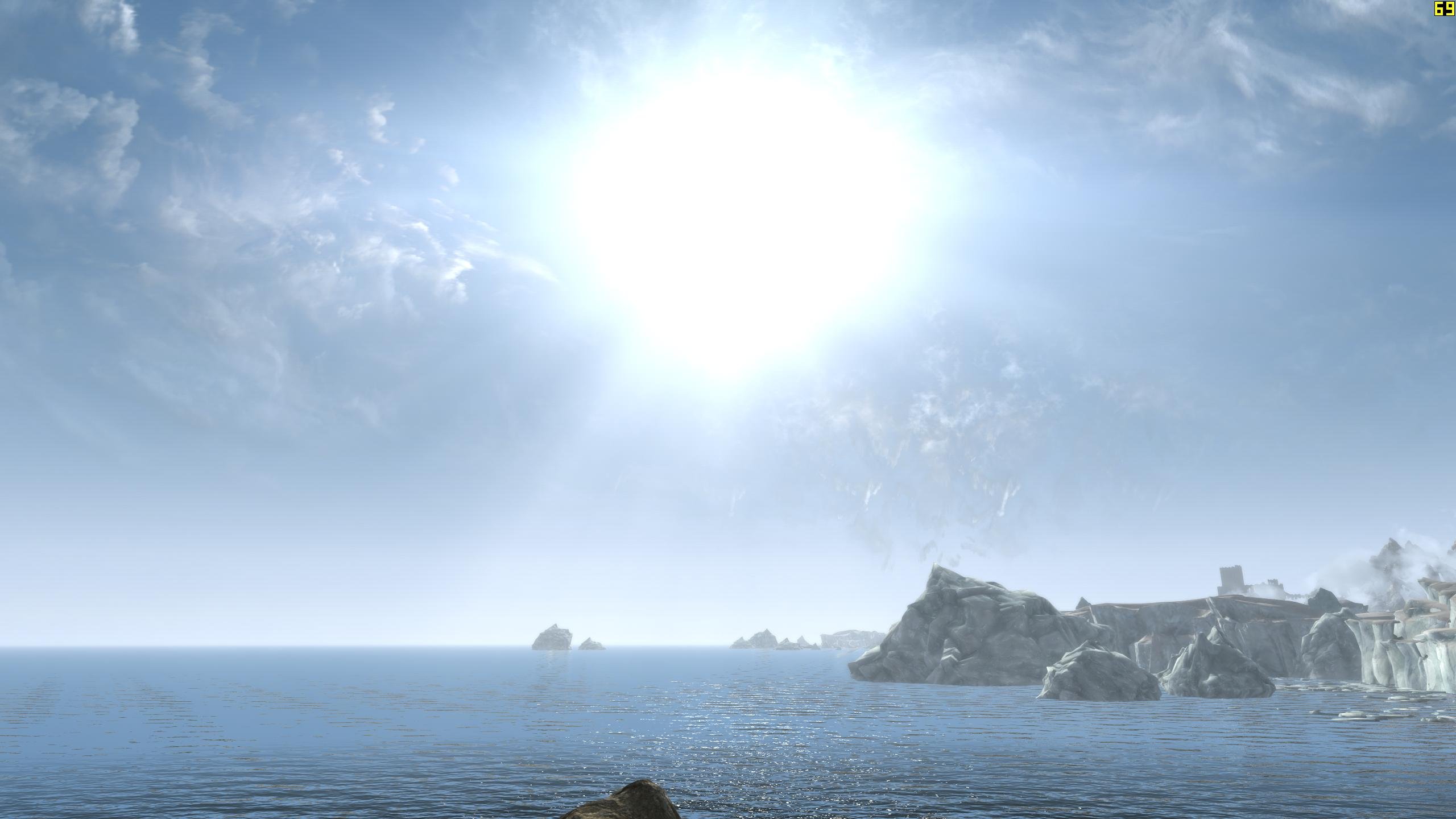
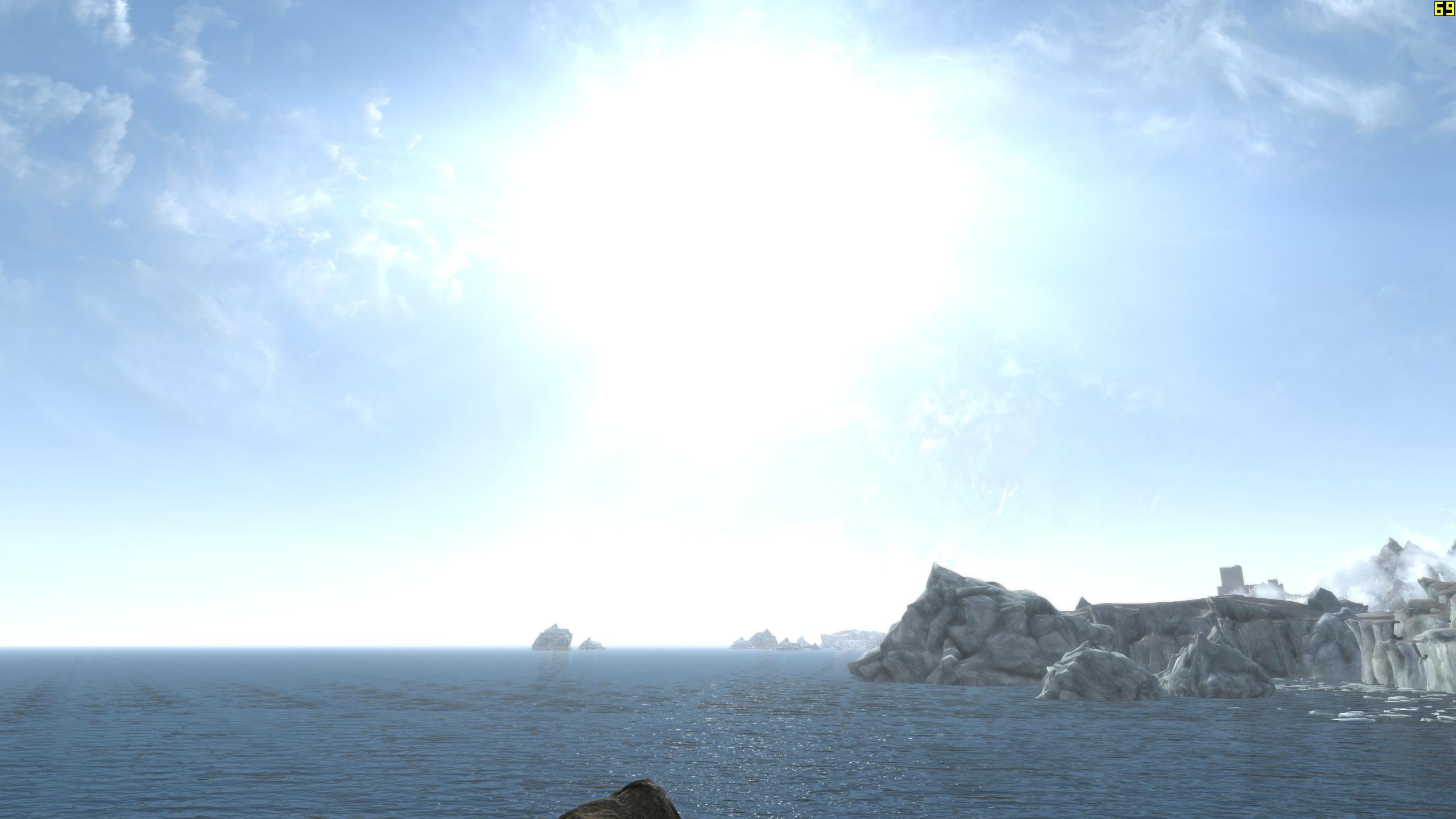
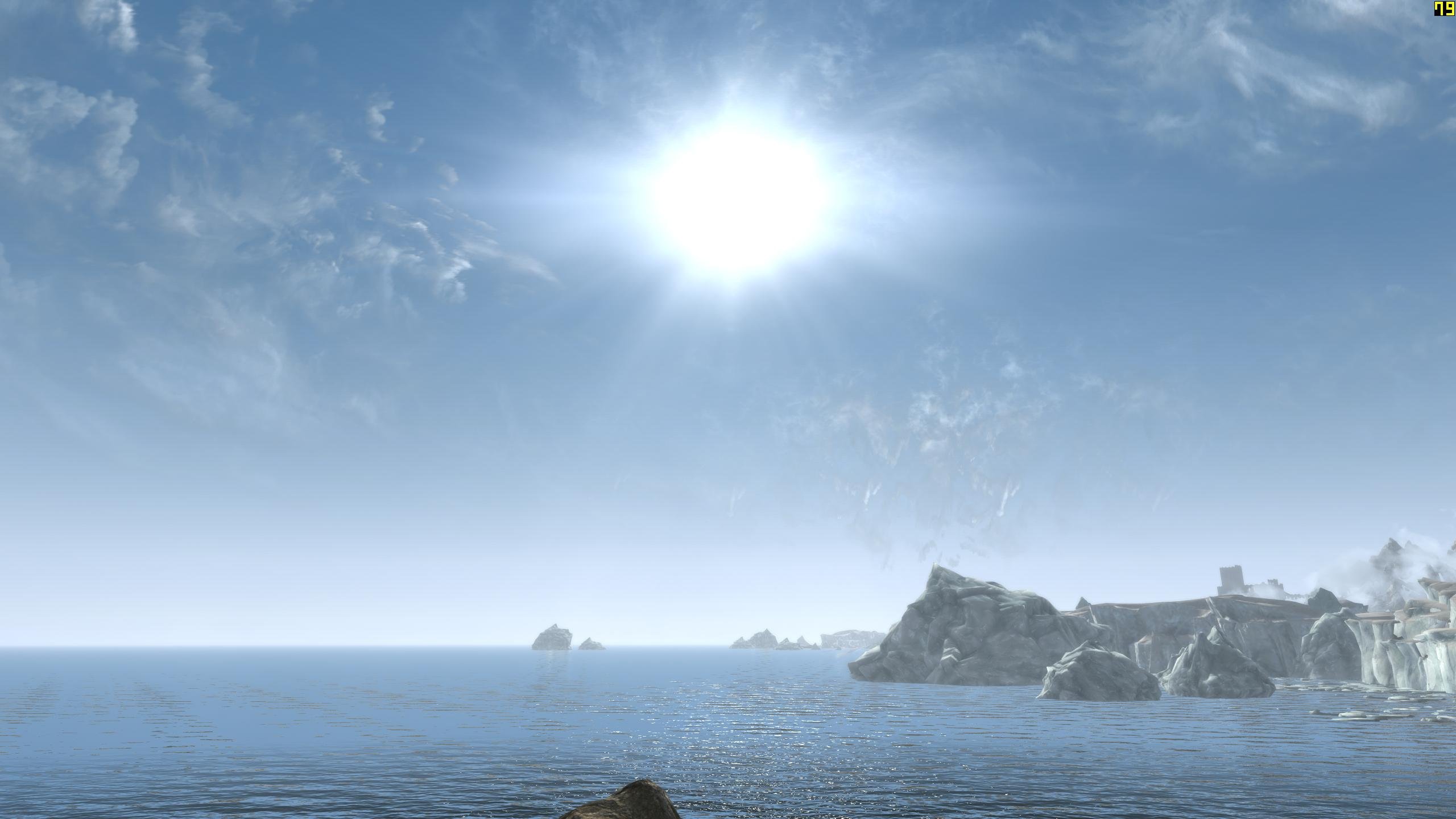
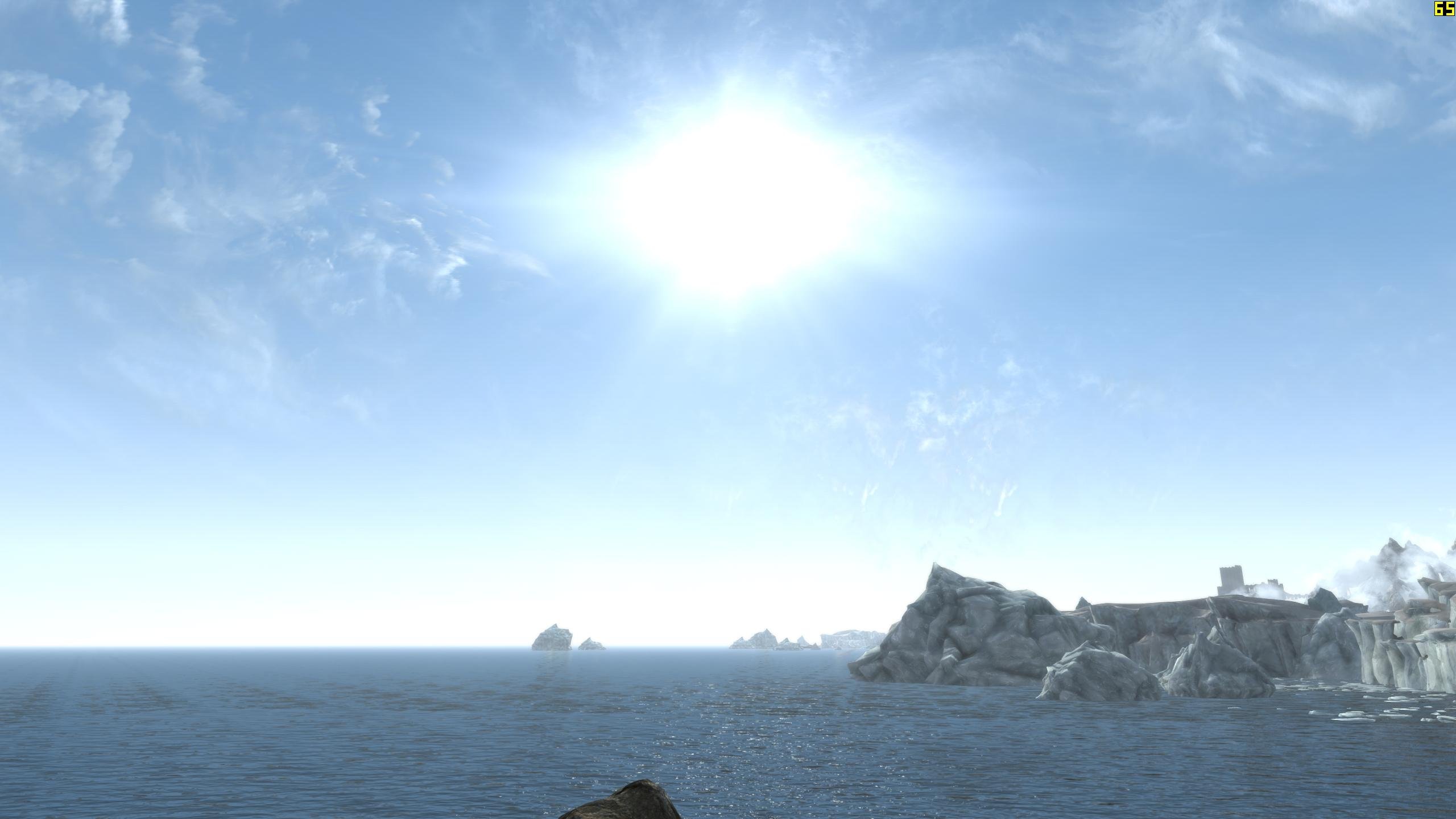
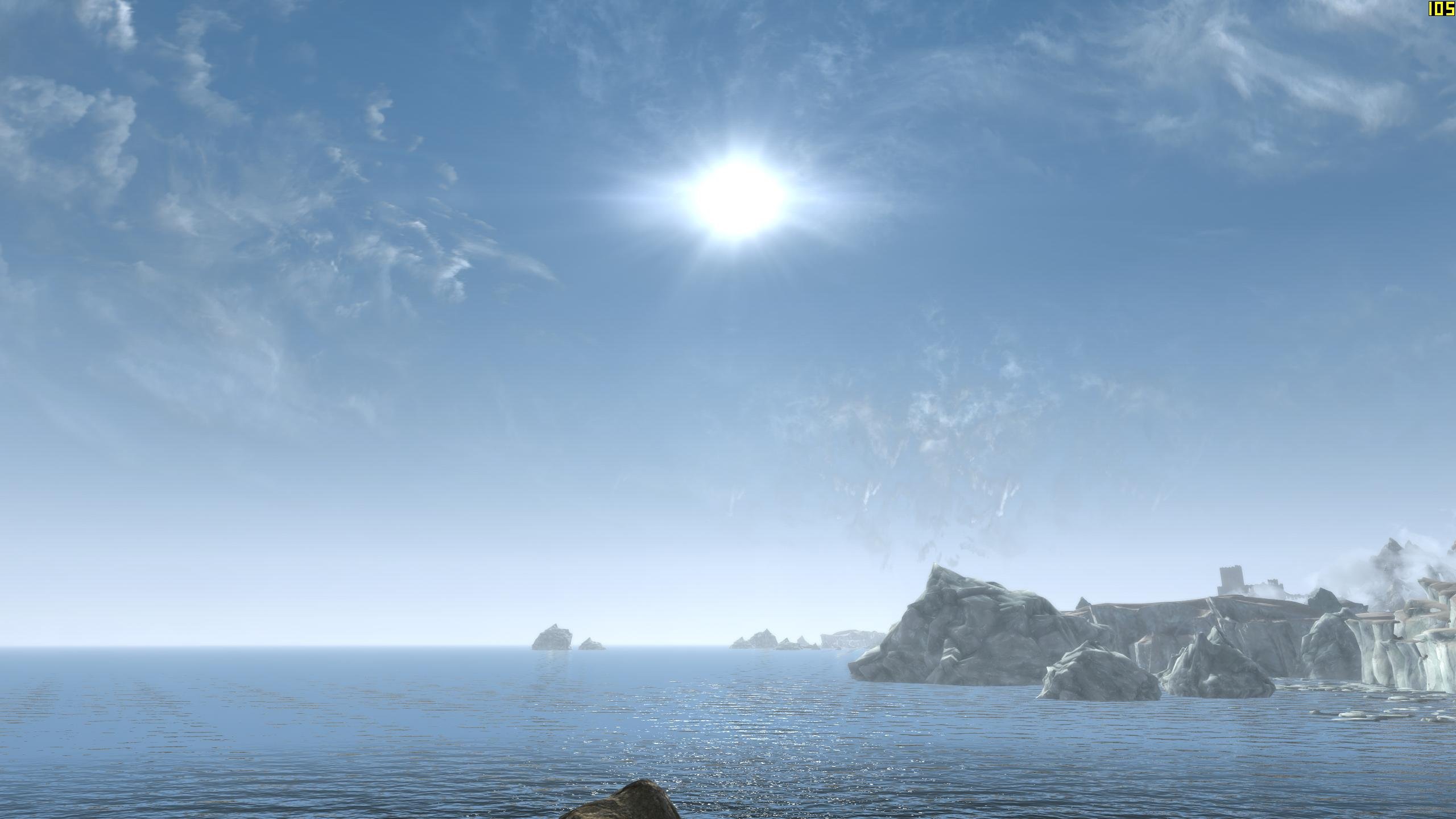
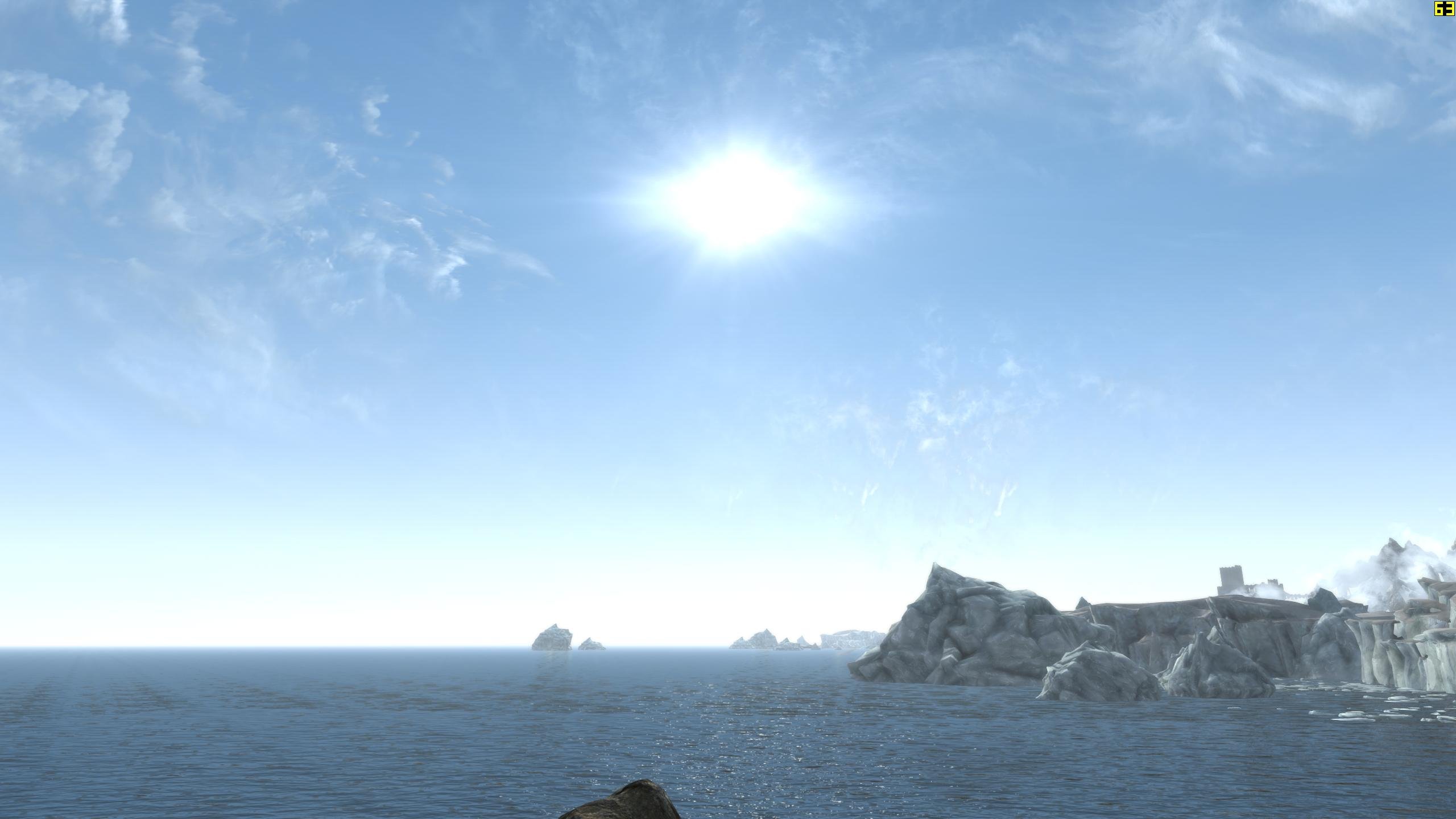
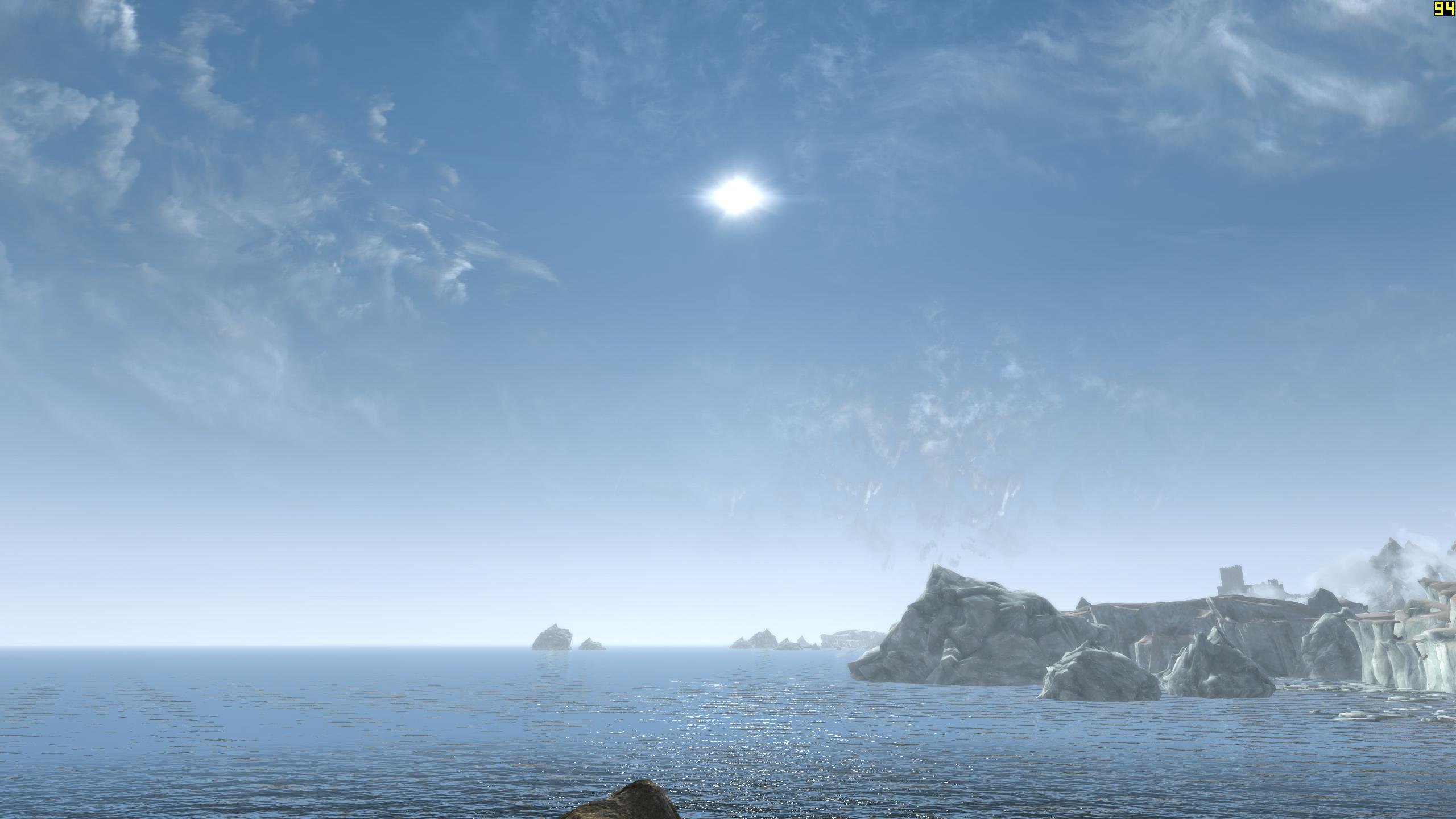
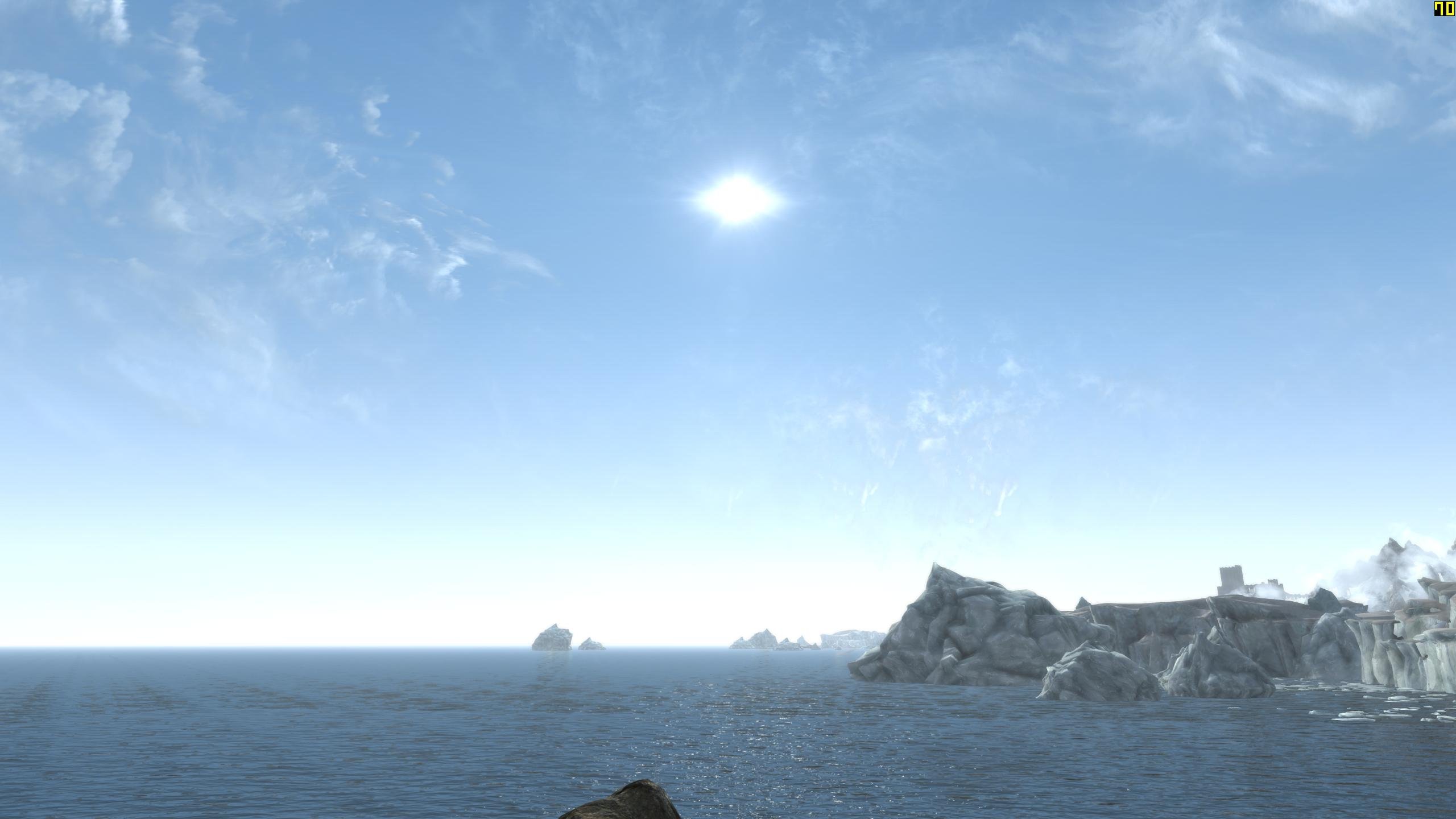
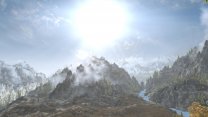
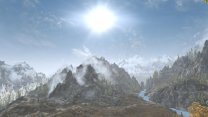
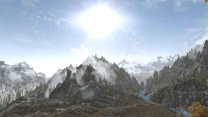
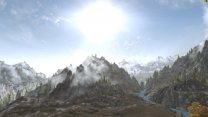
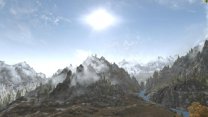
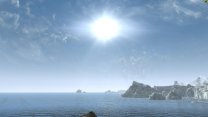
So after fine tuning the ENB and testing further with the sun size values 425/600 (default CW; no ENB) > 200/282 (default CW; no ENB) > 200/282 (Step ENB 0.3.3) > 250/350 (Step ENB 0.3.3) As you can see, the last shot is probably a good representation of vanilla/CW sun size with our updated ENB. This is what I prefer for my game: 120/170 (Step ENB 0.3.3)
-
Yeah, I was assuming it was the NVIDIA display GFX settings. Glad you got it figured out. Looks like we have some recommendations in the making.
-
Seasonal Aspen Trees - Seasons of Skyrim SKSE (by Zeknapain)
z929669 replied to DoubleYou's topic in Skyrim SE Mods
Yep mod comes with DynDOLOD-ready models. I will need to download and look at them to see if they were created using DynDOLOD best practice. People can simply rename the full models after stripping out the collision and other incompatible nodes. That said, the file sizes indicate they are proper LOD models. Best way to tell is install and generate the LOD and see what it looks like. -
MO2 plus SKSE together crash my game.
z929669 replied to phdprincess's question in Mod Organizer Support
Se we must assume it was the incompatible DLL I mentioned? -
Doh! Yeah, so my bad.... I was just happy to understand why he wasn't limited by hardware composition I don't see any issues with SSE Display Tweaks INI or game INI. I forget if frame limiter is set the skyrimprefs or skyrim.ini. If those are OK, then I suspect its GFX display settings somewhere. I don't know NVIDIA so well, so you guys will know more about that.
-
... and there ya have it. So we should probably direct users to use fullscreen mode in initial BethINI setup to avoid the issue in the majority of systems and mention setting to borderless after performance tuning and the benefits and consequences to FPS limiting. We can probably also update the Display Settings guide with the new info as well.
-
Yeah, I can relate. That's why I went way out to COW tamriel 0 37 for this testing
-
... gotta read the post. I highlighted what I originally wrote in quote of my self in previous post to point out the fact that the sun size with our original ENB was even bigger with even more teal along the edge, because this representation has my tweak to ProcSun applied. I had forgotten about that when I was grabbing the compares. The sun at 1 PM is at is smallest. I mentioned this in a previous post somewhere up there. This is why you recall it being smaller. It's at max size when closer to horizon (I also mentioned this in yet another post up there). My shots were at around 9:40-ish AM (as I mentioned in OP)
-
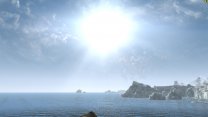
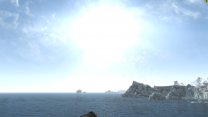
The very first image in the compares I posted is 'the' sun size in Step 2.0.0 exactly. No change whatsoever. That's the baseline. There is no ENB in the first image of each set. The second image in each set has revised ENB settings based on the ENB settings I posted. I actually reduced the ProcSun values slightly, so the original values we had for this would make for a slightly larger sun actually. Perhaps a diff in GFX settings?
-
@Mousetick Was asking for your INIs as DY posted as a means to test/verify what he is saying about DWM. You are implying that his suppositions don't apply to your situation specifically, so that would clear it up.
-
You created the sun size? Not CW? Clearly I am missing something, so just asking. The default Step size is the very first image in my compares (the one at upper left). So that's the size in current step without ENB. I think it's too big. Size increases as the sun gets closer to the horizon. It's smallest at 1 PM (but still giant). ENB we currently have makes it worse, but the changes I have in place for next round of testing mitigate this as in that correction I posted.
-
This is why I wanted to look an no ENB and ENB side by side
-
Yes, I was only illustrating with the size I liked best for ME not for Step. The ENB changes translate exactly the same for all sizes. The result is that the ENB change keeps the CW look, irrespective of size
-
Note that I did not post this with the caveat that I think we should adopt my preference for Step. I am simply showing how these INI values translate to the game with/without ENB. I prefer departure from vanilla personally. For Step, I agree that a slight reduction is best, given our specific setup. We must consider changes from our mod lineup and th at corrections like this may be applicable at times.
-
True, and don't forget, My steps are fairly extreme. Something like 300/425 or 250/355 may be most lore friendly. I am using the vanilla ratio of size/glare, BTW
-
Fair point. Do you see my point about the sun being too big though and washing out everything during sunrise in particular? I think it could be a bit smaller and still fulfil this lore Maybe you would prefer something between the default and the next step down? Perhaps you prefer the default ... I suspect some might agree, but I do think most would agree that it could be tamped down slightly
-
I think it's obvious how the numbers correlate with the sizes. That's why I didn't bother. The sun can only be "way too small" in the smaller sizes. The first is default, and far too big, IMO. Its rays bleed with the horizon even at like 9 AM. It washes out the whole E/W horizon at vanilla size values. This is only showing what things look like with alternative sun sizes going down from default game size, which I think is far too big for the visual limitations of the sun in this game. I have settled on 120/170 as my personal preference, because I just think it looks better. Nature in Skyrim mimics our world in almost every other aspect. This is how we and most people define 'realism' in this game. The vanilla game has a degree of the 'fantasy' factor, but not much. Mostly in terms of the moons and magic, IMO. Just about everything else about vanilla mimics our world. This is how we judge mountains, fog, NPCs, many creatures, clutter, trees, plants, grass, etc. The sky is no different, IMO. I agree there should be a flare of the fantastical though, just in slightly more practical terms with respect to the sun.
-
ENB does have a limiter. As I mentioned in my initial response to the post, I believe there are at least 4x places to limit frames if ENB is used. For vsync, there appear to be no less than 3x with the borderless/DVM tech. This does not include any other potential 3rd party software for either of these features. Running a 60 FPS monitor appears to be a more obvious gotcha for unlimiting FPS it would seem.
-
I will be setting up the ENB to add more color to the sun when very low on the horizon ... also will make it bigger. This is why I like the 100/141 size. On the horizon, it will then be closer to the 200/282 size I think with the forthcoming ENB changes.
-
Yes, I agree about the ENB. Its the gradients under [SKY]. I am fixing that now. When finished, it will look like CW again. Much better. I like 100/141, but 200/282 is a close second for me. Will post revision in a sec. Modified gradients slightly to fix ENB to be more like CW. Several iterations and this is the sweet spot. ENB references also updated.
-
Experimenting with various tweaks to the sun INI settings: fSunBaseSize -default 425 fSunGlareSize -default 600 Testing is done in clear (81a) weather at about 9:40 AM (day). Relevant Step ENB (v0.3.2) settings that effect sun size and look: [SKY] GradientIntensityDay=1 GradientMiddleIntensityDay=1 GradientHorizonIntensityDay=1 SunIntensity*=1.1 [PROCEDURALSUN] GlowIntensity*=0.75 GlowCurve*=3.5 Modified Step ENB settings (proposed) [SKY] GradientIntensityDay=0.6 GradientMiddleIntensityDay=1.05 GradientHorizonIntensityDay=1.2 SunIntensity*=1 [PROCEDURALSUN] GlowIntensity*=0.4 GlowCurve*=0.5 SSE 2.0.0 Compares No ENB > ENB (proposed settings used, because they are more like CW, which has crisper edges with minimal teal margin) 425/600 (default) > 200/282 > 100/141 > 75/106 second image in this 1st set is Step 2.0.0 ... actually, this has the improved PROCEDURALSUN tweak so 2.0.0 is even bigger and more teal. corrected ENB is last in this set: