z929669
-
Posts
13,137 -
Joined
-
Last visited
5 Followers


Recent Profile Visitors
8,482 profile views





z929669's Achievements

-
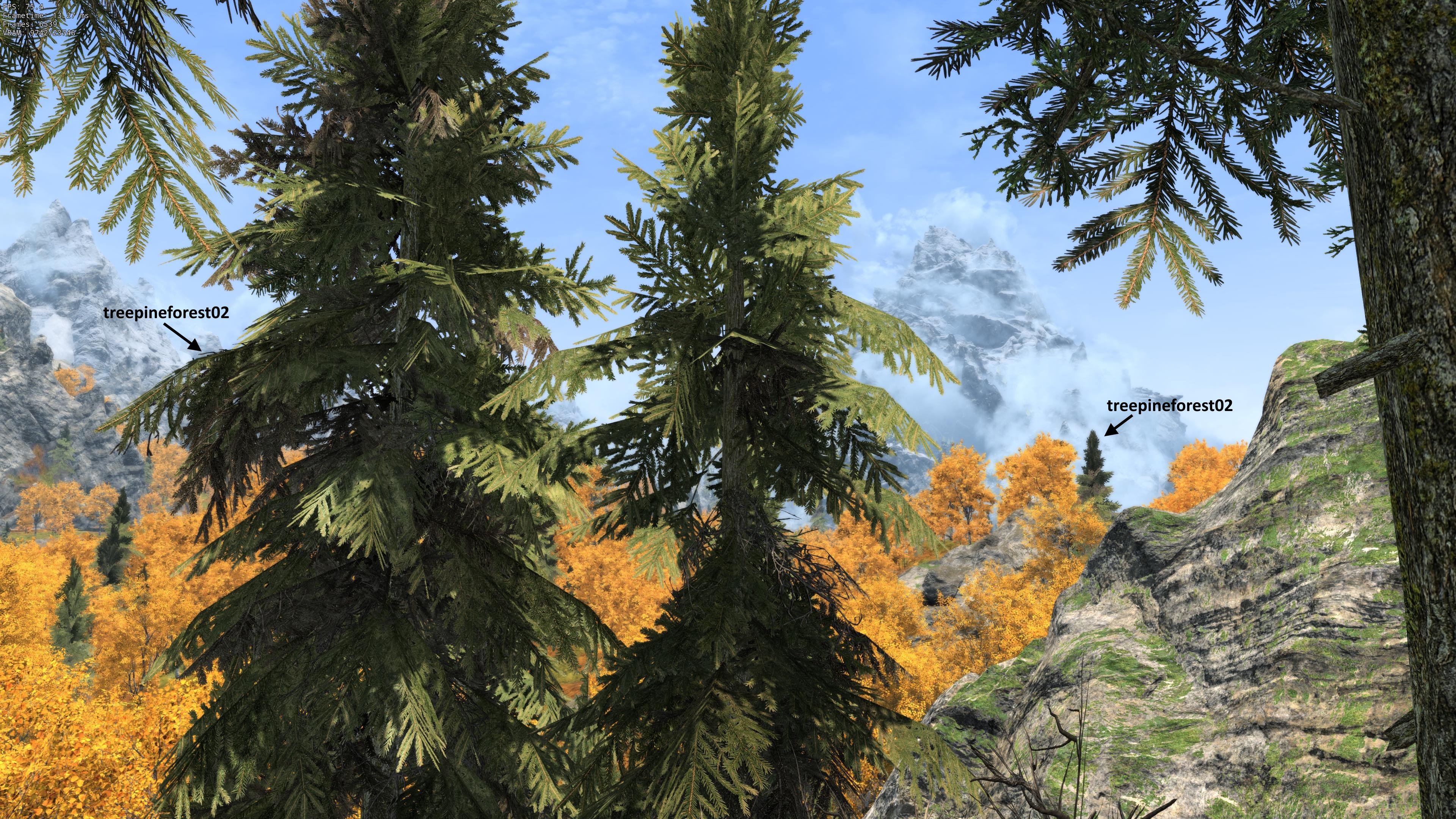
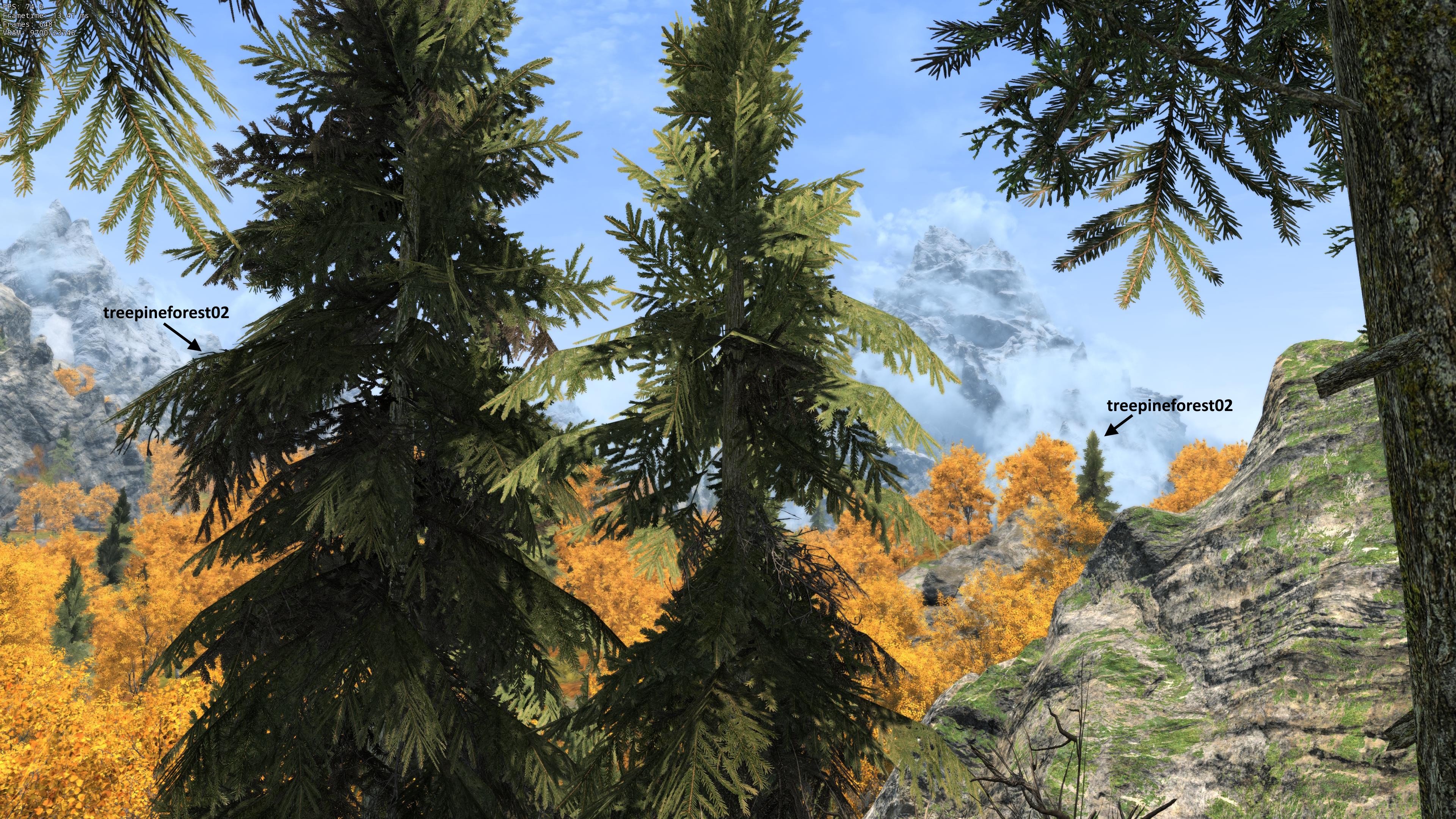
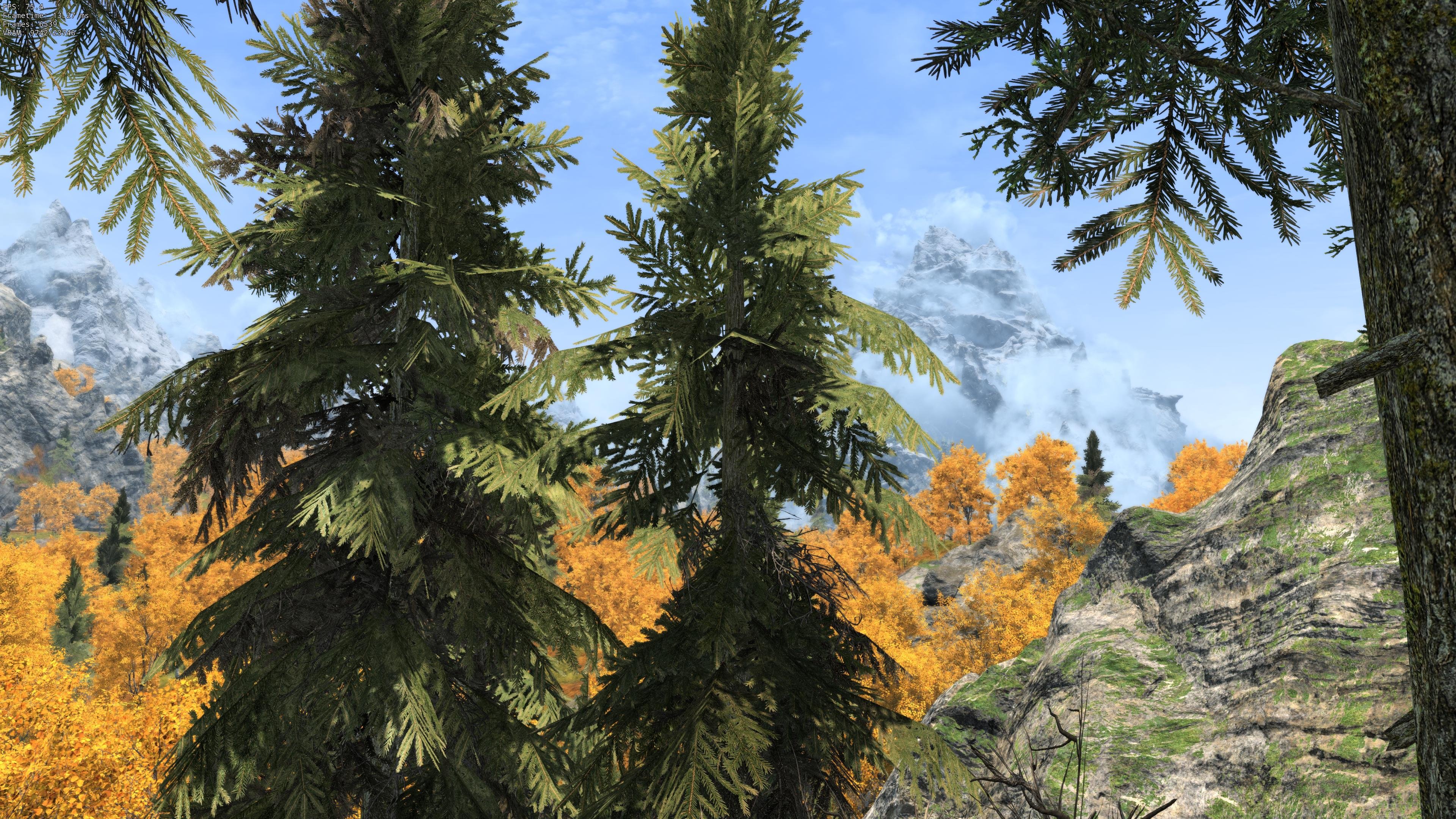
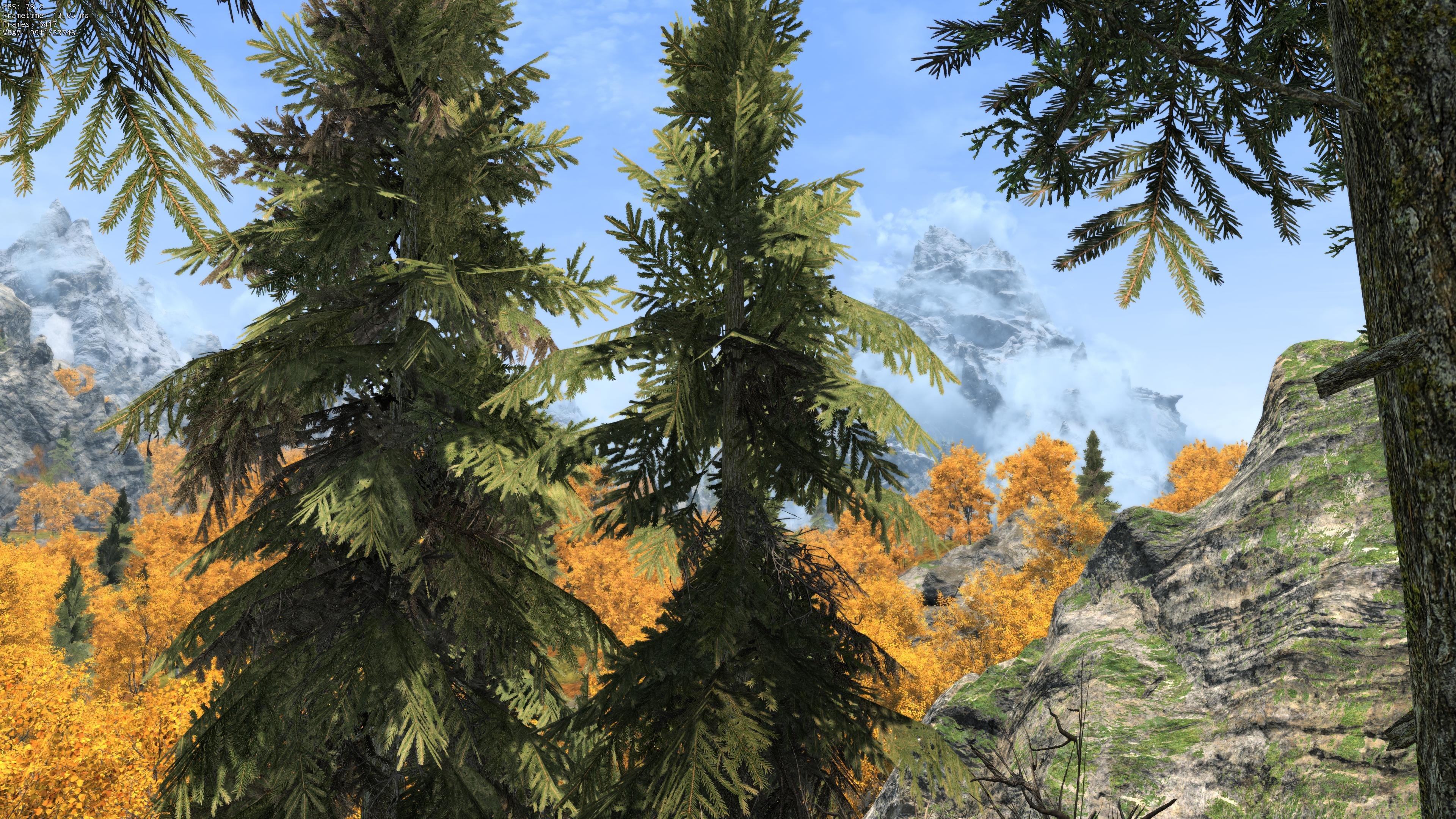
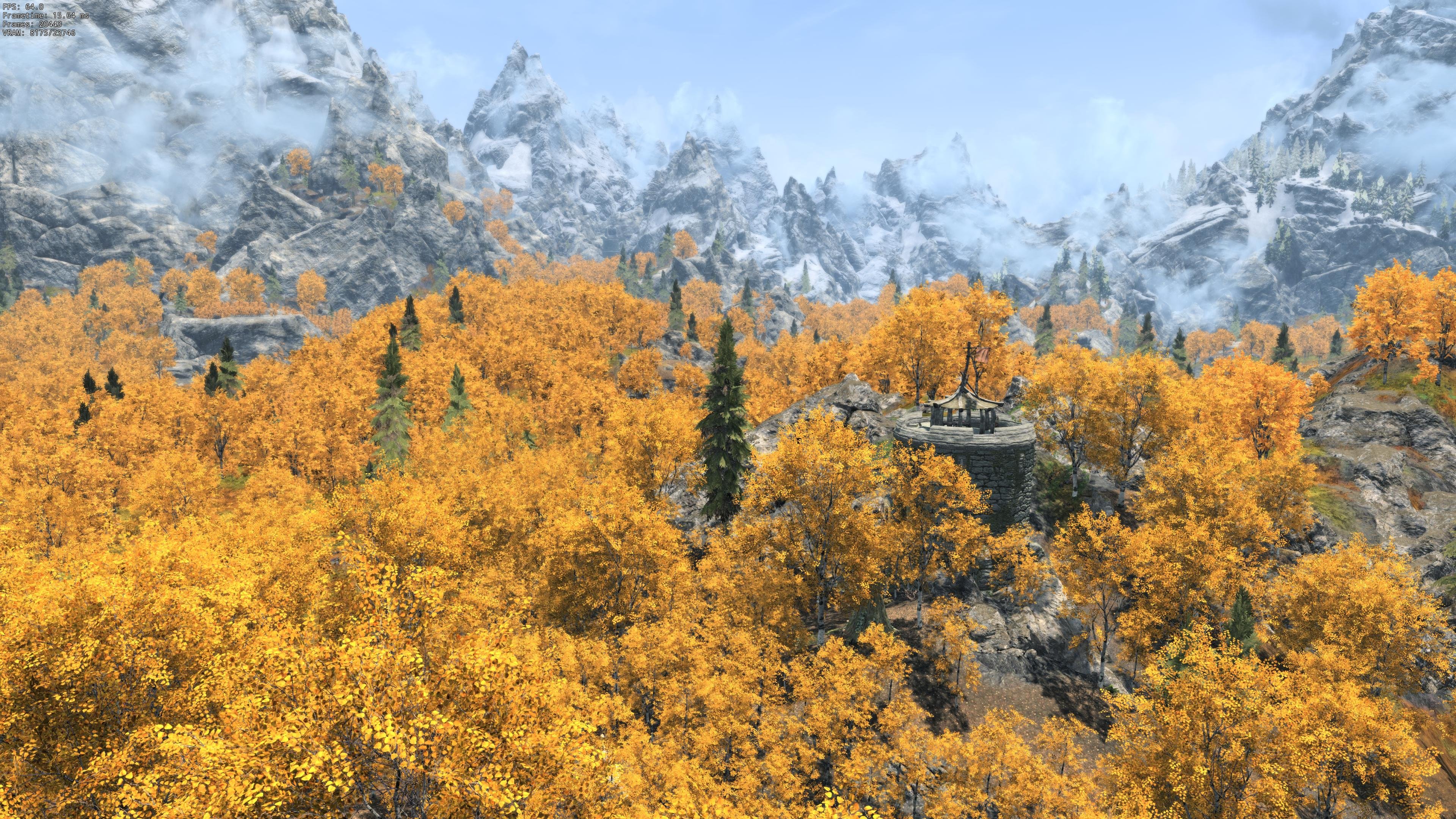
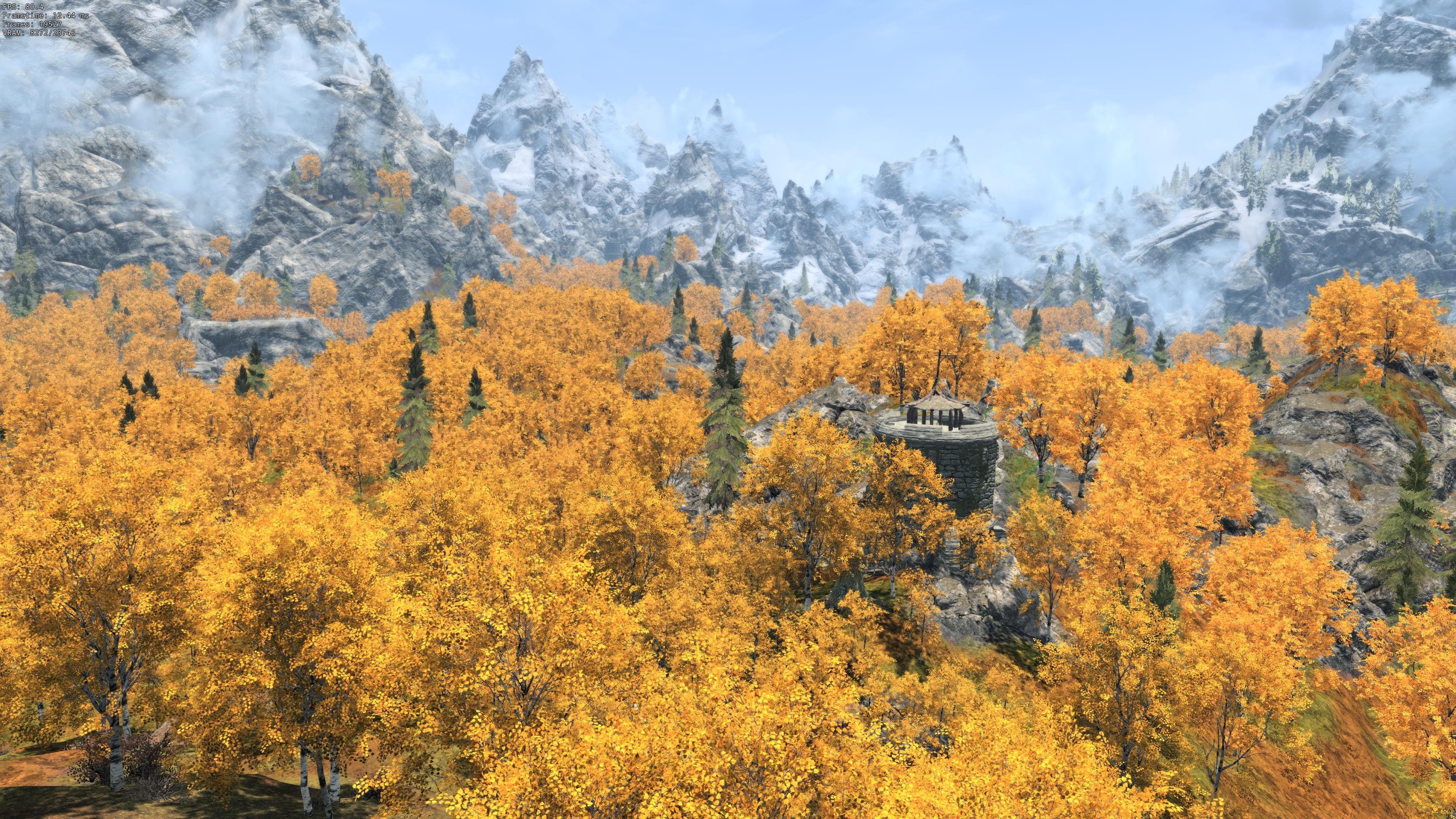
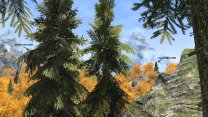
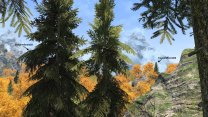
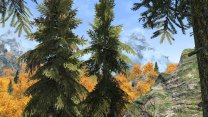
That's an impressive composition. Coming back full circle to confirm that correcting the normal vectors of the full model resolves the lighting inconsistency in LOD just as you've suspected. I modified all the crown normal vectors to approx. 20-30 degrees from the horizontal and pointing radially from the trunk. This tones down the harsh lighting and shadows of the lower branches while making the top branches more reactive to light in both full model and LOD. I also modified all branch NiAlphaProperty to 128, optimized UVs, clamped all crown meshes, removed anything that could cause glow or fake lighting, and set Glossiness to 80 (from 500). The treepineforest02 LOD model is remade from the full model. Full trees have more believable lighting, IMO and LOD matches optimally in game at all ToD and weathers, so I will finalize the textures and set about updating EVT pine meshes likewise unless you have any further suggestions/cautions. Here's the revised meshes and logs from my test run for this one pine. I generated for all Tamriel so I could compare the revised treepineforest02 to some of the other unmodified pine variants in game for both full and LOD. My testing scene follows. Left is the original srg_treepineforest02 mesh, and right is the updated rendition (no other trees changed). Pines are using the textures I shared previously.
-

ACCEPTED Security Overhaul SKSE - Some More Locks (by PRieST47)
z929669 replied to z929669's topic in Skyrim SE Mods
SMIM is probably correct, but you would need to compare to the meshes being overridden to be sure. -
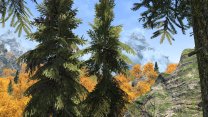
Just FYI: I am testing mesh changes to the full model and copying the branch meshes into the LOD model. I've found a result that looks quite good if you want to see for yourself when you do your tests. Specifically, I added Specular shader flag and switched to a normal with specular alpha. I also changed Glossiness to 80 (from 500), and added my specular map as a glow map (rather than doubling up on the diffuse in the glow slot). The BTO seems to more-or-less use this info as you can see in the following. Use the keyboard arrow keys to flip between the two images once they have both loaded, and the change should become obvious. Treepineforest02 is in the foreground at center-left, while its LOD model is in the background at right. The first image is from the test run we've been discussing, and the second is after I made the mesh changes (regenerationg LOD from scratch each time... NO shape name keywords set). Here's the relevant assets for the changes that seem to work well with both full and LOD. You already have the diffuse and normal (with alpha) I used for this test (they are in the "Requested assets" link above). Here's the new & updated assets that correspond to the new run.
-
I'm doing all of my testing without ENB/CS for now, and I always have vanilla AO disabled. I will try disabling shadows and using the fov trick when I revisit. The diffuse and normal I used in that run were overwritten as I continue working on optimizing the textures for the full model. The renditions I have now are constructed in the same manner from the source as those requested, so they will behave similarly but for the tint of the dead branches. Thanks again! Requested assets
-
Thanks. I updated my post probably while you were preparing your response. See the first two images (let me know if you don't see them for some reason:
-
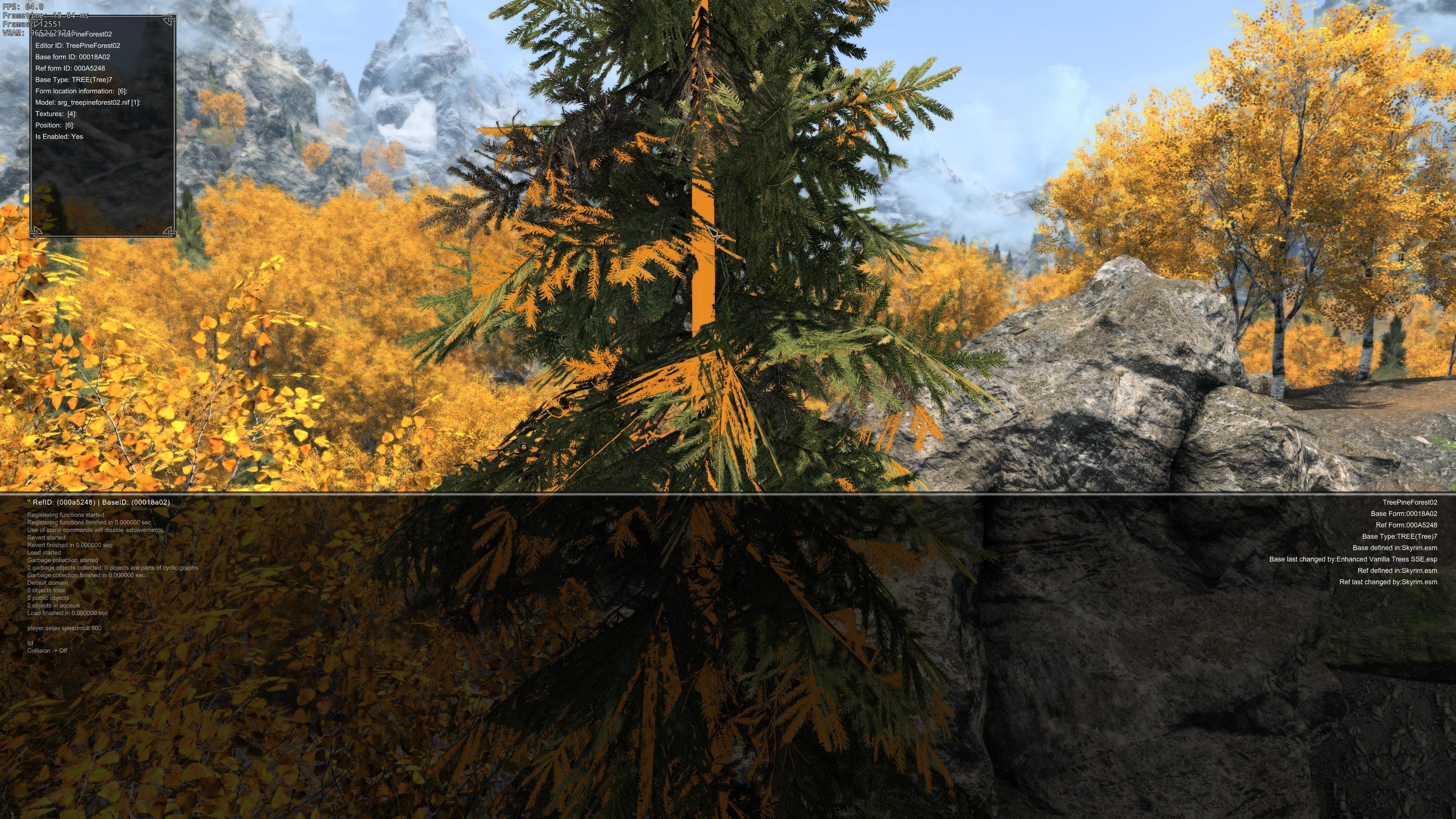
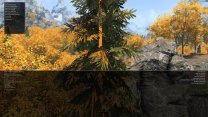
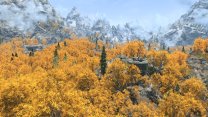
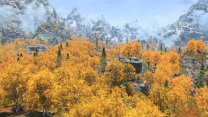
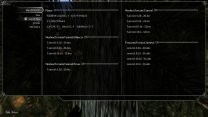
How exactly can I compare specific vertices in the LOD model to corresponding vertices in the BTO? There's so many in the BTO, and its shapes merge many different tree models. I have verified a random sample of vertices are identical between full model and LOD model, but the BTO is another matter. The tree in center screen has LOD model with identical vertex data to full model, CLAMP_S_CLAMP_T, and all branch UV between 0-1. It's using proper diffuse and normal. Here's the full model followed by the LOD model in game around 1PM: I regenerated LOD, and here's logs and all relevant data.
-
I don't set `fixednormals` on any of the shape names, so they are the same between full/LOD models, since LOD models use stripped copies of the branch mesh from full. I assume you are suggesting to check that normal vectors in the BTO remain equal to the LOD models generated without setting `spherenormals`, since that instruction will inherently alter the normal vectors in pines of the BTO, correct?
-
Yeah, spherenormals will take care of the differential brightness issue, but it also makes LOD pines very bright, so I will need to see about modifying the normals and possibly the mesh lighting of the LOD models to see if I can compensate. Thanks
-
No, they all contain LOD but that one shot. Toggling the next image should show more distant pines popping in, two at left and one at right. One in the middle as well but it's mostly obscured by the foreground. It may be simpler to view them locally. Screenshots
-
Ahh yes, I see that now. I was looking at the entire background rather than those black/white areas, and I failed to set up a proper compare rather than eyeballing them. I assume you agree GPU mipmapping is behaving as expected now (at least for my GPU family). Also the dark pine tops I opened with are looking to be more a factor of the normal faces on the mesh than the textures themselves. Both still have an impact, but normal faces have more influence now that I understand what was happening with those invalid normals with black background in RGB. They were inputting garbage to the shaders that caused the bright tops in LOD, and there is alpha diffuse/normal background bleed in the loaded trees as well. The odd thing is that the invalid normals actually match better in LOD if I apply `usemipmaps`, but it's not the case with a fixed version of that normal or my own remade diffuse/normals. Here's some screen compares. Ignore any changes to aspens if you notice them. I opportunistically tested `usemipmaps` on them in a couple of the images (the native mips are insufficient). LOD Reference: Scene with TLL Native mod textures: 16K diffuse, 8K (invalid) normal from the mod, no shape name (default DyhnDOLOD treatment) LOGS Mod textures, fixed normal: 16K diffuse, replaced black normal background with 128/128/255 background (8K), no shape name (default DyhnDOLOD treatment) LOGS Native mod textures, usemipmaps: 16K diffuse, 8K (invalid) normal from the mod, `usemipmaps` shape name LOGS Mod textures, fixed normal, usemipmaps: 16K diffuse, replaced black normal background with 128/128/255 background (8K), `usemipmaps` shape name LOGS Remade textures: remade 16K diffuse and normal from source PNG, no shape name (default DyhnDOLOD treatment) LOGS Remade textures, usemipmaps: remade 16K diffuse and normal from source PNG, `usemipmaps` shape name LOGS LOD Reference Native mod textures Mod textures, fixed normal Native mod textures, usemipmaps Mod textures, fixed normal, usemipmaps Remade textures Remade textures, usemipmaps To be clear, I don't think this is a DynDOLOD issue at this point. I'm only seeking advice as to why the only matching pine LOD seem to be when using the invalid mod normal and `usemipmaps` in the shape name of the branch meshes. I'm guessing that these LOD 'matching' is just a fluke ...the mod textures lose a bit too much alpha coverage at distance, and the pines are a bit too dark (loaded and LOD) due to alpha bleed. My remade versions have optimal diffuse alpha and no normal alpha (BC7 both). I can share whatever is needed on request if you are interested.
-
Given what you say, there is no issue with the AA textures in the DynDOLOD atlas. DynDOLOD appears to be either using the AA birch03*.dds mips directly or recreating them from the birch03*.dds AA basis. Those textures have no validity issues natively or on the atlas. The DynDOLOD alpha atlases in general and for the pine branches in particular are nearly identical now with CPUMipMaps=0/1, so I think you nailed it. Here's the relevant logs and export for the CPUMipMaps tests. Here's the atlases for both if you want to compare directly.
-
Step SkyrimSE Patches (by Step Modifications)
z929669 replied to TechAngel85's topic in Step Skyrim SE Guide
Thanks. This was likely added in one of the CRF updates, and we never picked it up. -
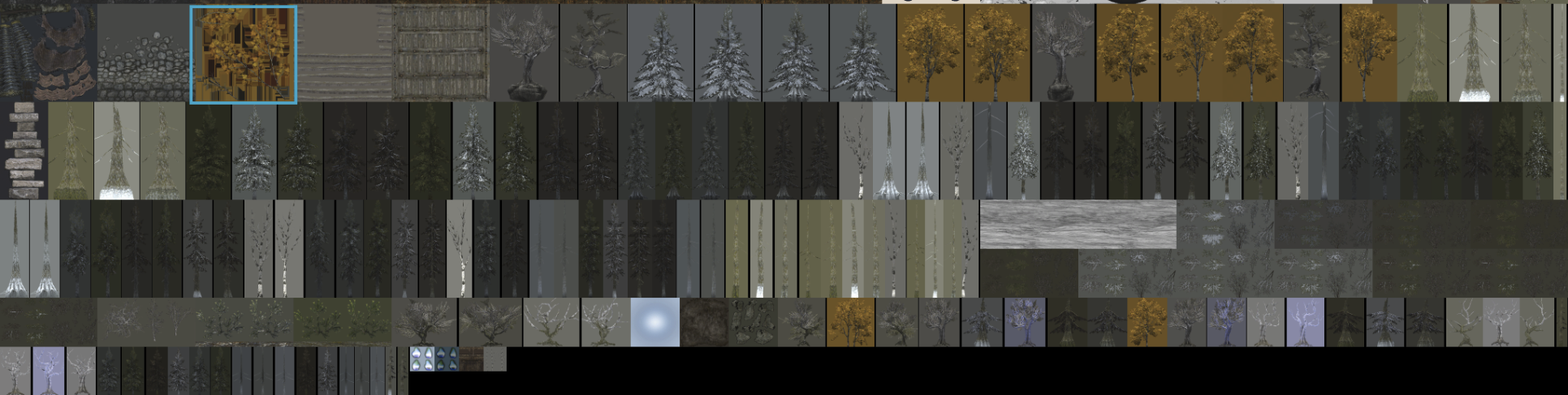
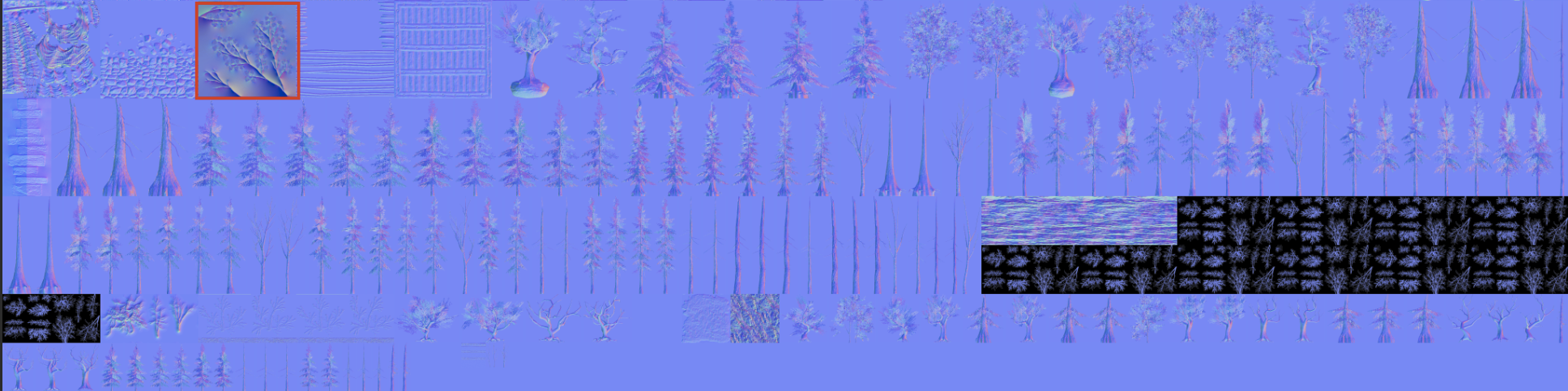
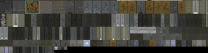
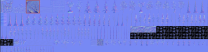
The latest test versions seems to have resolved the persistent black background issue. I ran DynDOLOD without any of the test settings you had me use earlier, and the diffuse backgrounds of all textures appear to be using the average RGB except the aspen branch. Strangely, this branch is using the source mips rather than DynDOLOD's as if aspen shape names have `usemipmaps` keyword (but that's not the case). I've given this one a blue outline. Similarly, the normal atlas is also using the native normal mips for this branch. If you want to reproduce, download Aspens Ablaze 2.39 main file and use the AA Add-On (Quality option). You will also notice that the pine textures mod we've been using for testing strangely uses pure black in the RGB matching the alpha mask, which is causing the pine tops to be too bright in LOD ...probably because the shader is getting some mip bleed in the normal mips (DynDOLOD is re-mipping all pine textures). I guess I expected that DynDOLOD would also re-mip the branch normals, but if it is doing that, it is using the invalid source normal with black background (should be 128/128/255 instead of black). This is obviously not a DynDOLOD problem but one of the reasons I am remaking these textures from source. I will share results once finished now that I can test without any keywords in the shape names ...I've been testing my remade versions of the textures with `usemipmaps` to rule out the black background in the DynDOLOD atlases as being a contributing factor to the dark pine tops. I will continue reworking these textures using DynDOLOD's default texture handling. Here's the logs for the run that produced the fixed backgrounds in the atlas (above screens).
-
Z fighting - Conflicting LODs (maybe?)
z929669 replied to Fulgur's question in DynDOLOD & xLODGen Support
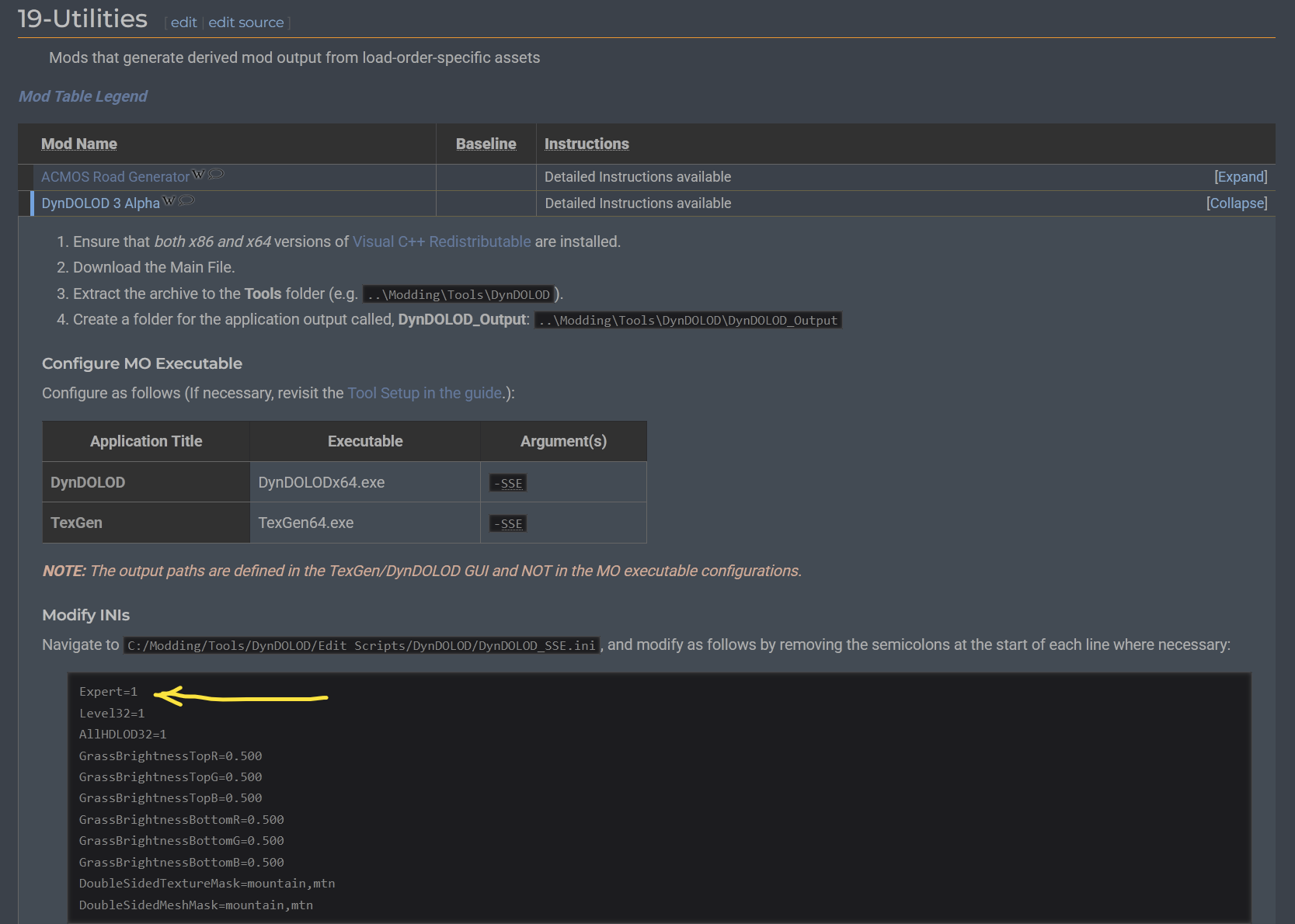
sheson copied the setting to the GUI recently, but it's still in the INI, so you must not have unfolded DynDOLOD instructions:
-
Gotcha. Here's Test 1 and Test 2.