RainingTacco
-
Posts
118 -
Joined
-
Last visited
Everything posted by RainingTacco
-
I dont use these additional textures for generating lod. I also use noise.dds from Solas weathers which is much brighter than cathedral giving me nice bright lod 4/8/16 without increasing gamma to 1.25. So you are telling me that cathedral landscapes has too dark textures for lod generation? This really suck, maybe there's a way to just generate terrain.32?
-
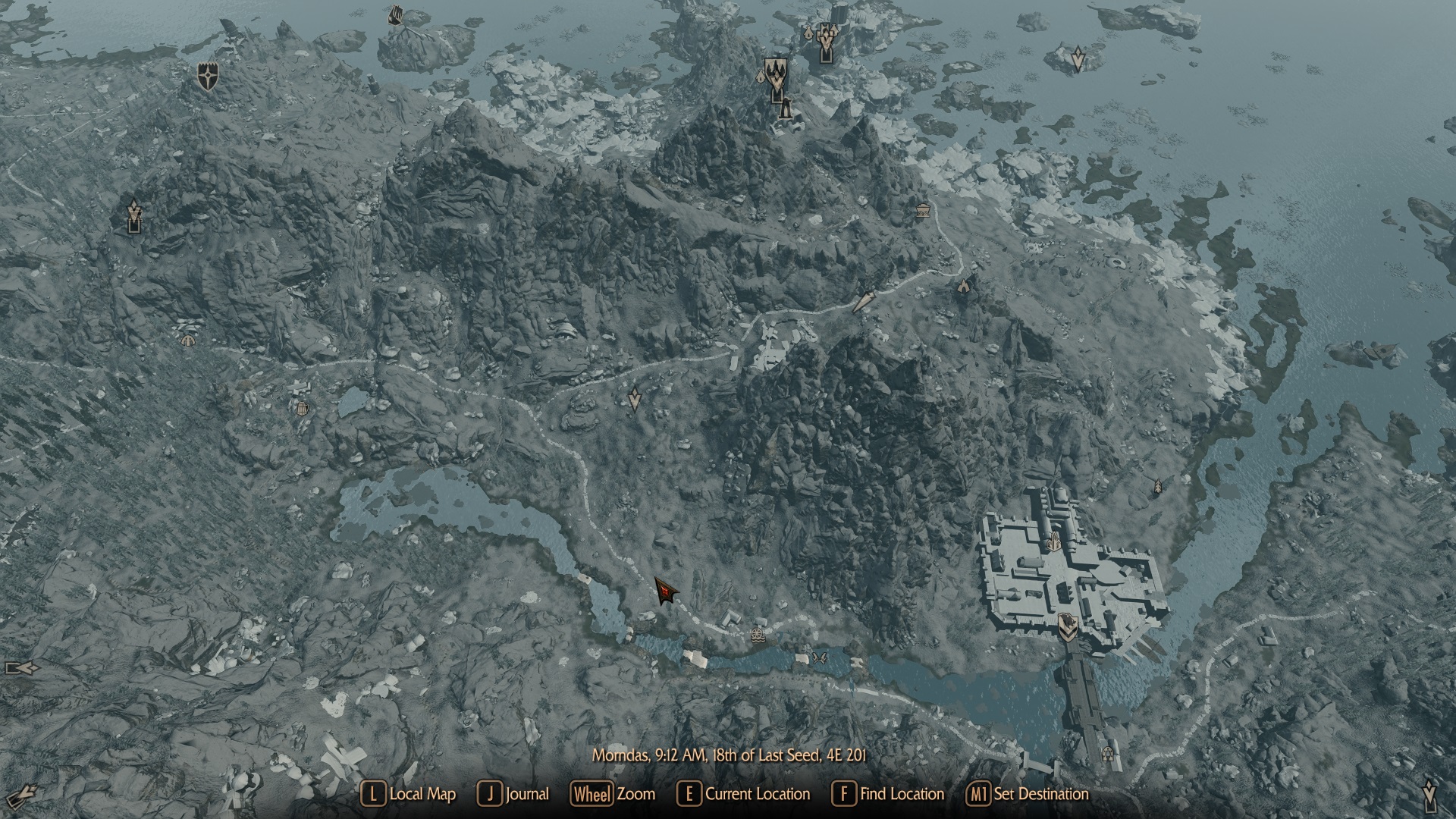
I must have done something in my load order but i dont know what. The snow in world map and only in world map looks kinda gray. Anyone know what could be the reason? Im using Solas Weathers with EVC patch, ACMOS and A clear map of skyrim plugin, its sunny day at 9 am. Im also using cathedral landscapes, a simplicity of snow and vertex color fixes. When i compare my xlodgen tamriel.32 output to vanilla tamriel.32 i see my output is much darker. Why is that, when i use default settings for xlodgen? I want the snow on world map look roughly like the snow on the decals, ie. nordic temples as you can see.
-
Use USVFS and CAO to pack only used textures?
RainingTacco replied to RainingTacco's question in Mod Organizer Support
CAO is open source, so theoretically one could make such addition, or use verbose logging from CAO and make plugin for MO2 based on that input, and disable necessary textures. Anyway, i see its a lot of work, hence no point pursuing the idea. -
Large reference bugs workarounds requirements not met
RainingTacco replied to RainingTacco's question in DynDOLOD & xLODGen Support
Indeed the option show after i've cleaned the necessary plugins. Good that i had summary to find stuff, because the batch plugin cleaner doesnt work for me. Sorry for being pissed and rude. -
Large reference bugs workarounds requirements not met
RainingTacco posted a question in DynDOLOD & xLODGen Support
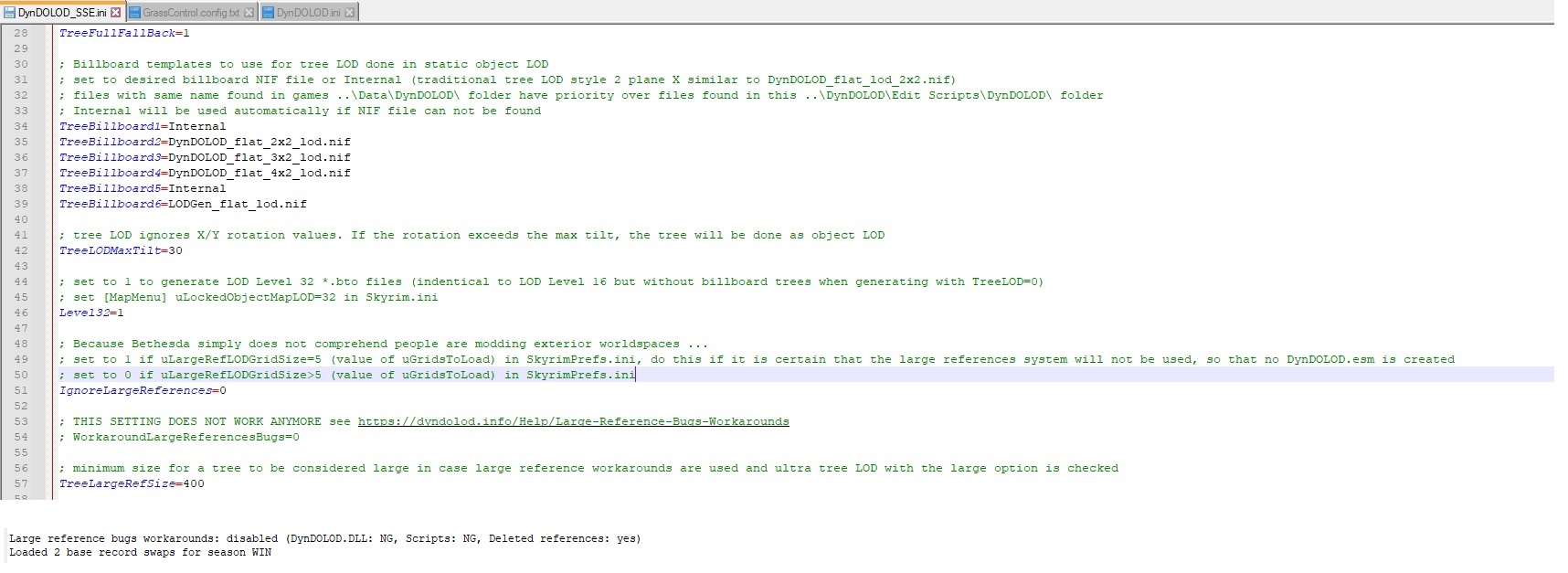
>Large reference bugs workarounds: disabled (DynDOLOD.DLL: NG, Scripts: NG, Deleted references: yes) There's nowhere i can enable this, this is the dyndolod_sse.ini I dont get debug log, where are those references that i need to clean. Should i enable some other option to get it? So this version of dyndolod can't proceed if there are deleted references, ok now i need to learn how to delete these from all my plugins. The earlier version just worked and ignored some of these.
-
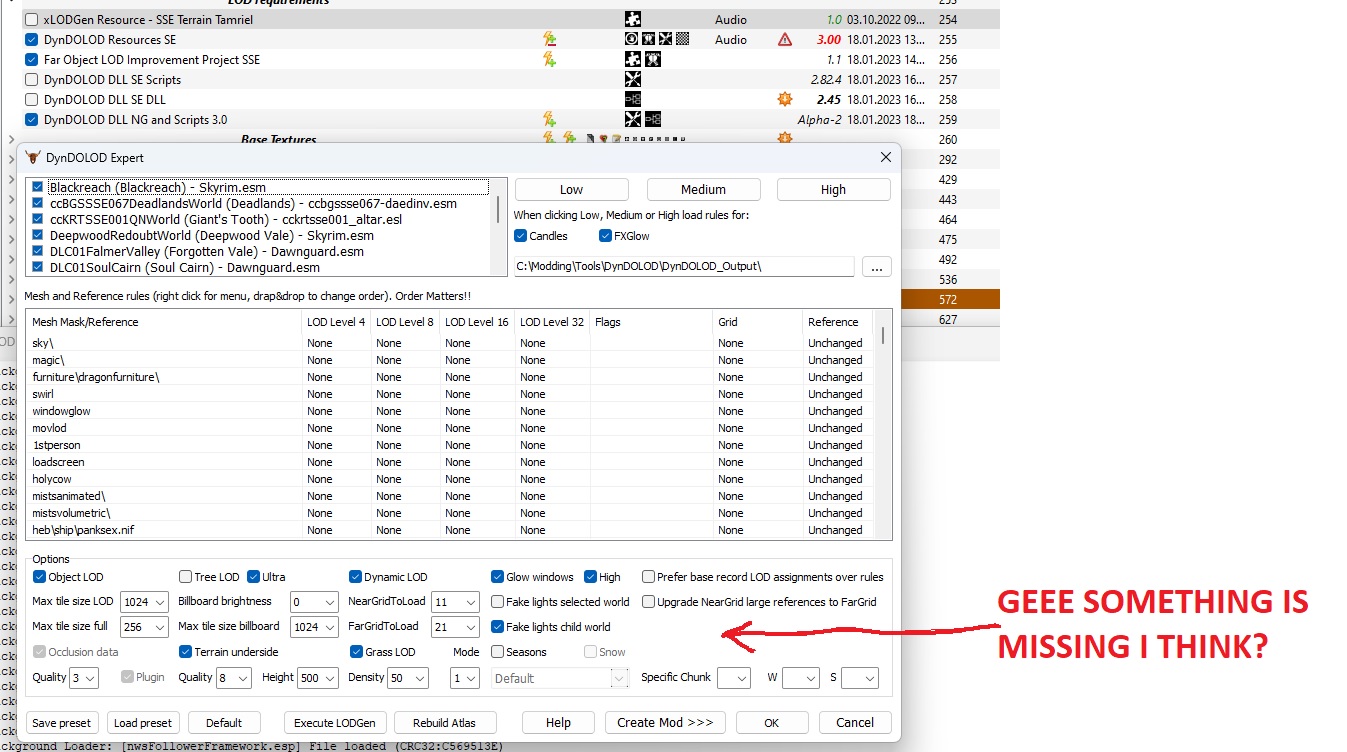
Picture is worth a thousand words...

-
I've did everything as the site tell. Installed Dyndolod DLL NG, and its resources. Ran dyndolod, there was nowhere "large reference workaround" option to tick, and in the dyndolod_sse.ini the option said it was deprecated and to be toggle in the menu, just as the website says. Problem that there was no such option in the menu... I've used the new scripts before and i remember having this option, therefore i was suprised it vanished. Something must be bugged.
-
I will wait until largereferencebugfix and NG version come out of "deep alpha extremely experimental" and become a standard part of dyndolod suite. Until that day, the separation of this stuff, and the ensuing bugs are too confusing and time wasting for me to dabble. Are there any ETA on when the NG/largereferencebugfix version will become a part of main stuff?
-
I had no old scripts and old dll installed - i thought it was clear from my post, i didnt even get the workaround menu when i ran dyndolod64.exe tool from MO2, which already was weird to me. Looked at dyndolod_sse.ini and the workaround toggle was deprecated, so it should be in the menu, but there wasn't. Something doesn't work right. Anyway i reverted back to original version and it works fine, suck that i wasted hour of my life.
-
Use USVFS and CAO to pack only used textures?
RainingTacco replied to RainingTacco's question in Mod Organizer Support
I would put the dummy plugin tied to .bsa at bottom of the plugin order[loaded last] and it would overwrite everything relevant that way. -
Using dyndolod 3.0 alpha 111, newest resources and 3.0 NG DLL, and it doesn't work for 1.5.97 version of the game, says something about wrong papyrus script - i just got this after generating new lod from scratch, clean save.
-
Use USVFS and CAO to pack only used textures?
RainingTacco replied to RainingTacco's question in Mod Organizer Support
I want to pack ONLY textures of the mods i use. The mods folder in MO have also mods that i unticked in left pane[roughly 50-60% of my mods] and would therefore pack all the textures from mods that i dont use. I only want to pack the LAST texture overrides ie. my current load order textures. Also i think CAO can't target textures only for packing .bsa, octagon is a better tool for that. -
Use USVFS and CAO to pack only used textures?
RainingTacco replied to RainingTacco's question in Mod Organizer Support
So really there's no way? Maybe i could somehow copy the textures folder from VFS, into the "real" operating system folder explorator and run it outside of MO2? I cant find a way to copy files from VFS. -
HLT bark is perfectly fine, it doesn't need an upgrade, like resolution/fidelity/quality of the art - it's only a sidetrack for people who prefer other artistic choice.
-
Use USVFS and CAO to pack only used textures?
RainingTacco posted a question in Mod Organizer Support
So i would like to use CAO from inside MO2 to only pack my used textures, instead of using CAO on individual mods, or on all mod folder, which is not only bad practice, but also cumbersome. If i had packed just my used textures overrides from USVFS[virtual file system] then i could get benefit of bsa without the hassle of packing every individual texture mod. -
Where is the changelog for the xlodgen? I have beta 95, can't find patch notes what has changed since then.
-
Will you consider to make "STEP - Requiem" fork?
-
You can see it in the video Rain is more pronounced looking at sky than at the ground/landscape. Rain sometimes appears dark, little black when looking at landscape. I've tried different ENBs and had similar results, tried different rain texture using "Viven Rain for ENB" but it didn't help. Obviously disabling ENB Rain do the trick, but the rain looks like crap, basically semi transparent simple white streak of texture without any shader. So anyone knows a fix to this, without disabling ENB Rain? Settings? Shader?
-
EVLAS/Underside problem?
RainingTacco replied to RainingTacco's question in General Skyrim SE Support
Its happening in vanilla man with vanilla inis. Toggling lod doesn't affect this reflection. Anyway can you check it in your game? Remember to use clear weathers. Its definitely not screenspace, as it happens even if i only look at water, no sky at all. -
EVLAS/Underside problem?
RainingTacco replied to RainingTacco's question in General Skyrim SE Support
How to fix this if it happens even for vanilla game and nothing but EVLAS and EVLAS underside enabled[beside requirements to run EVLAS]? I've tried standing in other place, or near a mountain to make sure it's not LOD but loaded asset and it won't help. I've disabled ENB and it doesn't change anything. I see other people noticed this too -
Invisible body caused by smashed Patch ):
RainingTacco replied to Phiegsea's question in General Skyrim SE Support
Install ssedit, find the offending armor and check if it references the model properly. -
Relighting Skyrim and Open Cities Flickering Lights at Windhelm
RainingTacco replied to gmahadhika91's question in General Skyrim SE Support
Easiest way is to load the cell in Creation Kit and disable the offending lightbulb. If there are 4 shadowing lights on screen, one of them will have to turn itself off, this is how you get flickering lights. -
Going from riverwood to whiterun i saw that the mountains on right side doesnt allow light and cast shadow properly, but i have reflections on the water as if there was no mountain at all. What could be the cause? I've generated lod and terrain underside in dyndolod 3.0 unlocked mountain textures for processing in dyndolod_sse.ini and used double sided meshes with MM, MM Mountainous experience and more acurrate collision. Here are screenshots Otherwise the mod works very well but these sun reflections in water really ruin the experience. I've even tried vanilla game with EVLAS, double sided meshes for vanilla mountains, and EVLAS default underside and still get the same issue - though this time i havent generated dyndolod. Actually plain vanilla game has the same issue. And another problem - i can clearly see stuff illuminated in the distance which shouldn't be because mountain should block the sun, when i move up there it gets properly shadowed. So it looks like LOD/underside isn't properly blocking the sunlight in the distance/not loaded cells or grids. Im using Dyndolod 3 Alpha 106 with alpha 29 resources. Is EVLAS working properly here, or something is bugged?
-
I had no workaround enabled and yet the message was there. Seems that Dyndolod Alpha 3.0 needs different scripts, and they were buried in "large reference" subsection. Edit: Ok it was only disabled in MCM, and enabled in dyndolod_sse.ini. Seems that it bakes it into .esm/.esp on every new game. Edit2: Yep definitely, the large workaround is baked into the very dyndolod files, and reenables itself every new game. So if you want no large reference fix, you need to redo the dyndolod. I thought it will be toggleable fix, but it needs different scripts and reenable itself everytime.
-
Ok your archived links finally worked - would be nice if they were visible on nexus. I propose making it easier to see. Dyndolod is great program, but the website...ugh, it's like straight outta 90s with things thrown all over the place.