d2eRX52
-
Posts
78 -
Joined
-
Last visited
-
Days Won
4
Everything posted by d2eRX52
-
what can i do about performance with fire? i use fire spells a lot, and as soon as i start use it, fps just get down from 60 to 40. lighter enb preset? i use light step preset atm. something else? i use optimized lite variant of embers xd. update: i reinstalled embers xd without fire magick addon, i hope it does not break anything, right? anyway fps now is 50 with fire spells, and i don't very much care about style of flame is different. i also used milk-drinker preset of enb and fps is now around 55.
-
I discovered that i have version 2.5 of the mod in my archives. I replaced mod with version of 2.5. And I again do not have option to load. So, either I forget to install something, either i don't know. I even tried new game but there is no option.
-
yes. latest version. 2.7. main file. option to load is even on screenshot on the mod page. but there is not in my game.
-
There's no option to load. But I remember that it used to be here.
-
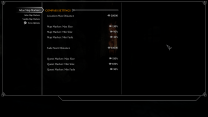
I am finally done cleaning (it was tough to wait every one because loot does not write anything) and I noticed that once I'm done it, of course deleted references are became: no. I noticed that these settings in DynDOLOD appear only if deleted references are no. So to prevent these kind of things (when player thought he doesn't need clean anything), please clarify in guide that if player do not see these options, then he did something wrong, i.e. didn't clean CC mods or any other mod.

-
yes, ng version. And beside DLC and two plugins, loot does not write me that i should clean CC plugins. well ok i anyway load them one by one in qac. update: ok QAC indeed cleans them though loot does not write that i should do it
-
Yes, i forgot to clean, i cleaned two plugins and... it is still Deleted references: yes I have now zero dirty plugins, so it was not the issue.
-
 Hm, that is interesting. I changed it back to balanced in both. And my CPU clock is the same. 3.7ghz, not 3.2ghz. And time is same as before. So it means it was something with my system only. Well, OK.
 -
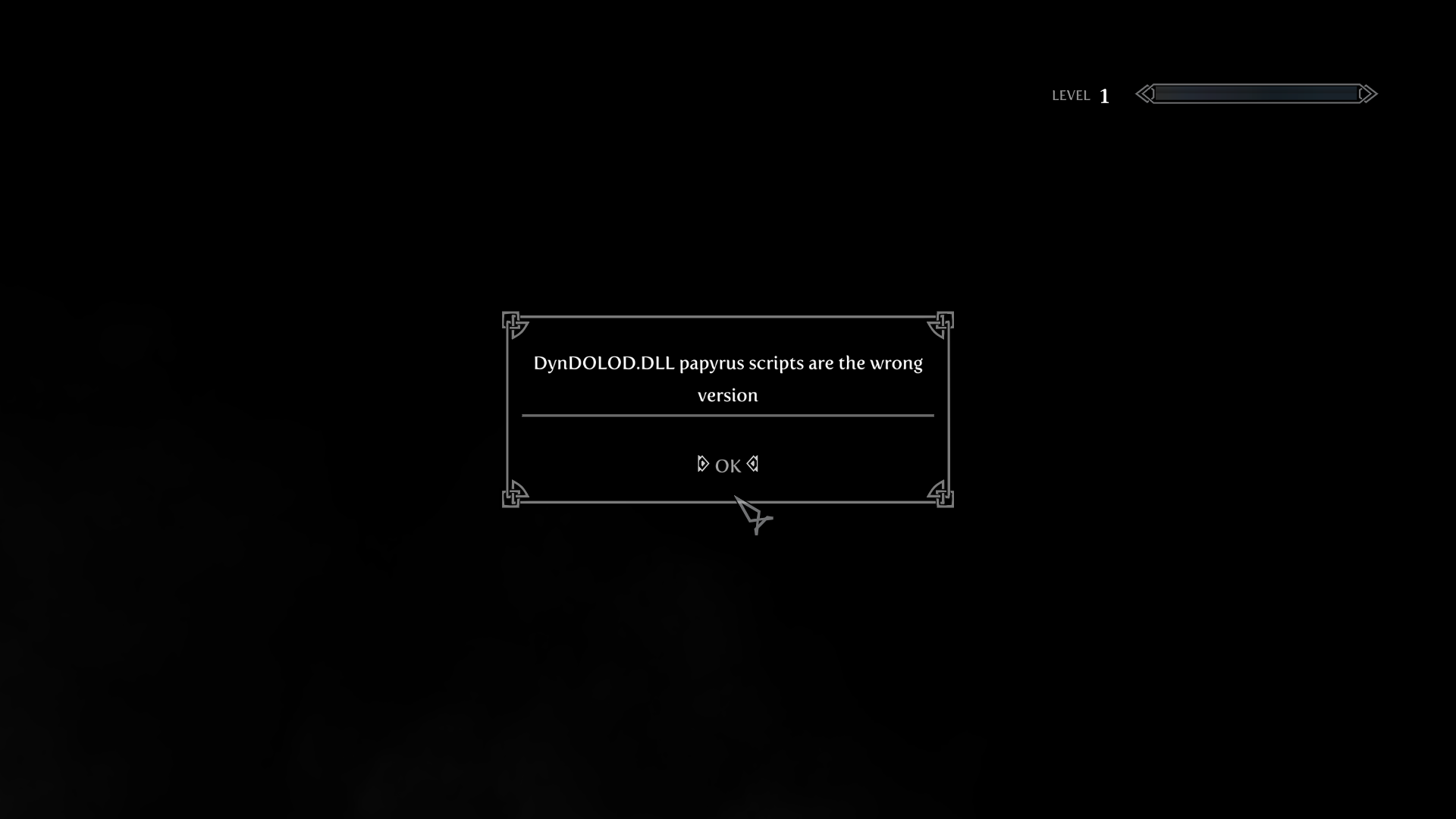
Scripts in the dyndolod dll overwrite resources ones. Papyrus? If you about PapyrusUtil SE, then it is extenders, where it should be, so by priority it is lower. DynDOLOD the program:
-
I understand, but i installed it according to the guide. NG DLL. dyndolod.info says not ng dll, the usual one, and scripts. step guide do not say anything about scripts. or i am blind.
-
Anyone? I checked, i installed DynDOLOD related things, correctly.

-
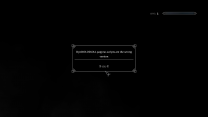
Yes, i was talking about this settings. Sorry for not being clear. You can change, but as I understand it is deprecated in some way, i don't know? If you change it in settings of windows 11, to performance for example, it will not change in control panel, and vice versa. And settings of windows 11 are priority.
-
I know, it is probably should be in a different place, but I will post it here. So, my specs are CPU – Ryzen 7 2700X (8 cores, 16 threads), GPU – GTX 1660Super, RAM – 16 GB single-channel; I am on windows 11, and previously was on windows 10. In Windows 11 Microsoft changed power plans. Previously you needed to change it to maximum performance in control panel. But now you need to keep it balanced in control panel, and instead set it to maximum performance in settings of windows 11. Before that, it was maximum performance for me in control panel, because i didn't know that they changed something. DynDOLOD and xLodgen generating times was way longer that is should be: xLodgen around 1,5h and DynDOLOD are several hours. Yesterday i noticed that my CPU is not utilizing fully. And actually even under clocking, my CPU should run at 3.70ghz, and was running at 3.20ghz. I set to maximum performance in settings of Windows 11. And Bam! Now xLodgen times are just one hour or maybe less. And DynDOLOD is just 42 minutes with occlusion checked, all world spaces, and without grass lod. Wonderful. Sorry for not very clear and long text, but I hope it will help to someone who's getting way longer times than should.
-
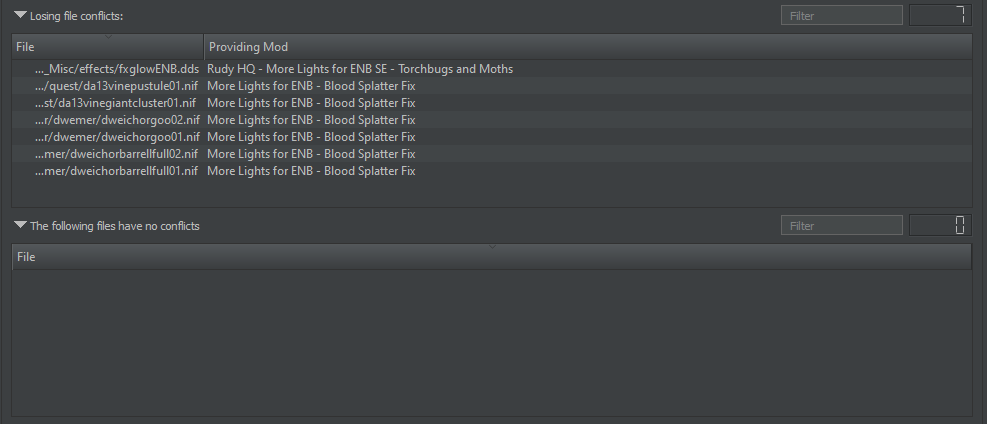
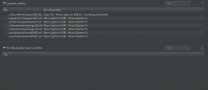
Rudy HQ - More Lights for ENB SE - Bthardamz show as redundant
-
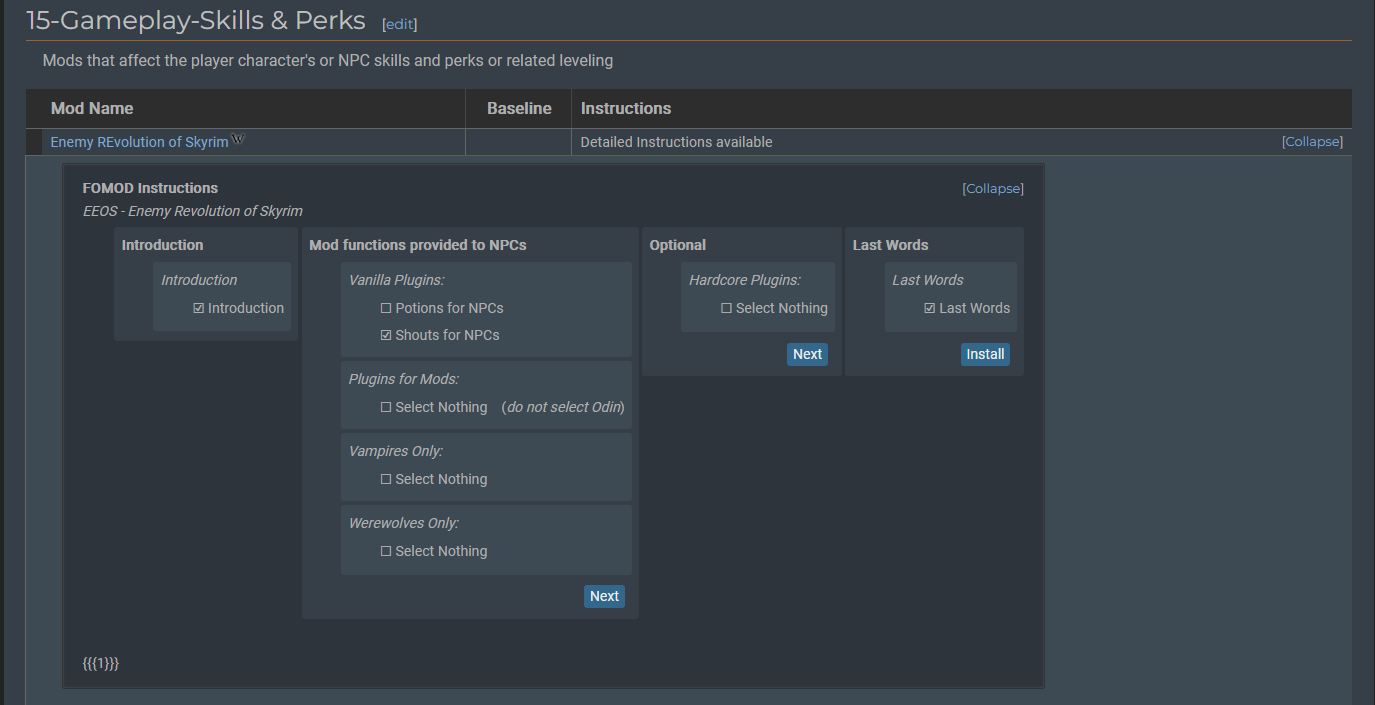
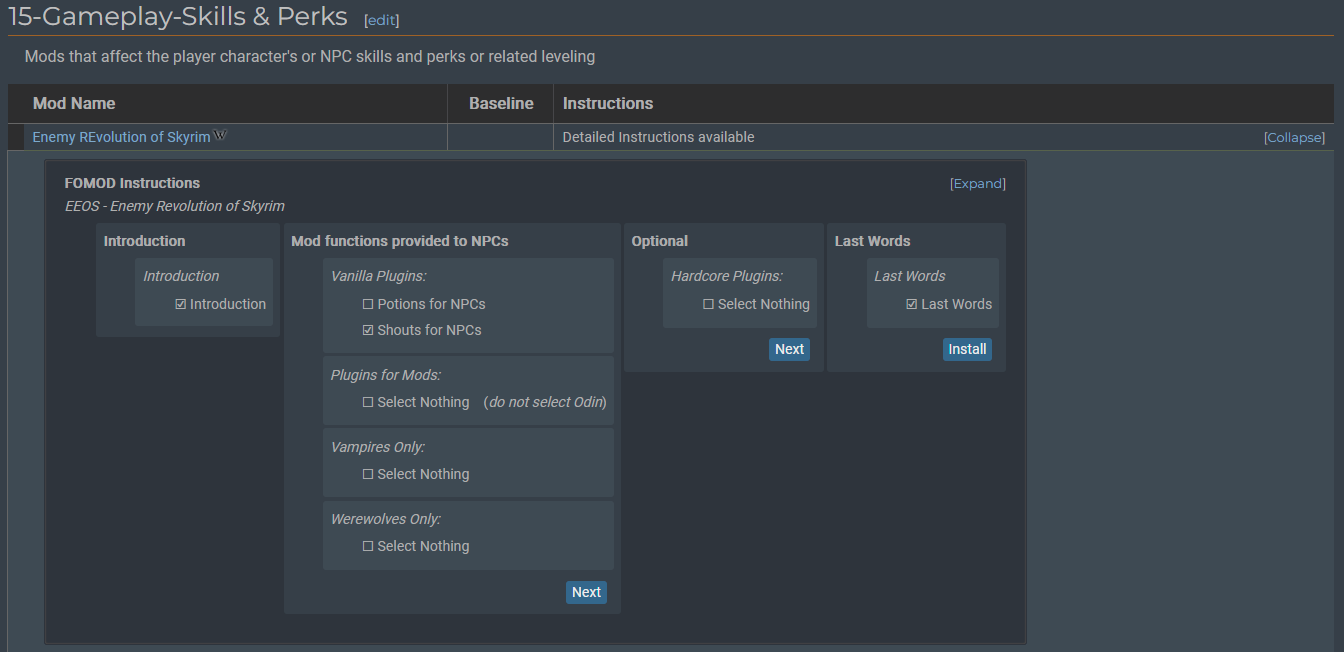
If you press expand on the instructions, then some {{{1}}} will appear
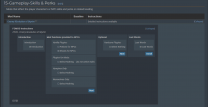
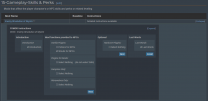
-
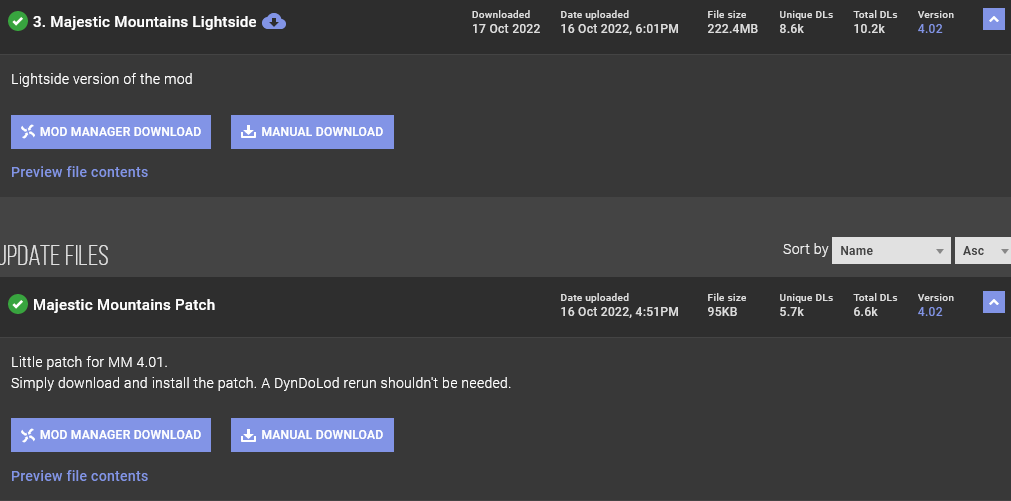
In majestic mountains: I might be wrong, but I don't think it makes any sense to install update because description of the update file on nexus says: "Little patch for MM 4.01." And main download is 4.02 as version of the update file. And update file uploaded an hour earlier than main file.

-
plus without mod I think the table gets overly bright because of the lights, while with mod, it is not so bright
-
are you using mo2? probably stupid question but are you launched the game at least once?
-
well mod looks better... i think colour of texture is more similar to the bridge than step currents
-
Strange, I've started a new game (not that previous wasn't new), and issue is gone.
-
After generating DynDOLOD I have double windows. What to do about it? I've mostly following the STEP guide, but I throw several mods out, and throw in several mods that i like. so it is not full STEP guide. If it somehow helps mods from MO2
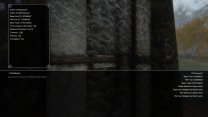
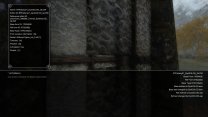
-
Why DynDOLOD write so little text? [10:03] [Tamriel] Processing 352 child worldspace references [10:03] [Tamriel] Generating object LOD [15:48] Creating R:\once upon a time\Tools\DynDOLOD\DynDOLOD_Output\textures\lod\woodpost01lod.dds [17:17] Creating R:\once upon a time\Tools\DynDOLOD\DynDOLOD_Output\textures\lod\smim_shack_rooflod.dds [25:10] Creating R:\once upon a time\Tools\DynDOLOD\DynDOLOD_Output\textures\lod\stockadewood02alod.dds [26:24] Creating R:\once upon a time\Tools\DynDOLOD\DynDOLOD_Output\textures\lod\smim_smelter_spoutlod.dds [34:32] Creating R:\once upon a time\Tools\DynDOLOD\DynDOLOD_Output\textures\lod\swoodbeam01alod.dds [1:07:41] [Tamriel] Executing "R:\once upon a time\Tools\DynDOLOD\Edit Scripts\LODGenx64Win.exe" --inputfile "R:\once upon a time\Tools\DynDOLOD\Edit Scripts\Export\LODGen_SSE_Export_Tamriel.txt" --logfile "R:\once upon a time\Tools\DynDOLOD\Logs\LODGen_SSE_Tamriel_log.txt" [1:07:41] [Tamriel] Creating texture atlas R:\once upon a time\Tools\DynDOLOD\DynDOLOD_Output\Textures\DynDOLOD\LOD\DynDOLOD_Tamriel.dds 8192 x 8192 [1:08:27] [Tamriel] Creating texture atlas R:\once upon a time\Tools\DynDOLOD\DynDOLOD_Output\Textures\DynDOLOD\LOD\DynDOLOD_Tamriel_Glow.dds 1024 x 512 I already thought it is stuck or something, until half hour later, since i've started, it wrote [1:07:41] [Tamriel] Creating texture atlas R:\once upon a time\Tools\DynDOLOD\DynDOLOD_Output\Textures\DynDOLOD\LOD\DynDOLOD_Tamriel.dds 8192 x 8192
-
I searched topic and discovered that is the issue with AMD drivers. Ok, i will try downgrade them
-
[Window Title] TexGen [Main Instruction] Error: OpenGL: недопустимая операция while processing textures\dlc01\architecture\snowelfruins\SERuinsMarble01_n.dds. [Content] Click on this link for additional explanations and help for this message [Exit TexGen] [Footer] Online Help | Support Forum | Copy message to clipboard It is happening with different textures. недопустимая операция from russian is invalid operation
-
Question: I know that STEP guide is require DLCs (including Creation Club), but is it require to actually turn on Survival Mode? In other words: I don't like survival mode, if I turn it off, will everything be alright? I assume yes, but just ask anyway just to clarify