sheson
-
Posts
13,382 -
Joined
-
Last visited
-
Days Won
445
Everything posted by sheson
-
Use [Tamriel] [Tamriel1] [Tamriel2] Can not guarantee it works.
-
Executing LODGen.exe returned error code C0000135
sheson replied to Torwak's question in DynDOLOD & xLODGen Support
Read https://dyndolod.info/Official-DynDOLOD-Support-Forum#Post-Logs which DynDOLOD log to also upload when making posts. Always use the x64 version as explained by the installation instructions. I believe the "OS" is missing the x86 version of either .NET and .Net Framework -
The cells -41.1 and -42,0 are not listed in the log. Can you check if the problem goes away when you remove Occ_Skyrim_Tamriel.esp for a test? Test just removing it, only if there is no change generate a new LOD patch for Tamriel.
-
You did not explain what the problem is or what you want to change. You may want to generate better terrain LOD meshes level 32 with xLODGen https://dyndolod.info/Help/xLODGen#Generating-Terrain-LOD-Meshes Typically use a Quality of 0 to 10 for LOD32 and set Optimize Unseen to 550 to improve coastlines on the map.
-
Read https://dyndolod.info/Official-DynDOLOD-Support-Forum#Post-Logs which DynDOLOD log and debug to also upload when making posts. There should have been a message with a "Click on this link for additional explanations and help for this message" as explained at https://dyndolod.info/Official-DynDOLOD-Support-Forum#Read-Log-and-Error-Messages. which should open https://dyndolod.info/Help/LODGen: 25B Error accessing If the mentioned file is a *.BTR terrain LOD mesh, generate a valid one with xLODGen and follow its instructions to always set a dedicated output folder outside of any game and mod manager folders. If the file opens without error in NifSkope, make a post on the official DynDOLOD support forum and upload the *.NIF or provide a link to the mod etc.
-
The example for the feature is based on https://www.nexusmods.com/skyrimspecialedition/mods/48889 "Details for mod authors". Check/use the mod if you want Solstheim in Tamriel worldspace and vice versa.
-
Read the first post and/or https://dyndolod.info/Official-DynDOLOD-Support-Forum#Post-Logs which DynDOLOD log and debug log to upload when making posts. It is unclear what "Im not really happy with how my map, (A Quality World Map), looks" is supposed to mean. Provide https://dyndolod.info/Official-DynDOLOD-Support-Forum#In-Game-Screenshots and explain what the actual problem is. The mod A Quality World Map contains terrain LOD meshes and textures which are not affected by DynDOLOD. Read https://dyndolod.info/Mods/Maps-And-Map-Mods and https://dyndolod.info/How-LOD-Works
-
https://dyndolod.info/Help/Advanced-Mode#Child-gt-Parent The Child > parent option copies references that could have LOD from the child worldspaces to the parent worldspace. The presets can be used to control what types of objects are copied. Low does not make copies for trees for example, while the medium and high presets do. See Child/Parent Worldspace Copies for more.

-
There is a problem with the has generation in the .NET version. Test with this LODGenx64Win.exe https://mega.nz/file/BAAUgKgZ#AJxeVbaP9cRq8ejV8g-TLhgvPNZcHccxI4I5Yzpx-_U Also, if Glow Shader is used there is actually no need anymore for adding passthru manually since Alpha-24. So do not change NIF filename in the final test.
-
Object LOD uses the same object LOD atlas textures... Shaders that have different hashes (i.e. settings) and are marked with passthru in shape name or NIF filename are not supposed to be merged by LODGen. What are the changes you did between the initial post/logs and this? Upload your latest version of the LOD model for blackreachepicmushroom01.nif and one of the others with a different emit color/multiplier.
-
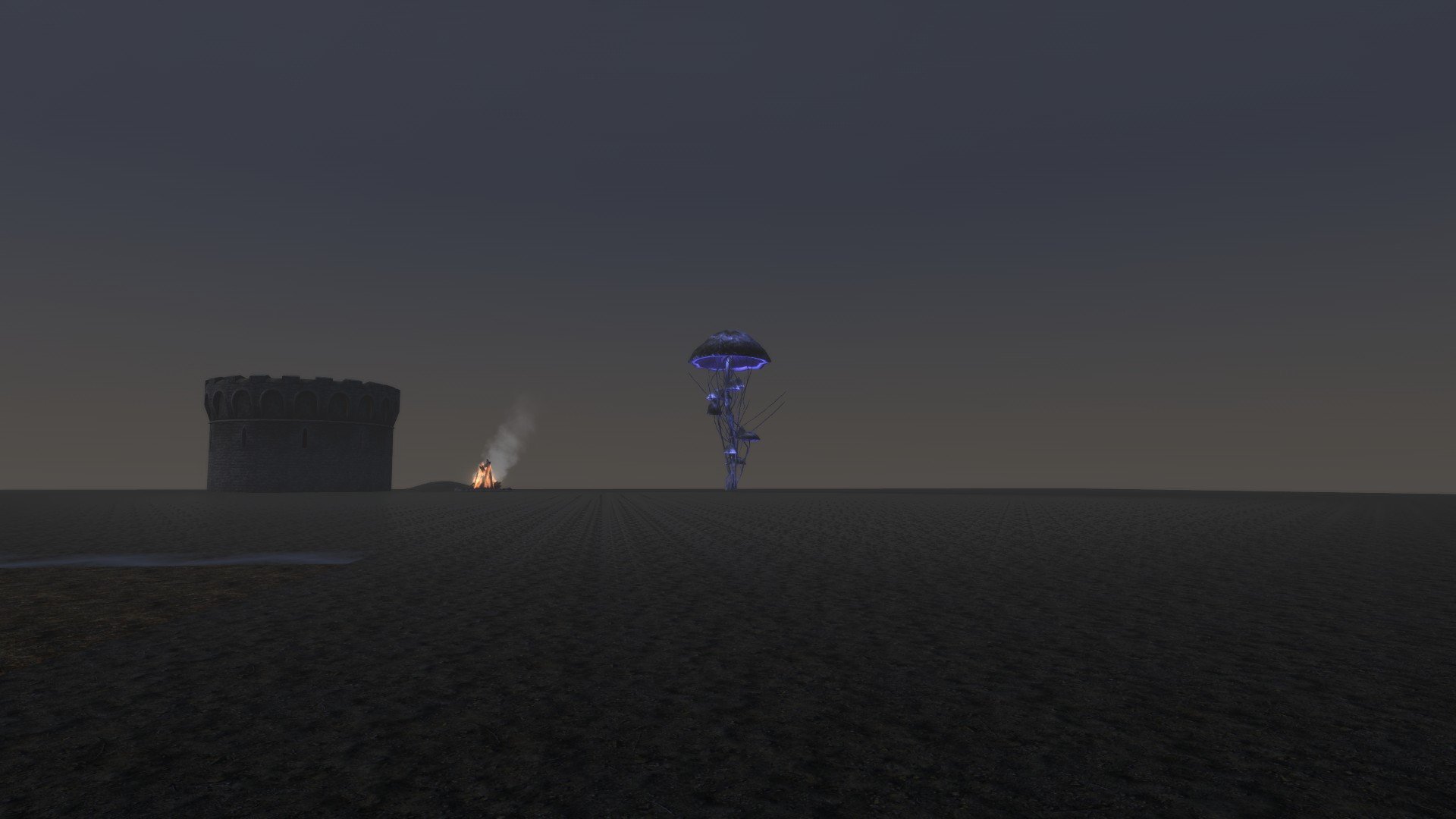
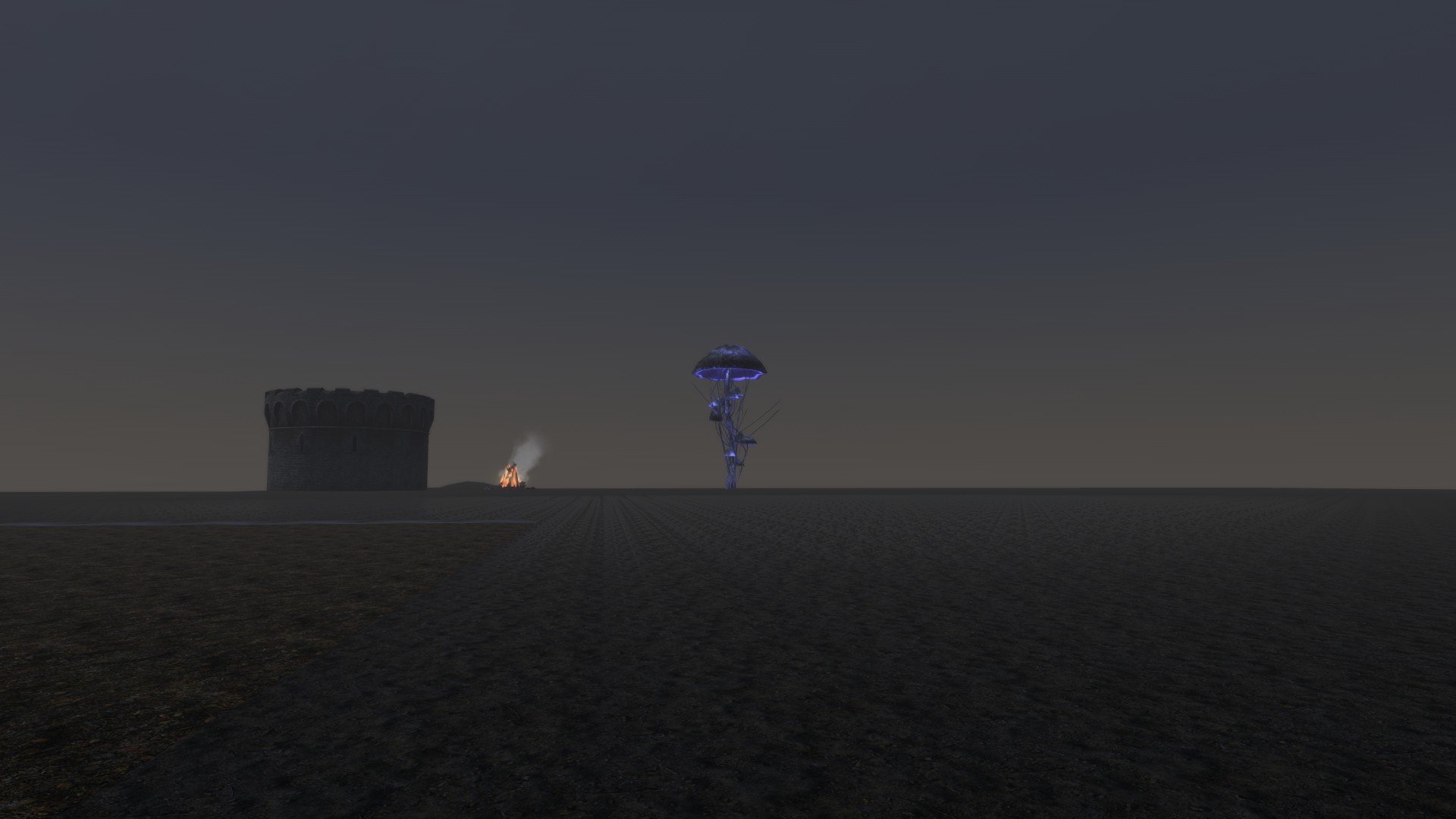
This is how the LOD model looks when it is a placed reference: This is how the LOD model looks when being part of object LOD BTO: Seems to match, no change in emit color or intensity. The LOD model is probably not matching the actual full model it is supposed to represent or it is the additional glow FX references being placed around it in Blackreach.
-
Read https://dyndolod.info/Official-DynDOLOD-Support-Forum#In-Game-Screenshots how to make useful screenshots of the full model with more informative console. You did not upload any of the LOD models. Check the own emit color and intensity in the BTO is the same as in the LOD model. Add passthru to the LOD model filename or add it to select shape names in the NIF and then test with the exact same shader/settings as the full model. Then test unsetting decal/dynamic decal/No_Fade. Make sure you are not confused by other FX glow meshes / add rules so they have dynamic LOD.
-
What did yo figure out? Why can you not provide the screenshots that are being requested or provide actual information? Read the first post and/or https://dyndolod.info/Official-DynDOLOD-Support-Forum#Post-Logs which DynDOLOD log and debug log to upload when making posts. Read https://dyndolod.info/Official-DynDOLOD-Support-Forum#In-Game-Screenshots how to make use screenshots with more informative console: If making screenshots of the LOD area, also make screenshots of the close-up object or full model for comparison. When making screenshots of full models, open console and click the object in question to show its reference form ID. Use Mfg Console or More Informative Console to show additional information when opening the console and clicking an object.
-
Optimizing Texture Alpha Threshold
sheson replied to Mousetick's question in DynDOLOD & xLODGen Support
Channels are clamped to 0 - 255. https://github.com/ElminsterAU/imaginglib/blob/953f27413dc7e994b2ca07d05712458b2b87d19e/Source/ImagingUtility.pas#L834 -
Thanks for letting us know.
-
Is this error 100% repeatably?
-
Read https://dyndolod.info/Official-DynDOLOD-Support-Forum#Post-Logs which debug to also upload when making posts. Error: OpenGL: out of memory for textures\landscape\mountains\mountainslab01.dds https://dyndolod.info/Installation-Instructions Use the x64 versions of DynDOLOD/TexGen. https://dyndolod.info/Messages/Exceptions If there are any kind of memory errors, make sure to use the x64 versions of the tools. Check FAQ answers for High memory usage. https://dyndolod.info/FAQ#High-memory-usage-Out-of-memory Use the x64 versions of the tools.
-
It is tripping over the same object LOD atlas being used for all seaons. Let me know if this test version fixes it https://mega.nz/file/cd5nyYII#1KixEQKUv_b0pbmoQZ7MIzNHwQgijlG6aA7VT2x2uiI
-
The archive only contains the DynDOLOD debug log. Also upload the DynDOLOD log and bugreport.txt if it exists as explained on the first post and/or https://dyndolod.info/Official-DynDOLOD-Support-Forum#Post-Logs Is this error repeatable?
-
A swap INI can only be creatd if parent > child copies are enabled and if any of them require a swap.
-
Read the first post and/or https://dyndolod.info/Official-DynDOLOD-Support-Forum#Post-Logs which DynDOLOD log and debug log to upload when making posts. Read https://dyndolod.info/Official-DynDOLOD-Support-Forum#In-Game-Screenshots how to make useful screenshots with more informative console. As explained on the first post and https://dyndolod.info/Official-DynDOLOD-Support-Forum#Use-the-Latest-Versions make sure to use the latest version in case of problems.
-
Large reference bugs workarounds requirements not met
sheson replied to RainingTacco's question in DynDOLOD & xLODGen Support
Read https://dyndolod.info/Official-DynDOLOD-Support-Forum#Post-Logs which entire log and debug log to upload when making posts. The log fragment you posted shows that Update.esm contains a deleted reference. That means it was not cleaned. https://dyndolod.info/Generation-Instructions#Prerequisites -
Assertion failure (C:\Delphi\Projects\DynDOLOD3\Core\wbImplementation.pas
sheson replied to Soli's question in DynDOLOD & xLODGen Support
Moved to the appropriate thread for the message. Do not post screenshots of message, use the Copy message to clipboard link instread and paste then text as explained at https://dyndolod.info/Official-DynDOLOD-Support-Forum#Copy-and-Paste-Text See answer above https://stepmodifications.org/forum/topic/18982-assertion-failure-cdelphiprojectsdyndolod3corewbimplementationpas/?do=findComment&comment=273586 -
Optimizing Texture Alpha Threshold
sheson replied to Mousetick's question in DynDOLOD & xLODGen Support
Texture compression changes the actual channel values of pixels. As mentioned before, if a texture relies on a specific alpha value it would need to be uncompressed. The debug log shows it: [ConvertTexturesThreadAdd] <Debug: [*\DynDOLOD*DynDOLOD_Output\Textures\DynDOLOD\LOD\DynDOLOD_Tamriel.dds] Executing "*\DynDOLOD\Edit Scripts\Texconvx64.exe" -nologo -gpu 0 -y -aw 256 -f BC7_UNORM -bc q -o "*\DynDOLOD\DynDOLOD_Output\Textures\DynDOLOD\LOD"> I do not remember why it sets -aw 256, AFAIK it should not change the alpha values itself. ObjectLODGenerateMipMaps=0 does not affect how UseMipMaps or mipmap creation in its absence works. It just means the atlas texture has no further mipmap levels and thus mipmaps with resolutions other than the ones being used do not need to copied or created. -
Read the first post and/or https://dyndolod.info/Official-DynDOLOD-Support-Forum#Post-Logs which entire DynDOLOD log, debug log and LODGen logs to upload when making posts. Obviously also upload the combine.txt.