sheson
-
Posts
13,181 -
Joined
-
Last visited
-
Days Won
431
Everything posted by sheson
-
Thanks. Download this test version of TexGenx64.exe and see if it runs through https://mega.nz/file/cJwTRILR#fY9YUe6Kt-dGvDMn8y--V1CdH5-xRvQa6PsvabIuJ4k If not, upload new log, debug log and bugreport.txt if it exists.
-
Remove all third party billboards. https://dyndolod.info/Help/Tree-Grass-LOD-Billboards#3rd-Party-LOD-Billboards Remove old output. Clean save. Install the new version and its requirements (https://dyndolod.info/Downloads) and generate LOD from scratch. https://dyndolod.info/Updating#New-DynDOLOD-Version If you have mods with seperate LOD resources make sure to install their DynDOLOD 3 version only if they have one.
-
Upload the debug log to a file service as explained on the first post.
-
Moved the posts to the DynDOLOD 3 Alpha thread. Read the first post to see which debug log to also upload. Also upload the TexGen log and debug log and ..\DynDOLOD\Logs\DynDOLOD_SSE_Tree_Report.txt Yes, disable the use of grass cache files in the game so the full model grass switches with the seasons, too.
-
A similar problem came up before. There should't even be need for that overwrite to begin with. I will look into this again for the next version.
-
Read the first post which entire debug log and bugreport.txt to upload.
-
I moved the post to the DynDOLOD 3 Alpha thread. Load entire load order into xEdit and check which is the last plugin to overwrite worldpsace record 0001A26F Check load order for errors with xEdit, especially any plugin containing an overwrite for that worldspace record.
-
It seems you are using a beta version 22616 of Windows 11 which is known to cause random problems with .Net Framework 4.8. Install .Net Runtime 6 or newer, so the preferred LODGenx64Win.exe can be used instead. https://dyndolod.info/Help/LODGen
-
Upload the entire debug log. Only truncate the normal log to the entire last session. Also upload entire ..\DynDOLOD\Logs\DynDOLOD_SSE_Tree_Report.txt What Windows version are you using?
-
See the first post what log and debug log log from DynDOLOD to upload. Set Verbose=1 in ..\DynDOLOD\Edit Scripts\DynDOLOD\DynDOLOD_SSE.ini so LODGen prints more information to its log. Upload that. If there are different error message in the LODGen log, upload the different logs with different error messages as well.
-
I moved the post to the DynDOLOD 3 Alpha thread. See the first post. See https://dyndolod.info/Messages/File-Not-Found-Textures The log line tells you which texture is missing, which model is using it and which base record defined by which plugin is using that model. None of the that is part of vanilla Skyrim. Typically the texture should ship with the mod to which the plugin CollegeOfWinterholdImmersive.esp belongs to. Maybe the mod requires another mod which contains the texture. Check its requirements and installation instructions. Check its bug report, comment section, forum etc. for similar reports/questions. Maybe the the base record xx28E5EB in CollegeOfWinterholdImmersive.esp is not used by any references. In that case the missing texture is irrelevant. You can check that by loading the plugin in xEdit, bring up the base record in the right window and check the Referenced By tab at the bottom. If it is not there, then the base record is not used (or you didn't let xEdit build the reference info.
-
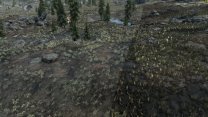
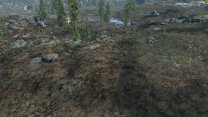
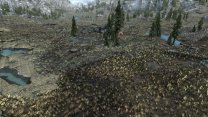
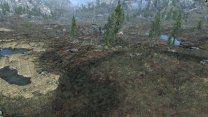
GrassBillboardsDirect[LR|FB|TB] control the sun position for the direct light. Typically, the direct sun light influence should be minimal on diffuse textures if there are also normal maps. It is none for stitched and rendered object LOD textures, since they are used on actual 3D models. Billboards benefit a bit from minimal highlighting via direct light. Typically the "highlights" should mostly come from the normal map so they change based on the sun position in the game.
-
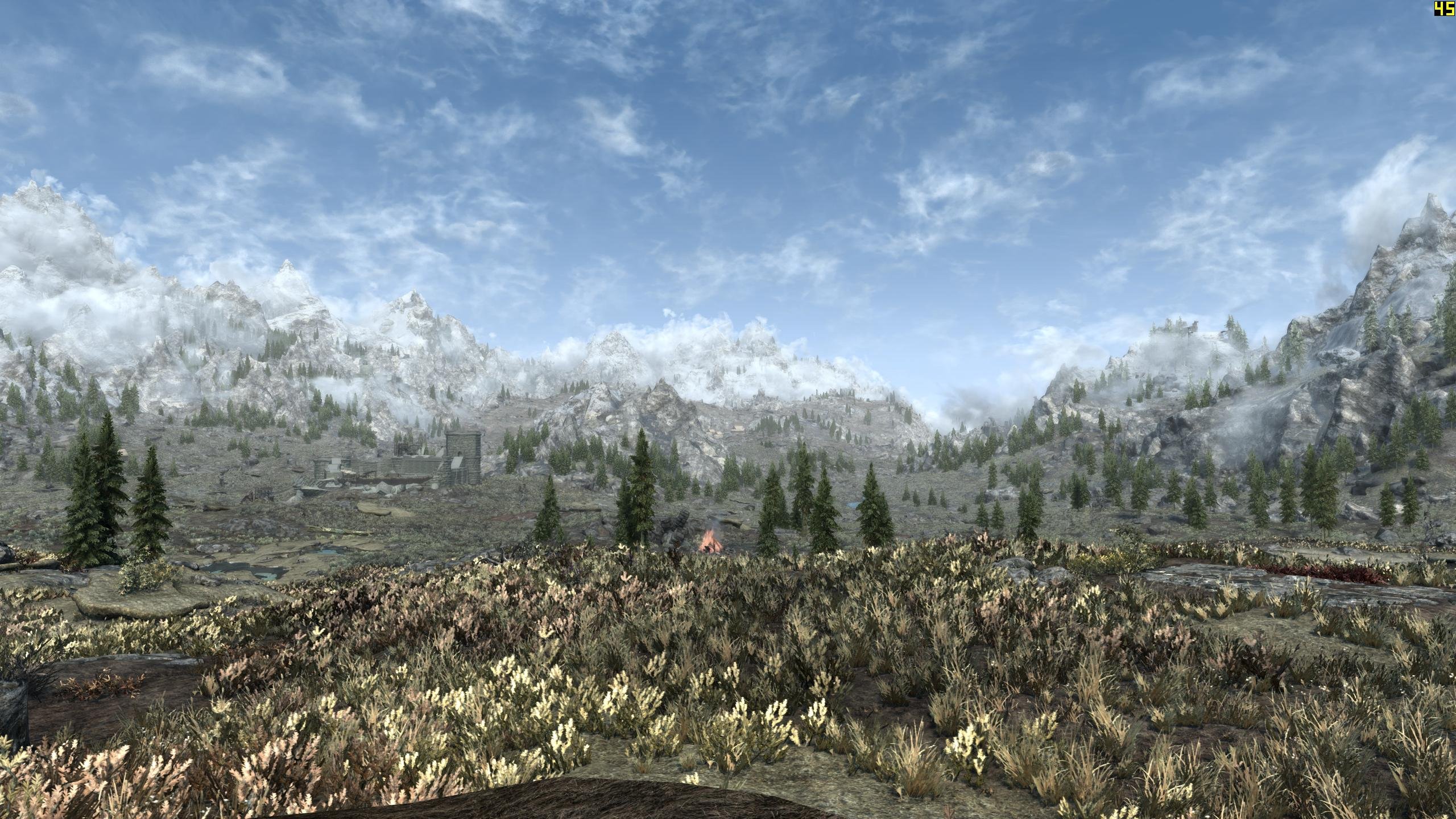
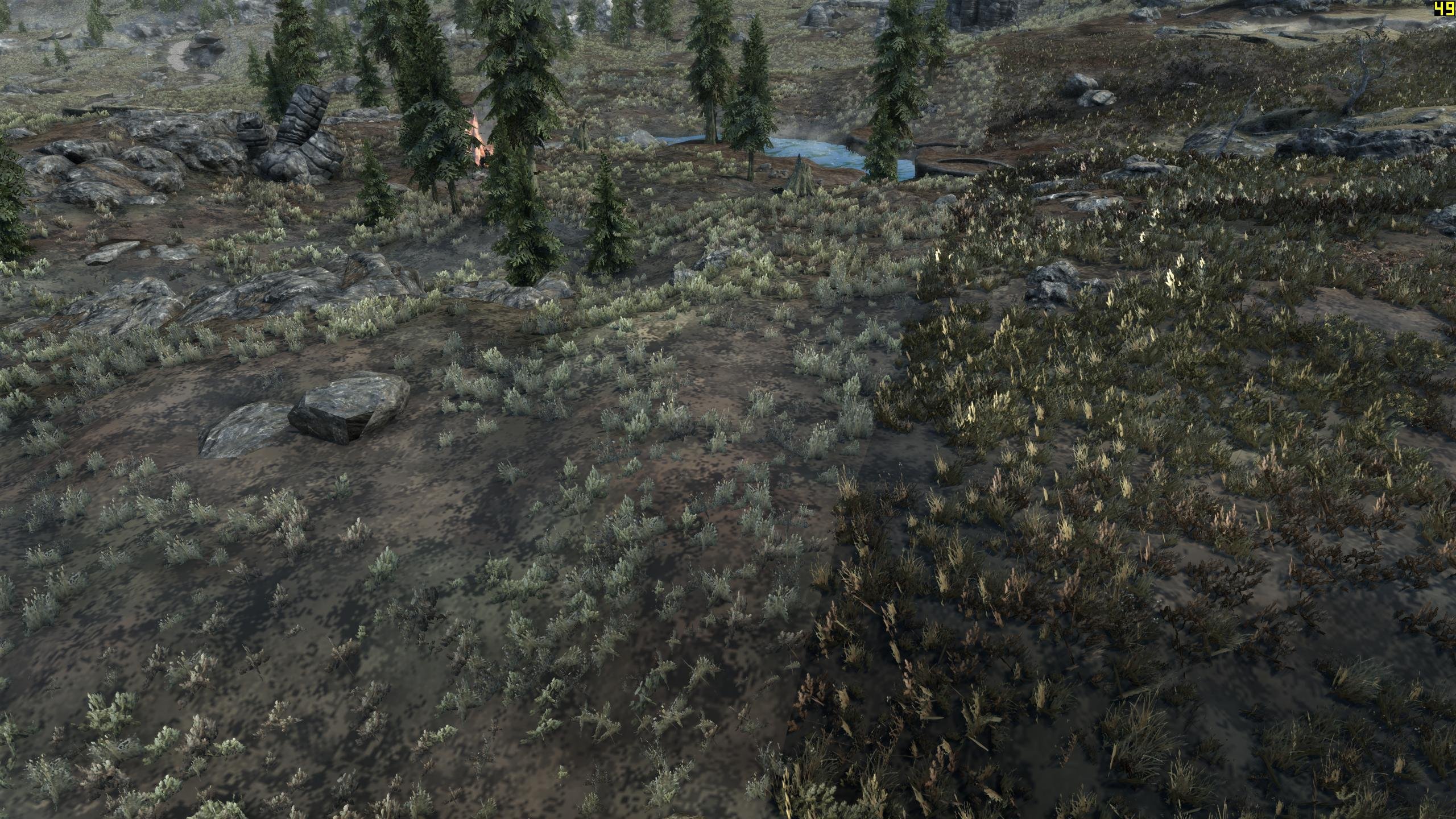
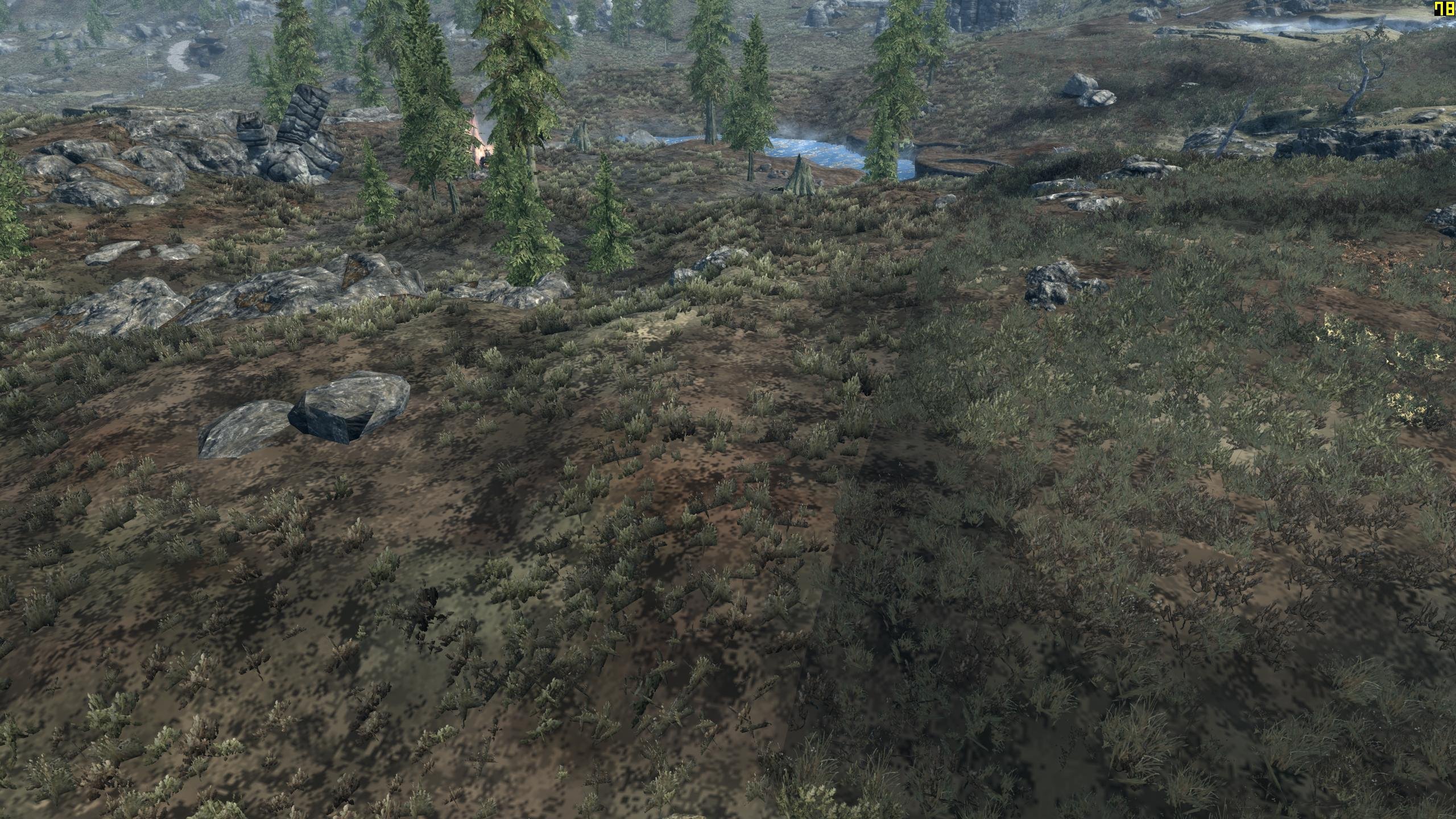
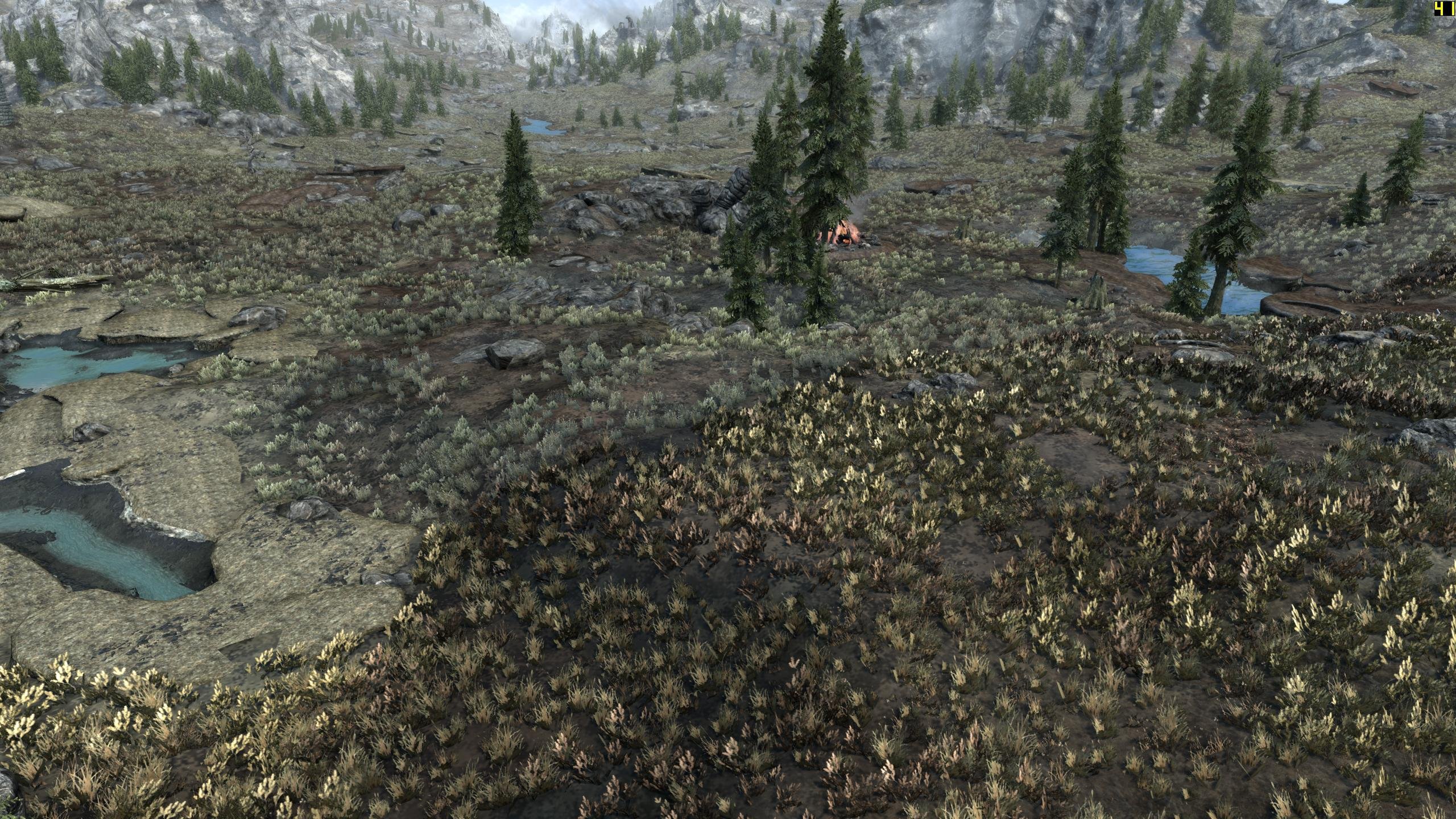
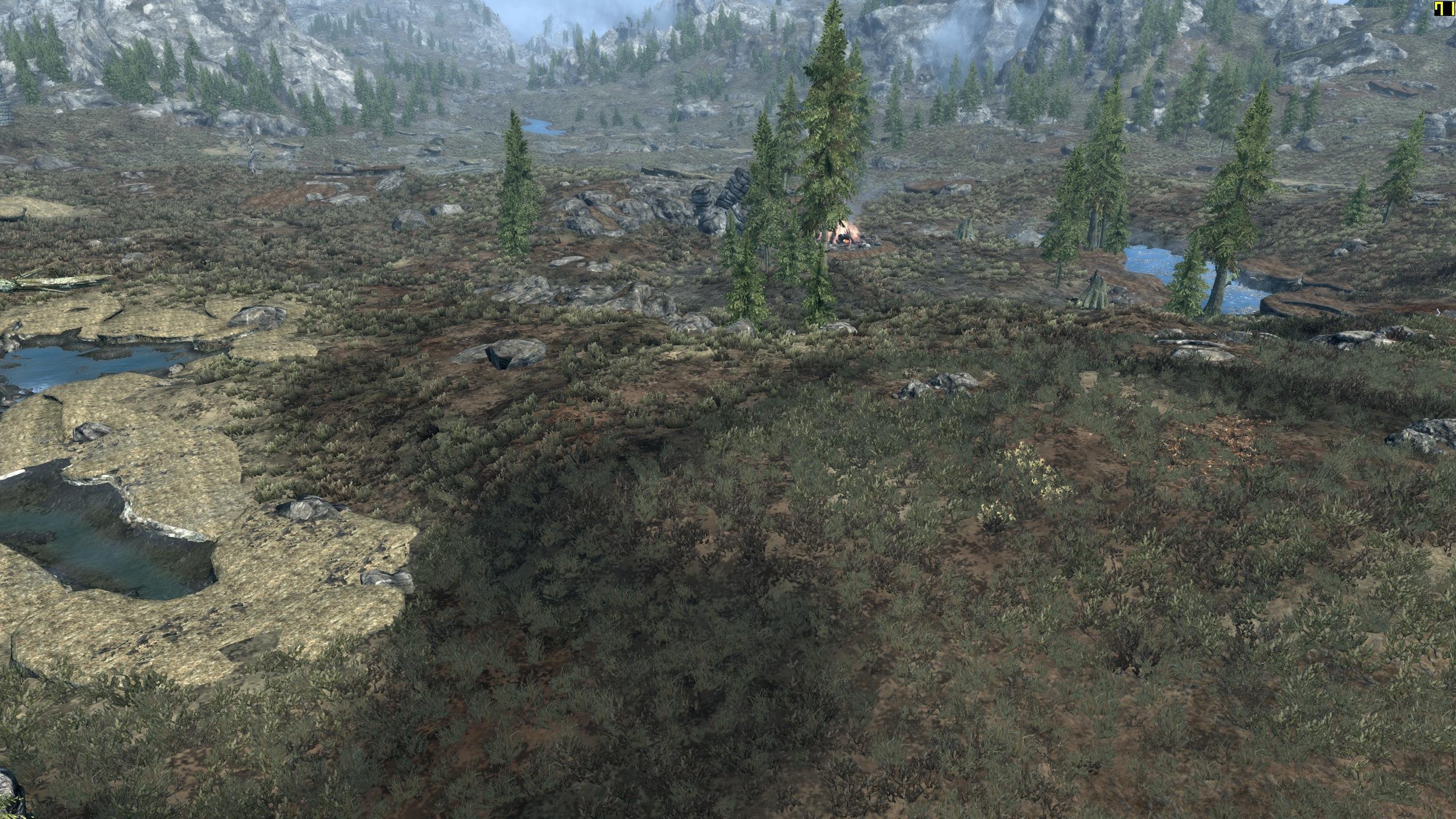
I can see there is a brightness difference and that there are full grasses without billboard representation. Object LOD uses the default shader which uses diffuse and normal map textures, together with normal, tangents and bitangents vectors. Whatever ENB is doing, you need to try to match the result. At the moment you can control the billboard texture and the GrassBrightness* INI settings. I suggest to set the all RGB values to the same value of 0.6 as a base and then adjust the overall brightness of the grass billboard texture in TexGen until it matches in brightness. Then fine tune with the INI settings. If there is a mod that has complex grass textures for all vanilla grasses, let me know.
-
https://dyndolod.info/Mods/Useful-3rd-Party-Mods HD LODs Textures SE - install the DynDOLOD version. Overwrite any textures from DynDOLOD Resources SE but not the textures generated by TexGen. Adjust Max tile size on advanced options to match the downloaded resolution or use it to shrink higher resolution back down to lower resolution automatically while the atlas is created. Do not install / remove any tree LOD billboards. Use TexGen to generate all desired billboards. As already explained, "DynDOLOD.exe uses the billboards it finds in the load order." That means, Billboards that are not in the load order can not be used. Without a LOD asset (and no rule that says to use the full model) something does not / can not have LOD representation. As already stated: "From the TexGen log we can see it didn't generate that billboard." That means, TexGen will continue to not generate those billboards. See https://dyndolod.info/Help/TexGen-Configuration#Tree-Grass-LOD-Billboards to learn how TexGen uses the object bounds to determine for which trees it automatically generate billboards.
-
From the screenshot of the full model we know the billboard filename: full model filename without .NIF _ the base record form id: textures\terrain\lodgen\skyrim.esm\tundrashrub09_000aae89.dds From the TexGen log we can see it didn't generate that billboard. That means the billboard (and the other shrubs and ferns and whatnot which are listed as billboard found texture... in DyndDOLOD_SSE_Tree_LOD.txt) are already installed in the load order by other mods. As suggested, remove all 3rd party billboards from the load order and only keep the ones generated by TexGen. All billboards are in textures\terrain\lodgen\ (see https://dyndolod.info/Help/Tree-Grass-LOD-Billboards), so they are and their mods are usually easy to find by checking MO2 right window data tab.
-
Not that I can think of. Make a proper post with information if you want to report a problem or help investigating this is required.
-
Normally full grass has no normal maps. Hence the grass LOD billboard generation uses the default flat normal map as substitute. Complex grass now has a normal map texture, so the grass LOD billboard generation uses it. Since object LOD requires normal map texture, and so does grass LOD, nothing else needs to change. Since complex full grass has normal maps too now, it means the grass LOD billboard direct/ambient light settings in TexGen and/or the GrassBrightness* INI settings most likely need adjusting. If ENB uses the "standard" shader for complex grass so it behaves like everything else including object LOD, then it the light between full grass / grass LOD should now behave full trees and HD tree billboards with Billboard1. Maybe try same direct/ambient light as HD billboards and the same values RGB GrassBrightnessTop* and GrassBrightnessBottom* respectively, so the color tone is not changed. If there is difference between full grass and grass LOD that me and speculate on, make a screenshot directly looking at it. All the screenshot you posted shows me is that there is grass LOD in the distance and there is full grass in the front. Maybe they are supposed to be different grass. Maybe the grass LOD needs brightness adjustment. Maybe a certain full grass has no billboard. Maybe the full grass fades badly because of its mipmaps. Obviously, determine a specific full grass model in question and check its generated billboard texture looks as expected. ------ The temp textures filenames TexGen adds to the billboards txt seem to be wrong, since they are unlikely to be the texture filename(s) defined in the ferngrass01a.nif. So ignore the message about the textures for now until next version.
-
Great. Enjoy.
-
The last 4 file links are all the same, so we can not check any of the "TREE" logs. Need TexGen logs to know which billboards it generated. Need a screenshot with the form id of the reference (base record) to know what to look for in the logs. https://dyndolod.info/Official-DynDOLOD-Support-Forum#In-Game-Screenshots DynDOLOD.exe uses the billboards it finds in the load order. Nothing changed in DynDOLOD.exe or its settings in this regard, particular there is no change for "plants". Standard tree LOD or ultra tree LOD is only done for base records of the type TREE and STAT with the Has Tree LOD flag. None of the default TexGen settings changed. For the same load order it should still generate the same tree LOD billboards, filtered by the object bounds. Remove all third party billboards, especially if you do not want them to be used for LOD generation.
-
Lets assume you have generated output files into the data folder. Lets assume there were mods deployed that contained loose LOD files. Any existing loose LOD file in the data folder has been replaced. Since they are symlinks to a file mod folder, that means the actual file in the mod folder has been replaced. The only exception are terrain LOD textures, their generation is skipped if the texture already exists in the output folder. So, while removing new files seems easy, you may need to reinstall any mod from its download archive that has loose LOD files because they were replaced.
-
Large reference texture flicker because the full model and LOD model are both loaded at the same time are consistent and only go away if the setting is disabled. z-fighting between terrain LOD and object LOD in the distance is "normal". It is unclear the exact problem is.
-
Well yes, but chance are you will have to adjust brightness for grass LOD again one way or another.
-
As already mentioned, read https://dyndolod.info/Help/Grass-LOD#Updating how to quickly update just the object LOD texture atlasses after generating different grass LOD billboards with different ambient/direct settings: In case only the grass textures have been changed or different settings in TexGen are used, update the grass LOD billboards with TexGen, install the TexGen output, then start DynDOLOD in expert mode, select the desired worldspace and click the Rebuild Atlas button. Then merge the new output with the existing output, overwriting all older files. Also To test different GrassBrightnessTop* or GrassBrightnessBottom* settings, change them in ..\DynDOLOD\Edit Scripts\Export\LODGen_SSE_Export_[WORLDSPACE].txt, start DynDOLOD in expert mode, select the desired worldspace and click the Execute LODGen button. Then merge the new output with the existing output, overwriting all older files. Remember to also change the settings in the ..\DynDOLOD\Edit Scripts\DynDOLOD\DynDOLOD_SSE.ini for future LOD generation. https://dyndolod.info/Help/TexGen#Direct-Ambient-Smoothness These settings change the direct (default from top) and ambient lighting strength for the created diffuse texture and the smoothness of the created normal map textures. Use the Preview button to see changes to these settings in real time. Click the Use button in the preview window to use the new settings. Higher values mean more light intensity and lower value less as can be immediately seen in the preview. As mentioned in the INI GrassBrightnessTop and GrassBrightnessBottom are multipliers. 1.0 = 100%, 0.5 = 50% intensity for the color channel. R = red, G = green, B = blue.
-
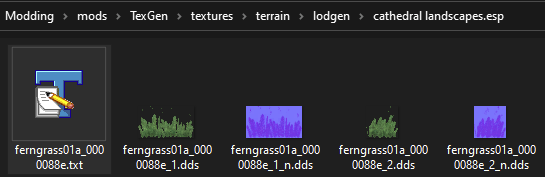
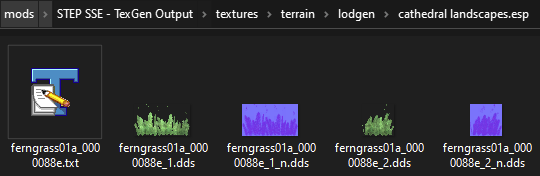
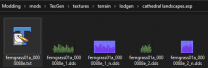
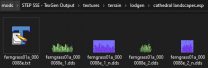
The billboard txt for the given example would be the file textures\terrain\lodgen\cathedral landscapes.esp\ferngrass01a_0000088e.txt TexGen adds the filenames of textures defined by the NIF to the billboard txt file. DynDOLOD checks if the filenames of textures defined by the NIF are listed in the billboard txt found in the load order (e.g. the installed TexGen output). If that check fails the message is printed. It is a simple consistency check, that both tools agree that the NIF still defines the same textures, e.g. the NIF did not change in the meantime. Temporary textures are irrelevant for this test. When I say something went wrong (with TexGen adding the information or DynDOLOD checking it) it does not necessarily mean there is an error message about it or that the way the check is done is free of errors. Alpha version and all. If full grass uses complex textures or not is irrelevant for DynDOLOD and the grass LOD meshes generation with LODGen, since DynDOLOD uses the grass LOD billboards generated by TexGen for grass LOD generation. The diffuse and optional normal texture of grass is only relevant for its billboard creation.
-
Great! Looks like some of the modular Holds plugins changed their name a good while ago, so some configuration settings does not get applied anymore. Replace ..DynDOLOD\Edit Scripts\DynDOLOD\Configs\DynDOLOD_SSE_mod_world_ignore.txt with the version attached and generate LOD from scratch. That should hopefully solve those LOD objects being added. DynDOLOD_SSE_mod_world_ignore.txt The updated config file will be included in next alpha version, too.