sheson
-
Posts
13,181 -
Joined
-
Last visited
-
Days Won
431
Everything posted by sheson
-
Upload log and debug log. Then just try again.
-
Thanks. Fixed in Alpha-92
-
Moved the post to the DynDOLOD 3 Alpha thread. Add a line TextureCache=10 to ..\DynDOLOD\Edit Scripts\DynDOLOD\TexGen_SSE.INI If there is still trouble set RenderThreads=1 Upload new logs if problem persists.
-
Moved the post to the DynDOLOD 3 Alpha thread. Read the first post which log, debug log and bugreport.txt (if it exists) to upload when making posts. Use the "Copy message to clipboard" and paste the text instead of posting a screenshot of the message as explained on the first post. Do not make screenshots of text or logs. Copy/Paste or upload the text/log instead.
-
"No PathOutput, set PathOutput=" Remove the = signs from all folder names. Just wait for next version for now.
-
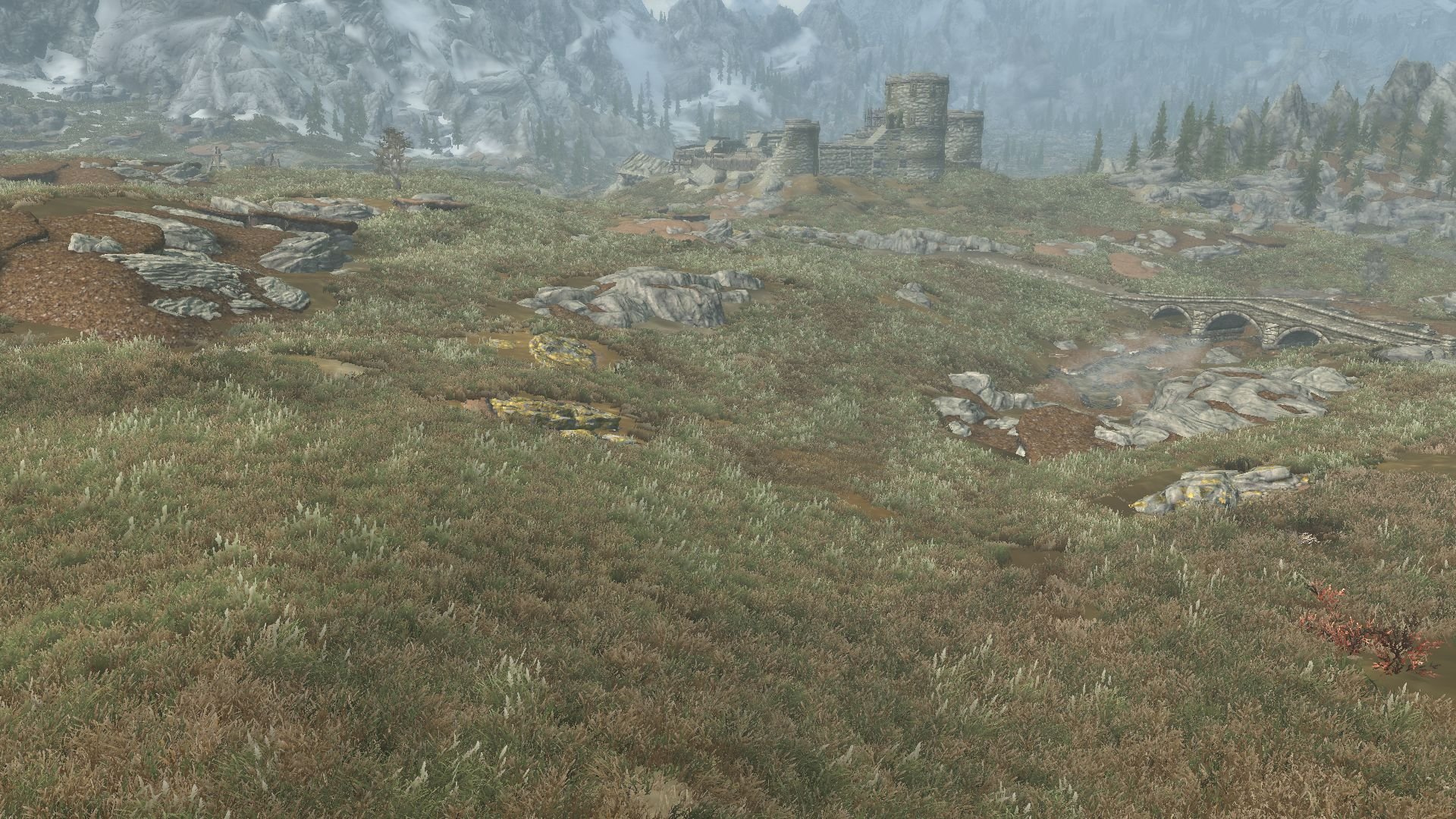
There are "some" grass NIFs with a UV scale set to zero which causes them to not have billboards generated with the current version because they render all transparent. The grass shader in the game ignores that setting, so the grasses still show. Next version of TexGen will ignore the UV scale for grass LOD billboard creation, too. For the text it now has 53 billboards in LODGen_SSE_Grass_Map_Tamriel.txt. The border between full grass and LOD goes about from the lower left third to the right half. TexGen grass direct light is 140, ambient 25. Some of the full model grasses need better mipmaps with alpha coverage, as they currently fade into nothing before the cell border. TexGen_SSE_Grass_Billboards.txt
-
Test what happens if you add the -speed command line argument to starting DynDOLODx64.exe.
-
Also upload the debug log as explained on the first post.
-
Read the first post which log, debug log and bugreport.txt to upload when making posts.
-
If you check a BTO are there no grass billboards at all?
-
Great. Thanks for letting us know.
-
Install this test version of DynDOLOD Resources SE 3 Alpha and then generate LOD again or start DynDOLOD in expert mode, select desired worldspaces and the click Execute LODGen. That should fix the reflections hopefully.
-
The grass map file shows only 9 entries now... You need to update the grass cache as well after making changes to the grass plugins.
-
Dynamic LOD uses triggerboxes. See DynDOLOD-README.txt and https://dyndolod.info/DynDOLOD-Reference#11-Generate-dynamic-LOD. DynDOLOD does not "break". The game "breaks" beyond certain coordinates. Dynamic LOD will most likely just not update once the player is beyond the working area similar to using tcl. See https://dyndolod.info/FAQ "Not seeing all worldspaces in the selection box"
-
There seems to be some interaction with using an effect shader in LOD. Please make 3 screenshots: one without any generated LOD meshes, one with the meshes you send me and one with these edited meshes. https://mega.nz/file/8UREGQpS#waN43DyEZgaRZnUTun9y_nX_e9ND8Uw18ovIz7s2Dgc Then add/set [Water] bReflectSky=0 in Skyrim.ini and make the same 3 screenshots again. You have RealisticWater Two and then Water Effects Brightness and Water Effects Brightness and Reflection Fix - Realistic Water Two Patch overwriting it? What are their versions?
-
After doing recalc bounds for all plugins I get 4 more grass LOD billboards for origins of forest - 3d forest grass.esp and 4 for more for qw's grass patch 2.esp and 1 more for skyrim.esm. No change for folkvangr - grass and landscape overhaul.esp and cathedral - 3d pine grass.esp. Not sure yet if those are the missing billboards in your case. With that the LODGen_SSE_Grass_Map_Tamriel.txt contains 42 lines compared to the 34 lines you uploaded. All it takes is one or two crucially required billboards to be missing to have large empty patches if that grass is used a lot. Check your TexGen output textures\terrain\lodgen\TexGen_SSE_Grass_Billboards.txt and compare it with Notepad++ for example to the one attached to this post, which will not have the "False" in those lines. You can force generation of billboards without having to recalc bounds or adjusting other settings by using that file and split it up for the different plugins to force creation. See https://dyndolod.info/Help/TexGen-Configuration#Tree-Grass-LOD-Billboards below the object bounds for the explanations. TexGen_SSE_Grass_Billboards.txt
-
Good enough. For reference: console player.getpos x|y and https://dyndolod.info/Help/Mod-Configuration-Menu#You-Are-Here When you loaded QW's Grass Patch 2.esp into CK to Recalc Bounds, did you set the ESM flag in Folkvangr - Grass and Landscape Overhaul.esp, Folkvangr - Grass and Landscape Overhaul.esp, Folkvangr - Grass and Landscape Overhaul.esp? If not, then CK might remove them from the patch and undo the overwrites and mess up everything. Probably also a good idea to unset the ESL flags when editing with CK and then compact and set ESL flag afterwards with xEdit.
-
TexGen generates textures for tree and object LOD generation. *.BTO files are object LOD meshes, which are not affected by TexGen. Again, TexGen does not require or care about DynDOLOD Resources. If there is an error message, read the explanations and help for it and/or copy paste the error message and upload the log and debug log. Zip and upload the BTOs to a file service. Upload the log and debug log from DynDOLOD for the LOD generation (log is appended to, debug log is replaced which each start, so it may not contain the session anymore)
-
What are the coordinates / locations of the screenshots you posted earlier?
-
If you believe there is something in the DynDOLOD Resources or the TexGen/DynDOLOD output that does affect how LOD water looks or maybe affects its reflections, then use a binary search to find the single mesh or texture. E.g. Do not just disable all Meshes, go into the terrain/Tamriel/Objects/ folder for example and then hide half the object LOD meshes. If there is no change unhide them and hide the other half. Always keep the half that still present the problem. Repeat until only one or a couple files remain. TexGen does not require or cares about DynDOLOD Resources. If there is a message from TexGen it should not have anything to do with DynDOLOD Resources. If there is a error message use the "Click on this link for additional explanations and help for this message" link to open additional explanations and help for the message from the DynDOLOD.info website. If you want to report an error message, use "copy message to clipboard" and paste it, upload the log/debug log, bugreport.txt if it exists as explained on the first post.
-
If the DynDOLOD/Occlusion plugins define the same water record, then the LOD water has to be the same when the DynDOLOD/Occlusion plugin are enabled. Object and tree LOD meshes themselves do/can not directly affect water records or water shaders. Meshes and textures can not change which LOD types are used for cubemap reflections. Doublecheck the INI settings are enabled via the getini console command. https://stepmodifications.org/wiki/Guide:Skyrim_Configuration_Settings#Console Also check the bReflectSky setting.
-
If you check in xEdit, the worldspace record 0000003C for Tamriel has a row called NAM3 - LOD Water Type. The last plugin to the right is the winning plugin. Whatever water record it sets, defines how the LOD water looks. DynDOLOD and Occlusion plugins are created by copying the winning overwrite from the last plugin before them. The game uses LOD meshes/textures for cubemap reflections. Make sure that all 3 LOD types are enabled in the Skyrim.ini or custom or the last plugin INI for cubemap reflections. If bReflectLODObjects was disabled and you generated ultra tree LOD (which disables standard tree LOD), then the reflections would not have any trees anymore (and no other objects). [Water] bReflectLODObjects=1 bReflectLODLand=1 bReflectLODTrees=1
-
As explained many timers before, DynDOLOD does not affect/change anything with cell LOD water. https://dyndolod.info/How-LOD-Works and https://dyndolod.info/Help/Terrain-LOD Finalize the load order before generating LOD so that the desired plugin defines the LOD water record on the worldspace record for Tamriel. https://dyndolod.info/Generation-Instructions#Prerequisites Terrain LOD meshes define where cell LOD is and its height. Terrain LOD meshes do not change how LOD water looks. This is defined by the LOD water record set on the worldspace record.
-
I moved the post to the DynDOLOD 3 Alpha thread. Read the first post what log and debug log to upload when making posts. DynDOLOD generate object, tree LOD and dynamic LOD. If you type tll in console it disable object, tree and terrain LOD, so it easy to determine what was LOD. https://dyndolod.info/How-LOD-Works. Dynamic LOD will be single remaining objects and tree in the distance outside the active cells. https://dyndolod.info/Help/Dynamic-LOD To slightly improve the terrain LOD, use higher resolution diffuse and normal maps and bake normals for LOD level 4. Test with different noise textures. Maybe extended grass with NGIO or generating grass LOD with DynDOLOD helps. Otherwise place objects that have LOD to cover blank terrain in active cells and LOD area. What are the screenshots supposed to show? It seems there is some terrain, object and tree LOD in the foggy distance. If things do not have object LOD, create/install LOD assets for them. https://dyndolod.info/Mod-Authors
-
You did not upload the TexGen logs which shows for which GRAS records grass billboards have been generated. Also check TexGen output textures\terrain\lodgen\TexGen_SSE_Grass_Billboards.txt. As explained by the check list, double check the object bounds of GRAS records. Looking at LODGen_SSE_Grass_Map_Tamriel.txt, there are only 18 different grass LOD billboards listed. You are probably using (old) versions of grass mod that still have zero object bounds. Update to their latest versions or generate the object bounds with CK as explained https://dyndolod.info/Help/Object-Bounds For example, with the current version 1.3 of Folkvangr Grass and Landscape overhaul, TexGen generates 74 LOD billboards. You do not need seem to use that version you have modified it? The DynDOLOD logs you uploaded do not show an entire object LOD generation with grass LOD but what seems to be just the expert mode with Executing LODGen. If you generate /install new LOD billboards you need to do a complete object LOD generation, so they are discovered and added to the object LOD atlas (and the grass_map file) etc.