Fulgur
-
Posts
13 -
Joined
-
Last visited
-
Days Won
1
Everything posted by Fulgur
-
Z fighting - Conflicting LODs (maybe?)
Fulgur replied to Fulgur's question in DynDOLOD & xLODGen Support
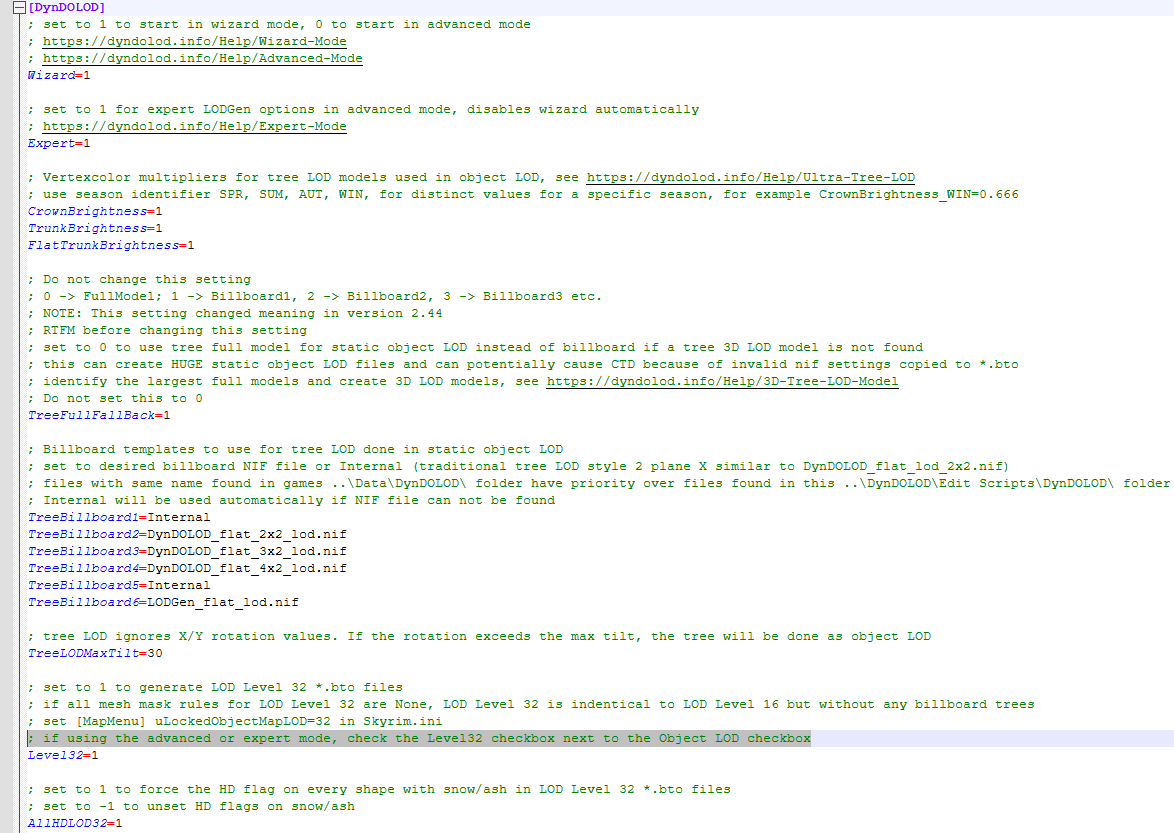
Expert is on (even says Expert at the top of my DynDOLOD in the screenshots above), even Level32=1 is set (screenshot attached) and file for confirmation too. Whilst following the STEP guide changes to the file I didn't really read the line above the Level32 setting (thats on me) that explicitly states to tick the box in the UI if using Expert mode. DynDOLOD_SSE.ini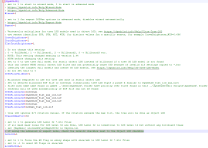
-
Z fighting - Conflicting LODs (maybe?)
Fulgur replied to Fulgur's question in DynDOLOD & xLODGen Support
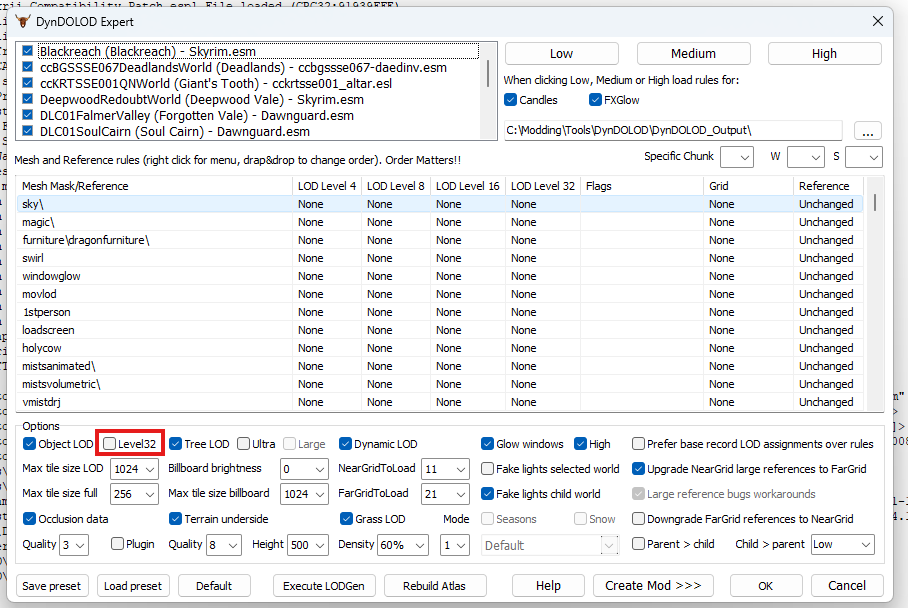
Regenerating DynDOLOD outputs with level32 ticked HAS resolved this. @z929669 maybe something to update in the 2.3 guide about the level32 box needing to be checked if it's shown? -
Z fighting - Conflicting LODs (maybe?)
Fulgur replied to Fulgur's question in DynDOLOD & xLODGen Support
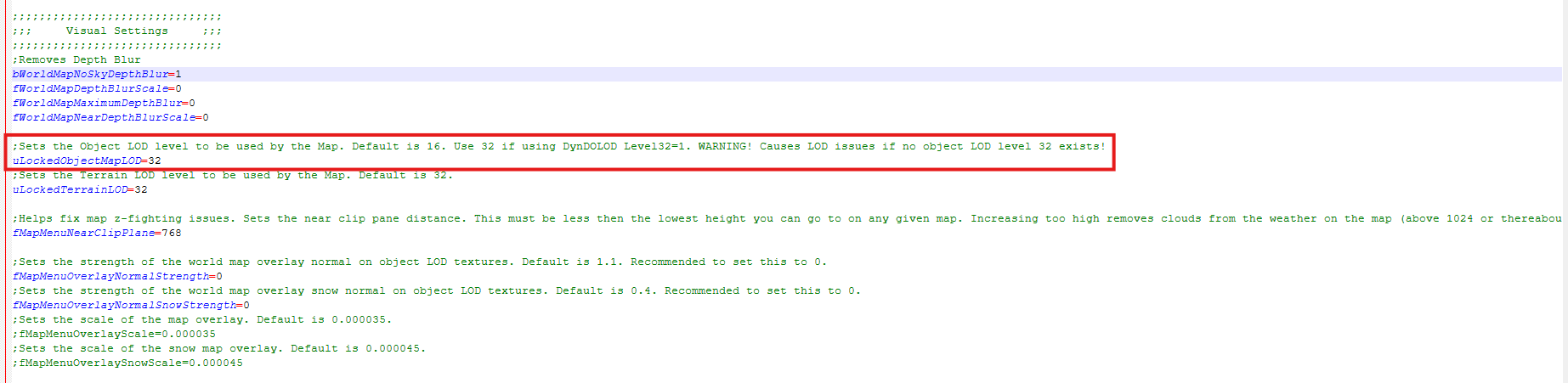
Thanks, that Object lod in exterior shells has given a smoking gun. A clear map of skyrim has the uLockedObjectMap LOD=32 setting. I'm going to regenerate my LODs with this in mind an gen Level32s and see how things go. @z929669Might wanna update the screenshots on the 2.3 guide for DynDOLOD as Level32 isn't ticked by default in DynDOLOD Expertmode. and it's not a shown setting in the current screenshots. So replicating whats ticked doesn't quite cover this. I'll update with how things go but suspect this is the cause of my problems. If not I'll grab the fresh logs.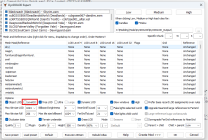

-
Z fighting - Conflicting LODs (maybe?)
Fulgur replied to Fulgur's question in DynDOLOD & xLODGen Support
So the full install of STEP 2.3 I did yesterday seems to have ended up with some large references on two of the mods. Masters are all flagged as cleaned still (no issues thrown in loot...). Not sure if this is whats causing issues or not to be honest. [00:00] Gathering large references [00:01] <Warning: Large references found in non master plugin Majestic Mountains - Creation Club Landscape Patch.esp Tamriel "Skyrim" [WRLD:0000003C]> [00:01] <Warning: Large references found in non master plugin CoMAP - Shrines and Altars.esp DLC2SolstheimWorld "Solstheim" [WRLD:04000800]> [00:02] Processing patches I'll try and see if cleaning these up fixes it. Double checked the guide and nothing special about these two mods is called out. -
Z fighting - Conflicting LODs (maybe?)
Fulgur replied to Fulgur's question in DynDOLOD & xLODGen Support
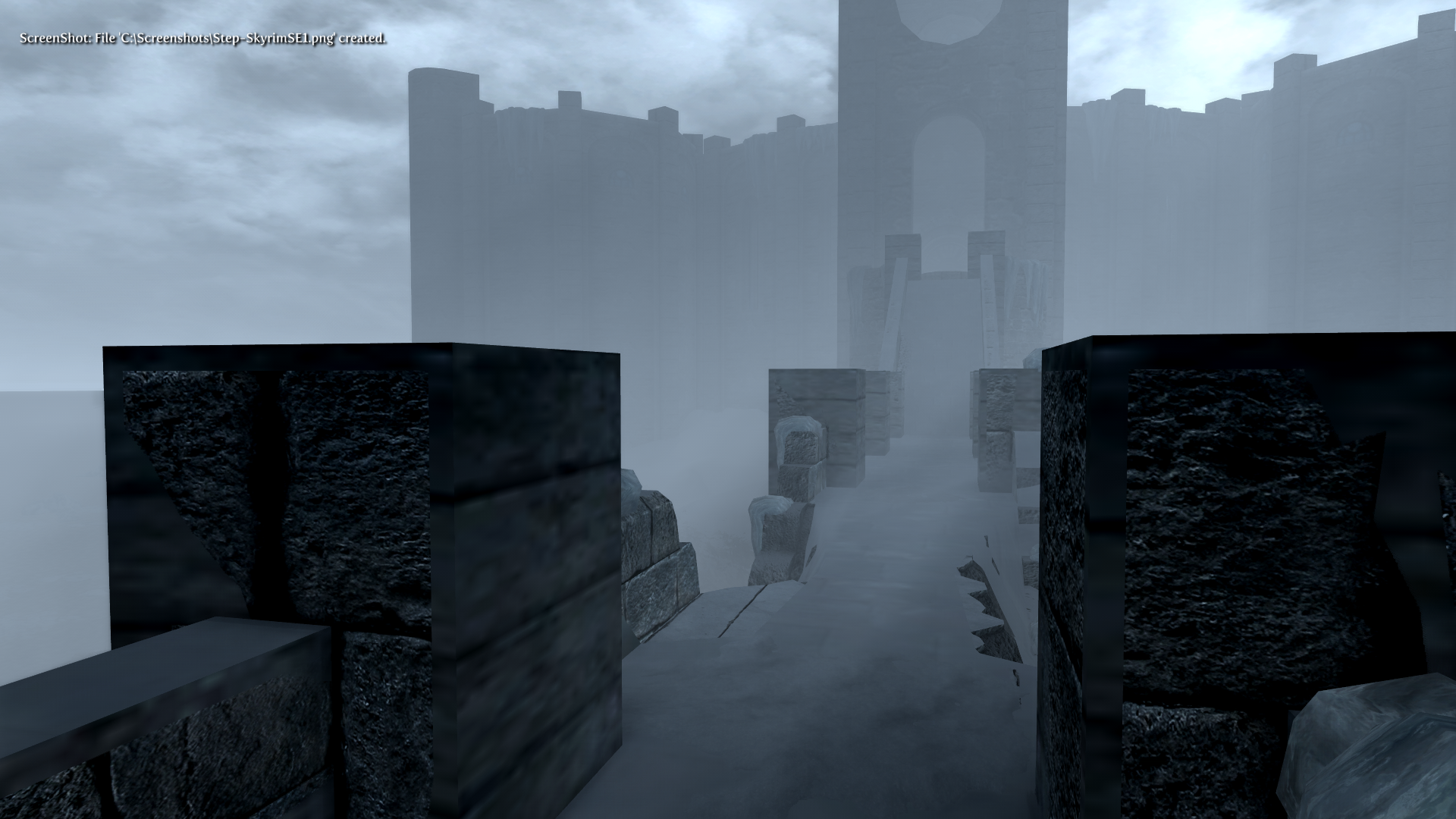
plugins.txtmodlist.txtloadorder.txt Issue is still happening after regenerating DynDOLODs (using ultra settings from the table in the step guide). You can see the LODs fighting on the walkway quite clearly. Full load orders with DynDOLOD outputs added back in are attached. Really confused by this one.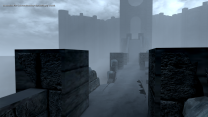
-
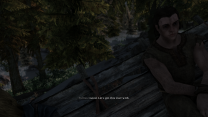
I've got a completely clean install of STEP 2.3 with full enb and post processing but noticed in some areas I've been getting random LOD style Z fighting. Seeing lower LOD assets stacked over up close assets, or slightly off set from them. You can see it on the trees in the attached but if I still have the issue after regenerating DynDOLOD I'll get some clearer examples. Not really sure how this ones happening. Everything is enabled except the LODGEN Textures for v3 (which is was renamed and disabled after the terrain LOD was done). Incase something went wrong I'm currently regenerating DynDOLOD so load order and plugins not quite correct at the moment but figured would be worth getting eyes on the issue whilst regenerating the DynDOLOD stuff. modlist.txt plugins.txt loadorder.txt
-
Happy to confirm no more black sky wether effects since installing the update file. Thanks @z929669
-
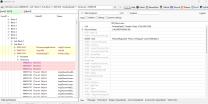
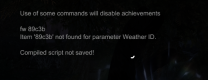
Glad the screenshots helped. Looking at that record in xEdit it's the same as yours, and the only hit so conflicts or overwrites. The mystery depens! I wonder if you can do fw 89C3B on yourside? I'll grab the patch and do some testing my end and report back Edit: I've applied the update and I can't us FW 89C3B to force the weather from the original screenshot I shared. So it's not a weather according to Skyrim. Now I'm really confused haha
-
Thanks for letting me know! Swapped to imgbox. Try these IgnoreWeatherSystem off IgnoreWeatherSystem on Unable to edit affected weather
-
So i'm still getting it on the light preset. The Volumetric Fog IgnoreWeatherSystem only seems to fix the non weather related fogs going black when the problme weathers occur (e.g. mountain fog on the winterhold mountains) I've also noticed that whilst normal weathers are editable in the Shift+Enter ENB menu, the black fog ones are not. Can't upload the images directly or embed them via a URL so heres the drop box link showing the changes to mountain fog during the problem weather, and also the problem weather not being editable. A 3rd screenshot showing an editable foggy weather. My guess is it's these specific weathers aren't configured right with ENB somehow? IgnoreWeatherSystem off IgnoreWeatherSystem On Editable Foggy Weather
-
Double checked but everything is installed. This issue is related specifically to some foggy weathers. Everything else is fine! Yeah I realised this after I noticed the stormy weather wasn't quite right after disabling it. I've tried dropping down to the "light" preset (cache deleted) and will be testing to see how that goes.
-
Correction to the above comment (can't edit yet since pending mod approval) whilst Ignore Weather System on does have some impact on blackness it's also the EnableMultipleWeathers setting thats causing the main issue. Disabling this under the Weather section in the enbseries.ini file or in the ingame menu for ENB does resolve the inky black sky completely.
-
Also having this issue with a fresh install and no extra mods installed. I've also tried rolling back the version of the unofficial CW patch to 2.57 and the issue is still present. I have narrowed the issue down to being something to do with the ENB preset (packaged with the Heavy file from the download link) as disabling the enb does clear the black sky issue. So playing around with the ENB settings (shift+enter) I've found that the issue is something to do with the Volumetric Fog. Ticking IgnoreWeatherSystem seems to resolve it and the fog is no longer completely black. Would be interesting to know if this fixes it for others when they next have it happen. Hopefully it helps to narrow down the cause a bit too!