Trishy
-
Posts
4 -
Joined
-
Last visited
Everything posted by Trishy
-
Cannot get Dyndolod to generate static tree LOD
Trishy replied to Trishy's question in DynDOLOD & xLODGen Support
It worked! Thank you so much! -
Cannot get Dyndolod to generate static tree LOD
Trishy replied to Trishy's question in DynDOLOD & xLODGen Support
First thing, what folder CAN the game be in, seeing as even Dyndolod won't run in certain folders? And is there a way to make this work through MO? Considering MO doesn't work with x64 executables -
Cannot get Dyndolod to generate static tree LOD
Trishy posted a question in DynDOLOD & xLODGen Support
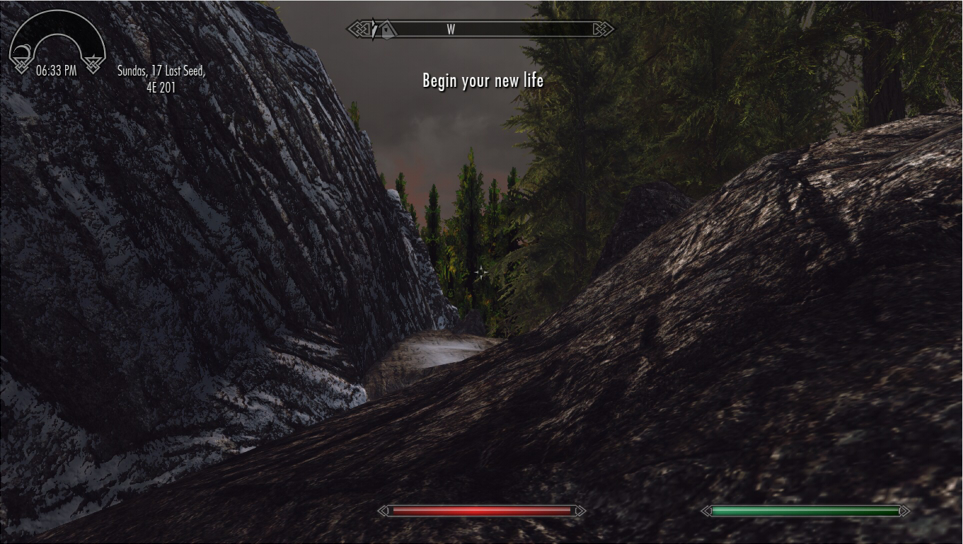
I got a new laptop to play Skyrim LE on recently, and Dyndolod has had nothing but problems despite working flawlessly on my old laptop. Every run has some kind of issue. Almost lost my mind over it. I have copied just some of the specific error messages I have gotten, but all errors are along the lines of the following: 1)Could not re-UV meshes\dyndolod\lod\trees\srg_treepineforestdead05_4e77d546passthru_lod.nif PineTree05_t:1 Exception of type 'System.OutOfMemoryException' was thrown. meshes\dyndolod\lod\trees\srg_treepineforestdead05_4e77d546passthru_lod.nif can not read file 2)Error processing meshes\dyndolod\lod\trees\srg_treepineforestsnow04_38f04f3cpassthru_lod.nif Exception of type 'System.OutOfMemoryException' was thrown. meshes\dyndolod\lod\trees\winteraspen01_1033ba76passthru_lod.nif can not read file 3)Error accessing C:\Program Files (x86)\Steam\steamapps\common\Skyrim\Data\meshes\lod\imperial\impextbldgstraight02_lod_3.nif Exception of type 'System.OutOfMemoryException' was thrown. 4)I forgot to save one of the messages, but there was also an error along the lines of "Can not get hash for shader" I have tried redownloading all the mods with tree LOD files or that change trees (STEP, EVT, Dense Nordic Forests, Simply Bigger Trees) to ensure no file was accidentally deleted or something, regenerated billboards, and have made sure I have Dyndolod up to date. I have also tried mixing up whether TreeLOD and/or TreeFullFallBack were set to 0 or 1 in the ini. I have tried a generation where all the trees are billboards, and while it does finish generating, it looks incredibly ugly and low-res. I attached a screenshot to show what happens, and the leftmost tree is what I wanted all my trees to look like again. If there are any fixes or ideas, I'd appreciate them. I just want my pretty trees back. -
As you can see in the attached picture, trees in the distance are very low quality, but they do change when I get closer. I've changed multiple things in ini settings but nothing seems to fix it. Is there something I need to try?