Template:Hsg
From Step Mods | Change The Game
Purpose & Usage
This template leverages two parser functions, #hsgimg and #hsgytb, provided by the HighslideGallery extension. Add an image and/or YouTube video thumbnail or anchor text to a page, or include multiple assets and associate them within a Highslide gallery (HSG). The image or video expands into a HSG overlay for closer inspection.
- Click on the thumbnail to open the media in a Highslide overlay, and cycle through gallery items, or click 'play' to auto-cycle through large galleries.
- High resolution images will be expanded to the constraints of the browser window, but these can be upscaled to native resolution with panning by clicking/dragging using the mouse.
- Smart caption handling for thumb and inline modes
- Support for inline linktext format
Required Parameters
EITHER ...
| Parameter | Default Value | Example(s) | Note(s) |
|---|---|---|---|
| img | n/a | File:Page.jpg, https://...fileName.jpg |
Aliases: image, file, path |
OR ...
| Parameter | Default Value | Example(s) | Note(s) |
|---|---|---|---|
| ytb | n/a | https://youtube.com/*videoID, videoID |
Aliases: yt, youtube |
Optional Parameters
| Parameter | Default Value | Example(s) | Note(s) |
|---|---|---|---|
| hsgid | n/a | "my-gallery" | Alias: id - The Highslide gallery (HSG) ID associates the HSG with a gallery shared with other HSGs using the same token value. |
| tile | 0 (false) |
1 (true) |
Horizontally justifies thumbnails and captions to utilize the full width of the page |
| width | 210(px) |
512 |
Sets the width in pixels of the HSG thumbnail. |
| title | n/a | "my-title" | Sets the HSG title, which will be displayed as the first term under the thumbnail (and thumb alt text) and the second term within the HSG overlay. |
| caption | n/a | "my-caption" | Sets the HSG caption, which will be displayed as the last term under the thumbnail (and thumb alt text) and within the HSG overlay. |
| nocaption | 0 (false) |
1 (true) |
Alias: hidecaption - Hides the thumb title and caption (but not within HSG overlay). |
| inline | 0 (false) |
1 (true) |
Alias: text - Toggles 'inline' mode whereby the HSG is accessible via anchor text rather than a thumb image. This is useful when a thumbnail might be distracting or intrusive. |
| linktext | n/a | "this image" | Sets the anchor text used for linking into the HSG when inline mode is used. |
| autoplay | 0 (false) |
1 (true) |
Set to enable autoplay of the embeded video. |
Examples
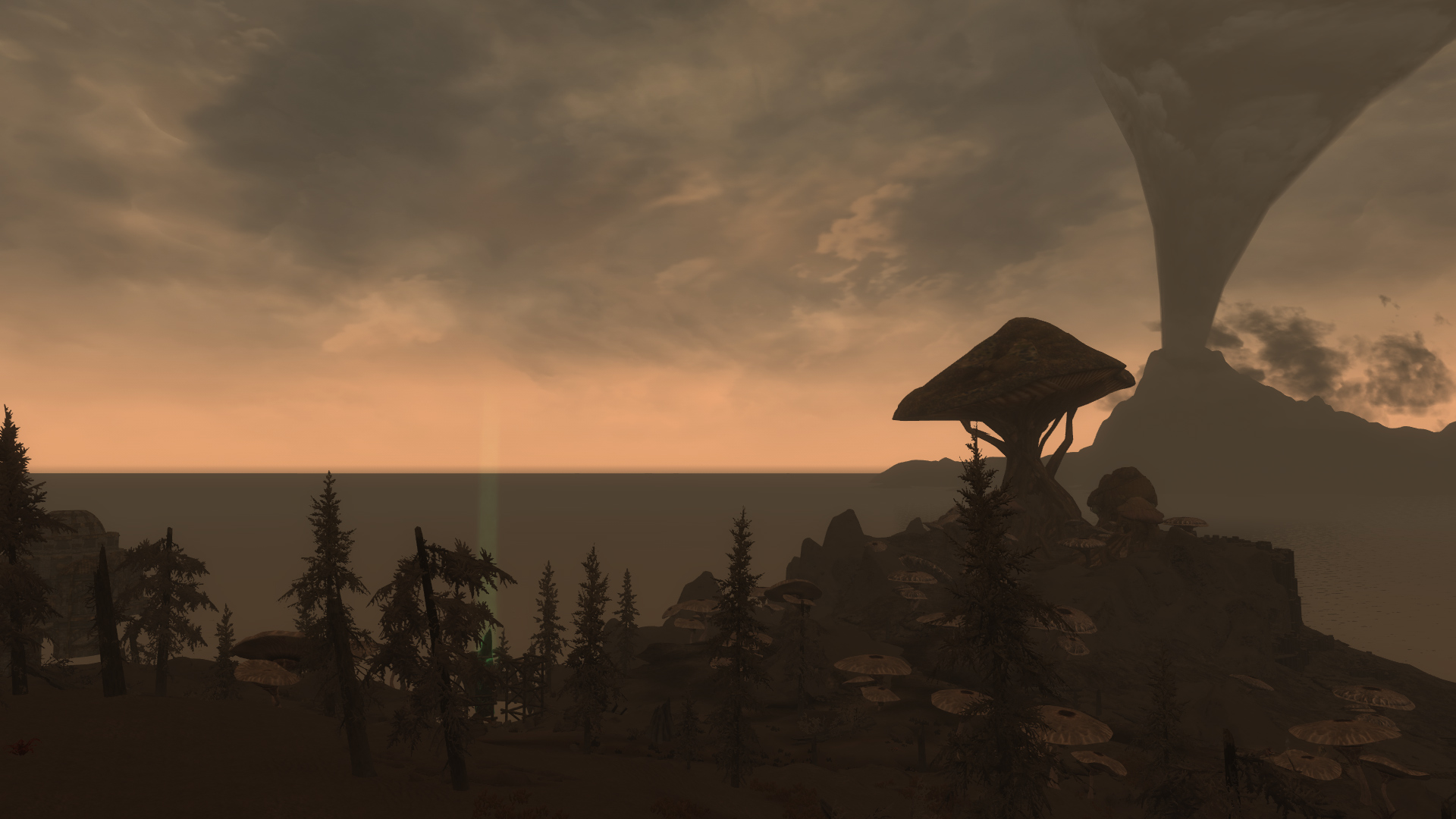
The minimal template call will display a video or an image thumbnail on the page without caption.
Markup:
{{Hsg|img=File:18471SetRAIDLSatv2.jpg}}
{{Hsg|ytb=vqpOe6-eX0w}}
Result:
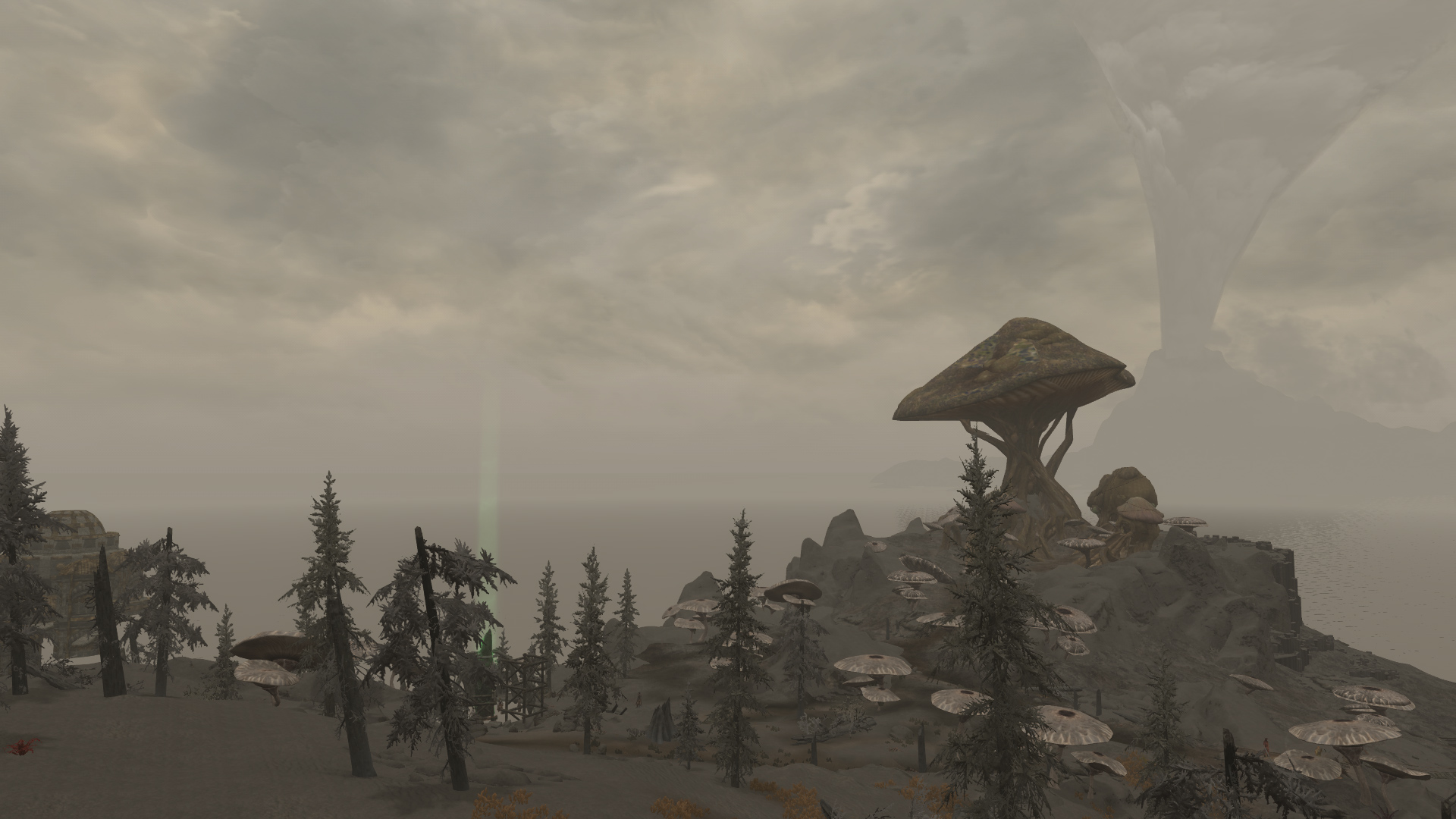
Using Template:Clear will stack thumbs without an interleaving <p> element.
Markup:
{{Hsg
| img = File:18471DayRAIDLSatv2.jpg
| width = 150
}}{{clear}}
{{Hsg
| ytb = HrnmX8OW164
| width = 150
}}
Result:
If template calls are placed one after the other on the same line, thumbs will display side-by-side rather than default stacked.
Markup:
{{Hsg
| hsgid = not-tiled
| img = File:10E1F2DayRAIDLSatv2.jpg
| width = 350
| title = Left to right
| caption = RAID-10E1F2-Day
}}{{Hsg
| hsgid = not-tiled
| img = File:10E1F2SetRAIDLSatv2.jpg
| width = 350
| title = Left to right
| caption = RAID-10E1F2-Set
}}{{Hsg
| hsgid = not-tiled
| img = File:10E1F2NightRAIDLSatv2.jpg
| width = 350
| title = SSE
| title = Left to right
| caption = RAID-10E1F2-Night
}}
Result:
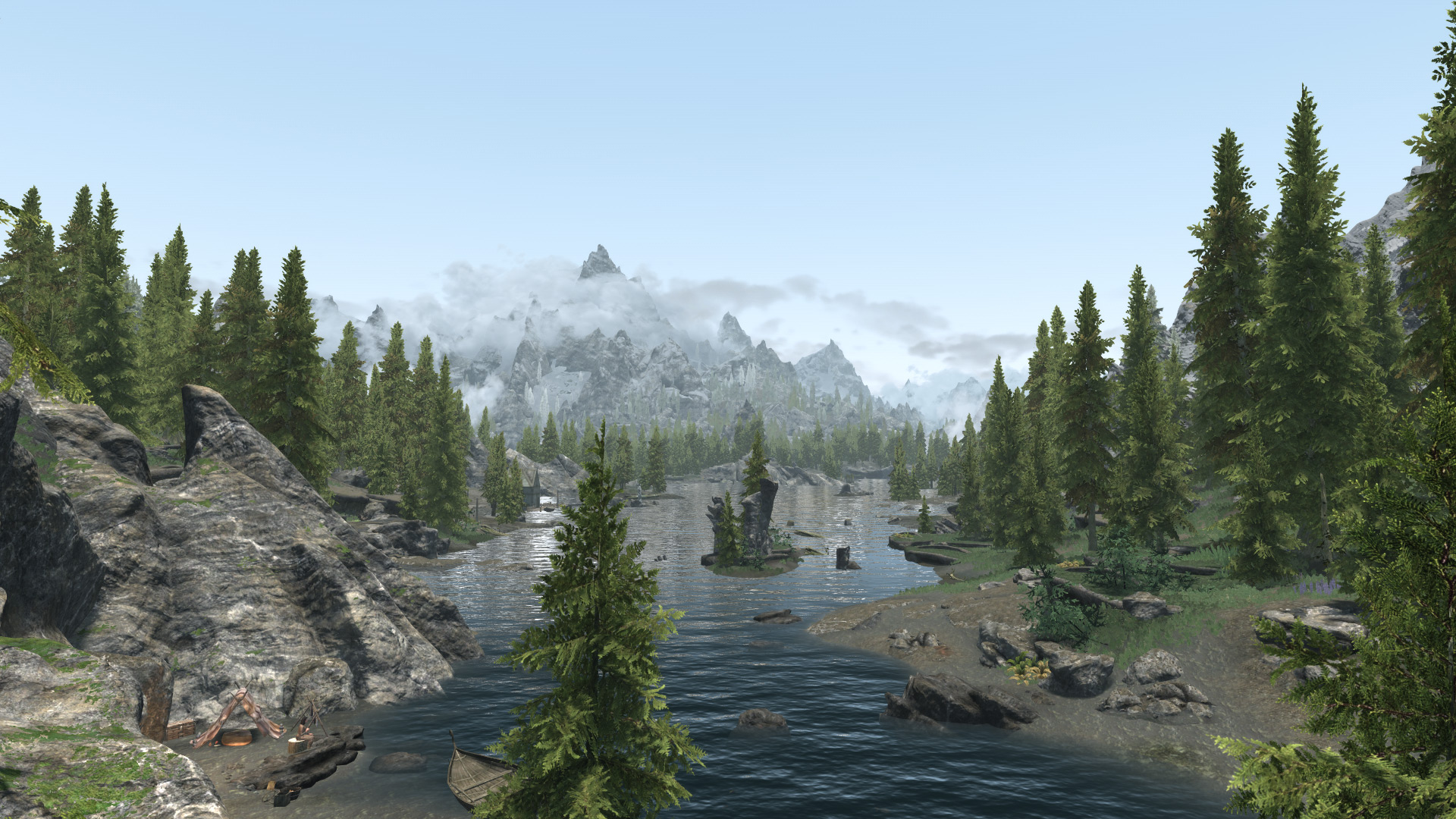
Left to right | RAID-10E1F2-Day
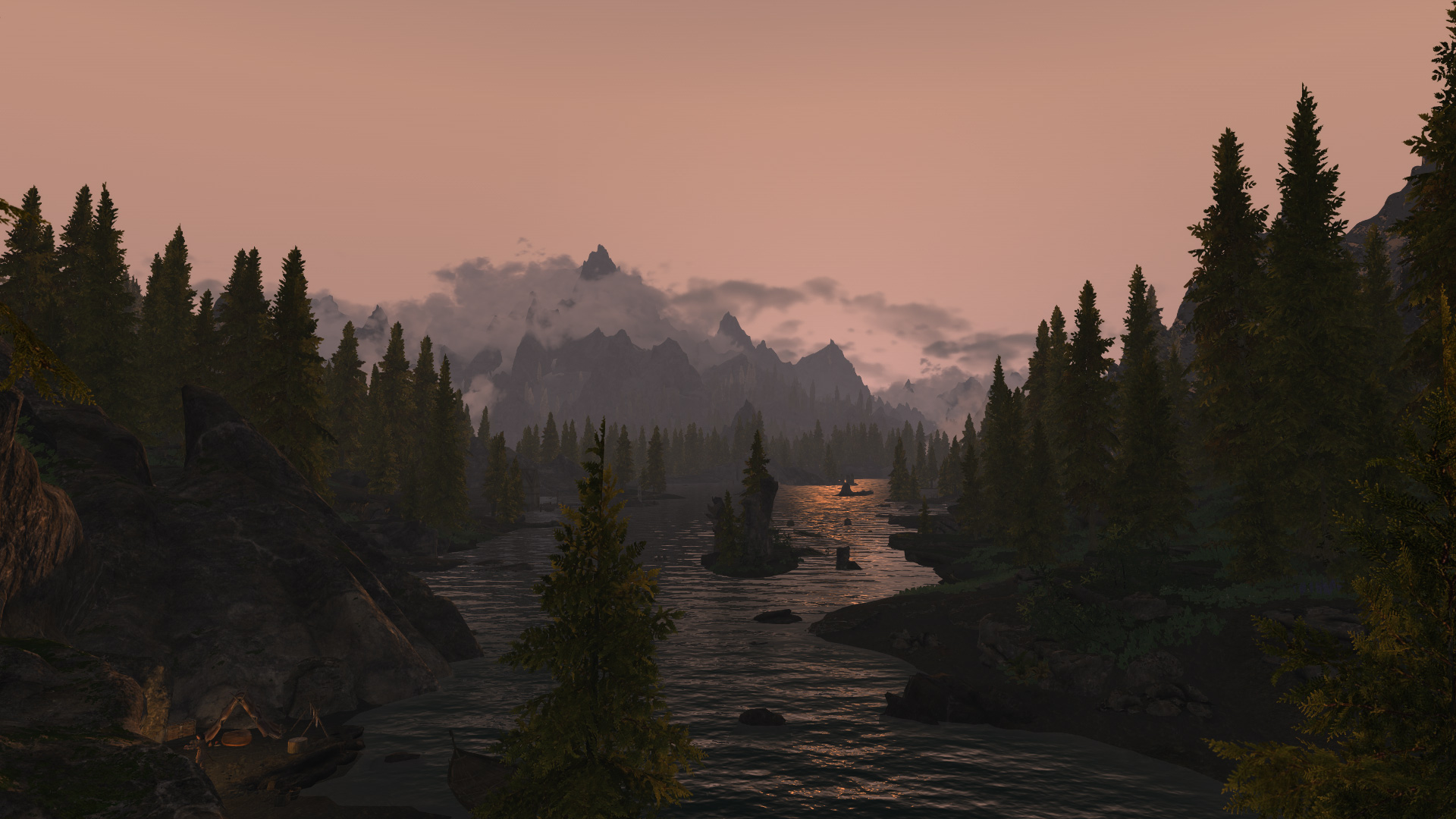
Left to right | RAID-10E1F2-Set
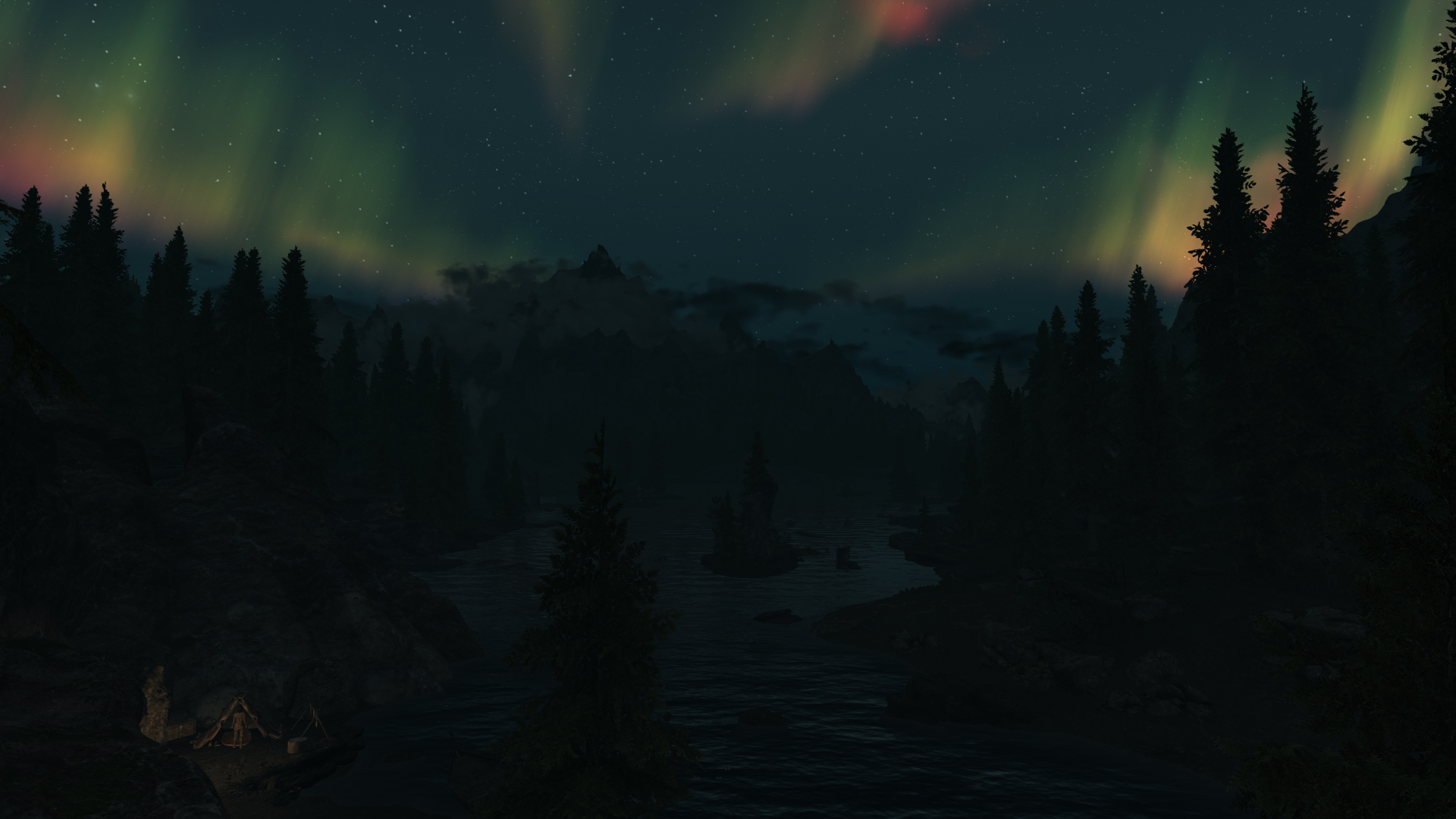
Left to right | RAID-10E1F2-Night
Thumbs can be horizontally "justified" using the `tile=1` option.
Markup:
{{Hsg
| hsgid = tiled
| img = File:10E1F2DayRAIDLSatv2.jpg
| tile = 1
| width = 350
| title = Tiled
| caption = RAID-10E1F2-Day
}}{{Hsg
| hsgid = tiled
| img = File:10E1F2SetRAIDLSatv2.jpg
| tile = 1
| width = 350
| title = Tiled
| caption = RAID-10E1F2-Set
}}{{Hsg
| hsgid = tiled
| img = File:10E1F2NightRAIDLSatv2.jpg
| tile = 1
| width = 350
| title = Tiled
| caption = RAID-10E1F2-Night
}}
Result:
Tiled | RAID-10E1F2-Day
Tiled | RAID-10E1F2-Set
Tiled | RAID-10E1F2-Night
Reusing hsgid groups these two 'external' images into the same gallery.
As long as the template calls exist somewhere on the same page, they will be grouped into a gallery.
Markup:
{{Hsg
| img = https://stepmodifications.org/wiki/images/7/70/10A237SetRAIDLSatv2.jpg
| hsgid = RAIDSample
| width = 300
| title = RAID Weathers SSE
| caption = RAID-10A237-Set
}}{{Hsg
| img = https://stepmodifications.org/wiki/images/f/f9/10A237DayRAIDLSatv2.jpg
| hsgid = RAIDSample
| width = 300
| title = RAID Weathers SSE
| caption = RAID-10A237-Day
}}
Result:

RAID Weathers SSE | RAID-10A237-Set
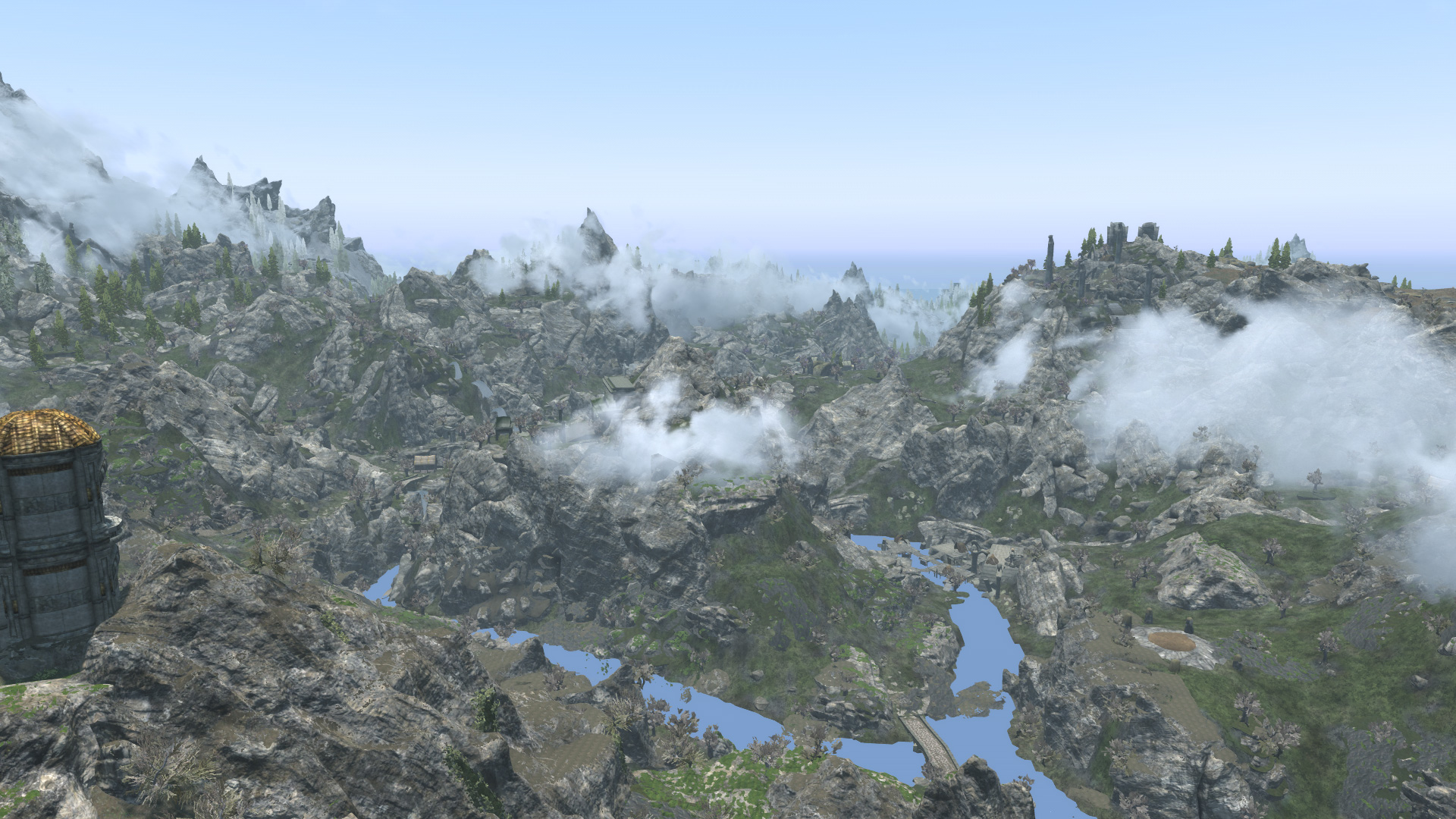
RAID Weathers SSE | RAID-10A237-Day
Thumbs nest properly in lists.
Markup:
# Ordered list
# {{Hsg
| hsgid = unorderedList
| img = File:10E1F2DayRAIDLSatv2.jpg
| width = 175
| caption = RAID-10E1F2-Day
}}{{Hsg
| hsgid = unorderedList
| img = File:10E1F2SetRAIDLSatv2.jpg
| width = 175
| caption = RAID-10E1F2-Set
}}{{Hsg
| hsgid = unorderedList
| img = File:10E1F2NightRAIDLSatv2.jpg
| width = 175
| title = SSE
| caption = RAID-10E1F2-Night
}}
# Next list item...
Result:
- Ordered list
RAID-10E1F2-Day
RAID-10E1F2-Set
SSE | RAID-10E1F2-Night
- Next list item...
Inline mode provides access to the HSG via decorated anchor text.
Markup:
This is an {{Hsg|inline=1|ytb=HrnmX8OW164|linktext=inline video|caption=grass normals}}using the <code>#hsgytb</code> parser function for video.<br>
# Similarly, this is an {{Hsg|inline=1|hsgid=mixedGallery|img=File:4D7FBSetRAIDLSatv2.jpg|linktext=inline image|title=SSE|caption=RAID-4D7FB-Set}}HSG in a list using the <code>#hsgimg</code> parser function with <code>inline=1</code>.
# Next list item ...
Result:
This is an
inline video
using the #hsgytb parser function for video.
- Similarly, this is an
inline image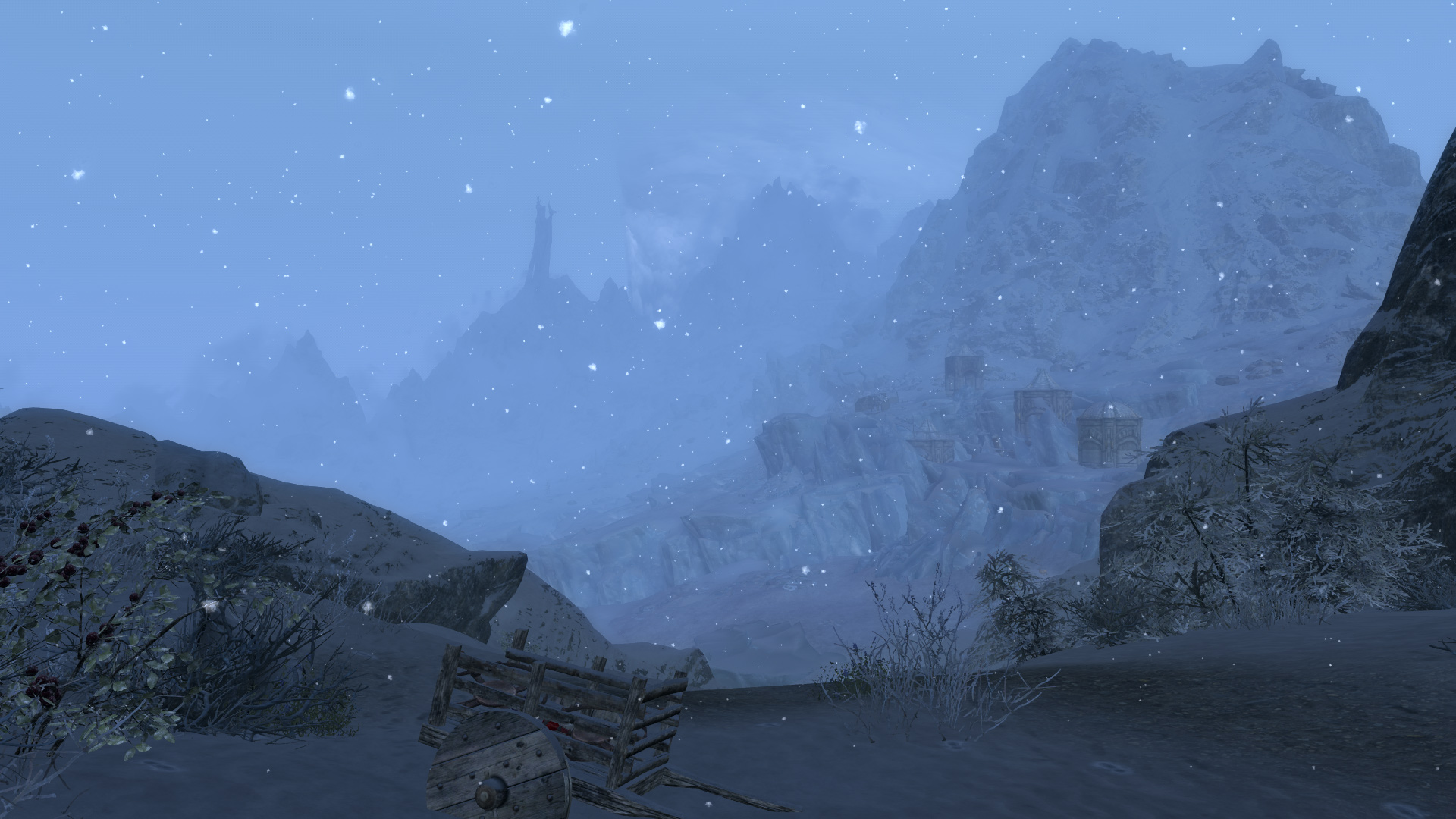 HSG in a list using the
 #hsgimg parser function with inline=1.
- Next list item ...